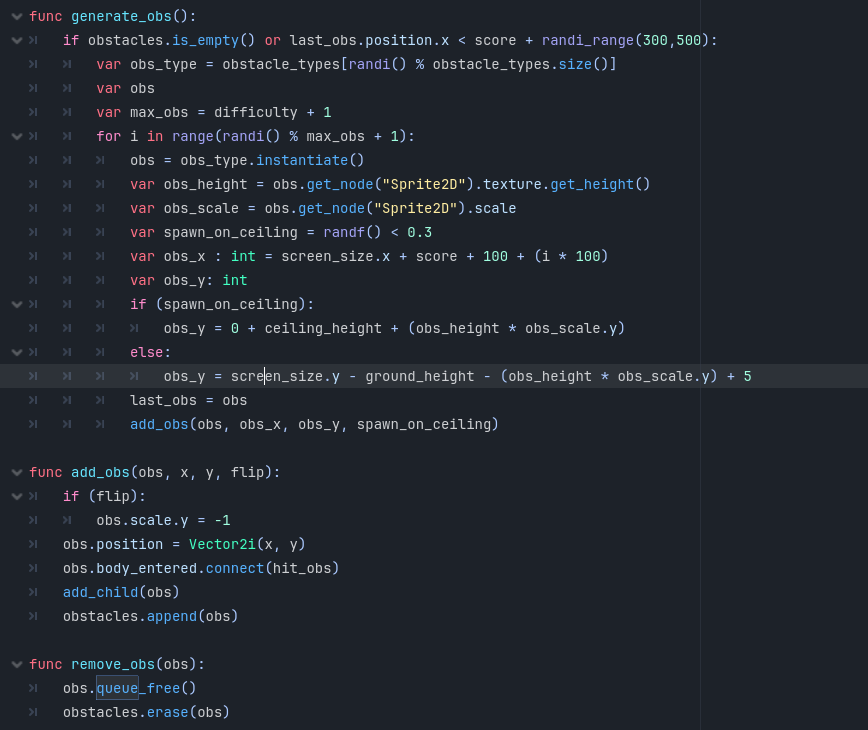
I added everything to a public github repo to make things easier.
When I play my game the background music cuts out in the gameplay scene.
And when you press the main in the gameover menu it fully just breaks even though that scene worked before.
I kinda did a bad job of setting it up as there are like 34 prefab nodes when I could of done it with 4 if I knew what I was doing but the actual issue happens when you enter any playable scene from the character select. For some reason when you play the jump sound the background music fades out on all of them.
As far as the menu bug it’s when you load main from the game over scene.
I mean, that’s precisely the reason one won’t dive into the repository, and why you should share specific parts of the code or scenes (as good as possible, I understand that it’s sometimes not that easy, but that would be a starting point).
Anyway, one reason for the audio to cut when changing scenes is that the AudioStreamPlayer node has been freed. For instance, if your main menu music is played by a node inside the main menu scene, and that the scene instance is destroyed when loading the game, that would explain the issue.
Do you think that the sound from the main menu and buttons could have been put into this queue free somehow? Its only supposed to delete the objects that went out of frame.
Figured out all my issues.
The background music was fading out cause it was a 2d node and the player and camera moved away from it so I switched to non 2D/3D nodes and I fixed the menu as it was using inherit but when you went back to it your game was still set as paused so it didnt work.
You have experienced the phenomenon of “Rubber Ducking”. So named because sometimes all it takes to solve a programming problem is to tell someone else about it, and so some people put rubber ducks on their desk to explain their problems to. I personally prefer whiteboarding.
But, like @sixrobin recommended, actually writing out in detail everything you’ve tried, showing your code, etc is a good way to make sure people don’t give you answers you’ve already tried, and to make sure that you get the best advice possible.
While we’re at it, next time please put your code inside ```, one at the top, and one of the bottom of the code, then paste the code on the line in between. Because otherwise to give you a solution, instead of copying and pasting and changing your code, the person helping you has to re-type all your code. Some will choose not to do that and give you an answer without an example.