Dude this is a sick concept. Can’t wait to try it it reminds me of that one game where the planets dump sand on each other, I can’t remember it’s name lol
2 Likes
Fantastic work so far! Reminds me of Outer Wilds; which is a super fun game imo.
Good luck with your progress. Looking forward to that eventual demo.
1 Like
Thank you so much for your kind words! It’s amazing to hear people being just as excited as I am for the physics, the seamless flying, the donuts into the windshield, these are definitely the soul of the game for me so far!
It all comes back to Outer Wilds, doesn’t it? I hope I can at least make the gameplay as intuitive and fun, but I can’t make promises for the story side, it’s really not the focus for now (I just barely have some lore ideas, but that will need to cook a while longer)
Is this down to Earth enough for you?
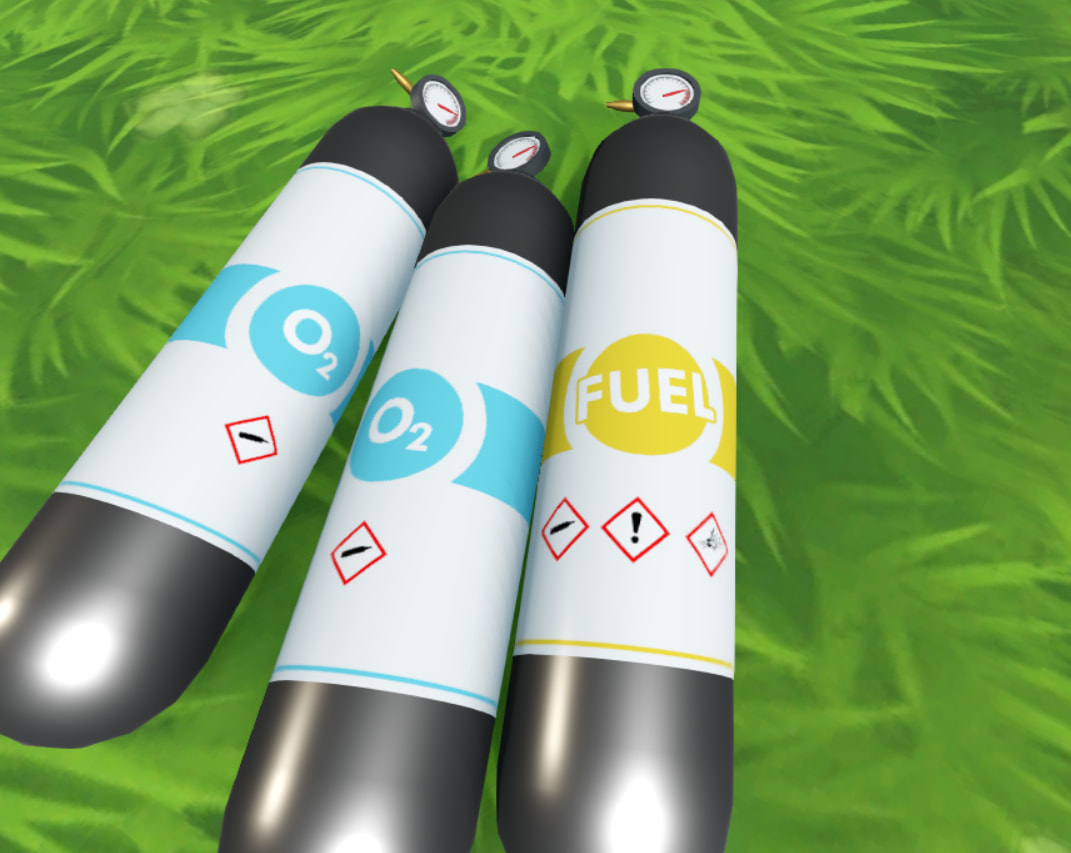
4 Likes
You are absolutely welcome man! I thought the game was outer wilds but I couldn’t remember for sure lol
1 Like
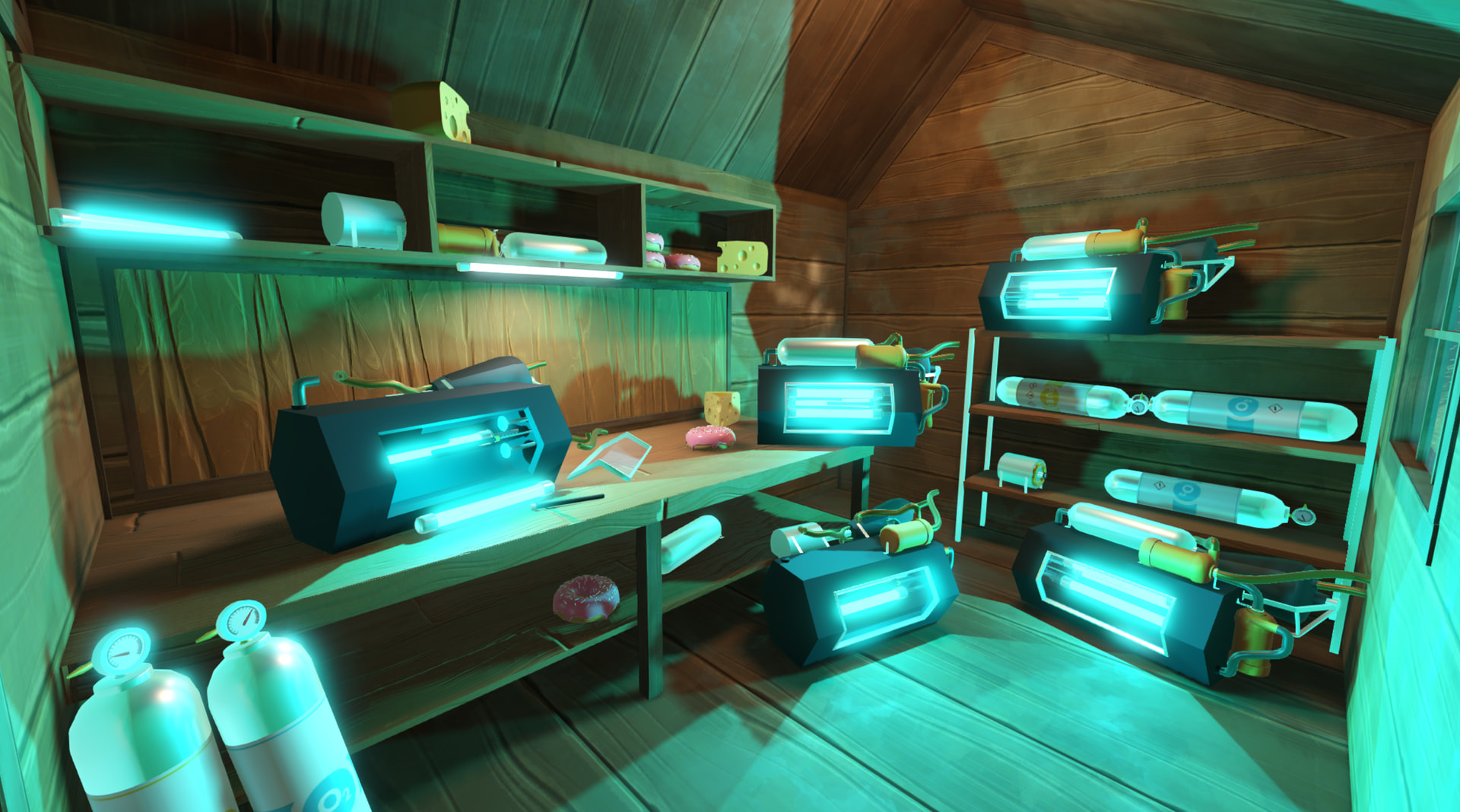
Been busy modeling some new things, just remembered I hadn’t showed any Cherenkov radiation yet. So here’s the new tool shed!
1 Like
What about those static bodies that are in refSpaces? Like, say, the pilot chair in the spaceship. Is its mesh a part of the visual node of the spaceship? Are you defining parts of “PilotChair” in multiple places in the project and keep them in sync, like the static body in refSpace, mesh in visual node etc? And when player interacts with it to sit in there, are they interacting with visual node part, or static body part?
Pretty much, that’s close to it, but thankfully I don’t have to define the different parts in different scene files. For any rigidbody that needs to change space (player, donut, etc) the object scene is set up like this:
- DonutRoot
  - VisualNode
  - RigidBody
    - CustomRefSpaceRemoteTransform (target='Visual')
For most things it’s separated between parts that are purely visual, and parts that need to interact physically together (raycasts, collisions, areas).
For the seat, the mesh is under the ship’s visual node (pretty sure it’s even just part of the ship model for now), and the Area3D needed to interact with it is placed inside the ship’s space. The easy part about objects that are purely part of the inside of the ship is that they don’t require the full rigidbody-sync part, they are simply under the ship’s visual node, or placed inside the ship’s space. Even the ship’s inside StaticBody is really just placed in the ship’s space at (0, 0, 0), and never moves ; only the outside body moves.
2 Likes
Thank you, I implemented your solution and made it work, it’s quite clever I have to admit. Solves a lot of problems I have. I can’t use it though  Turns out SDFGI and other kinds of global illumination don’t particularly like moving meshes. This means apparently my inside scene needs to be visually static, not just physically static. I can already feel this being a headache. Anyway, I’ll try some different approaches. Maybe I can make it work with a shader, sampling a viewport texture with screen UV.
I’m so glad it helped you get something working!
Yeah, I’ve been having the same issues with constantly moving meshes, it’s really annoying… I’m not too worried about graphics for now so I disabled all the fancy settings that require static meshes, but I still ran into awful CPU performance issues when adding trees to a planet. Turns out the engine doesn’t really like constantly moving a node with barely 3000 meshes parented to it. I also started using ReflectionProbes with only a constant light to get local ambient light and softer shadows in moving interiors, but it’s not perfect and has quite a big performance cost since it’s always updating.
I quickly experimented with tweaking my custom RemoteTransform to use a common reference point for everything, and effectively have the current planet mesh static while everything else is transformed in reference to that. Seemed like it could go somewhere, didn’t get too far but I might come back to it later. (The main issue for me is switching that reference transform, and having multiple visible planet surfaces, but you might be able to make it work more easily if your submarine always stays the reference all the time?)
1 Like
Hi everyone, I have been pretty locked in the past month so here’s a quick update on what I’ve been up to!
In short, now that I’m happy enough with the state of the physics simulation I’ve focused on adding some gameplay basics, obstacles, motivations, etc. I have added a quick way to make money, ways to spend that hard earned money, and a bolt system to make machine assembly more interesting.
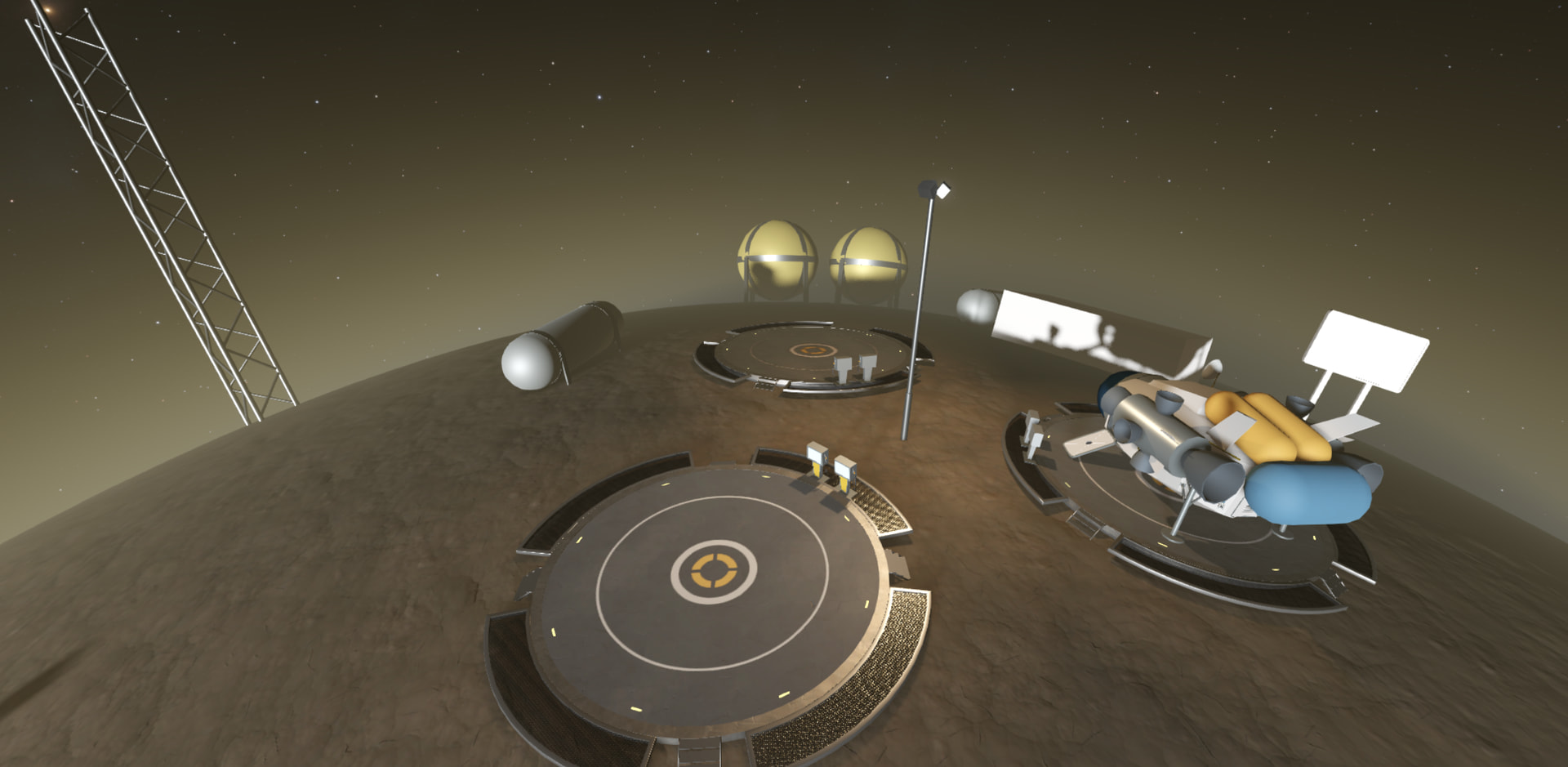
Here’s the new dwarf planet, it will act as some sort of truckstop with a gas station and some more ugly industrial places later. (Not sure yet about how immensely smoggy it looks, but it works for now)
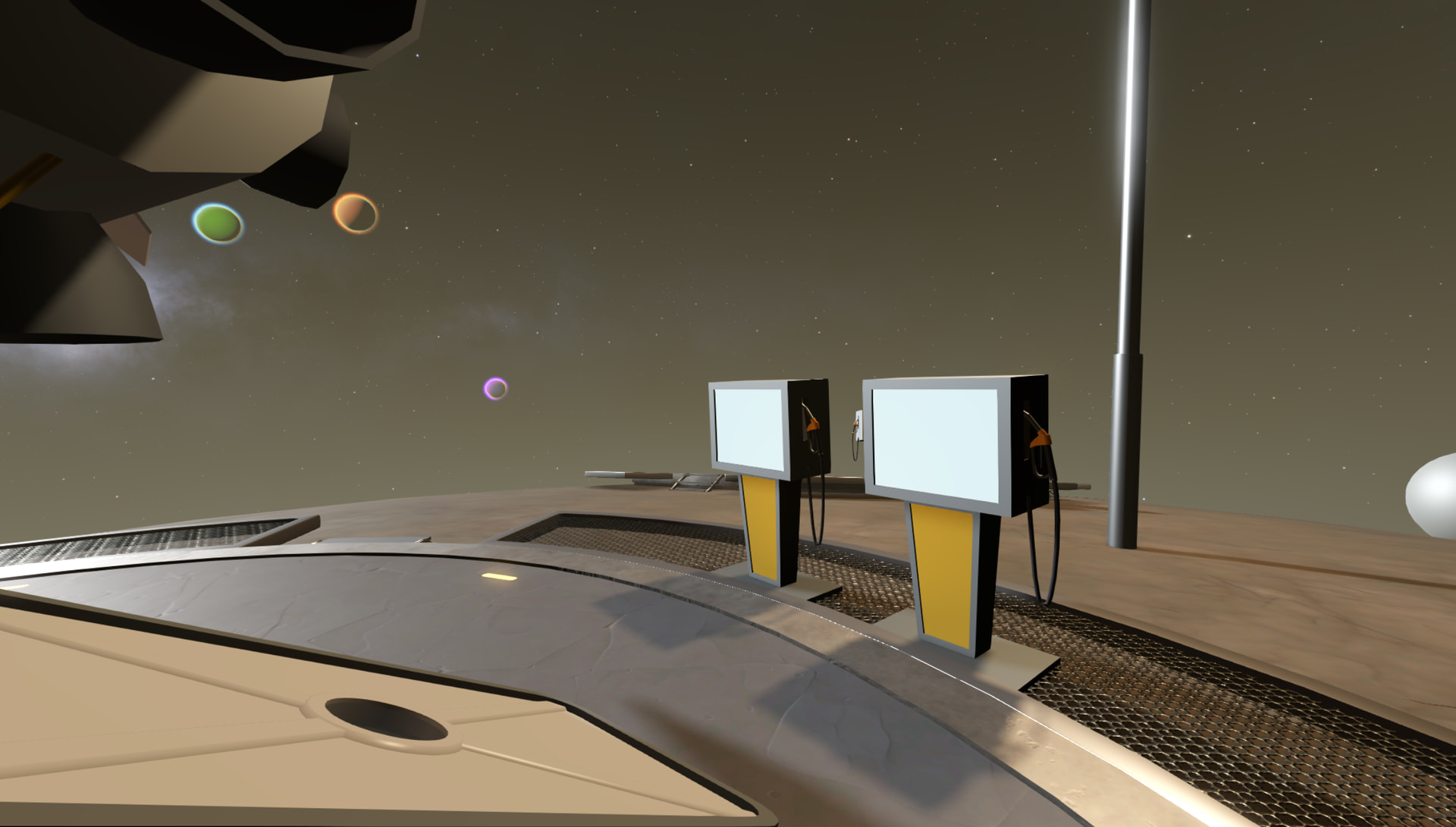
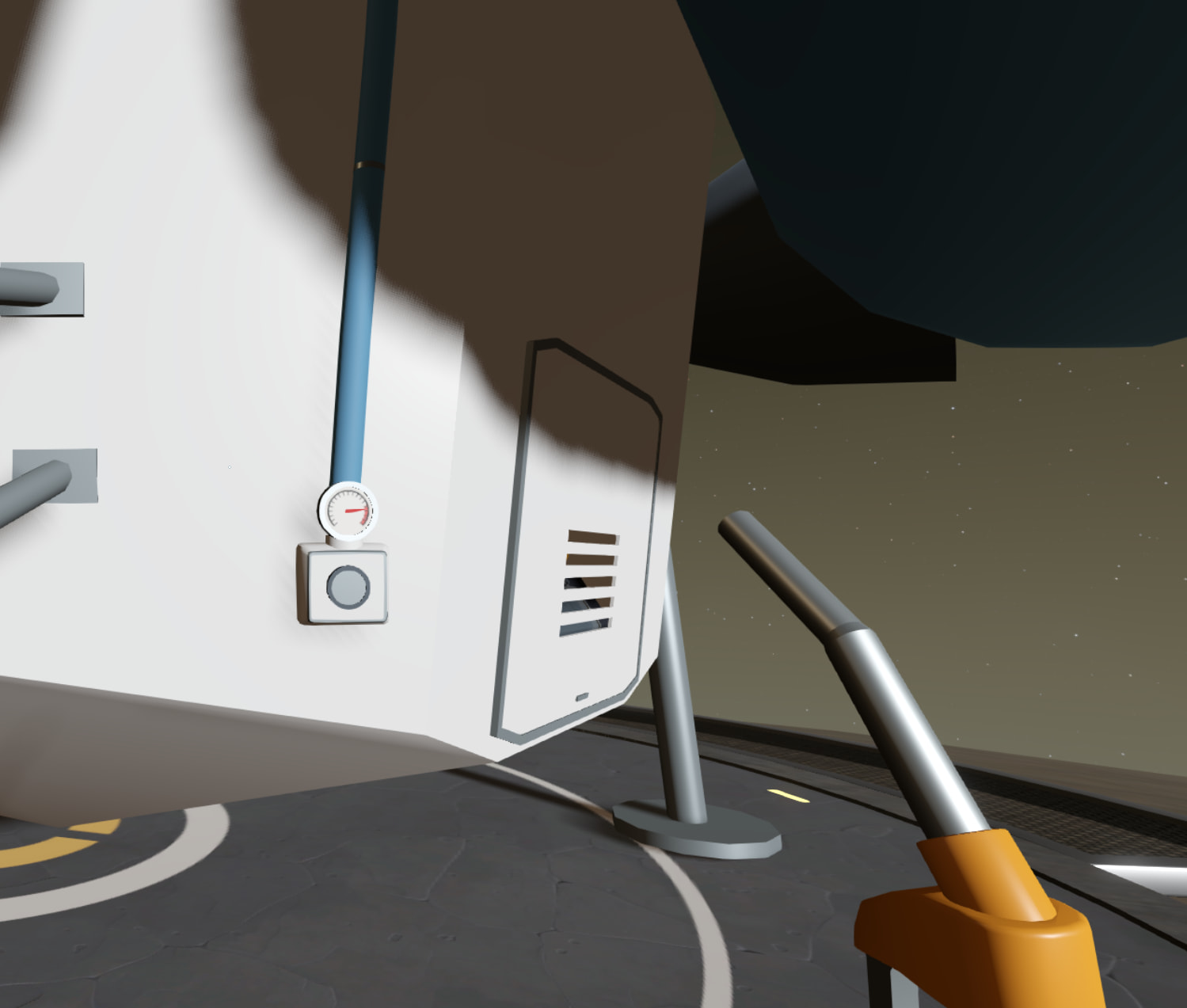
The ship now consumes fuel, so I’ve added more resource tanks systems, fuel pumps, equipable tools, refueling, etc.
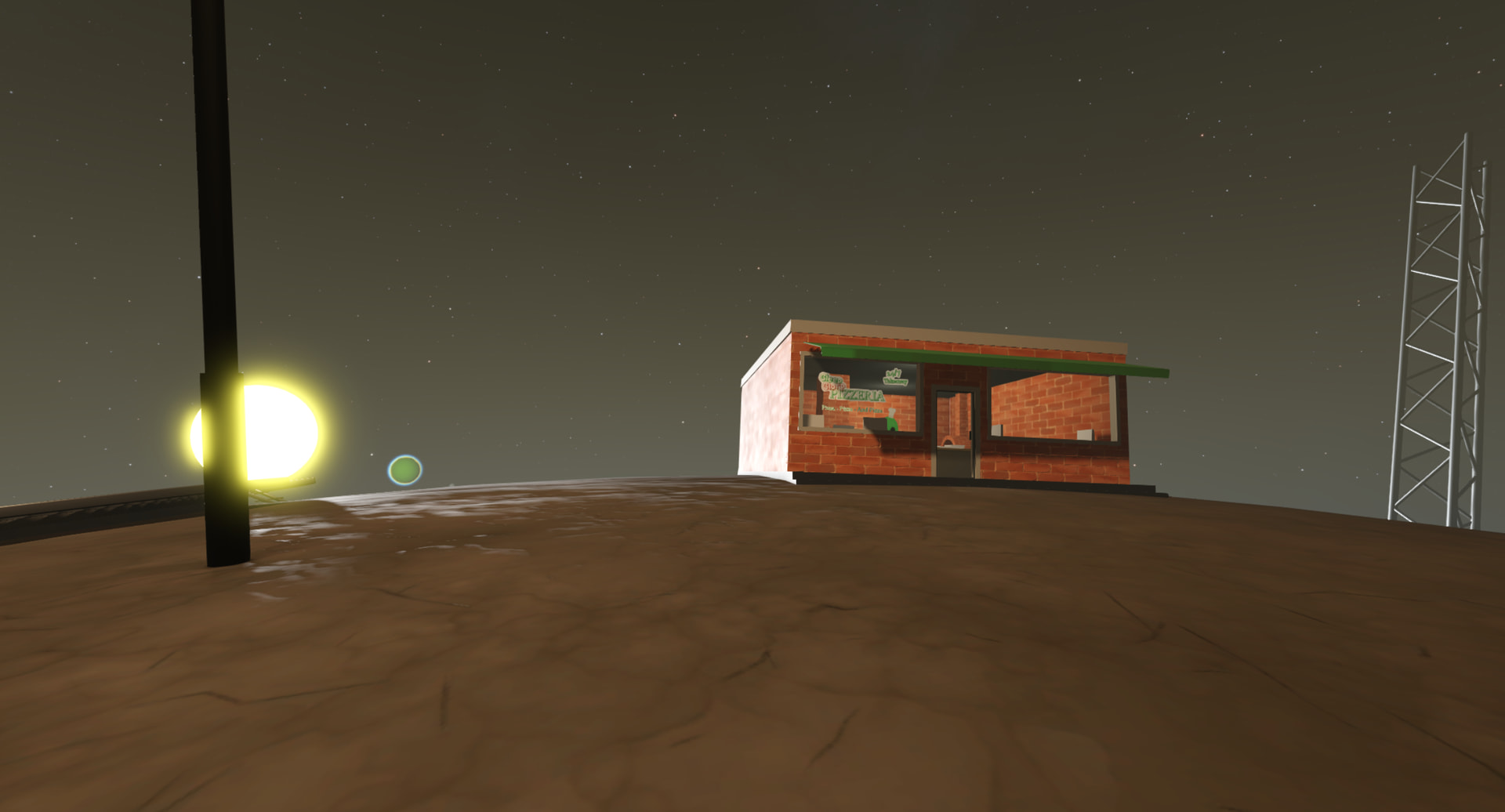
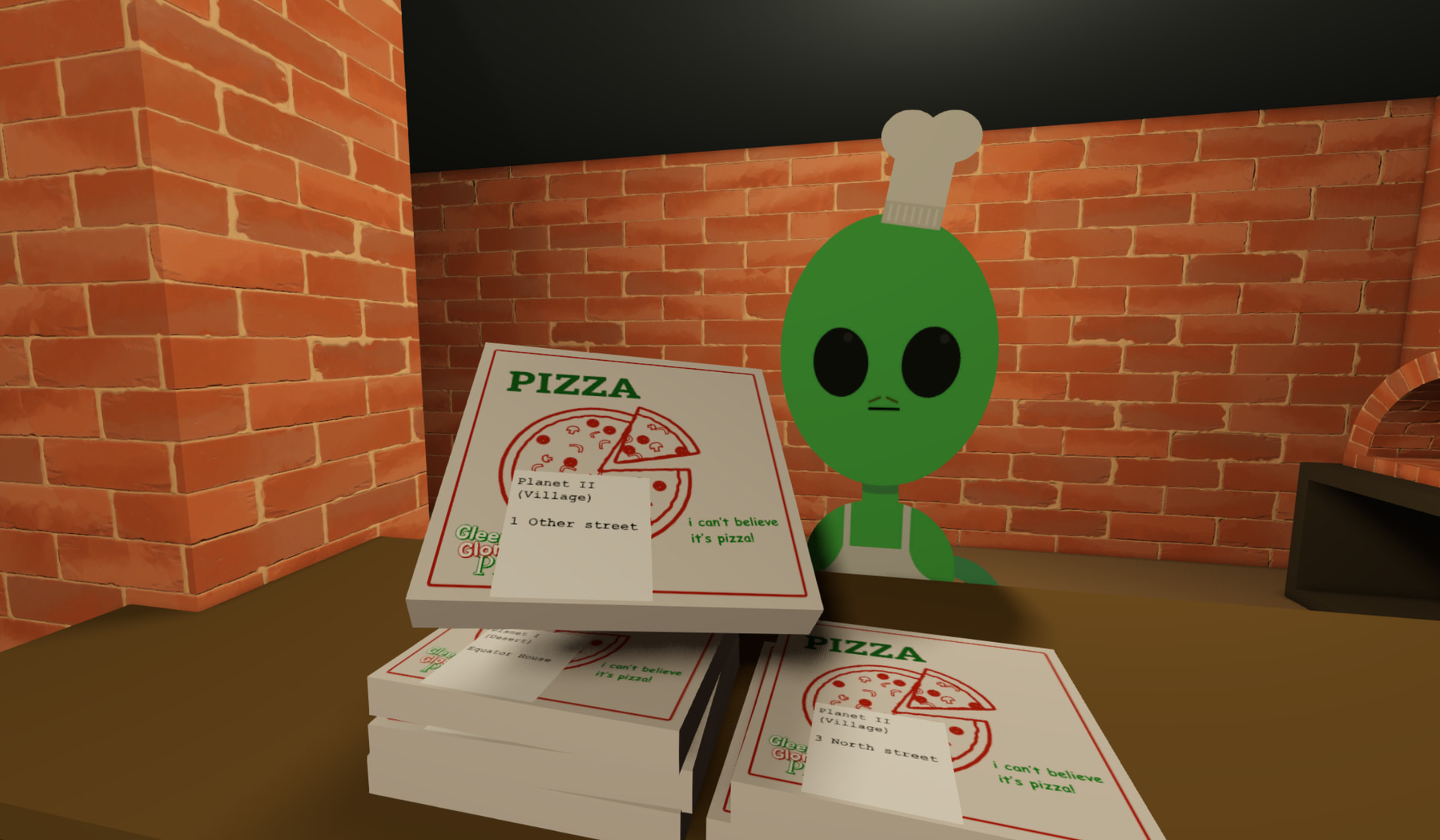
The new pizzeria sits just in front of the gas station, with a cardboard pizzaiolo alien inside! Here you can deliver pizzas as a little side job (or buy a pizza for yourself). The chef will hand you a handful of pizzas to deliver, with the destination simply written on a little note on the box.
Fun fact: because this whole area is currently placed just around the planet’s north pole, the pizzeria and the gas station experience two wildly different times of day, even though they are like 50m apart!
Finally, here’s a little peek at the bolt system with the new power tool:
Well, that’s it for now! I’m still planning on releasing a very early demo soon, so I’ll look into some QoL, settings, etc next. I’m thinking of probably directly making a Steam page (once I find an actual name) and putting the demo there, so if you think this a good or bad idea I would love to hear some thought on this!
3 Likes