Godot Version
4.6 stable / Linux Mint 22.3
Question
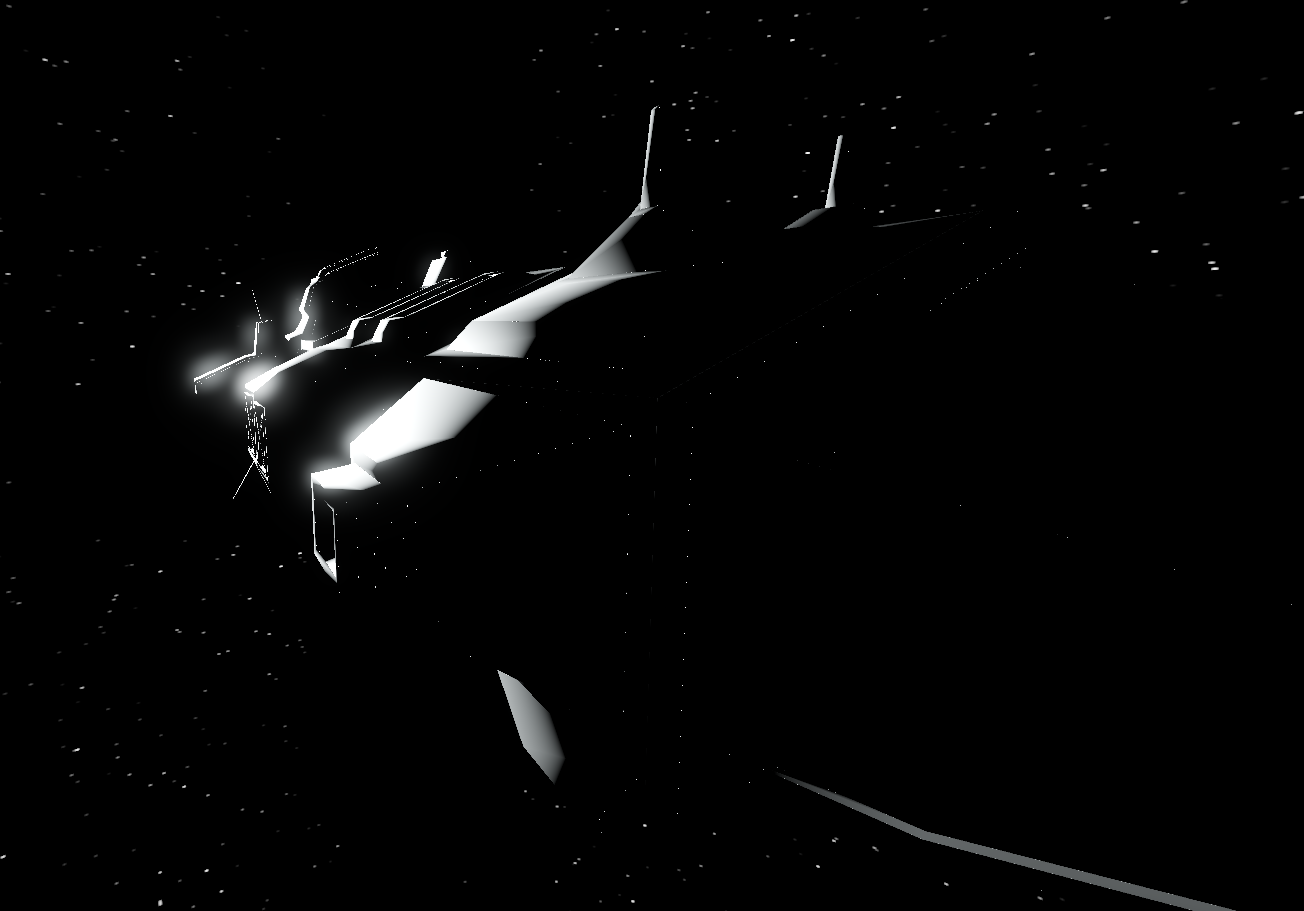
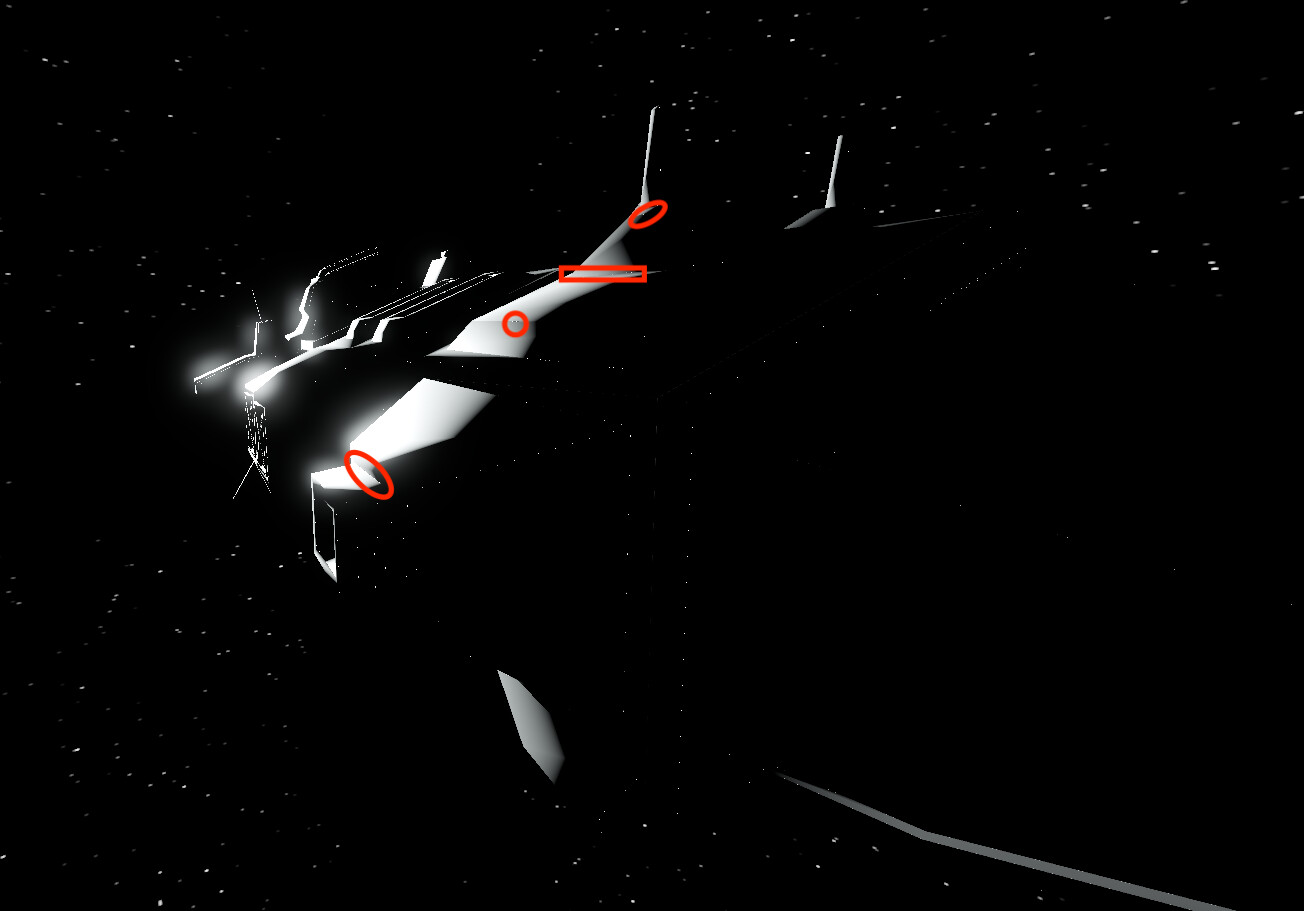
I’m developing a space sim with realistic physics and lighting. I have this weird issue that I can’t figure out where these odd speckles appear on my model on the parts not hit by my sun light. It’s like there’s an odd indirect lighting artifact or something. I can’t figure it out. The model was created in Blender and imported as a GLTf.
My guess is there is some weird pinching happening where the faces meet or the vertices are popping out for some reason.
Screenshot attached. Any ideas?
What is material looks like on model?
Do you have some AntiAliasing enabled?
It looks like bit odd, what does it looks like in Blender?
Pretty standard material. Just a grey colour with some metallic and roughness values. It’s just a placeholder for now. I will replace this model completely at some point.
I don’t know if I have anti-aliasing enabled at all honestly. I haven’t touched the deeper graphics stuff for the moment. Do you know how i could check this?
In Blender I have no artifacts at all. This doesn’t happen. So I think it’s some quirk of Godot or the way I shaded my model in Blender that’s causing this.
You could try make similar setup in Blender to see if it’s happening.
Checking Anti.. in Project Settings/ General tab.
It looks like geometry is quite stitched.
Also in Godot material check roughness, specular, and metallic - try play around if you see any difference in those reflections.
As you see it’s on joints, so maybe try check vertices and join meshes properly, or merge if it’s duplicates.
Thanks for the suggestions! I will play around with this and report back.