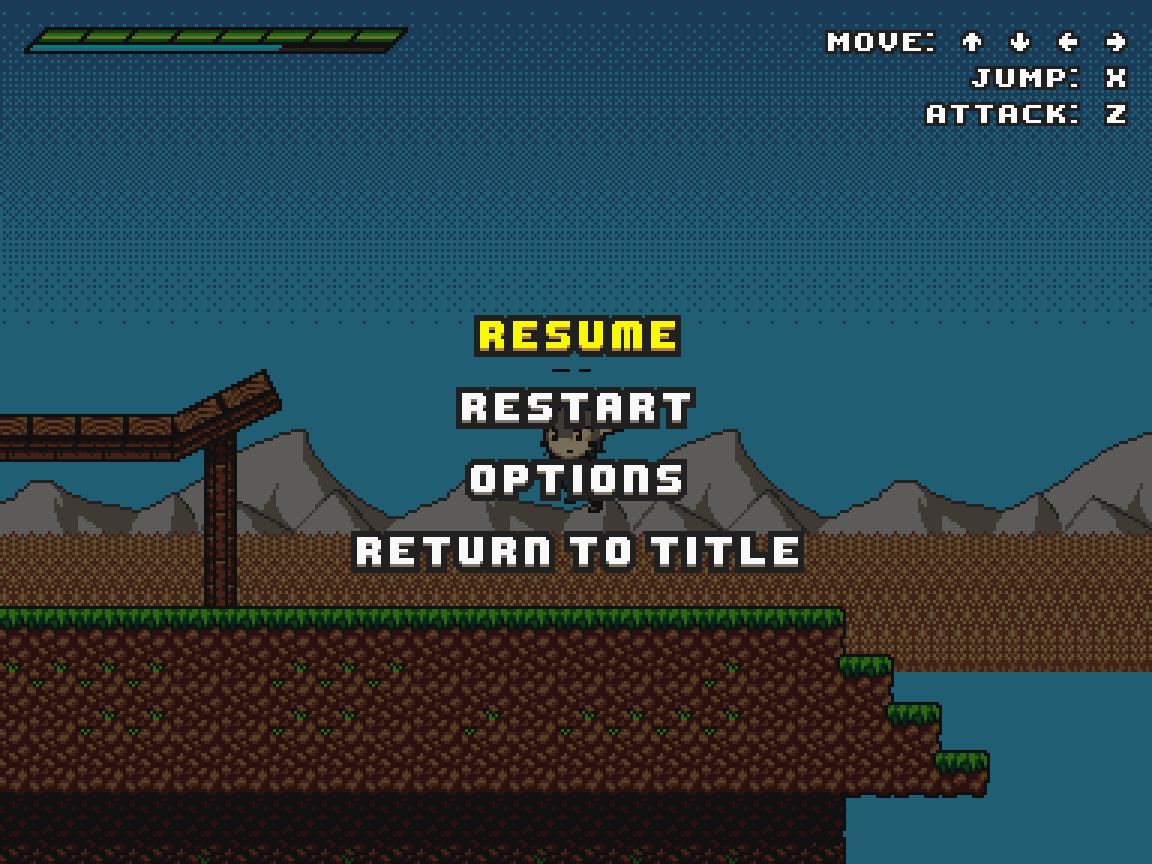
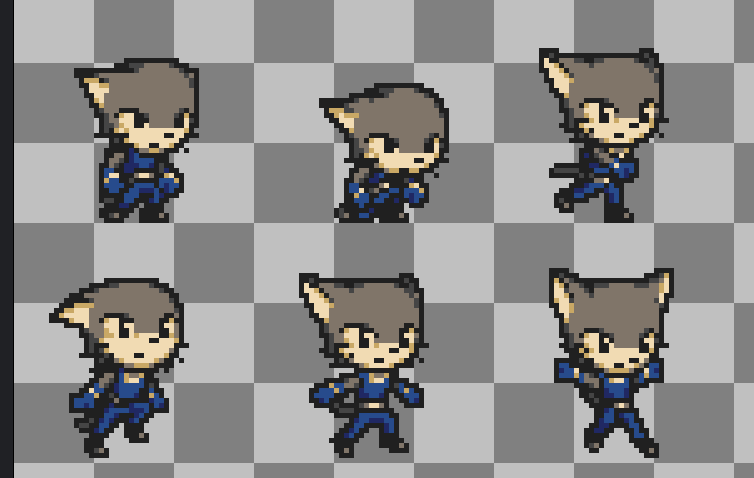
My player character sprite occasionally has a row of pixels appear above his head when he’s jumping or possibly climbing. This row of pixels seems to be the bottom of whatever sprite happens to be directly above in the spritesheet. I have no idea why that occurs. At first I assumed it was a 4.6 thing and they broke something in the animation, because this decidedly wasn’t a thing when I was only starting to port my game to 4.x and trying to port it back to 4.5 to see what went wrong broke all my animations. But now I’ve been trying to make an MRP for the issue report, literally copied the player scene and script there, and everything seems to be working fine. So I’m kinda running out of ideas at this point.
Somewhere in your node tree is there a node that has a scale other than 1.0? Or is your MRP window/viewport of a different size or has other stretch options?
Well, I’ve been trying to implement a window scale option, so I have an autoload config node that controls it, and in project settings, my scale mode is set to fractional cuz I picked a wacky size that doesn’t evenly scale with most display sizes for fullscreen (it used to be a more common value but then I realized I want more screen space but still keep it in 4:3). But I’ve been testing it in windowed mode where the sizes are always multiplied by an integer value so I thought that shouldn’t matter?
The easiest and always working method to fix this is to make textures so that there is always 1 transparent pixel at the edge of the frame. So when the neighbouring frame bleeds, it bleeds transparency.
There are still open issues like this: Scaled Sprite2D displays part of previous animation frame · Issue #81998 · godotengine/godot · GitHub You can find there some advices what to try, but transparent edge is the easiest solution.
Regarding transparent edges. I clicked your link and found a comment that perfectly reflects my stance on that:
Putting a 1 pixel border around every edge of every sprite in an atlas as a workaround is a bad idea - it makes everything involving tiles and spritesheets WAY harder to work with, especially when editing them in an image program. Because of that (and to minimize file size), most assets packs and tilesets which are available for game use are designed with the assumption that the engine will display pixels correctly. If godot is going to be dev-friendly, it shouldn’t require developers to go into all their assets and do additional processing by hand to work around an engine bug. If adding 2-pixel-wide gutters around every frame is necessary for the engine, that should be done programmatically by the engine itself - but since godot 3 doesn’t have this issue, it’s probably just a bug that can be fixed more elegantly.
But anyway. I found one solution that required enabling “snap 2d vertices to pixel” and with great surprise found out I had that disabled for some reason. Turning it on seems to fix the bug.