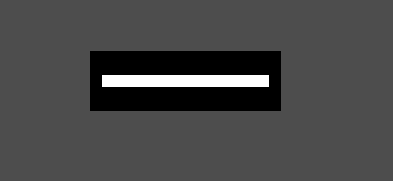
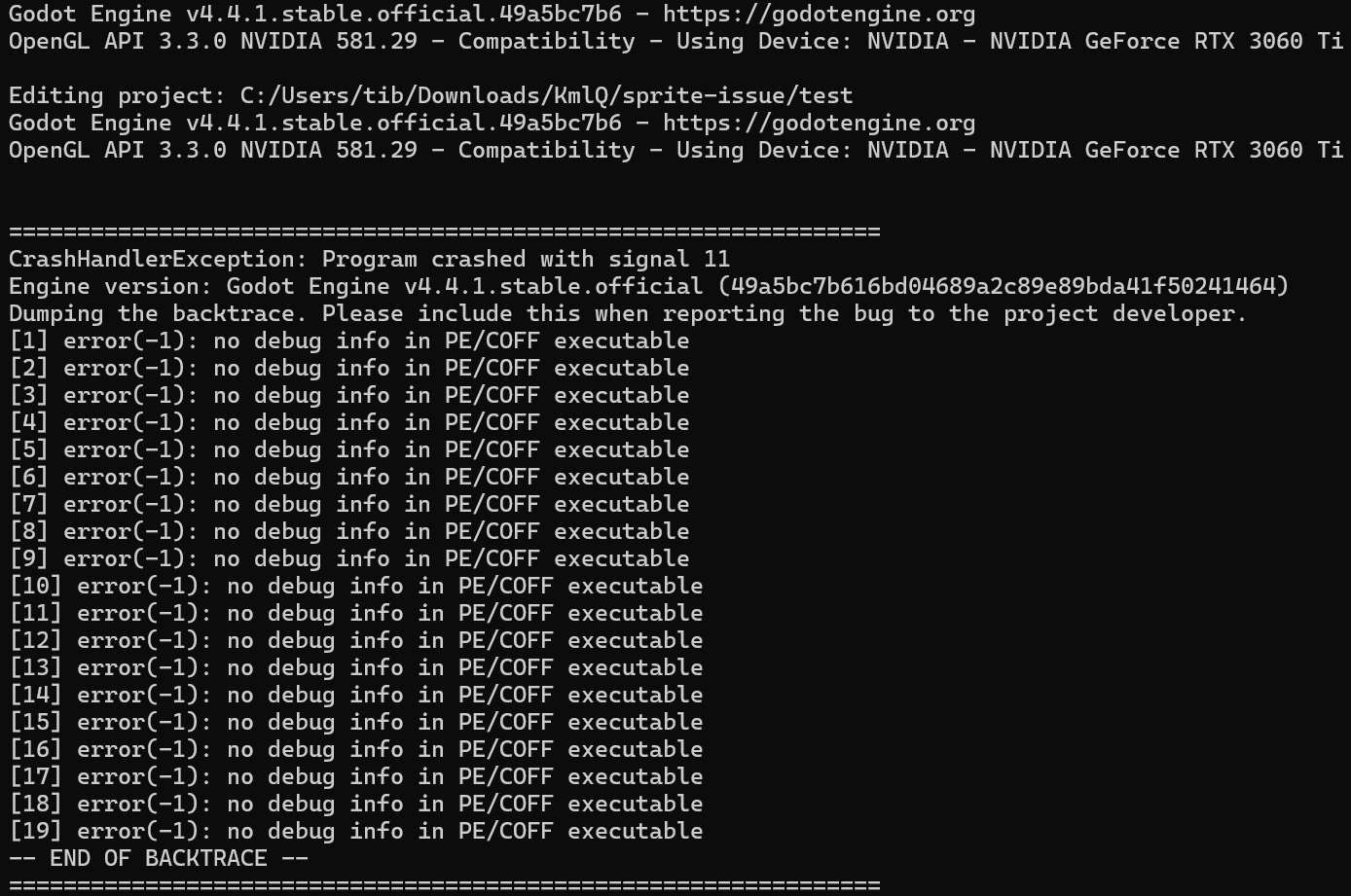
I have a minimal project recreation of the issue.
The only thing that is changed is the Filter (in the inspector > canvas item > texture ) is set to Nearest on the sprite - I want to keep the sprite as is taking exactly 16x5 pixels of the screen.
Here a download link to the minimal project: https://0x0.st/KmlQ.zip
It is just the sprite put in with those settings, here the sprite itself, if someone wants to recreate the project by hand: https://0x0.st/Kml_.png
Using your png file seems to work perfectly fine for me, however, your project is completely corrupted in some way, I can’t even open it. I recommend creating a new project.
Recreated the project, but still the same issue: https://0x0.st/KmU1.zip
Just > newproject > put in the sprite on the screen > enable nearest filtering
Weird, maybe there is a difference in the rendering engine being used?
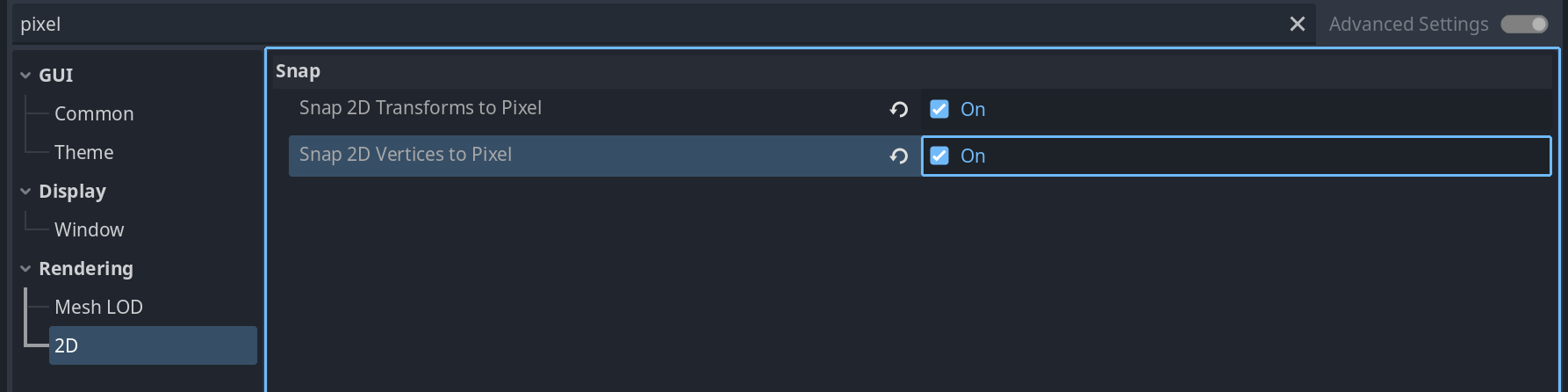
Those are all the project settings
; Engine configuration file.
; It's best edited using the editor UI and not directly,
; since the parameters that go here are not all obvious.
;
; Format:
;   [section] ; section goes between []
;   param=value ; assign values to parameters

config_version=5

[application]

config/name="new-sprite-project"
run/main_scene="uid://gwh007gmlhr5"
config/features=PackedStringArray("4.4", "GL Compatibility")
config/icon="res://icon.svg"

[rendering]

renderer/rendering_method="gl_compatibility"
renderer/rendering_method.mobile="gl_compatibility"
I would assume this is some weirdness with perhaps older graphics drivers or something, most likely nothing you can actually fix yourself, as it is probably not an issue on everyone’s PC.