Godot Version
v4.6.1.stable.official [14d19694e]
Question
I’ve added an outline to a MeshInstance3D using the Stencil option on the StandardMaterial3D options. I’ve kept everything as default except for the albedo and the stencil outline colour.
I’ve also created a custom class, so for any object which inherits this, I can easily enable or disable the outline via a function call. I’ve also declared it as a @tool so I can see the changes in the editor for testing purposes.
The mesh_instance @export variable is used to select the mesh of the object which contains the outline.
I’ve marked the mesh, material and next pass as “Local to Scene”, so everything should be unique.
@tool
class_name Holdable
extends RigidBody3D


@export var mesh_instance: MeshInstance3D
@export var is_outlined: bool

var standard_material: StandardMaterial3D

func _ready() -> void:
	pass


func _process(_delta: float) -> void:
	if Engine.is_editor_hint():
		if is_outlined:
			enable_outline()
		else:
			disable_outline()


## Enable the outline shader.
func enable_outline() -> void:
	if mesh_instance:
		if mesh_instance.material_override:
			standard_material = mesh_instance.material_override
			standard_material.stencil_outline_thickness = 0.01
			mesh_instance.material_override = standard_material

	is_outlined = true


## Disable the outline shader.
func disable_outline() -> void:
	if mesh_instance:
		if mesh_instance.material_override:
			standard_material = mesh_instance.material_override
			standard_material.stencil_outline_thickness = 0
			mesh_instance.material_override = standard_material

	is_outlined = false
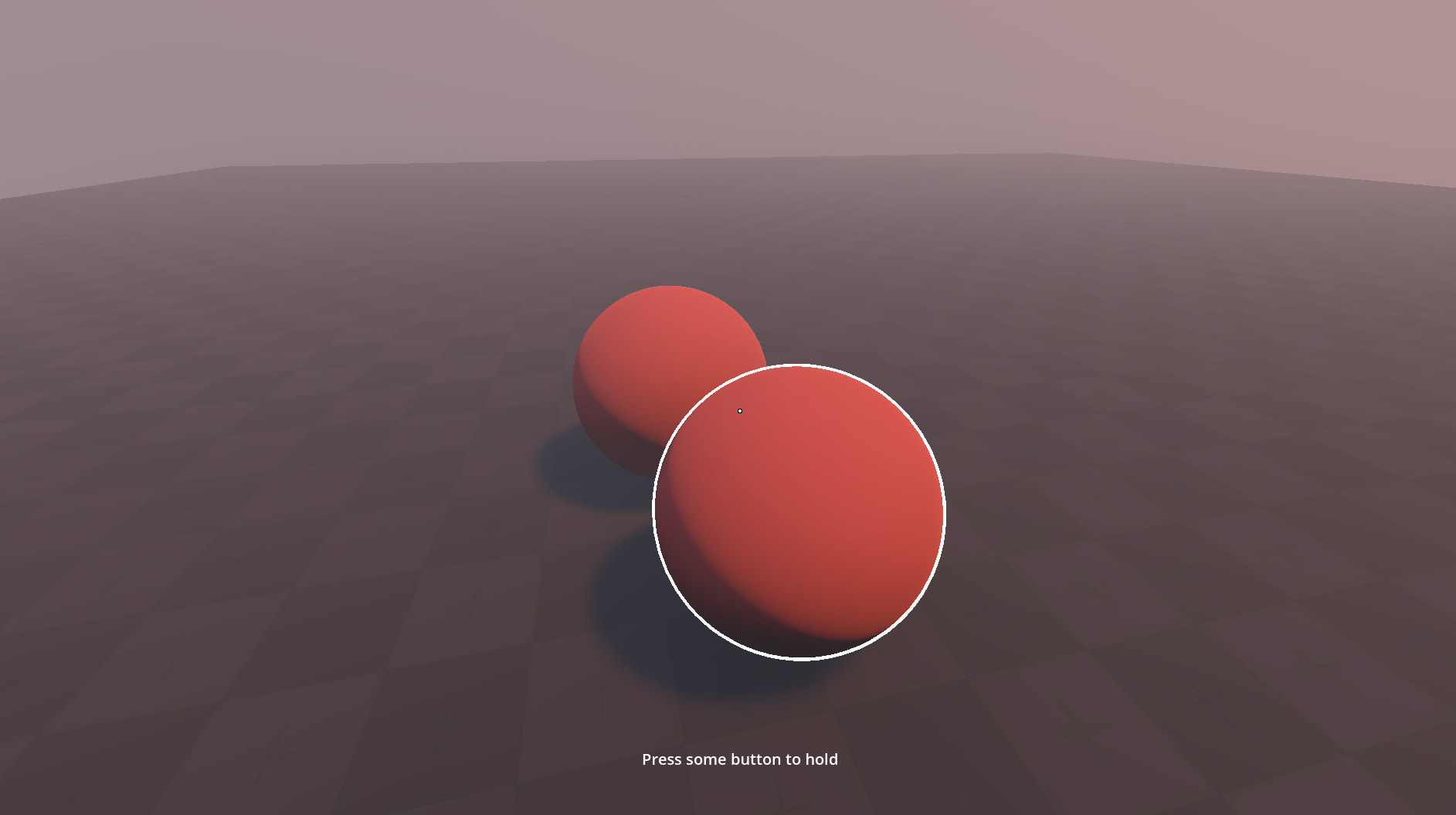
In the screenshot below, I have duplicated two spheres and disabled the outline for the sphere furthest away. The sphere with the active outline seems to stop once it visually overlaps with the other sphere. Ideally, I would like this outline to completely surround the front sphere.
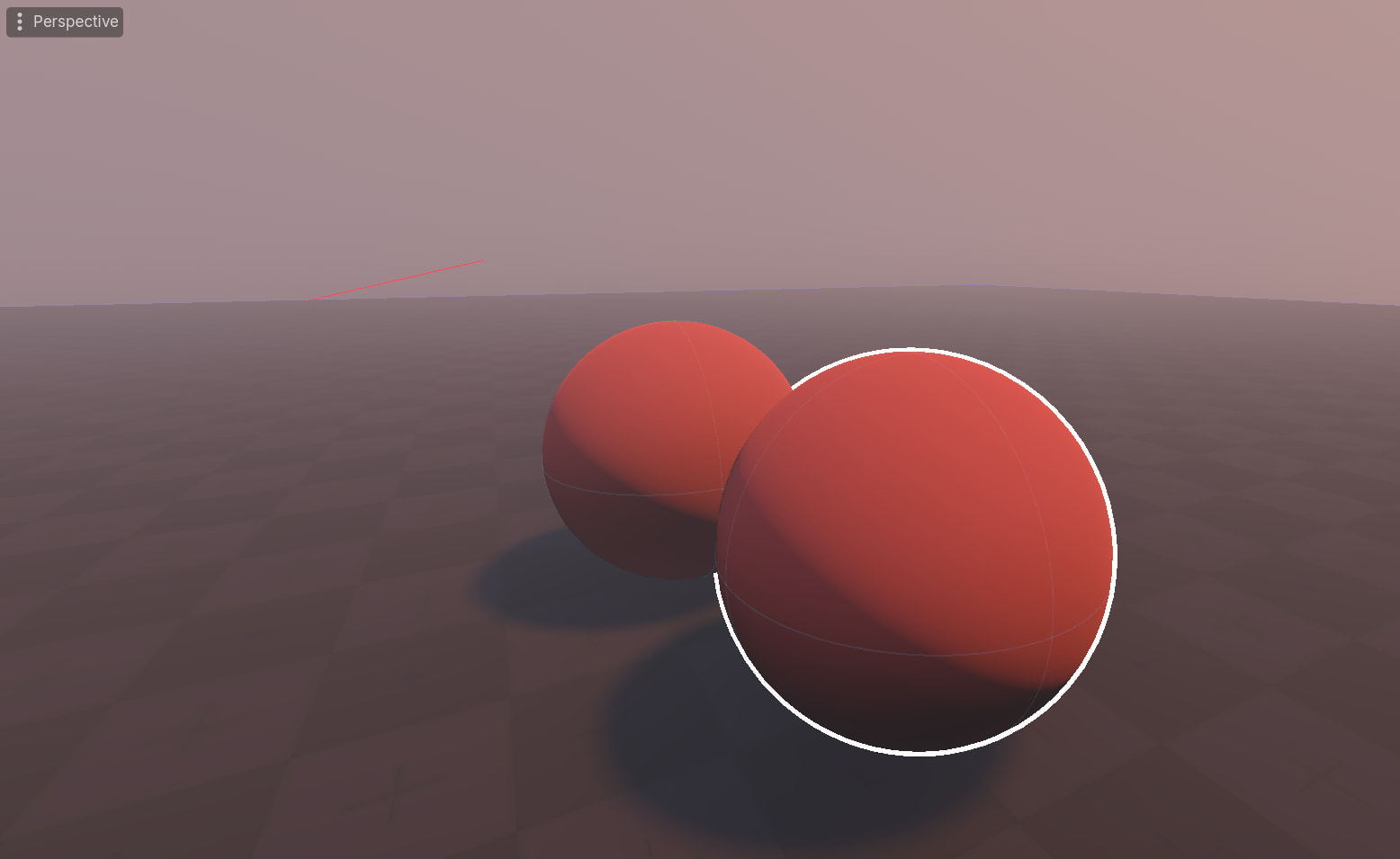
If it’s behind an object, I guess this is fine?
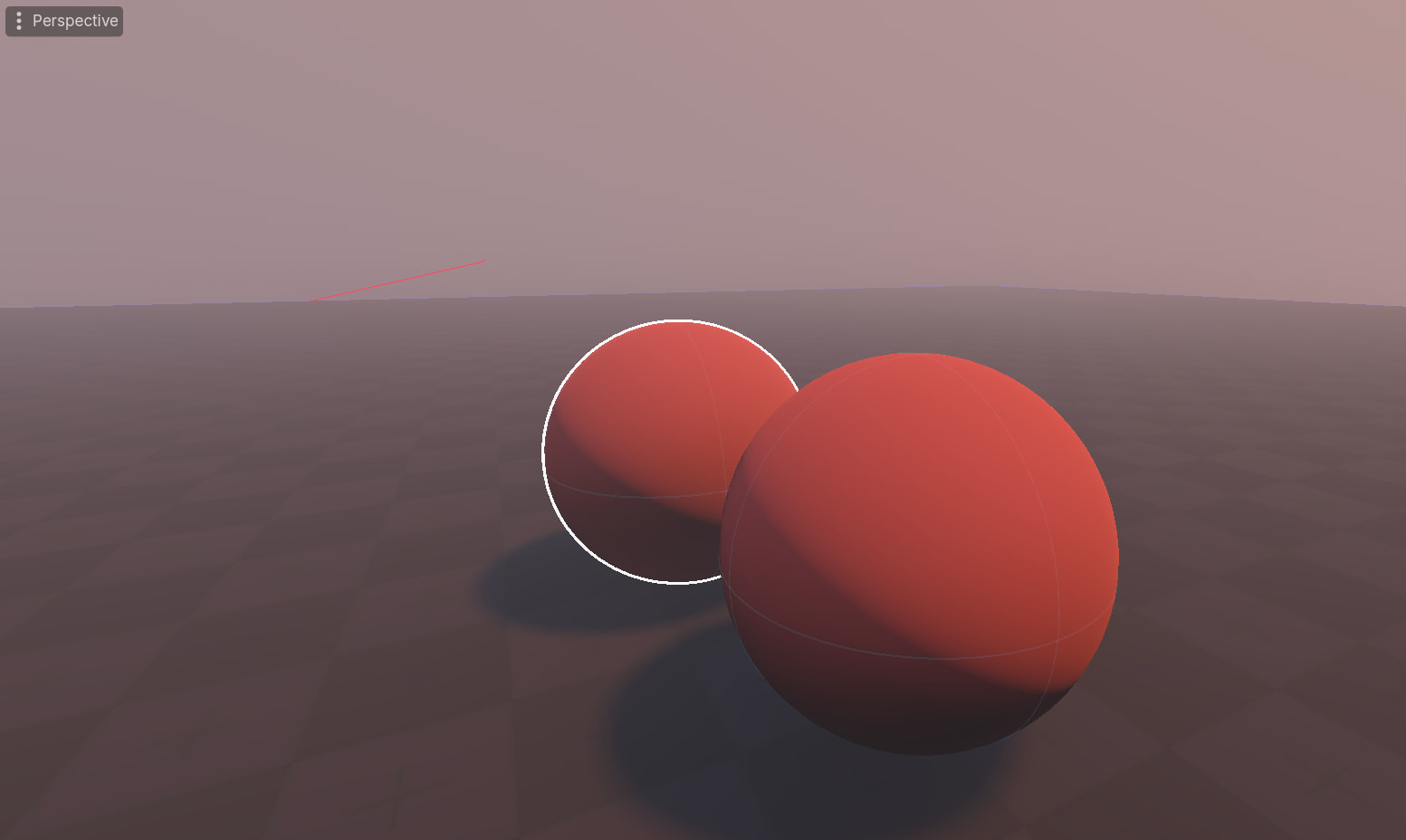
Is there a reason for this? If so, how should I go about resolving this?