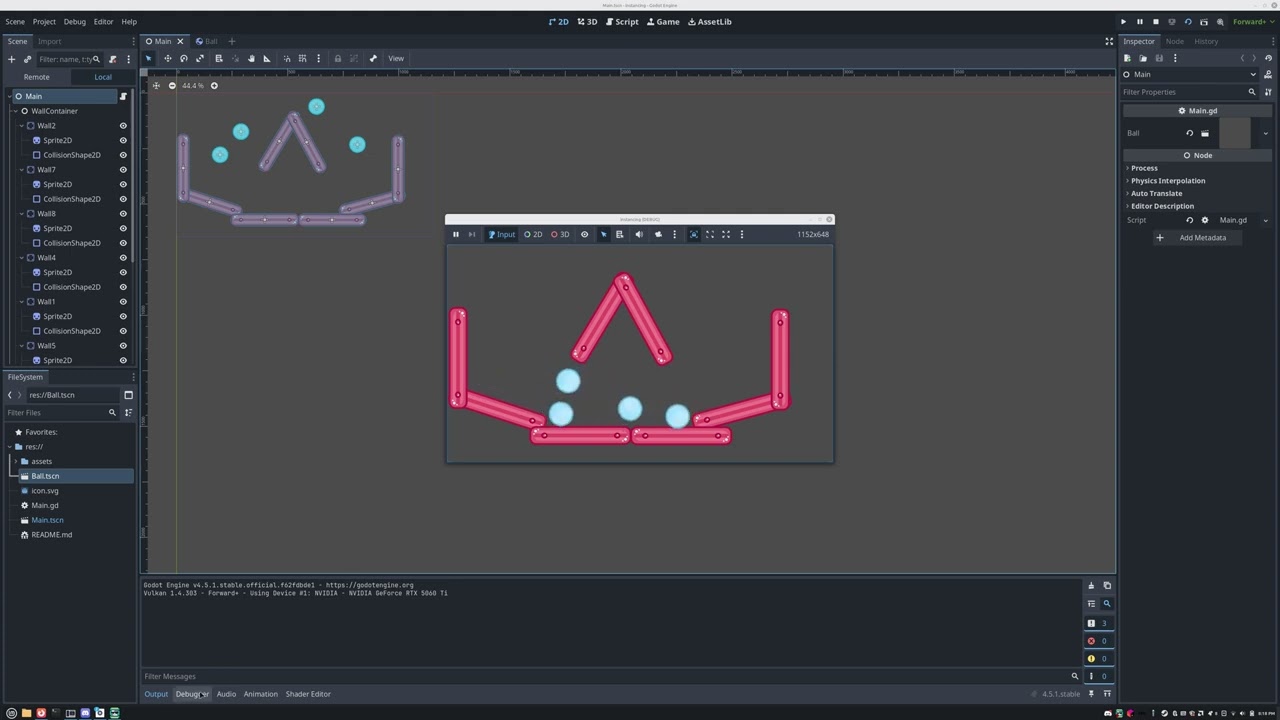
Hello! I’m new to Godot, and I’ve been experiencing some stuttering in Godot while following the tutorial.
I’m not quite sure how to describe it, but I uploaded a video to YouTube to demonstrate this: https://youtu.be/7az--EqF91U
I’m on Linux Mint 22.2 with Cinnamon as my DE. My GPU is an Nvidia GeForce RTX 5060 Ti and I’m using the latest version of the 570 drivers.
Please let me know if you need additional information!
Is it stutter or jitter? First check in the profiler if you get any frame spikes. If not then it’s jitter. In that case make sure that your update rate is larger than your frame rate, or ideally that they match.
It’s also worth checking if it’s persistent between runs; you could get that kind of behavior if some other process is doing something expensive in the background, like (say) doing software updates or indexing the disk.
Yes, it’s persistent between runs.
I tried turning on physics interpolation, and switching desktop environments (Cinnamon to XFCE) and it didn’t help.
I looked at the frame times in the profiler, and it appears that what is happening is that about once a second, the “Process Time” and “Frame Time” drop to zero.
Then, I tried disabling V-Sync, and the issue appears to go away, although it does cause my GPU to constantly be at 100% load.
put the code in process in _physics process like this
func _physics_process(delta: float ) -> void:
 var dir := 0.0
 if input.is_action_pressed("ui_right") :
  dir = 1.0
 if input.is_action_pressed("ui_left") :
  dir = 1.0
 rotation += angular_speed * dir * delta
 var velocity := Vector2.ZERO
  if input.is_action_pressed("ui_up") :
   velocity = Vector2.UP.rotated(dir)
 position =+ velocity * delta
The code appears to be not relying on anything that physics engine does. If this is jittering, putting it in _physics_process() will just run it at physics tick pace. If that pace is out of sync with draw rate, the jittering may still happen.
Yeah, the jittering still happened if I put it in _physics_process(). The interesting thing to me is that even though I’m using the delta, it doesn’t seem to help.
This is the same project as before: https://www.youtube.com/watch?v=fkdONqEsRLA
Again, V-Sync solves the issue but I don’t want to turn V-Sync off because it puts too much load on my GPU.
I could be wrong, but it looks to me like the frame drops may be coming from collision resolution. Some of the real gaps in the frame rate look to me like they happen when a difficult unembedding situation happens.
That said, some of them seem to be in the middle of nothing.
According to the profiler, happens consistently, about once a second, which is consistent with what I see in games with V-Sync enabled. However, the fact that this is actually a noticeable stutter in Godot is a concern.
It’s been a while, but today I noticed that these stuttering issues only occur when using Vulkan and not OpenGL. For example, glxgears doesn’t have stutter (or at least not as noticeable), but vkgears does.
Then, it has nothing to do with Godot itself, I think you should consider filing a report to your distro or directly Mesa. It may be related to the way Vulkan is configured.
 . Give it more stuff to chew on.