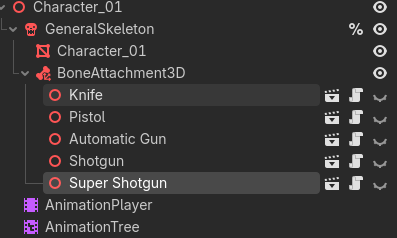
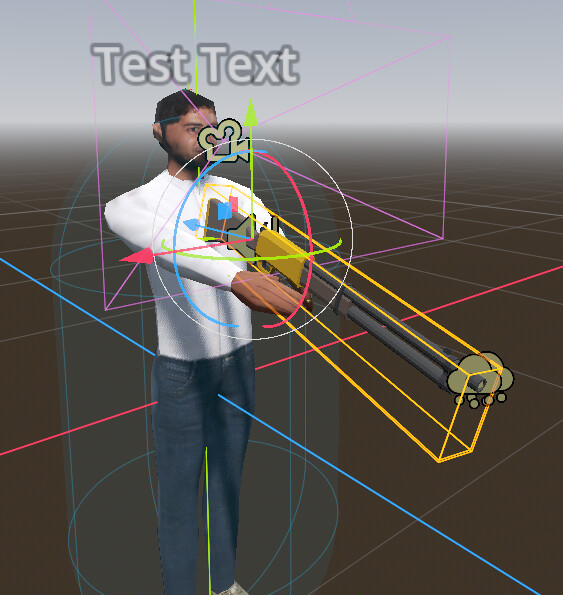
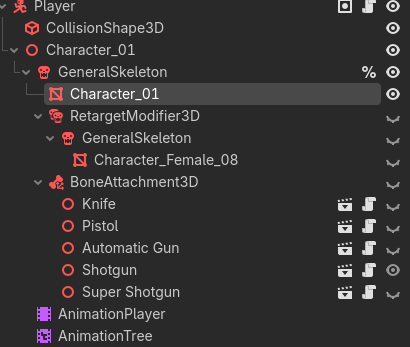
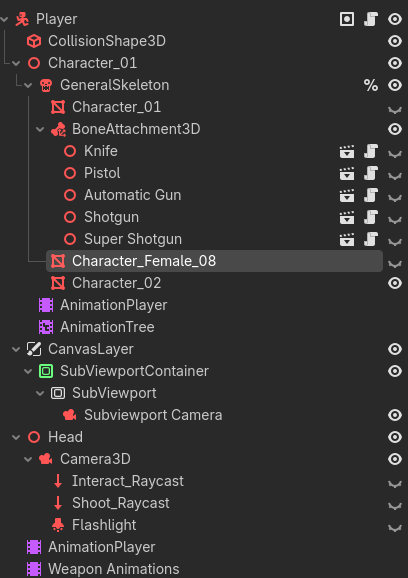
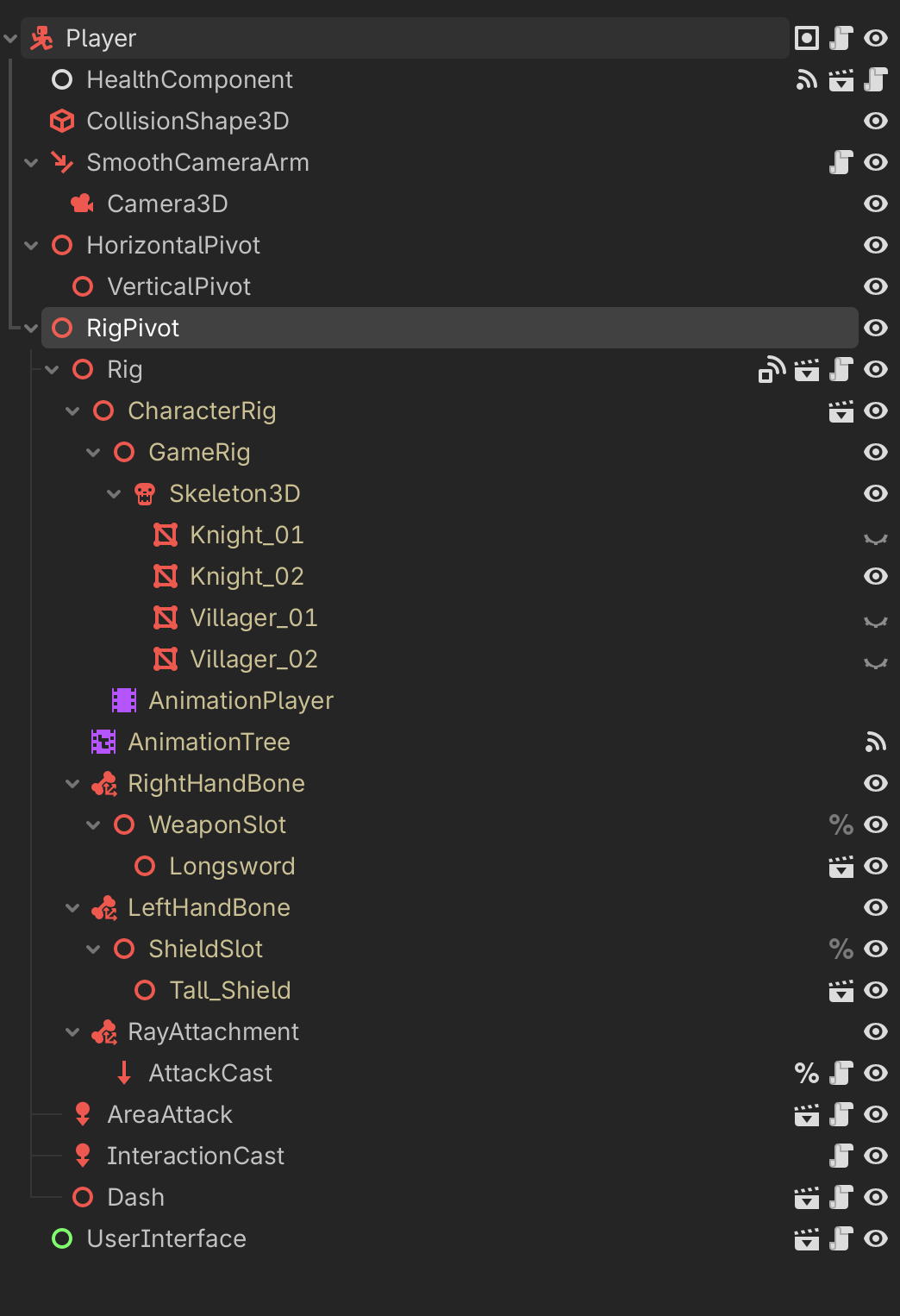
I am making an online multiplayer FPS for fun and to learn how to do network stuff. The players use a general skeleton with a bone attachment 3D connected for weapons.
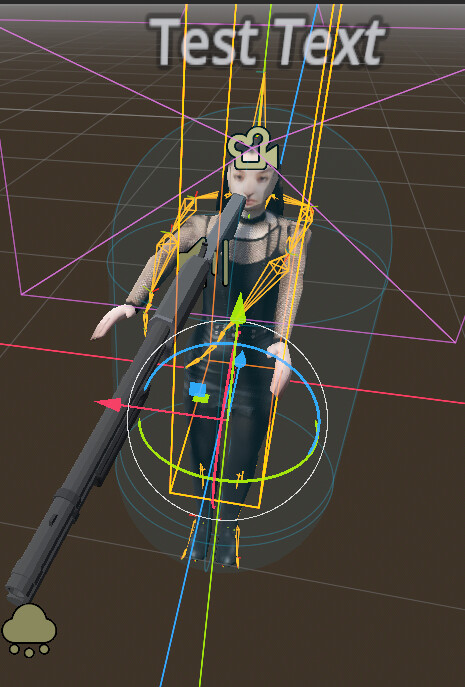
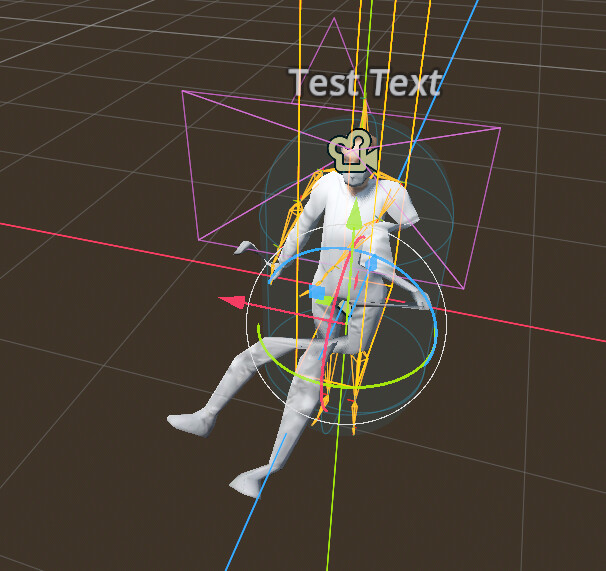
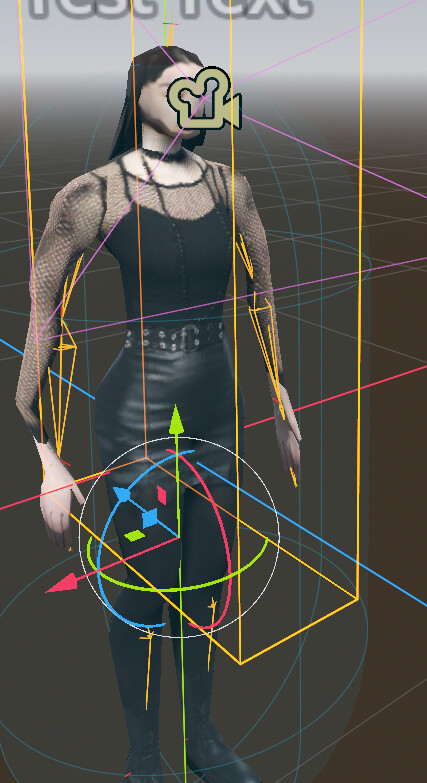
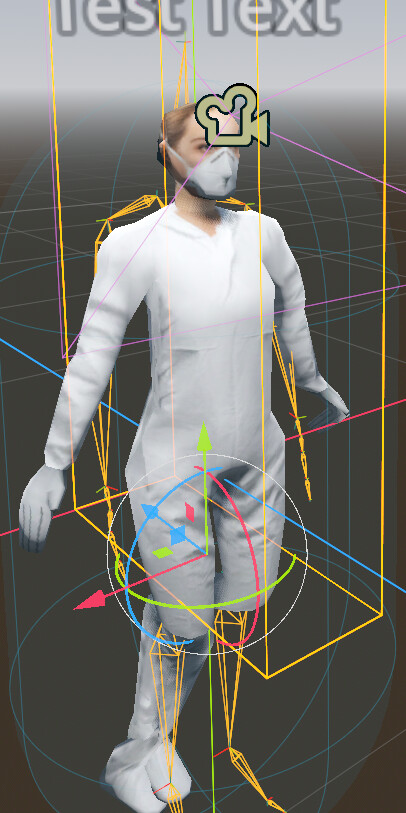
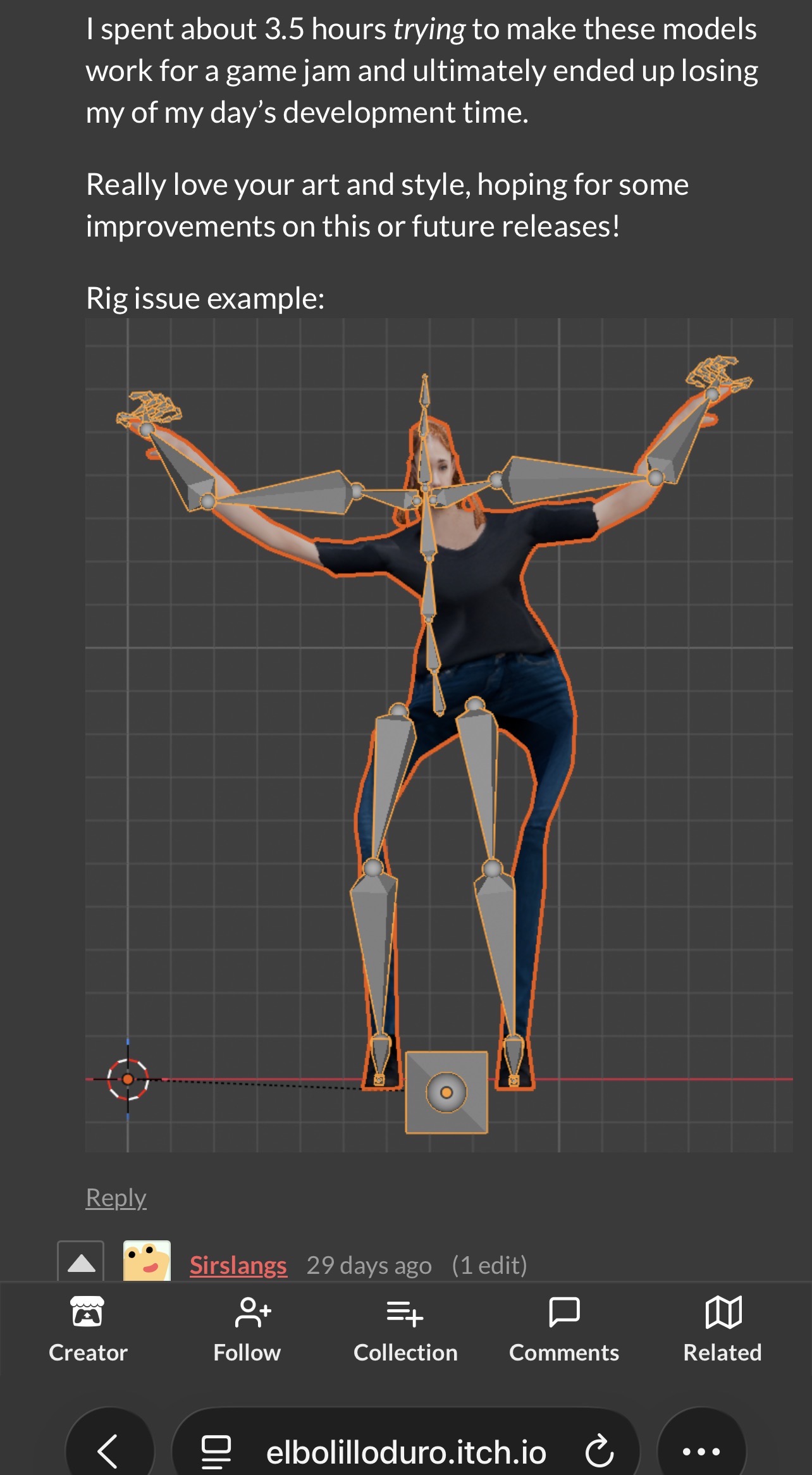
I want to make a system where players can easily swap between skins. However, I’m having issues. First, I tried using the retarget modifier node. However, with this, it doesn’t look right since the bones don’t line up.
The model must match the rig. One option is to scale the model — for example, in Blender — so that it fits the rig. Then, in the game, you can scale it back to its original size.
As you’re doing now, you can only change the skins.
But the rig uses very few resources — much less than the mesh. So you probably won’t gain much. The only exception is if the mesh is identical and only differs in scale. In that case, scale it within the engine. But again, this only amounts to changing the skin.
It’s from old GameDev.tv RPG course but it works like charm, best be if you make it in Blender parent mesh to skeleton.
Alternatively you can make meshes to same size, use mixamo, and then all rigs and animation be same .
Sorry, I should have handled this last night. You said “best be if you make it in Blender parent mesh to skeleton”. These are imported from the asset pack I linked earlier. Would it be too much trouble to go in and edit the models myself in Blender (I have experience with the software)?
For the alternative, what do you mean by “use mixamo”? Are you implying downloading free animations off the website and just using them across the models?
You can’t do this with premade assets, you need assets made for your game.
All characters must use the same skeleton, then you can swap the mesh in game to change skin.
You can also change the material of the mesh, but I recommend saving scenes with meshes with the material assigned, and create copies with different materials, so that meshes can be shared for performance. You can instantiate a scene and it will work with the skeleton in game, which is only possible in Godot.
Male and Female characters tend to have different sizes. The same can happen with other body types, but only if the length of the bones is different. You can make a “fat skin” that goes with the same skeleton (think thor in a fat suit). But usually, you can make 2 scenes that are very similar, and can copy and paste the AnimationTree so long as the animations have the same name.
Then you have to create the entire scene to swap between male and female, this is how it worked in unreal 3 where there were 2 skeletons.
An alternative is to have them share the same skeleton, which is what Bethesda, ID, and other devs did, which results in m and f characters being the same height.
You could also just scale the skeleton. But remember that root motion can be tied to the size of the skeleton and characters with shorter legs will move slower.
Don’t embed your animations into the model, save them into separate files, work with them in separate files. They must use A skeleton with the same pose and number of bones. When importing, set all to Bone Profile Humanoid to map the bones. Set the animation files to AnimationLibrary, and import them into each of the AnimationPlayers. This will allows you to reuse the same animation between different characters and add more later as needed.
only if you need to rely on premade assets, but yes.
Again, use AnimationLibraries and set Bone Profiles on all your character files to use retargetting. You will have to remake the scenes after this because the scene uses their own copy of the data.
Use mixamo:
It’s not about animations itself, rather a rig which will be same for all across, so it’s much easier to put those meshes under one “Rig”.
For Blender :
Usually it’s a bit work to get it right if you haven’t made the rig yourself.
I have checked the assets, and in my opinion be the best to remove rig, put them in T-Pose , and make new Mixamo rig, or Blender if you know how to make decent bone system and paint weight.
Mixamo stuff seems like a good idea. Trying to sort it out but running into problems (getting animation belongs to imported scene warning even after I follow the instructions). Will update once done.