Godot Version
4.7.stable
Question
Hi everyone! I’m currently working on a 2D particle effect in Godot and ran into a weird issue with textures in a Visual Shader.
Here are my setup and the issue details:
- Node:
GPUParticles2Dand nothing changed in the ProcessMaterial. - Material: CanvasItem
ShaderMaterialassigned to theMaterialproperty (not theProcess Material). - Shader: A very simple Visual Shader. I took an external
Texture2Dand connected itscoloroutput directly to theFragment→Output→colorport.
The Problem:
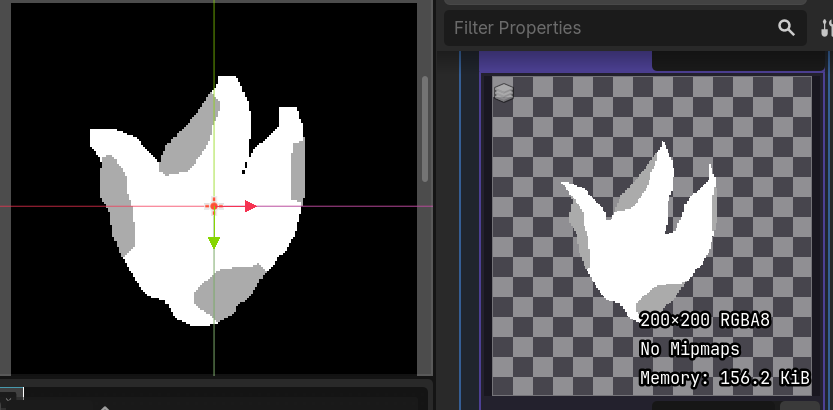
Ideally, this should replace/overwrite the default particle texture. However, the custom texture appears stretched/distorted and is being cropped/cut off at the edges.
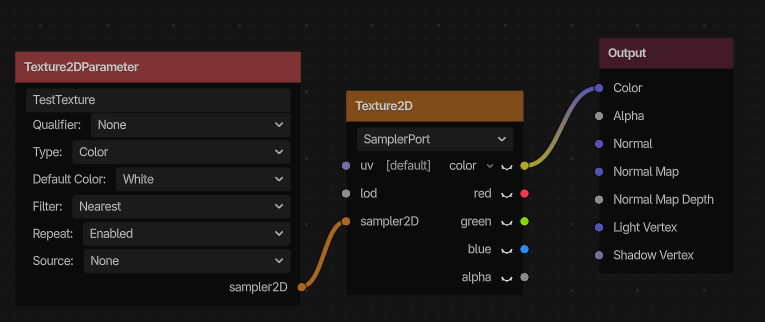
Is there a specific way to properly map a custom Texture2D to a particle’s quad using a CanvasItem Visual Shader? Do I need to hook up something specific to the UV coordinates?
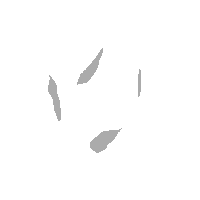
PS: If i connect the texture’s alpha channel to the output color port, its shape is correct. If i connect the color to output color and alpha channel to the output alpha, it’s also correctly displayed. It’s just stretched/clipped without alpha channel.
Here is my image: