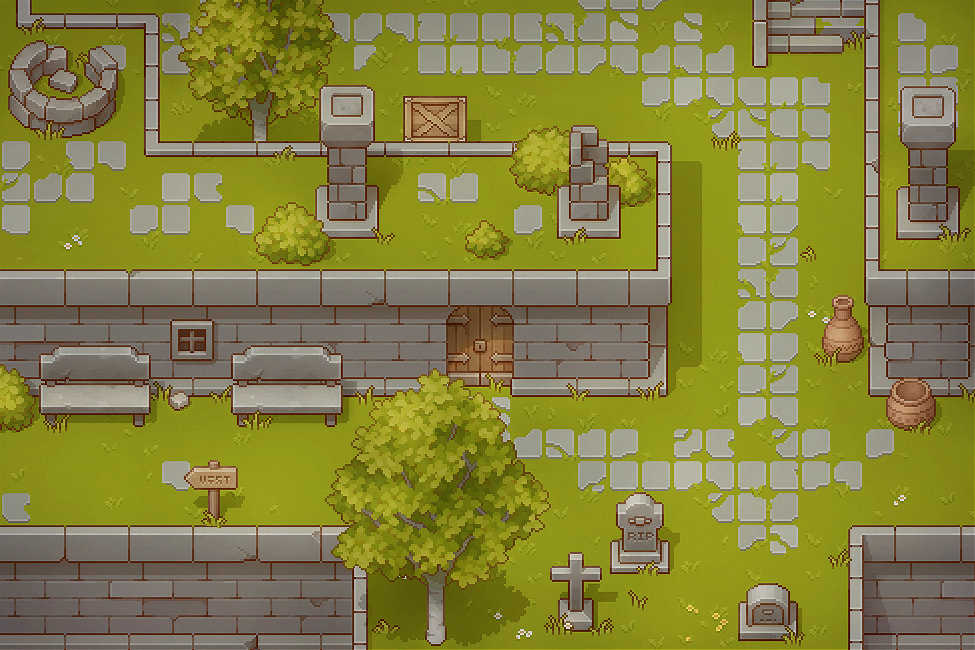
I want to create a map with different walkable elevation levels, similar to the maps in the 2D Pokémon and Zelda games.
I understand how to create the visuals. I’ll create a separate tile map layer for each walkable level, as well as another tile map layer for decorations like trees, rocks, etc. I also know how to paint CollisionShapes and NavigationAreas on the tiles / TileMapLayer.
Unfortunately, I’m not sure how to design the map or tile map layers so that collisions work correctly at every elevation, players can easily switch between levels, and walk behind higher terrain. The Godot documentation sadly doesn’t cover this. Does someone know how to handle this in Godot?
Hi, sadly there isn’t an easy way to do this. Godot’s 2D engine is completely separate from the 3d engine, so there’s not really a concept of a z-axis there (besides for displaying visuals). Sometimes it’s easier to use the 3D engine that’s imitating 2D with a fixed orthogonal camera, but it depends on the game.
It is possible to imitate 3d collisions in the 2d engine. One way is to have every TileMapLayer on its own physics layer, and swap the player’s layer whenever it moves up or down a level. However, since physics layers are defined in the TileSets, it may be troublesome to have a different TileSet for each TileMapLayer (though you can duplicate the TileSet in code and change the physics layer there).
Edit: Nevermind, I was wrong, there’s actually a simpler way to do it, just turn off collision_enabled on the TileMapLayer
Another way is to not use TileSet collision and code the physics for the layers yourself. This gives you more control over how the physics work, but it’s more work.
Finally, a third way (and I don’t recommend this at all, but I did it once because I thought it would be interesting) is to set up a 3d world that’s an exact match for the 2d world, and use a 3d player that’s affected by 3d physics to change the position of the 2d player.
I haven’t noticed the “collision_enabled” key either, but this sounds like the simple / intended way of handling this, I was missing.
So I would create as many TileMapLayers as I want, paint all tiles with collisions and navigation and activtate “collision_enabled” for only the Layer the player is currently on? What is a common way to do this, Area2Ds on every staircase?
This would work for 1 player, but not for multiple ones, right? I want to use this in a multiplayer context. If I use the method above, all collsions could be on one physics layer. If I want to have multiple players, I have to use 1 physiscs layer per hight level and have the player only listen to the current one? The only way I can think of this is again by using Area2Ds on staircases?
Do you mean local or online multiplayer? If it’s online, then you can still use one physics layer, since you can have each player’s game only enable the collision on the player’s current layer
I meant local / shared screen / split screen multiplayer. But disabling the collision wouldn’t work for single player, because all units need to use the collision too.
So the only way seem to be having separate physical layer for every TileMapLayer and adjusting the collision mask for all players / units?