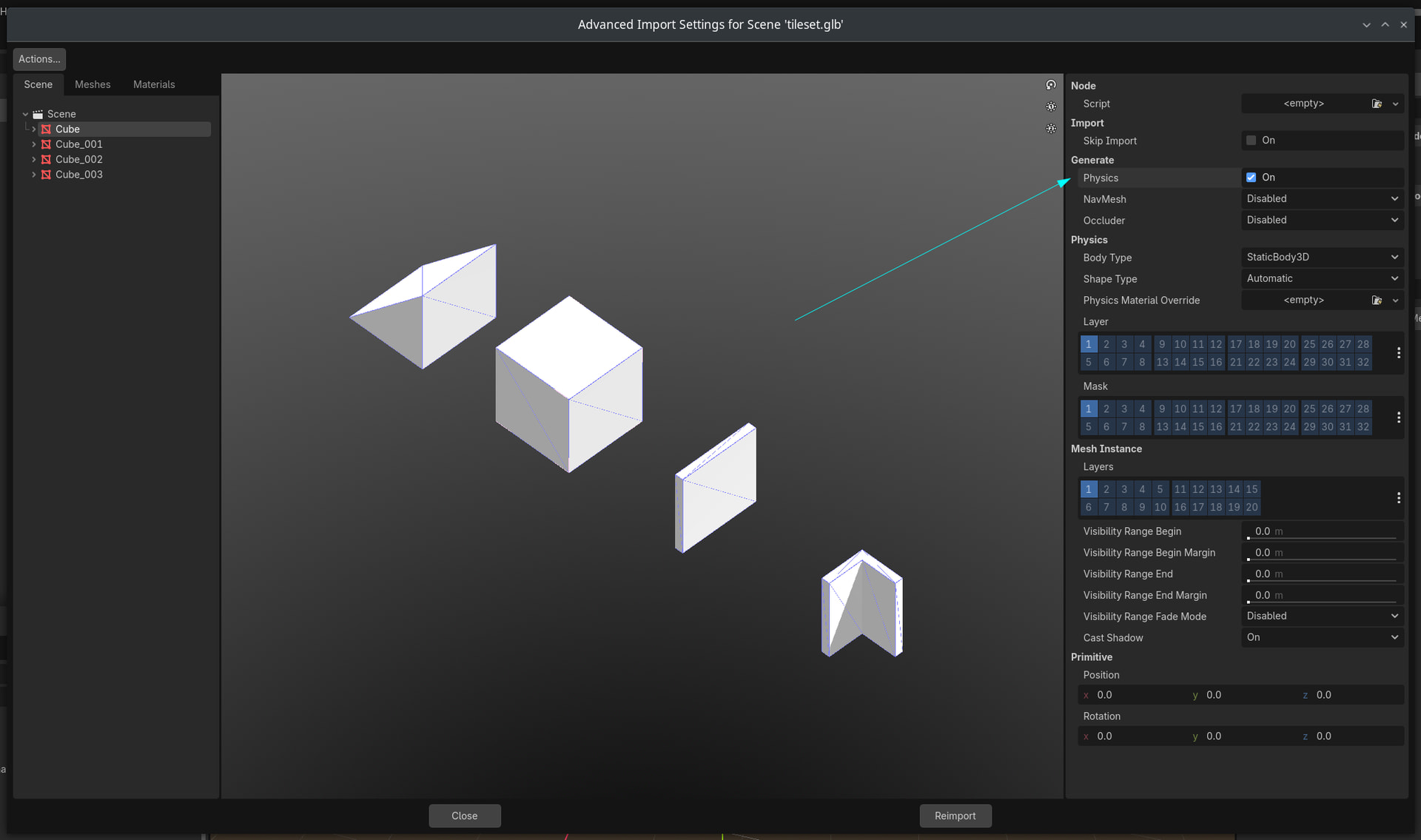
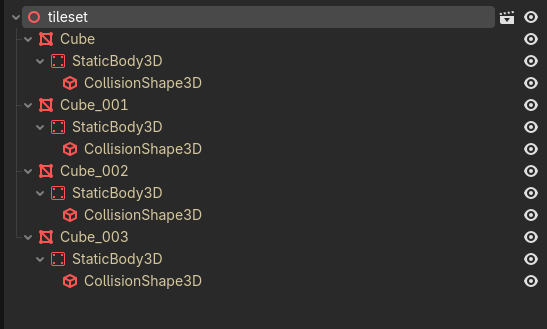
Godot Version
4.6
So you are mostly here because you setup a GridMap and you added your own CharacterBody3D with CollisionShape3D. However you noticed that GridMap does not want to collide with your CharacterBody3D or anything at all.
Well the reason is that GridMap MeshLibrary Item needs a CollisionShape3D.
Let’s add collision shape to a Mesh Library Item.
We click GridMap and then we click the MeshLibrary.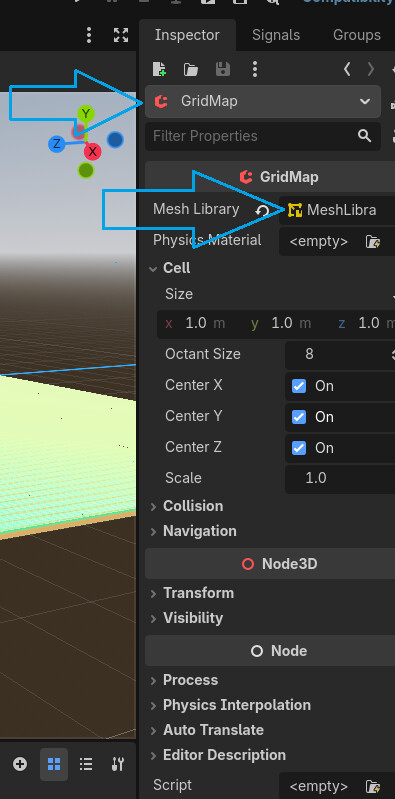
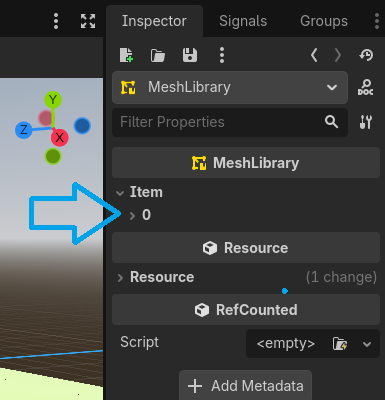
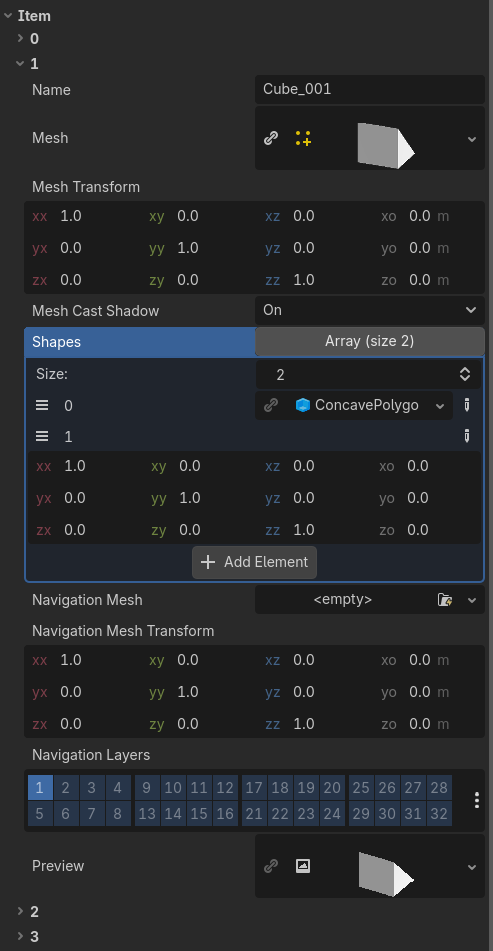
My Mesh Library is quite small, but that doesn’t matter, Let’s click on the item 0. Let’s scroll down and look for Shapes option in the MeshLibrary item. Final: Click the Array of Shapes and it should show a button Add Element.
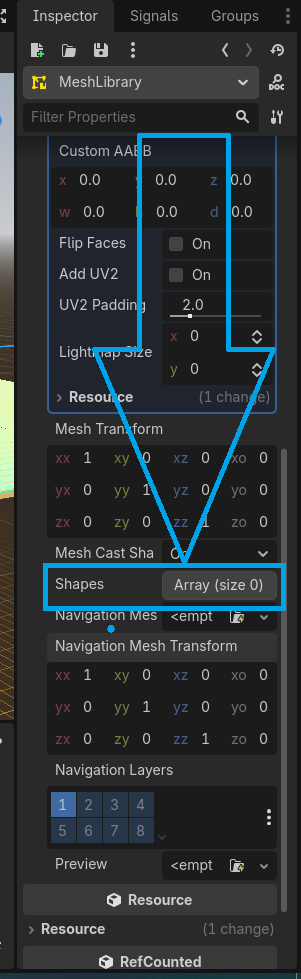
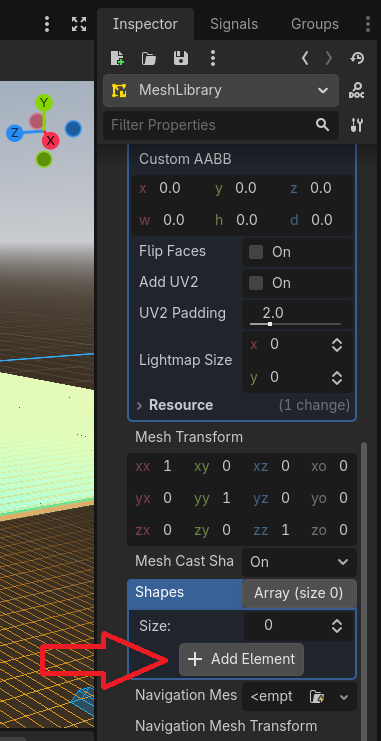
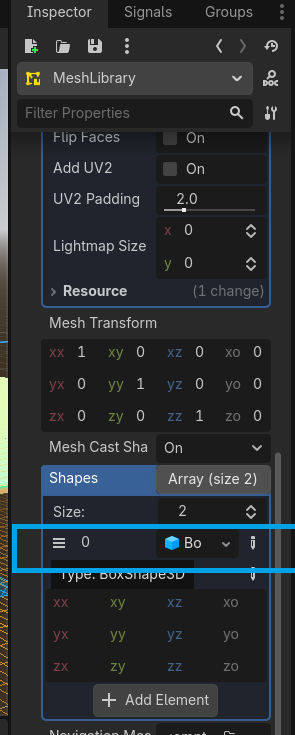
That’s it, now the MeshLibrary Item have the default shape that is BoxShape.
Remember to add default script to CharacterBody3D and CharacterBody3D should now collide with your GridMap Item.
Done.