PixelSprite FX is an online pixel art toolset designed for game developers, pixel artists, and independent content creators.
This website provides the tools you need to create pixel animations, sprite sheets, and game assets directly in your browser. Extracting frames from GIF files, slicing sprite sheets, editing pixel art, and converting 3D models into pixel sprites for 2D games is faster and easier. Preview your model prototype more quickly.
All tools run natively in your browser, so they remain hidden.
This website offers convenient size and functionality:
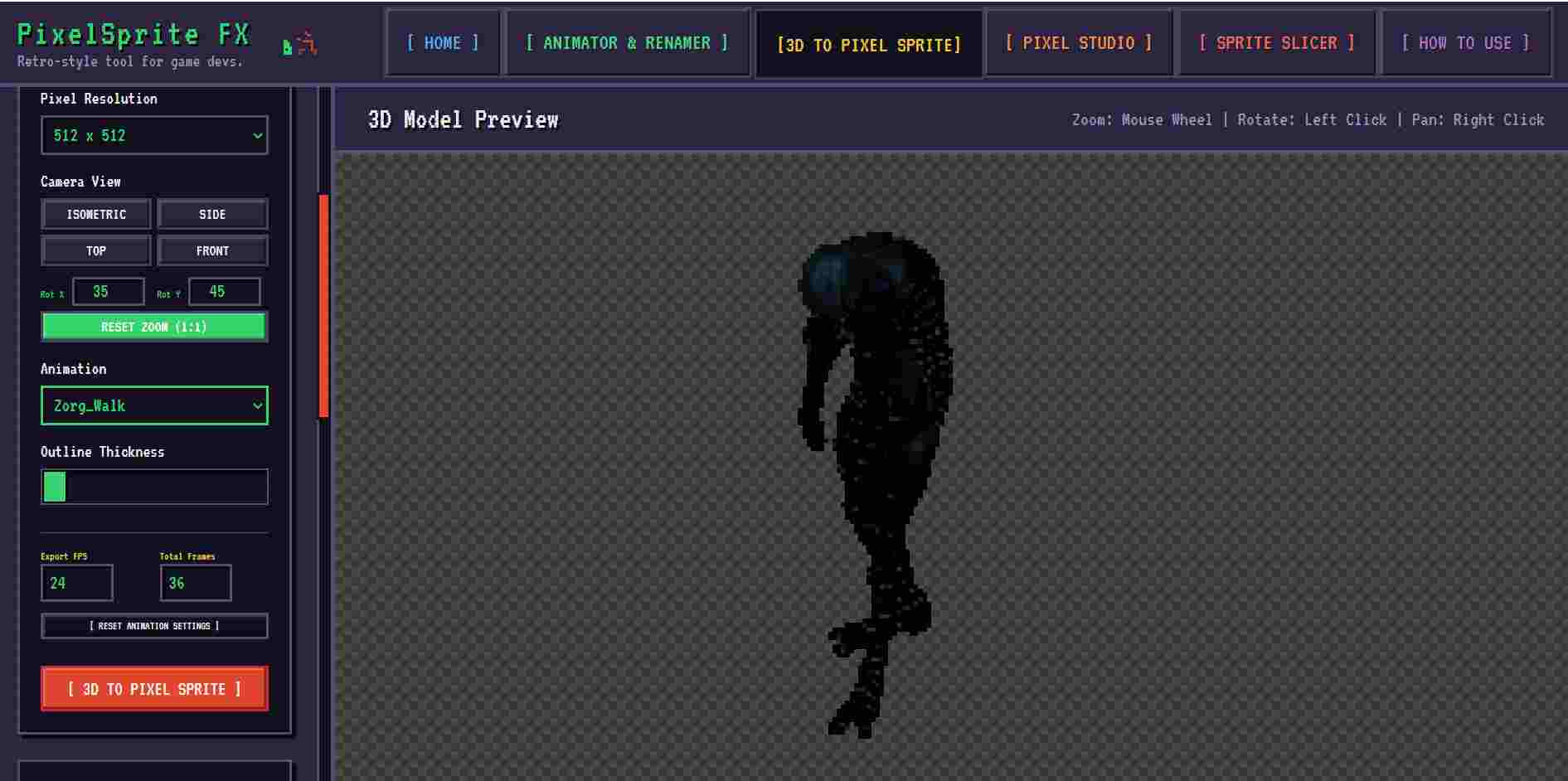
Convert your 3D models into pixel art — Convert your GLB/GLTF files into retro sprites in isometric or standard view in seconds
Integrate your sprite animations — Import frame details, loop intervals, and different formats from GIF and APNG files
Slice sprite sheets — Quickly split large sprite sheets with automatic cropping and precise merging control
Draw and edit pixel art — Design characters or objects from scratch with layer support and animation timings
I ran the test again and no problems were detected. Could your .glb file be corrupted? The .glb files I downloaded from meshy.ai work successfully on websites.
I just realized what it is, I used KayKit models, and the animations are no longer in the default model files, they’re separate. So still a dealbreaker but for a different reason.
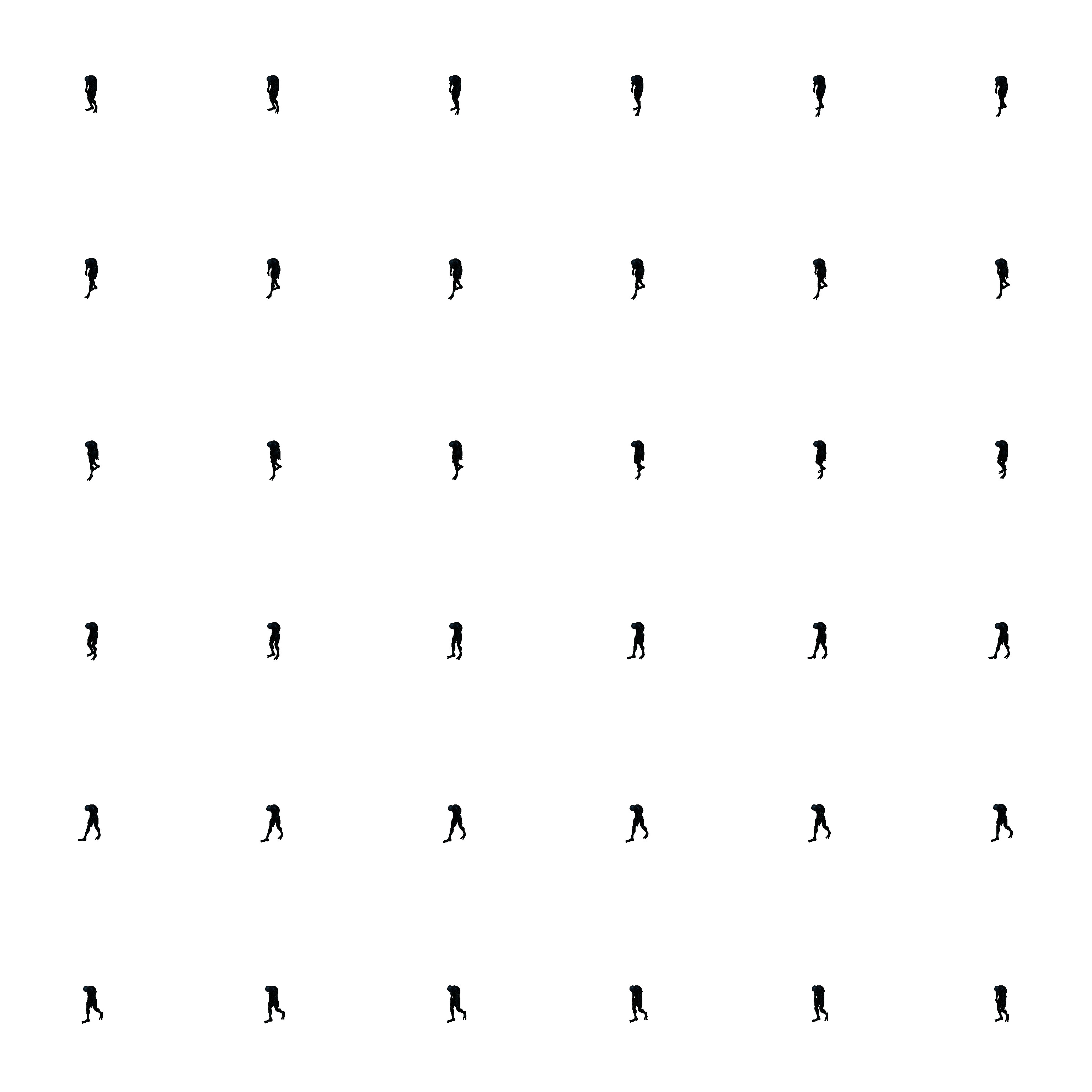
I loaded an animated ‘Glb’ file with no issues; the animations were recognised and a sprite sheet generated. The sprites were rather small, but accurate.
I have never done 2D stuff, but thought I’d try it. It worked smoothly, and may serve me for innovative ‘cut scenes’ in my current Project if I feel the need. I’d like bigger sprites, maybe, though.
It successfully converts GLB files to spritesheets. The slicer tab is very easy to separate, and previewing and editing is also very well thought out in the animator tab. I had the opportunity to examine it in detail, and although there are some shortcomings, it seems quite sufficient. I will use it in my projects.