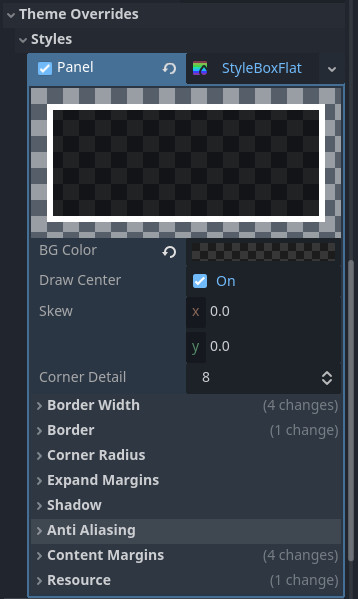
However, when opening the menu, the background seems to double on itself, making itself less transparent. Not only that, but the second transparent layer is on the top, covering my texture button pointers (but not the buttons themselves). When you do any action in the menu (pressing any button), the second layer goes away.
The items are dynamically loaded, but the item panel doesn’t experience the same issue. The item panel opens up separately after you press on the item button. The issue itself is with the panel that holds the item button and the stat button.
After some more testing, I did figure out that it apparently opens two panels that hold the item and stat buttons, but I have no idea why, because there is only one of them in my scene tree, and I don’t create them through code.
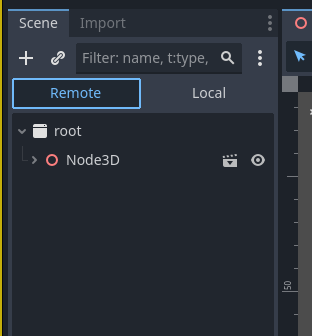
Try running running the scene and make the error happen then click back in to the editor while the game is running and click the remote button that would then be available, then find the second panel in the remote node tree. it will help you find where its coming from so you can back track how to get rid of it
Thank you, I realized what the problem is! I set the menu scene to global, so it opened up twice when I opened the menu scene itself for testing. Thanks