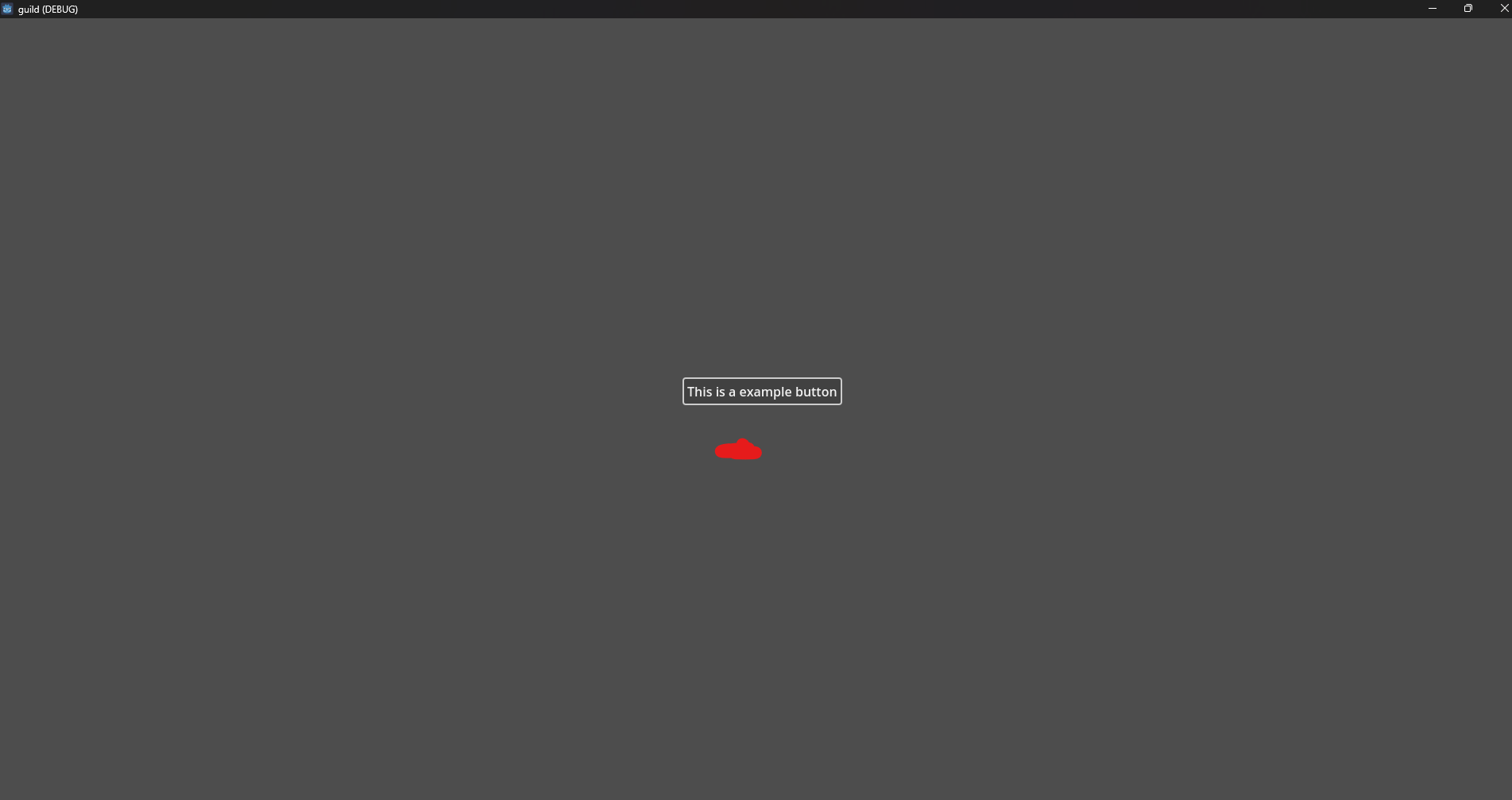
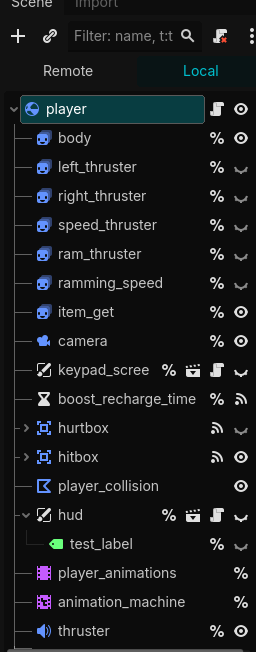
I’m having the same issue as well. Are you on the version “v4.5.1.stable.official [f62fdbde1]”? You can find the exact version on the Project Manager, bottom right corner.
I remember that the problems was on the window, I don’t remember if it was on the mode, the stretch, etc. But changing one of those options fix the problem. Maybe your problem is different, but try that.
I’ve seen this happen in various places in windows; you can also IIRC see this behavior in Planescape Torment, among many other games. When I’ve seen it, it was because of windows UI scaling. If you set your windows scaling to 100%, there’s a good chance it “fixes” the problem.
Of course, if that’s the problem, the real fix is going to be a bit less simple.
The only time I’ve seen this in Godot was with my game Skele-Tom. The problem was that I was displaying the menu in a 2D Viewport inside a 3D object (a TV) that was displaying the object at an angle because it was angled. So the mouse worked, but it was off - like what you’re describing.
I tried some Example Projects and even there, ive got this bug. I also tried to work with viewports / subviewports etc.
Nothing seems to work.. maybe there is a problem with my gpu driver. I have a RTX 4090. I will try to update the drivers later.
Updatet the drivers, still the same issue. It works when i export the game, then the hitbox works as intendet. It just dosent work, if i run the scene out of the editor… Hm i really dont know why
It’s been bothering me for quite a while, but I finally found the solution… I noticed that when I select lower resolutions in the window settings, it works. I also noticed that older versions work as well.
For me, it was the debug toolbar… When I output the game in Full HD, it scales the window to fit the entire screen and the debug toolbar slides up. The window is then rendered correctly, but the UI hitbox shifts by the size of the toolbar. This also explains why it ultimately works in the exported game. Disabling this toolbar was the solution. (3 dots in the top right corner of the toolbar).
so i disabled this toolbar on godot 4.6 and it made it little easier to click in the button spot but still not perfect. also how do you reenable the toolbar?