Godot Version
Godot_v4.5-stable_win64
Question
I want to create a UI, let’s say a Label, that doesn’t disappear when I move scenes using get_tree().change_scene_to_file()

as you can see i have 3 scenes, stage 1,2,3 each has a script :
extends Node2D
func _on_button_2_pressed() → void:
get_tree().change_scene_to_file(“res://stage_3.tscn”)
func _on_button_3_pressed() → void:
get_tree().change_scene_to_file(“res://stage_2.tscn”)
is just a simple script that moves from one scene to another. what i want to create is a ui that stay in place when i change scenes
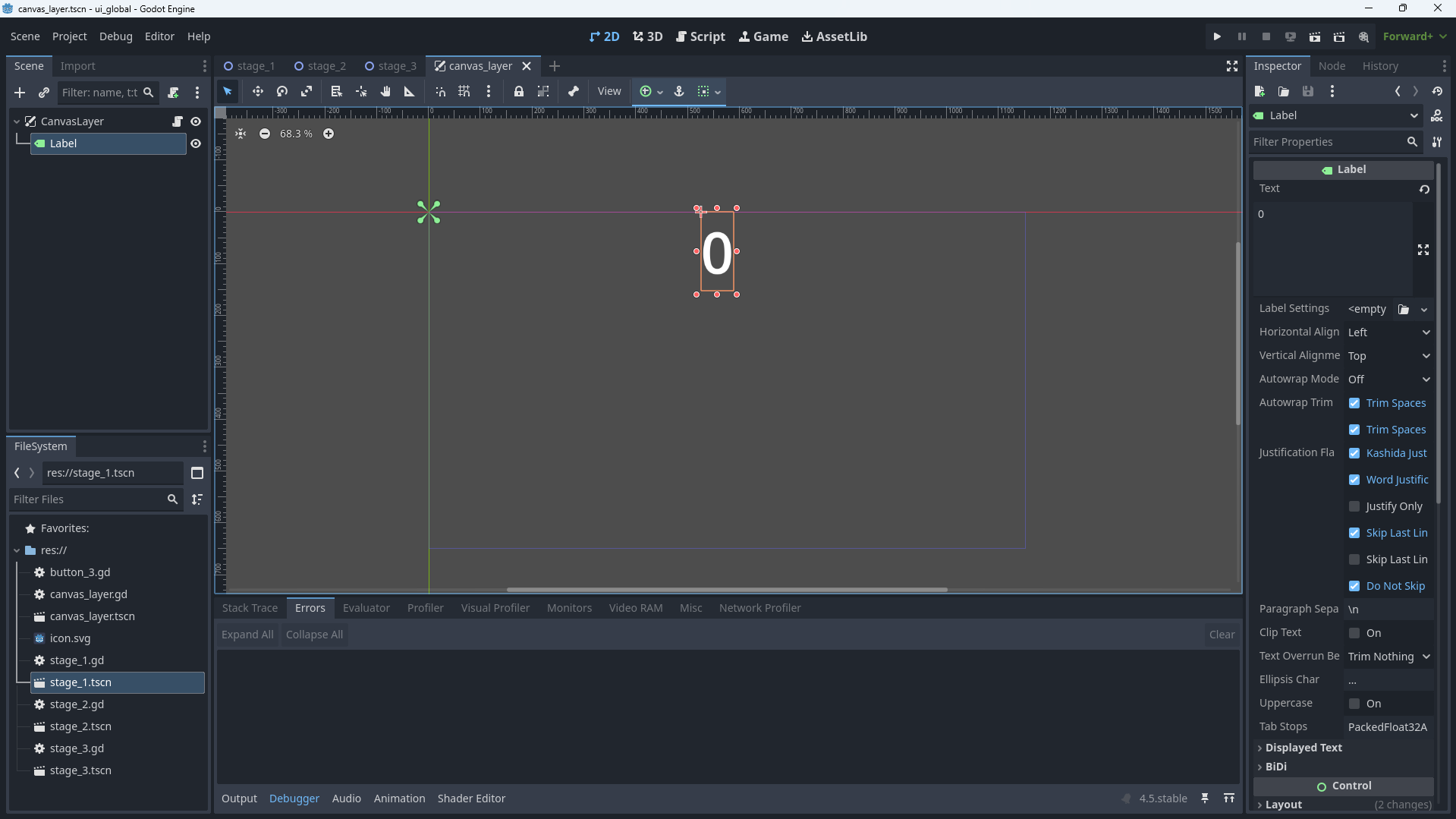
here’s the problem i don’t know how to do it, all i know is i have to change this CanvasLayer to a global variable. of course i can use Instantiate Child Scene for quick solution, but if i had stage1-200, it would be very troublesome.
so if you have any ideas please let me know it would be very helpful,