Using fonts that shoulb be italics but are not explicitly eg "NotoSansJP"

Godot Version

v4.5.1.stable.arch_linux

Question

Complicated phrasing for the title, I know.

The problem currently is that I’m using the font “NotoSansJP”, but when using the BBCodes with the RichTextLabel, like this “[i]italics text here[/i]”, I’m not getting the italicized version of the text.

I noticed I didn’t set the “italics font” property, but the there’s no dedicated italics font file for “NotoSansJP” and just using the regular font files doesn’t produce any italics text.

My team members reported that they can use the same font in other programs fine and get the italics version.

So am I missing something here somewhere? Is there a setting that I’m missing?

1 Like

When you downloaded the font from Google, you got a single file called NotoSansJP-VariableFont_wght.ttf

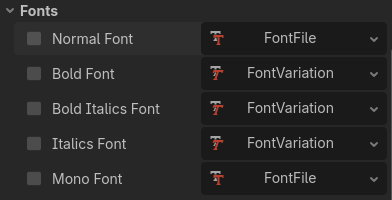
However, RichTextLabel has multiple font fields:

By default, you can see how Normal Font has a FontFile Resource, but Bold and Italics have a FontVariation. They can be used interchangeably. You can read more here: Using Fonts — Godot Engine (stable) documentation in English

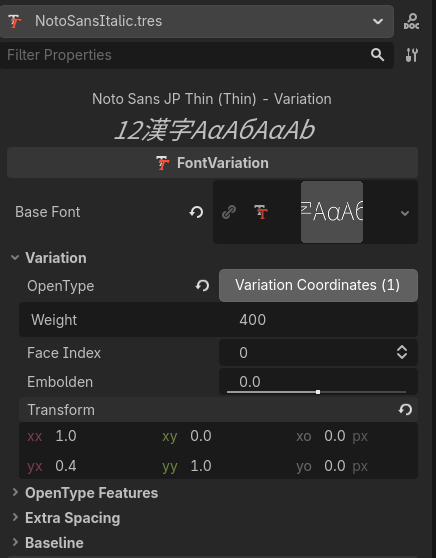
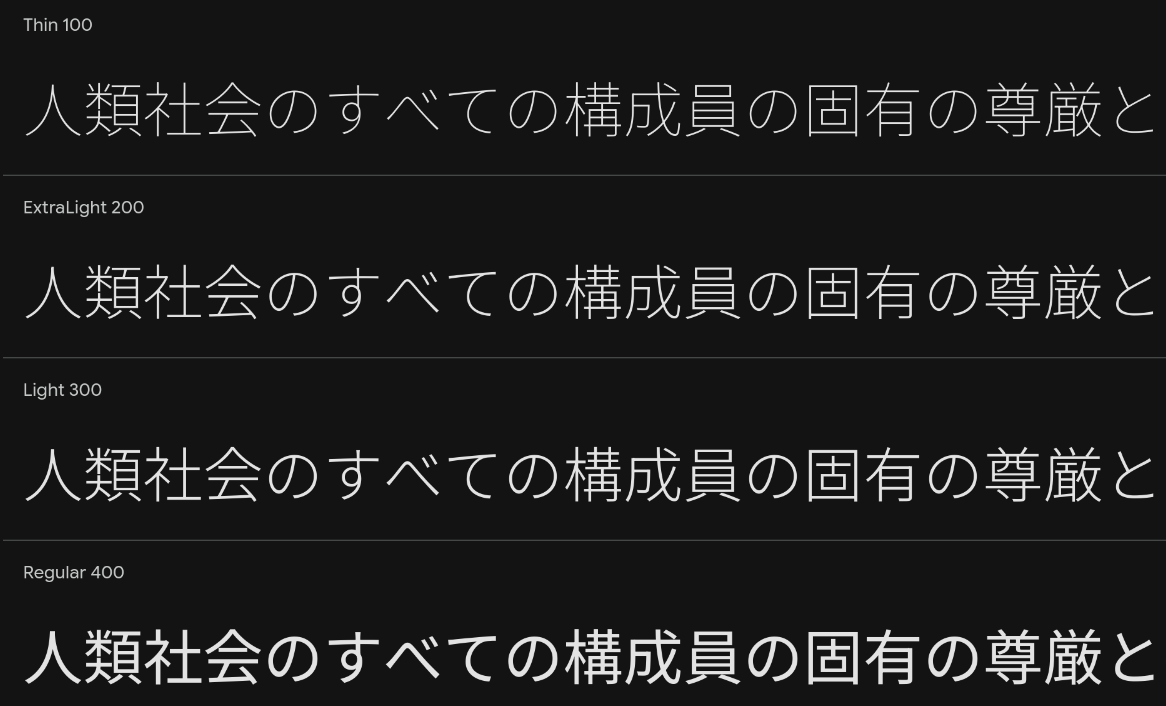
Basically what you need to do is create a variation for how the font will look like. If you just use the file you got from Google as-is, you’ll get the thinnest version of the font. If you check the website, you can actually see how the font will look like using different weights:
Noto Sans JP doesn’t appear to have a slant option, so you’d have to skew the text by changing the transform.yx:

I’ve also made the weight 400 (regular) in this example. You’d then use this as the font variation for the RTL.

2 Likes

Thanks! Missed the documentation there! I managed to implement the “faux italics”, like you described.

My RichTextLabel just showed “FontFile” in the overview, so I didn’t notice that I had a choice between “FontFile, FontVariation, SystemFont”.

1 Like