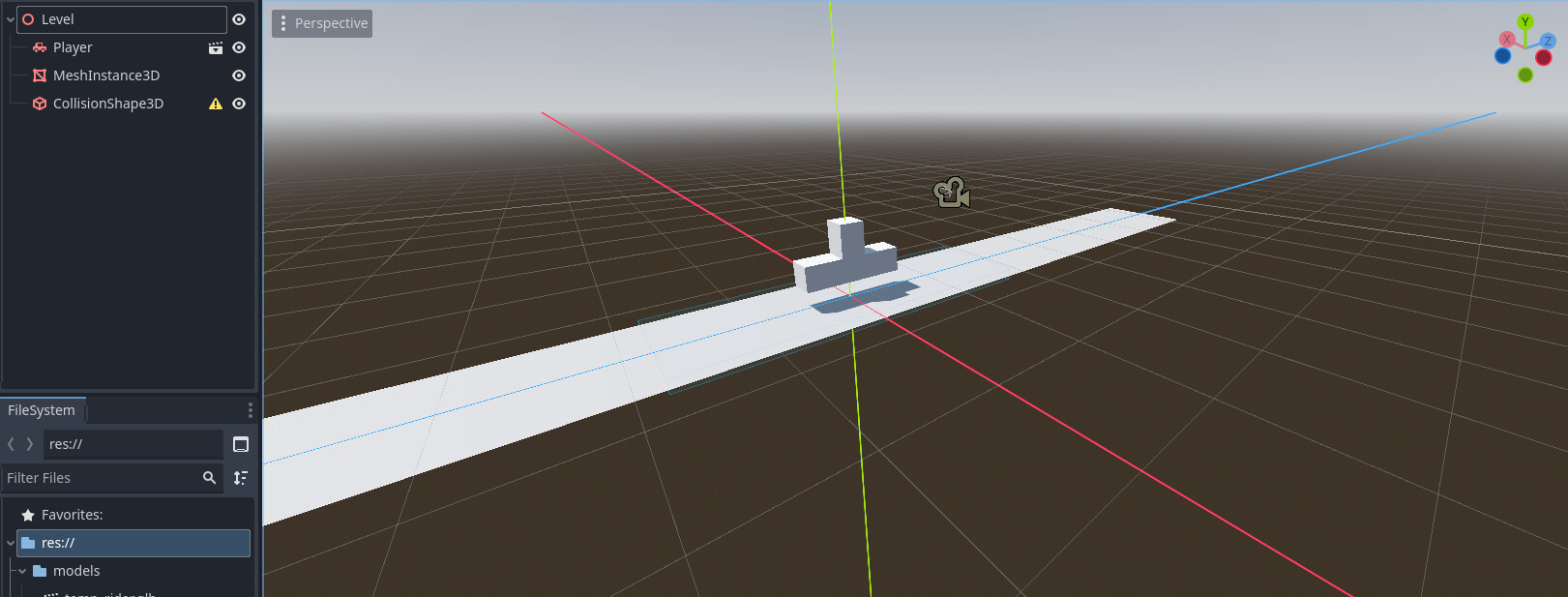
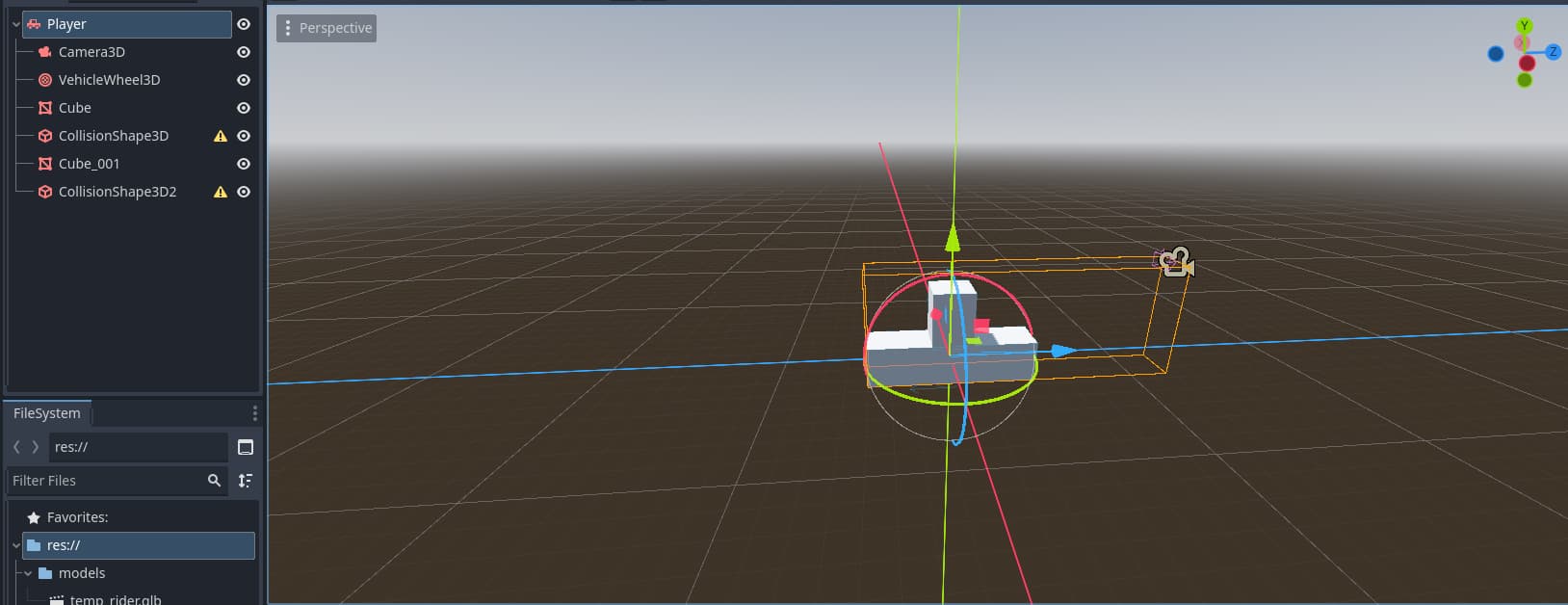
I’m new to 3d in Godot. I just started a new project and started on a player and a floor, but when I start the game, the player just passes through the floor. Both the floor and the VehicleBody have the same collison layer and mask (1, 1) and I have not written any code yet. Images of scene trees attached.
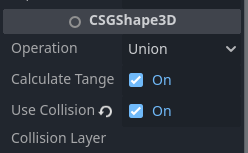
I know the Level CollisionShape3D says something along the lines “must be a child of a Static, Rigid, Area, or Character body to function”, the collision shape should be re-parented to a new StaticBody3D
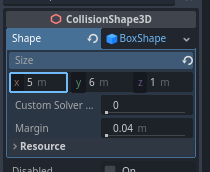
Maybe your vehicle collision shapes are missing a shape, or have been scaled non-uniformly.
Reparenting the collision shape kept the “player” from falling through the floor, but if I scale the collision shapes uniformly, they become cubes and don’t represent the model. How can I fix this?