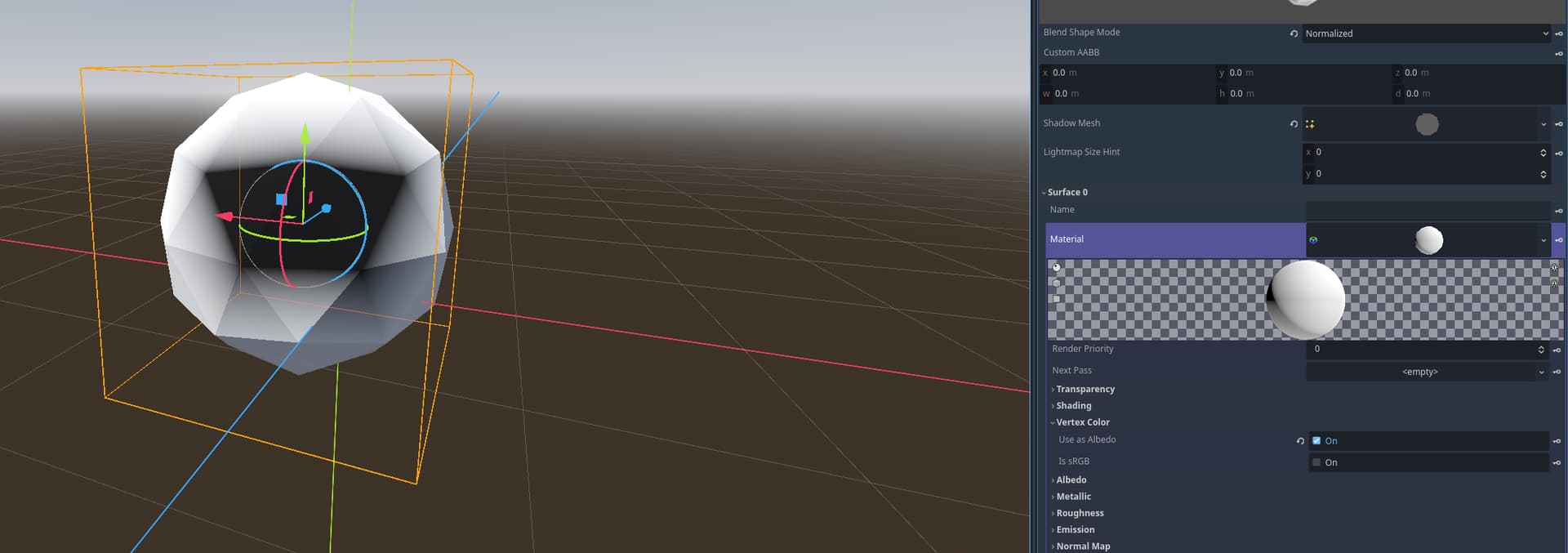
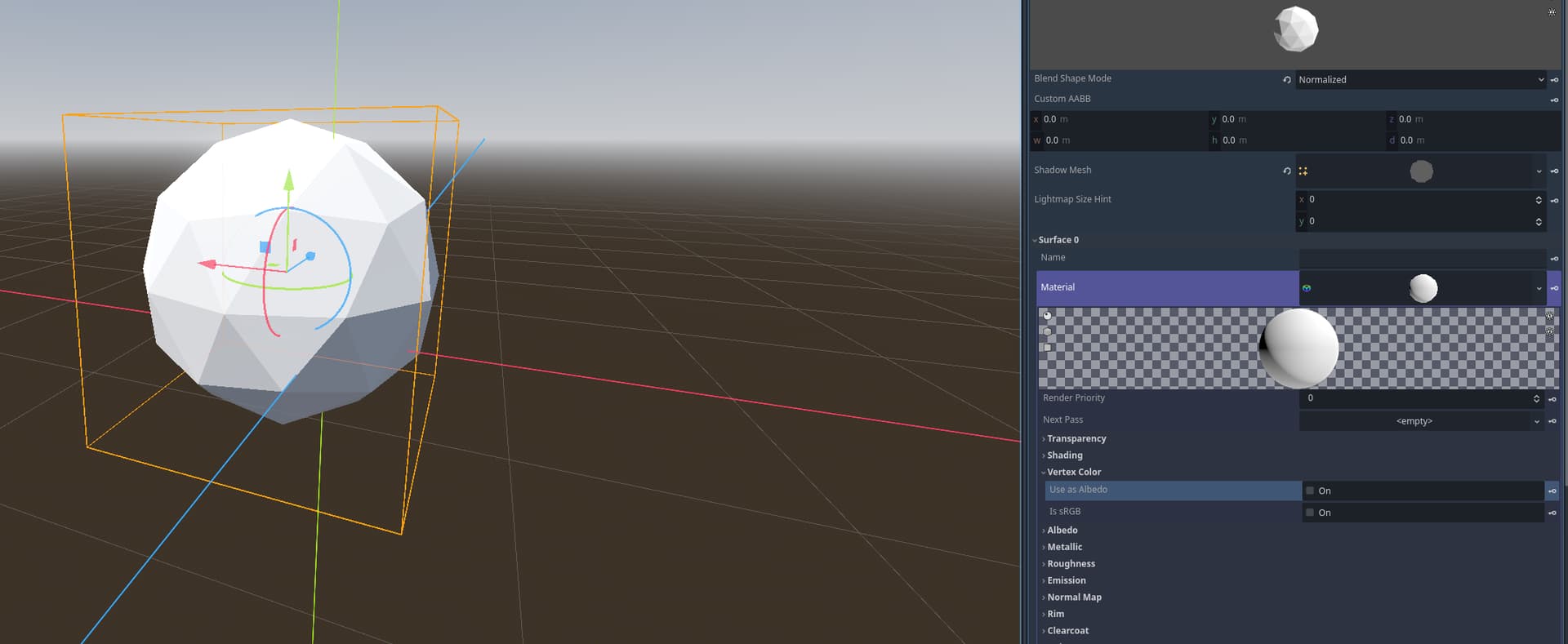
4.3 stable and 4.4 stable
Blender 4.3.2 and Blender 4.4.0
Question
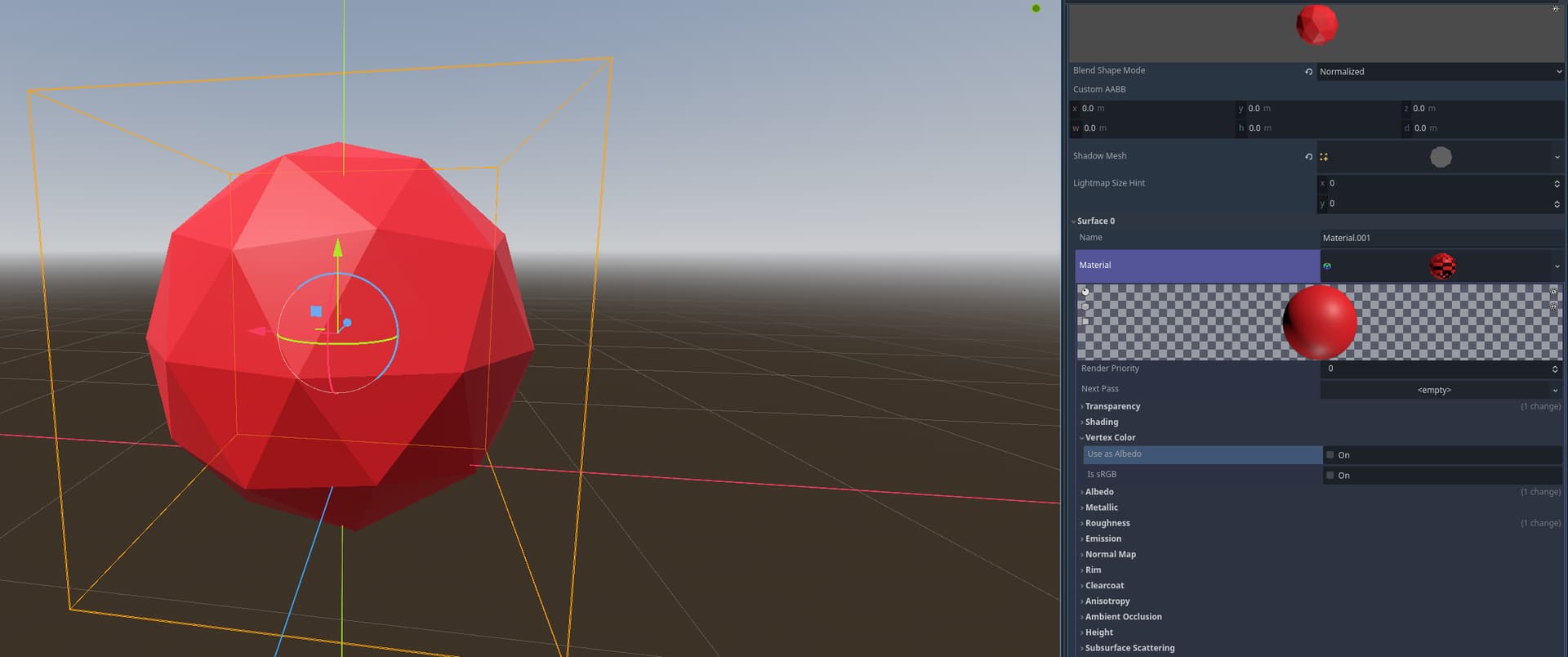
I’m trying to setup a workflow in blender to godot, where I would be using a combination of texture painting for the object, and vertex color information in order to pass some data to a custom shader.
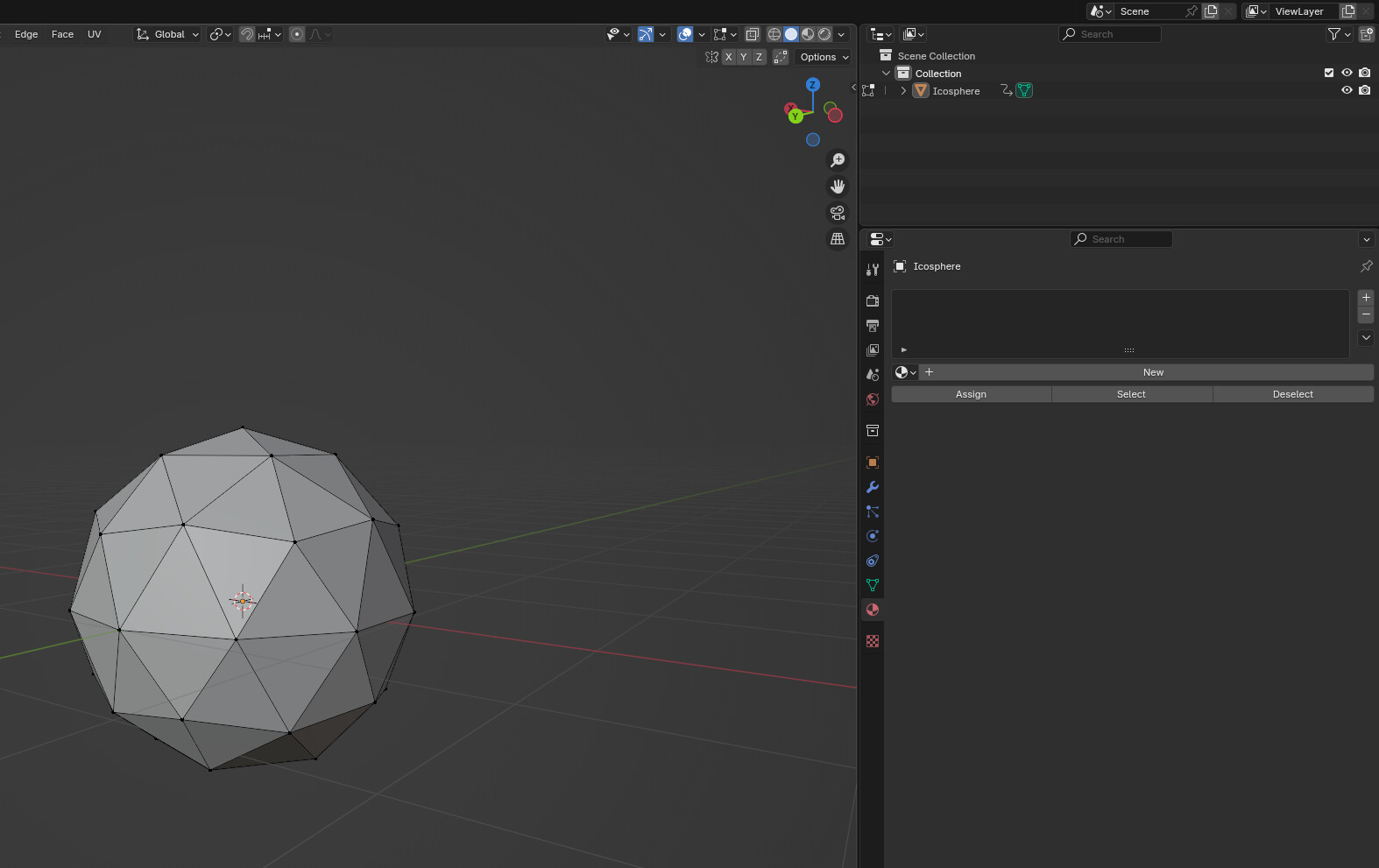
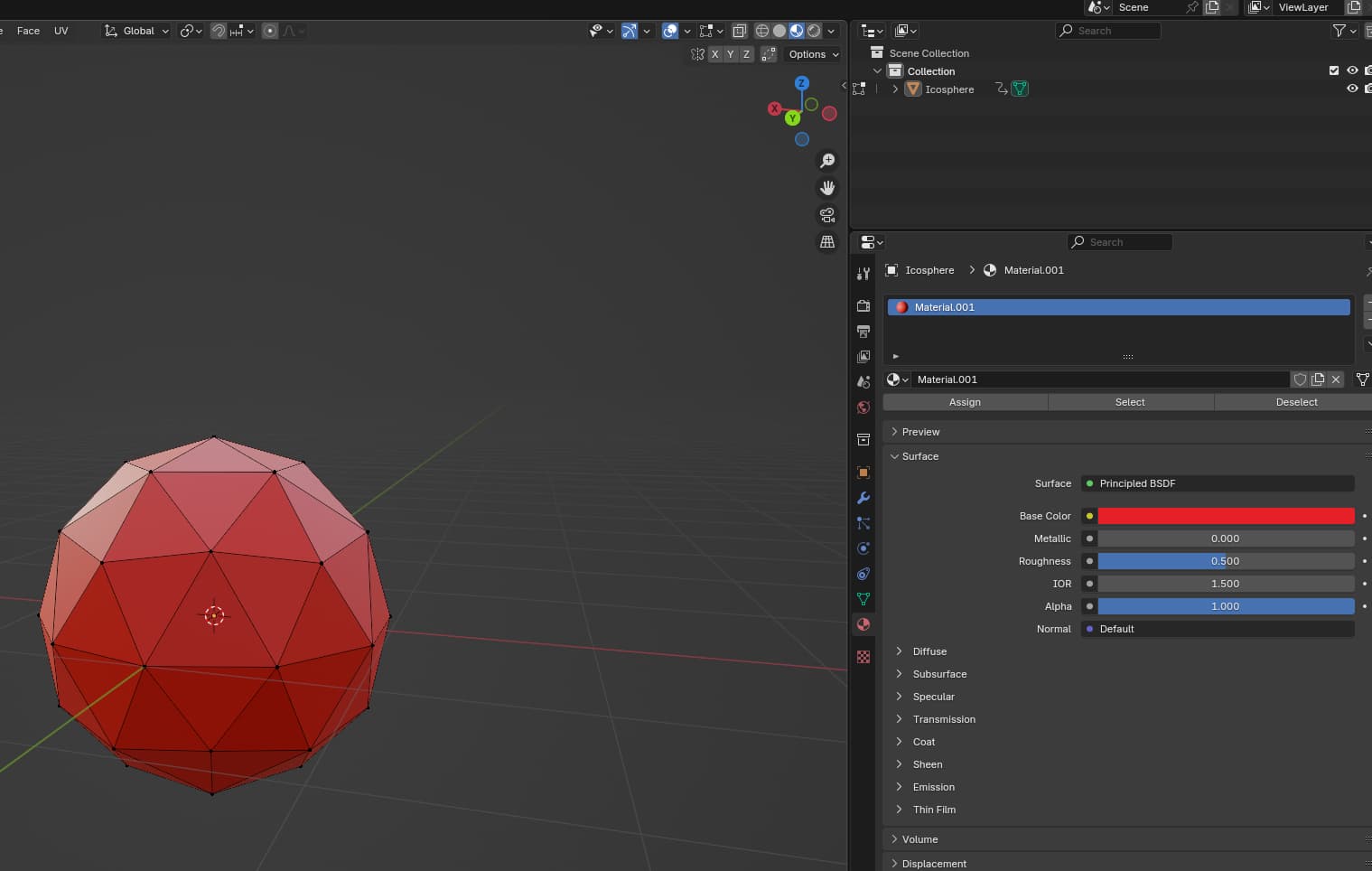
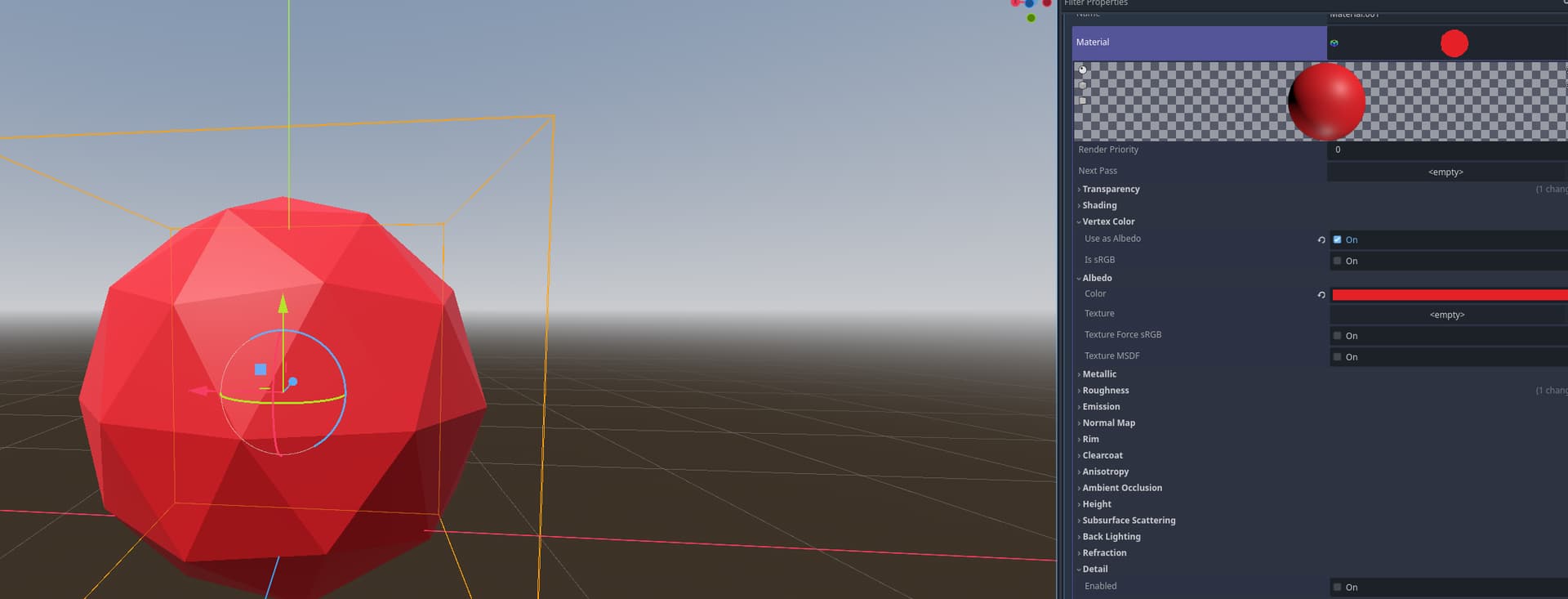
The issue I have with this is that the vertex color info seems to be disappearing from the moment I put a material on the blender object.
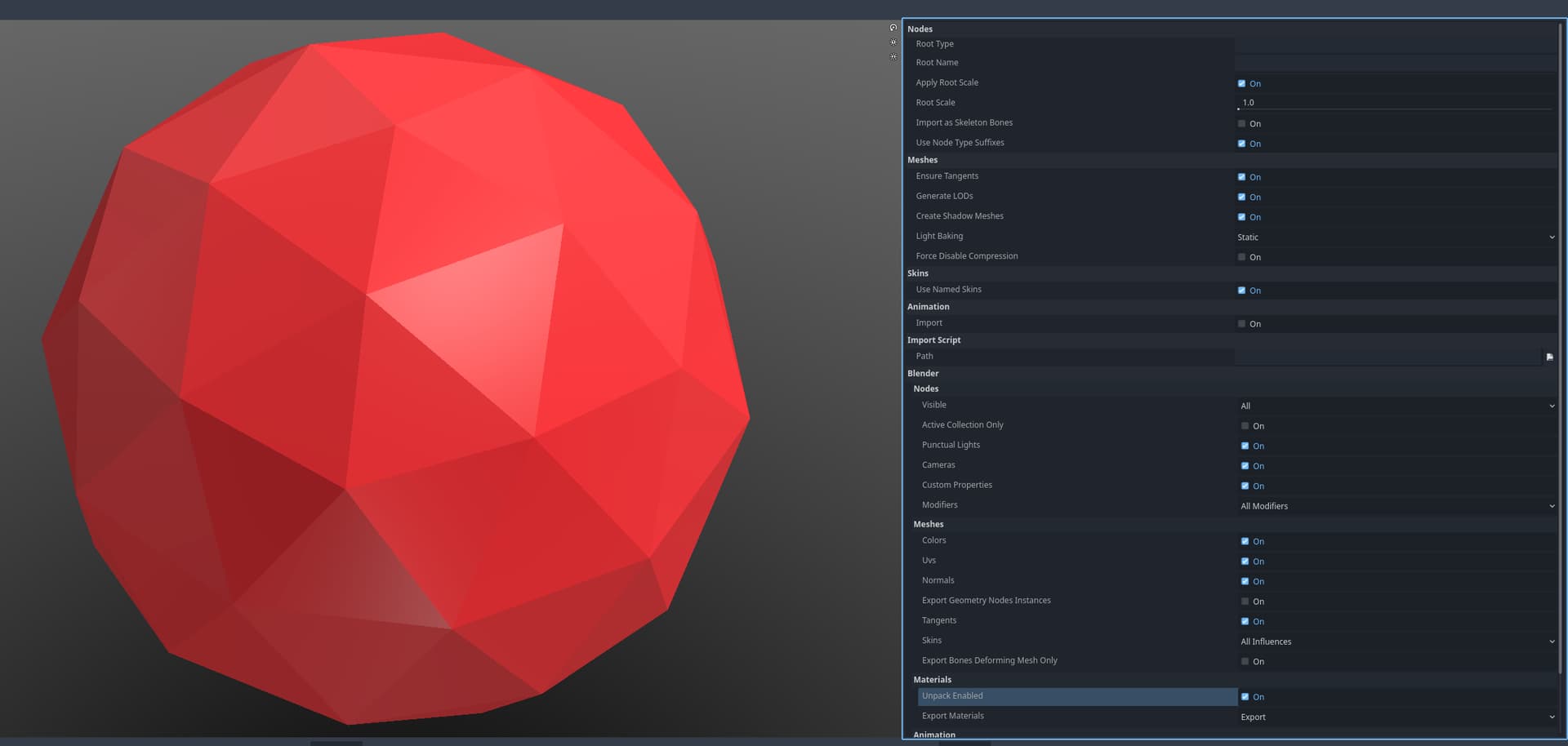
I use the blend file in the godot project for this post, but I did test with gltf export and tiggling with the export option relative to the vertex color didn’t yield much success.
As I’m a newbie with Blender, I suspect there might be a setting I’m missing in my Blender Project setup ?
I just had this issue today and found that the vertex colors import correctly into Godot from Blender when I plug the desired color attribute into the material somewhere before hopping over to godot. I’m not sure why it works this way, but that’s the least tedious solution I could find.
In my case though I have the .blend files set up in my project directory and the blender path defined for direct importing rather than using Glb or Gltf: here
I’m pretty sure it’s because of the settings. File → Export → glTF, then a dialog shows up and in the options tree you expand Data → Mesh → Vertex Colors. In there you have several options, which in my version are: Either don’t export the vertex color, or only export the active one, or only export it when it’s being used by a material. Then there’s two checkboxes: One exports all vertex colors even if not used by a material, but it says it changes something in a way I don’t understand. The other one exports the active vertex color when there’s no material.
I guess this in tandem with Material → Materials = Export/Placeholder/No export causes an unforeseen result in some combinations? Also, I have no idea what a vertex color being “active” means; I’ve never used or exported vertex colors…
What I usually do to export color attributes is to (in Blender) click the yellow dot left of the Base Color property on my material, and then I select “Color Attribute” as the color source. This makes sure the vertex colors get exported correctly.