Godot Version
4.4.10.stable
Question
When testing my game, I had realised that the viewport doesn’t expand with the actual window itself when scaled up in size (instead, the viewport stays the same size and borders form around it in the empty space). However, the viewport does scale downwards with the window (it still keeps the same proportions however). Although, changing ‘windowed’ to ‘fullscreen’ does eliminate the issue, but it is not the fix I want
I want to make it so that everything scales correctly with the game window (so everything expands/ shrinks properly when the window size changes to ensure that the window is filled with no borders. To be completely honest, I may have simply tweaked a couple settings without knowing and had made it not function properly since it was working perfectly fine the other day. Even so, I can’t for the life of me reverse whatever I did and I’m trying to get others’ perspectives on this that could help find the real issue.
What I have done to try and combat this issue:
I’ve went through all the different size ‘mode’ settings (windowed, maximised, fullscreen, etc.) with no positive results except for the aforementioned fullscreen ‘fix’.
I’ve tried all the ‘initial position type’ settings with no changes
I have tried running the game with resizable off and on, with no changes visible.
I’ve gone through the three stretch ‘mode’ settings (canvas_items, disabled and viewport), with no difference.
Went through the different ‘aspect’ options in stretch and scale mode with no fix.
Ran the game with ‘allow HiDPI’ enabled and disabled with no difference.
run the game with rendering modes “compatibility” and “forward +” with no fix.
^^
some of these probably have absolutely no correlation with my problem, but I’m really trying everything here

^^ my window settings ^^
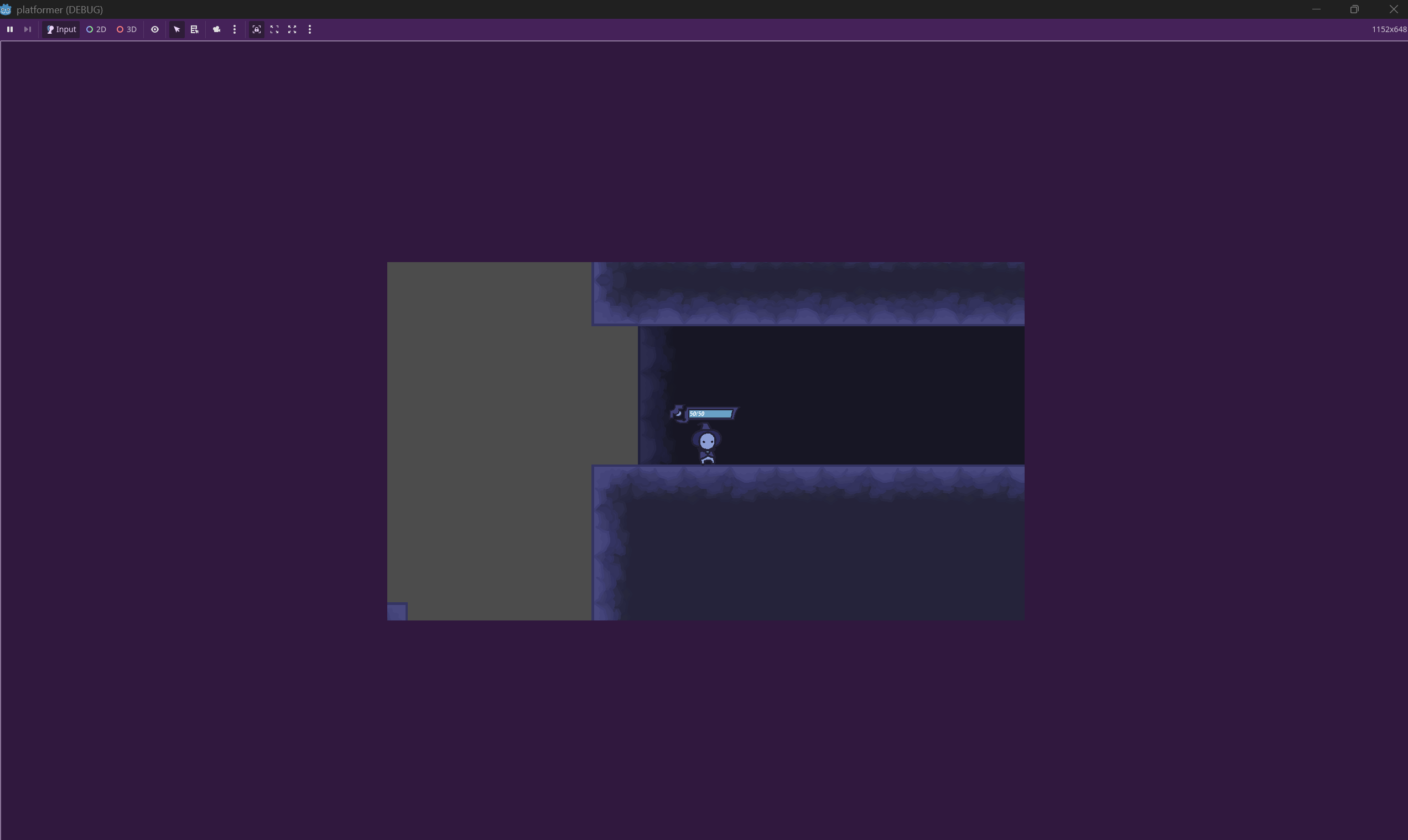
^^ showing how viewport doesn’t scale up with window
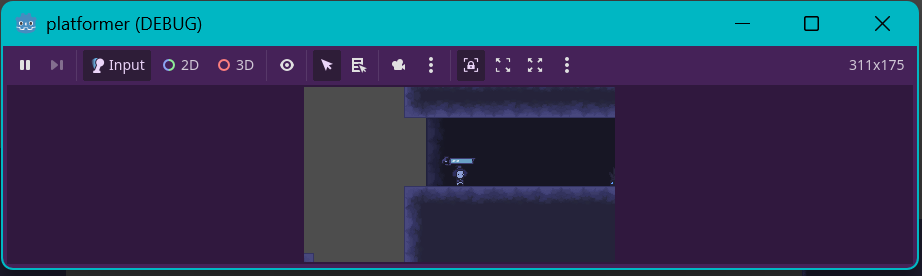
^^ showing how viewport scales down with window, but still keeps the same proportions.
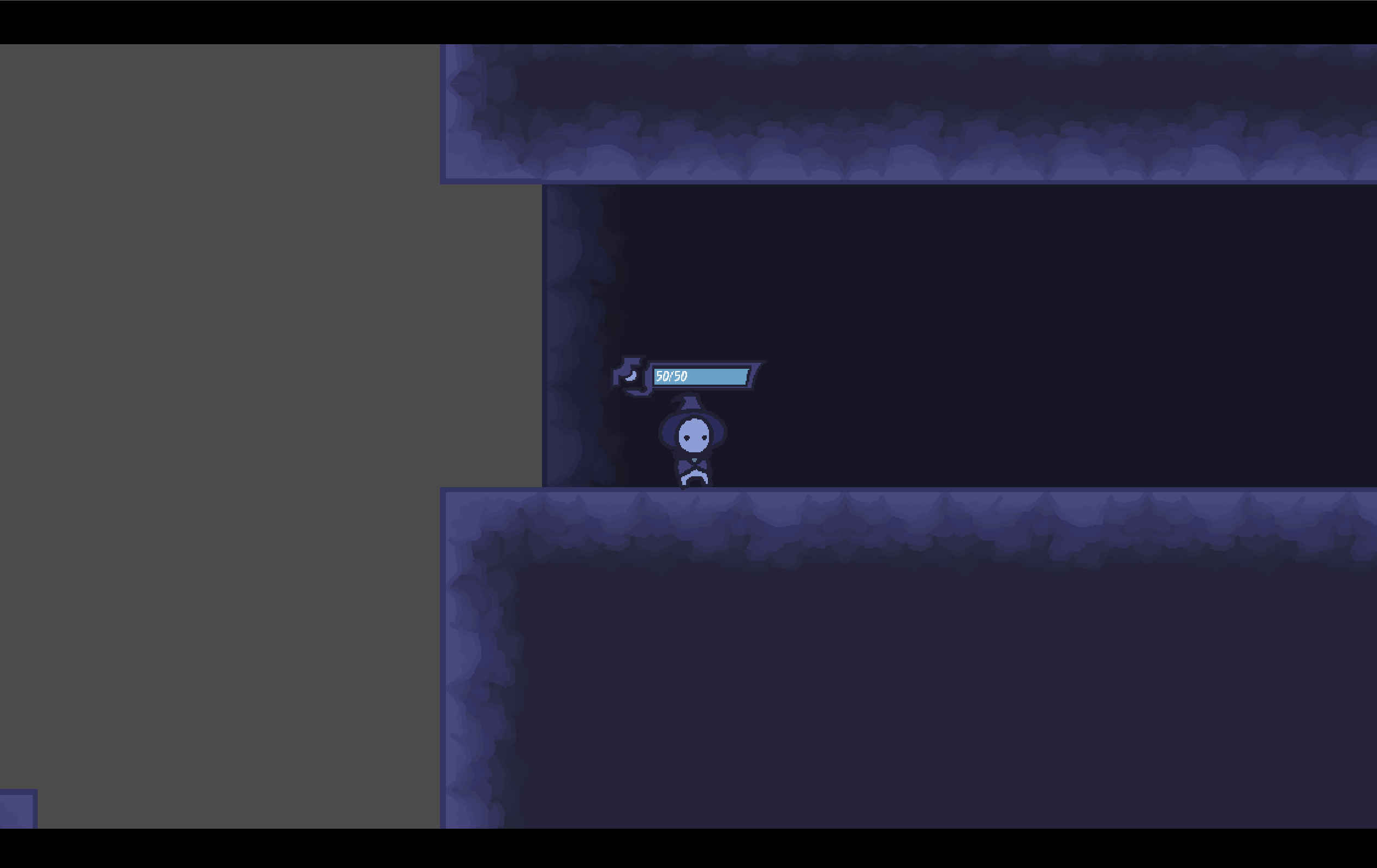
^^ showing how it looks fullscreen (it takes up the whole screen)