Godot Version
4.5
Question
I have a black and white texture from itch for a blood pool. Black is transparent while white is solid, mapping to the alpha works.
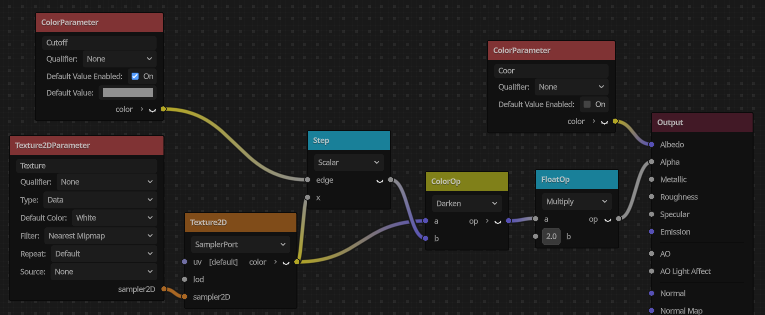
I want to be able to set a cutoff color that will make it so values below a certain lightness are transparent, letting me animate the pool. Currently I have a step op combining with a darken color op, which seems to work:

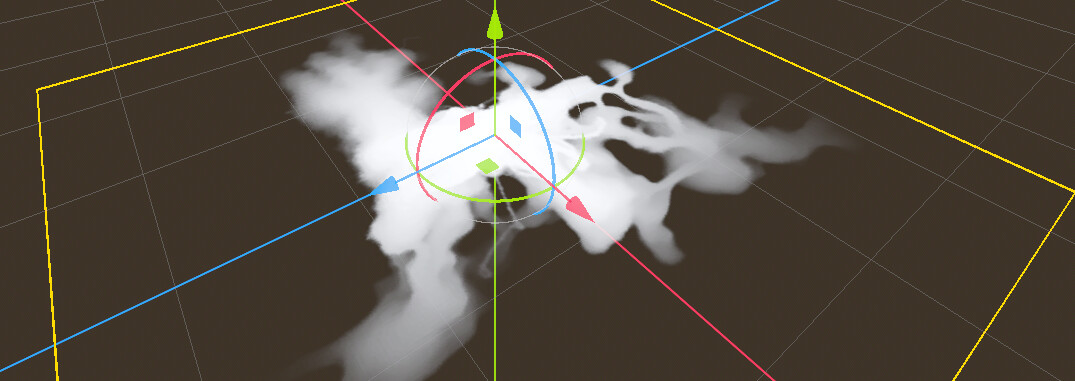
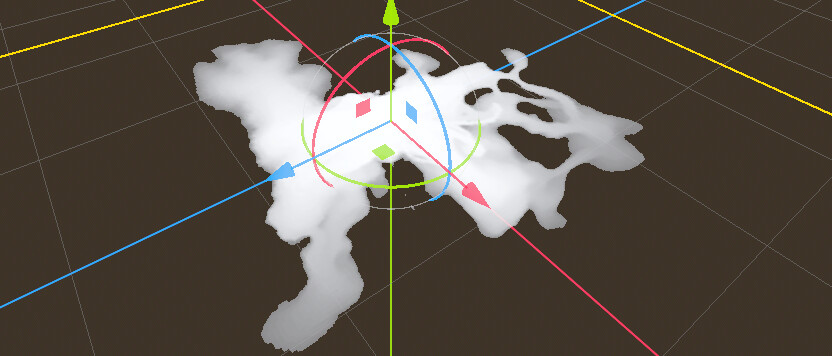
Some previews:

But I have a few questions:
- Is there a better way/more efficient way to achieve the same effect?
- The color is backward and you have to use black to show the entire image. How do I invert that?
- How can I make the transition smoother so it’s not 100% white at the limit of the cutoff?