Godot Version
4.5.1-stable
Question
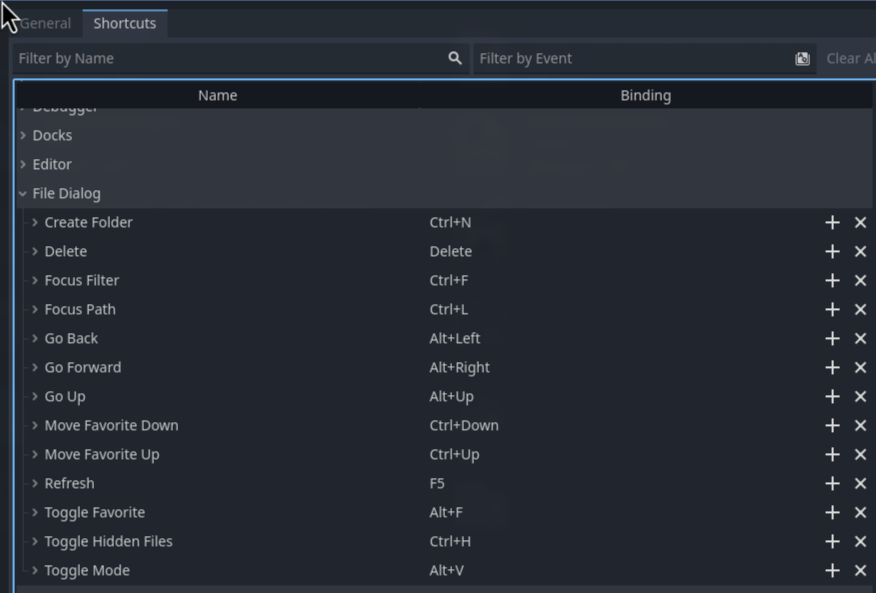
I am looking through the hotkeys to learn about useful stuff. And I saw these hotkeys. I have no idea how to even open up this “FileDialogue“ window. I know there is an equally named class, but I have never seen it in the editor natively.
Is there anybody that actually uses these hotkeys / knows how to open this FileDialogue Window?
Also: What does the “Toggle Mode“ mean?
Does it toggle this mode?
Thanks for your help

(I selected godot-4 as a tag because I had to, but I have no idea if these exist in Godot 3… No tag really fits this kind of question)