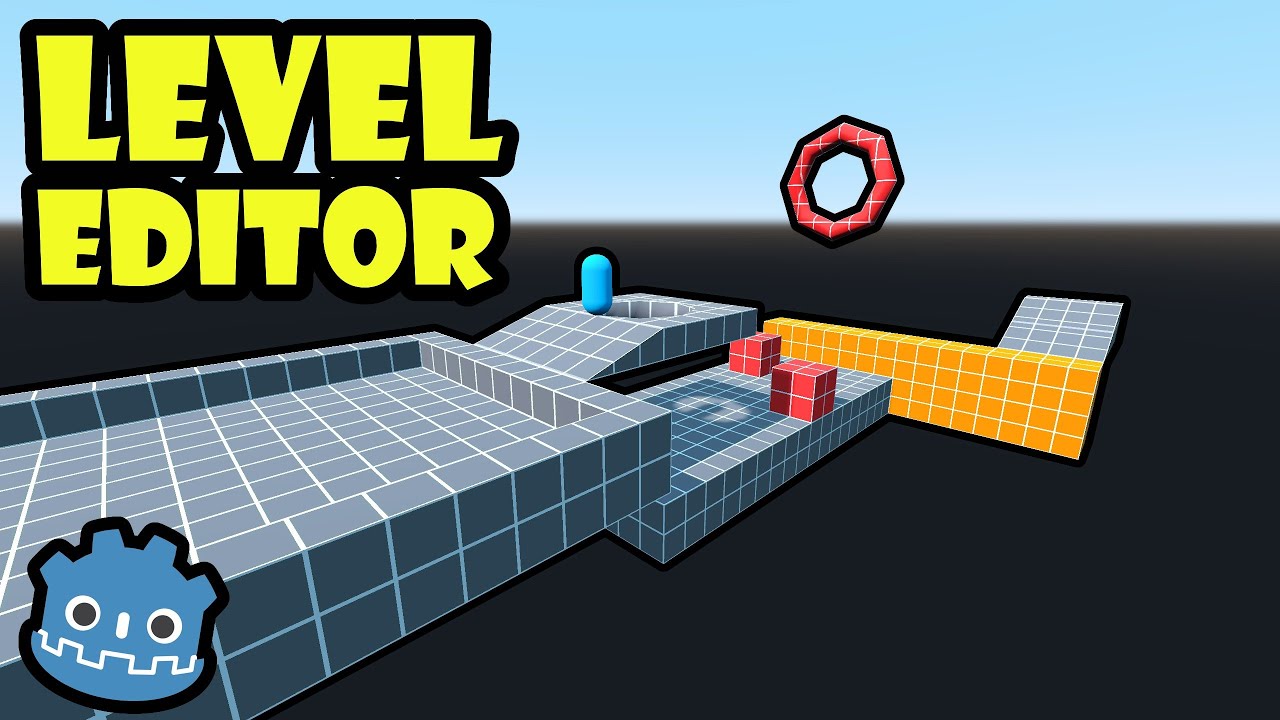
I see many games that their levels are first made with gray-boxing, and later modeled, however, I don’t know what to do that, What I’m mean are these 2 things.
How to gray-box a level, especially in 3D.
How to finish, create and add detail to that level.
Do you use blender, Trenchbroom, the default godot tools like gridmap or other external tools?
Honestly Greyboxing is just giving you an Idea what it should look like and to make it easy to change layouts, use whatever you think will help your idea manifest the fastest. If you do have time you can try learning a dedicated tool (FuncGodot, GodotVMF)
The fastest way I can think of is using any CSG node in godot, grabbing a generic texture from online and slapping it on there to test ideas.
All the game devs I’ve tried to get advice on this topic for does it there own specific way so just trying seems to be the best way to go. I’ve seen people greybox and then build their final meshes around the greybox, I’ve seen people greybox for a quick idea of how the level should be then scrap it and make it in blender.
There is no solution everyone goes for that I know of they just have a mix of tools and make do.
Hello! I would like to make you notice that according to the documentation:
Note: CSG nodes are intended to be used for level prototyping. Creating CSG nodes has a significant CPU cost compared to creating a MeshInstance3D with a PrimitiveMesh. Moving a CSG node within another CSG node also has a significant CPU cost, so it should be avoided during gameplay.
So, if you’re planning to make your game in production I would recommend you to switch all CSGMeshe nodes with MeshInstance3D nodes later on.
Worry about final when you need it. (since you might need specific needs to push it to a full level)
Planning too much would make you stuck in a loop of “oh I need to learn this to be able to do this specific thing” (that you might not even use in your final level)