After stepping forward. Thanks for putting so much time in to this btw.
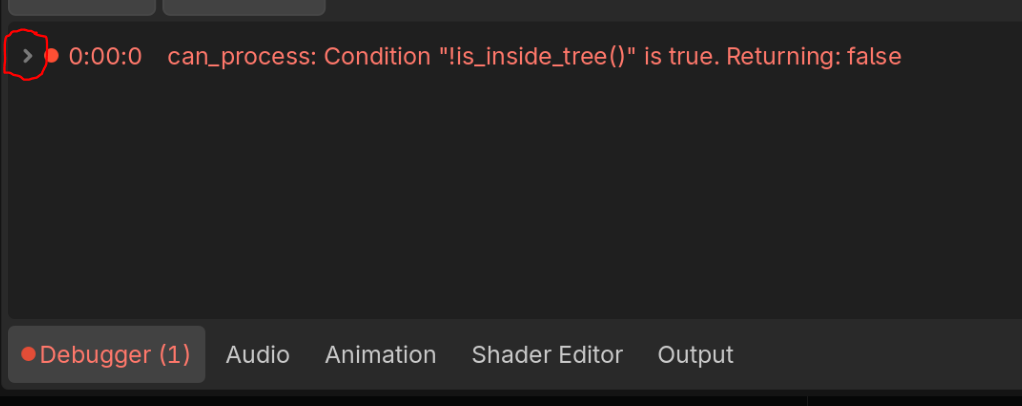
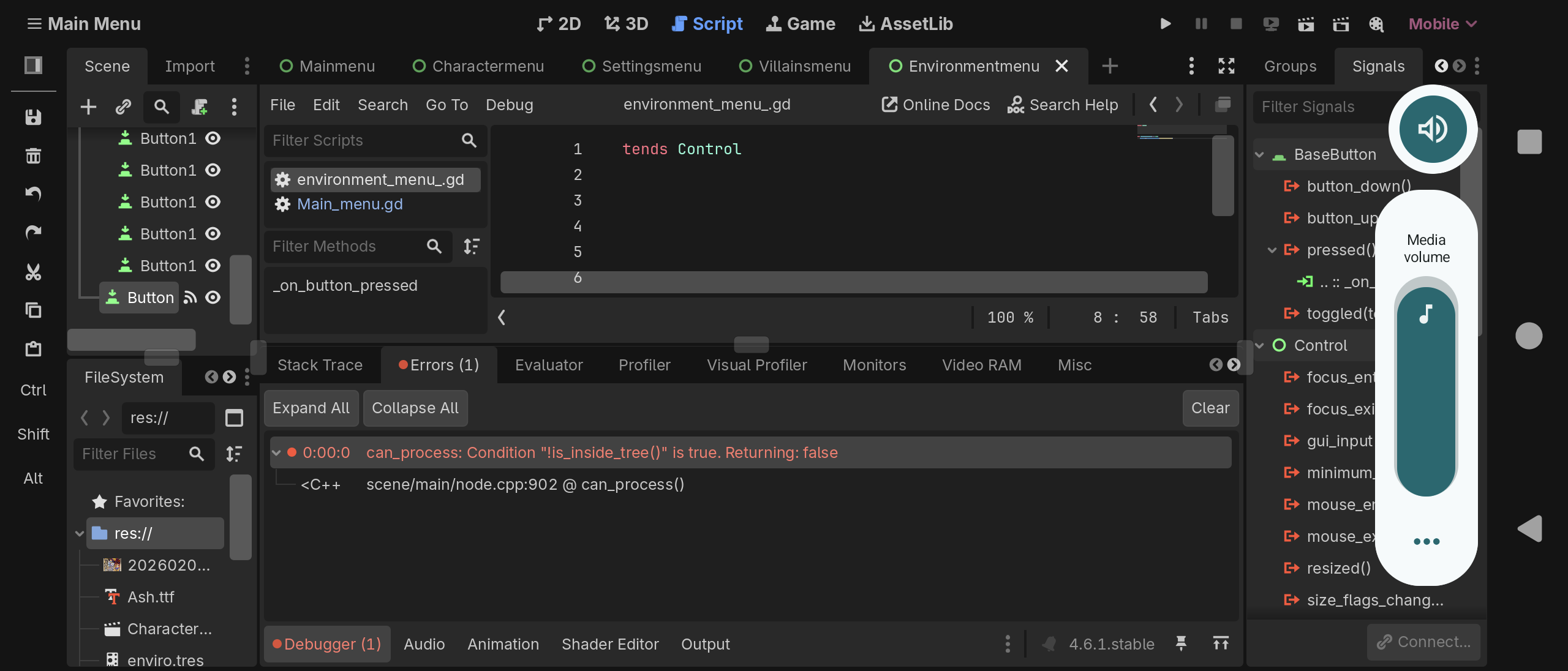
Now put push_warning("here") at the beginning of each of 4 signal handling functions and post the screenshot of debugger output. Expand all messages in the debugger.
This is from the one we’ve just been looking at. To be clear this is in a different scene than the previous 4. I’ll get rid of the call deferred in that scene and post results shortly. Not letting me attach the screenshot for some reason. Cut and pasted
W 0:00:02:649 environment_menu_.gd:8 @ on_button_pressed(): here
<C++ Source> core/variant/variant_utility.cpp:1034 @ push_warning()
environment_menu.gd:8 @ _on_button_pressed()
E 0:00:03:014 can_process: Condition “!is_inside_tree()” is true. Returning: false
<C++ Source> scene/main/node.cpp:902 @ can_process()
The call is not coming from the Main_menu.gd but from environment_menu_.gd. Why do you have two scripts?
I’d recommend renaming this to environment_menu.gd without the trailing underscore.
I’d like to know the answer to the question @normalized asked as well. Also, is line 8 of environment_menu_.gd?
This is a sub menu. The button we’ve been testing switches back to the main menu. Still having issues with the screenshot uploading. The original buttons all lead to empty scenes apart from the environment menu which I started setting up a layout. FYI the error triggers each time going back to the main menu.
I thought the error triggers each time one of 4 buttons in the main menu is pressed. That’s what you’ve been implying from the start.
You need to be maximally clear and precise in your communication. We don’t see your screen, can’t test-run your project and can’t read your mind.
Copy paste the complete code of environment_menu_.gd here.
Btw remove that sloppy trailing underscore from the script name because things like that suggest that you don’t know or don’t care what you’re doing.
That’s been removed. The last code I pasted was the environment menu. FYI from the main menu trying to change to settings menu
W 0:00:03:585 Main_menu.gd:5 @ _on_button_pressed(): here
<C++ Source> core/variant/variant_utility.cpp:1034 @ push_warning()
Main_menu.gd:5 @ _on_button_pressed()
E 0:00:03:594 can_process: Condition “!is_inside_tree()” is true. Returning: false
<C++ Source> scene/main/node.cpp:902 @ can_process()
There’s been a lot of back and forth but I did say a while back it was a different scene.
Also the warning says it’s coming from environment_menu.gd yet you’re showing environment_menu_.gd (with added trailing underscore). How many scripts there are in the project? You said there’s no other code than Main_menu.gd. Apparently there is.
Can you post the whole project?
There wasn’t any other code at that point. I started working on the environment menu after starting this thread. The only code in it is the single change scene back to the main menu. All the code has been given in this thread. The main menu with 4 scene changes to sub menus and the environment menu with the 1 scene change coded back to the main menu.
I got rid of the trailing space after submitting the error. I’m coding and posting on my phone which is why there ends up having trailing spaces from entering text at times
To save everyone’s time, best to zip the whole project and post it on some file sharing platform. That way someone will be able to run it and see if the error reproduces.
Link to the project if anyone wants it.
There’s no project file in the zip.
I just looked at it. I zipped the entire folder and everything seems to be there. The zip should contain a folder called Sentinels with all the files in it. I copied it from another I specifically set up to save projects to.
There’s no project.godot file in the archive.
Try that. Not sure why it was included previously. It’s in the same folder
Upload the proper complete project folder. I’m not going to chase individual files around.