Godot Version
4.4
Question
How to add a physics layer on my tileset?
There is no physics layer, I want to add one.
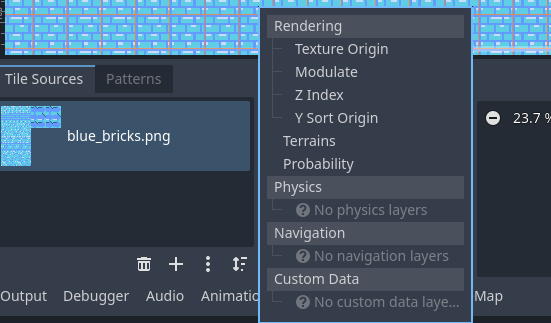
In version 4.3 there is an ‘Physics Layers’ section in the TileMap inspector.
There you can add a new physics layer to the tilemap.
Now in 4.4, there is no Physical Layers element. What do I do?
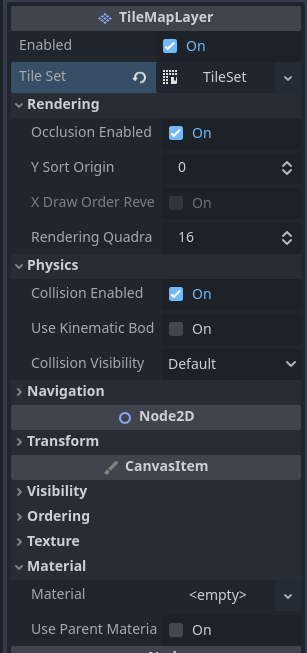
When I open other projects/scenes that have a physics layer set, I see no change from the inspector from what I set on mine.