i have heard that the godot Editor was made using Godot itself. I would like to see (and copy) the code of the editor for my plugins, as I would like my stuff to work exactly as the native UI.
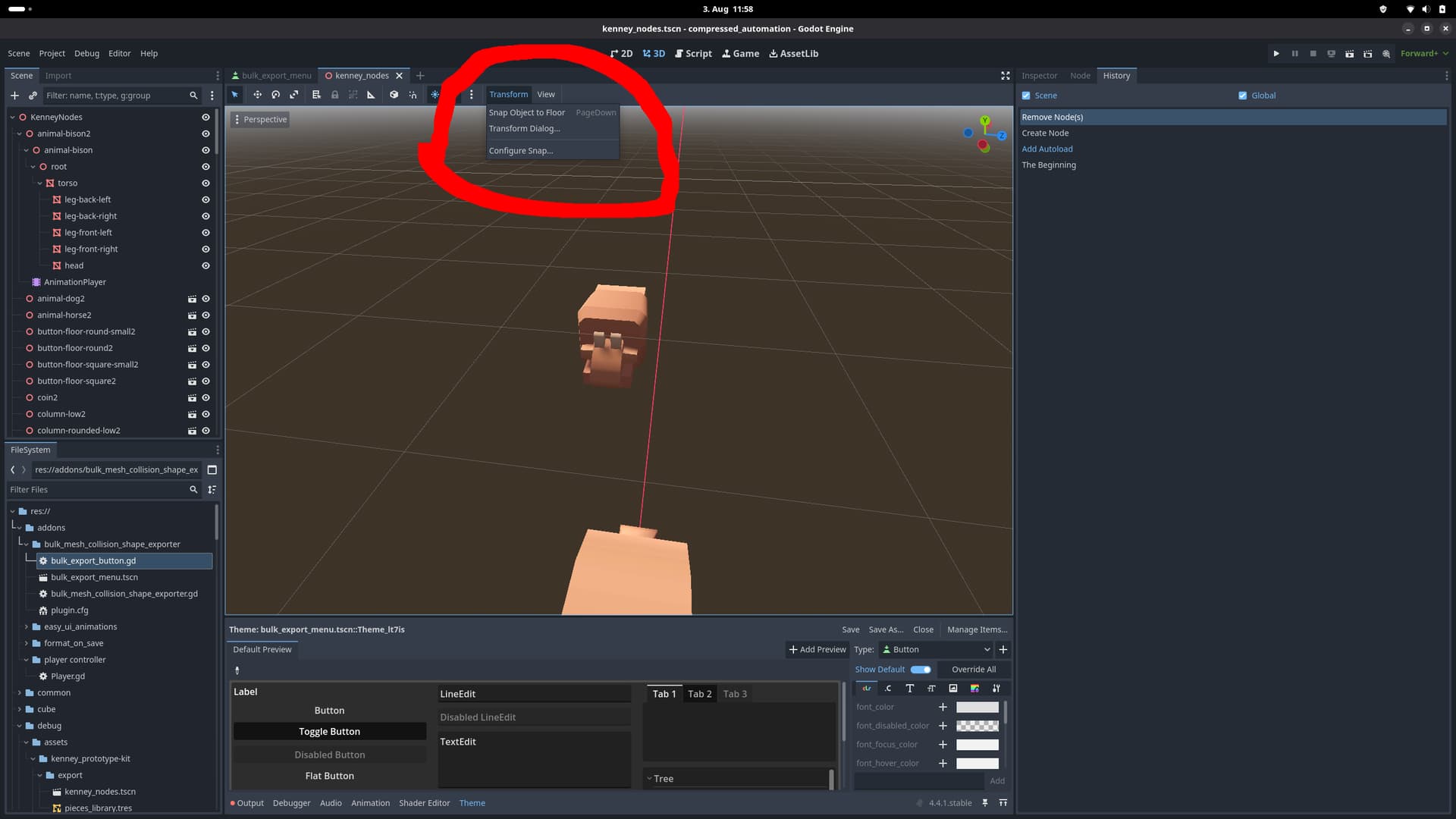
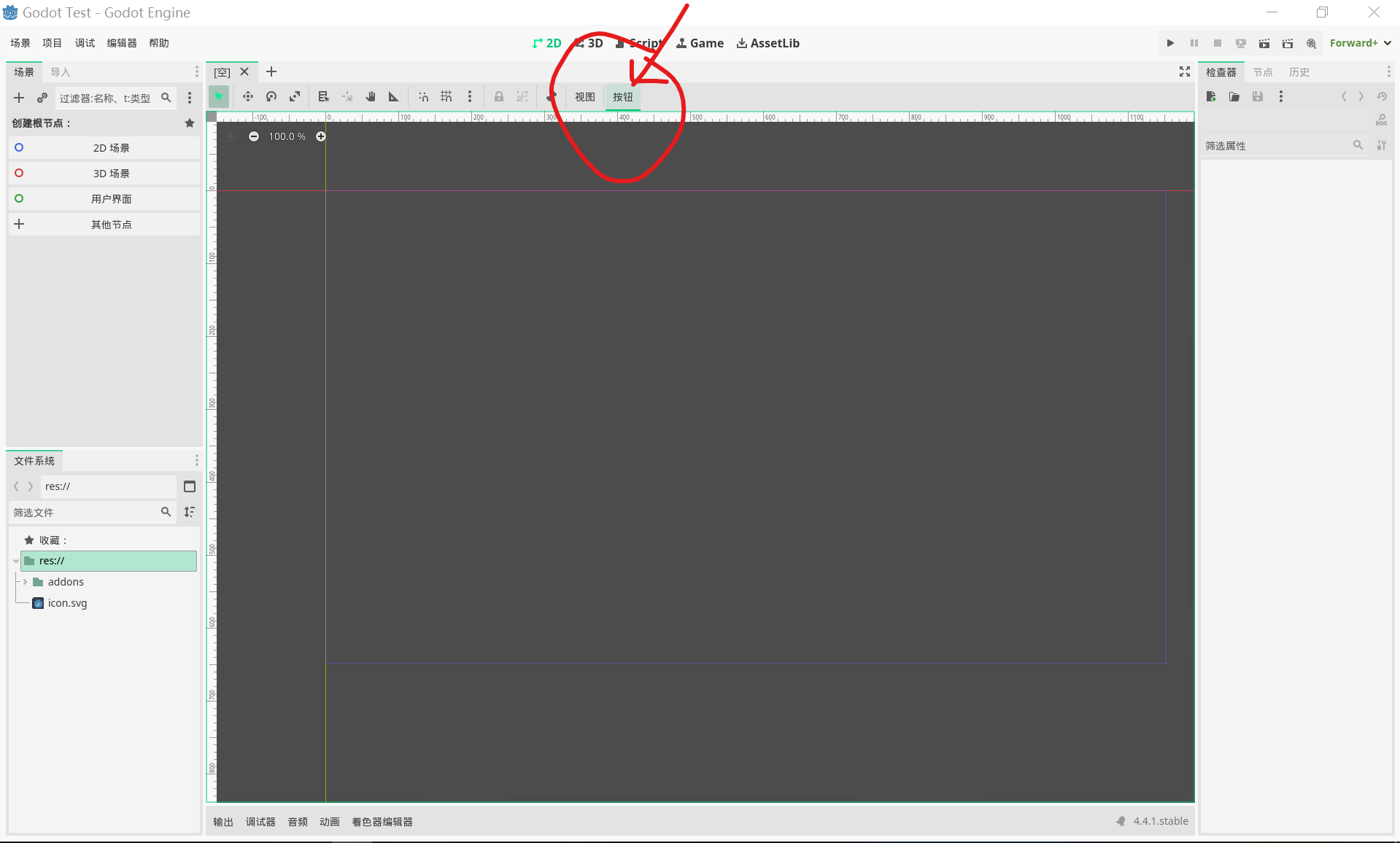
In this case for example I want to add a Button with a Popup kind of like this:
I could not easily figure out how to do it. I could just directly ask how to do it here. But I think it would be much more helpful to be able to see the existing code for stuff like this, so I can help myself with this kind of problem.
While (as far as I know) the Godot editor UI does use the same functionality as plugins, the engine is written entirely in C++ and doesn’t exist as a Godot project. In case you’re familiar with C++, you can find the source code here, although I don’t know how helpful it will be to copy from:
You can make dropdowns in Godot with the class MenuButton, the docs explain pretty well how to use it.
Thanks for your help.
As for my main question, i will consider it impossible to view the implementation in gdscript, since it is apparently not implemented in gdscript.
I am currently working on using Popups (-: