Why does my RigidBody3D only detect some collisions?

Godot Version

v4.5.rc1.official [08e9e6b29]

Question

I have a pretty simple scene with a floor and a wall. There’s a CharacterBody3D and I shoot bullets which are RigidBody3Ds.

However, the bullets don’t “collide” with the ground or the wall. The ground and wall are StaticBody3D. Every so often one does collide, often with a separate bullet. Other times, they just pile up, not being detected.

My bullet code:

extends RigidBody3D

@export var speed = 10.0

func _physics_process(delta: float) -> void:
	move_and_collide(-transform.basis.z * delta * speed)

func _on_body_entered(body: Node) -> void:
	if body is StaticBody3D:
		print('static')
	queue_free()
	print('dead')

So, you can see it should always “die” after detecting, and print “dead” and possible “static”. However, they don’t print “dead” and don’t go away.

My bullet scene, you can see it’s just some meshes with a box collision mesh:
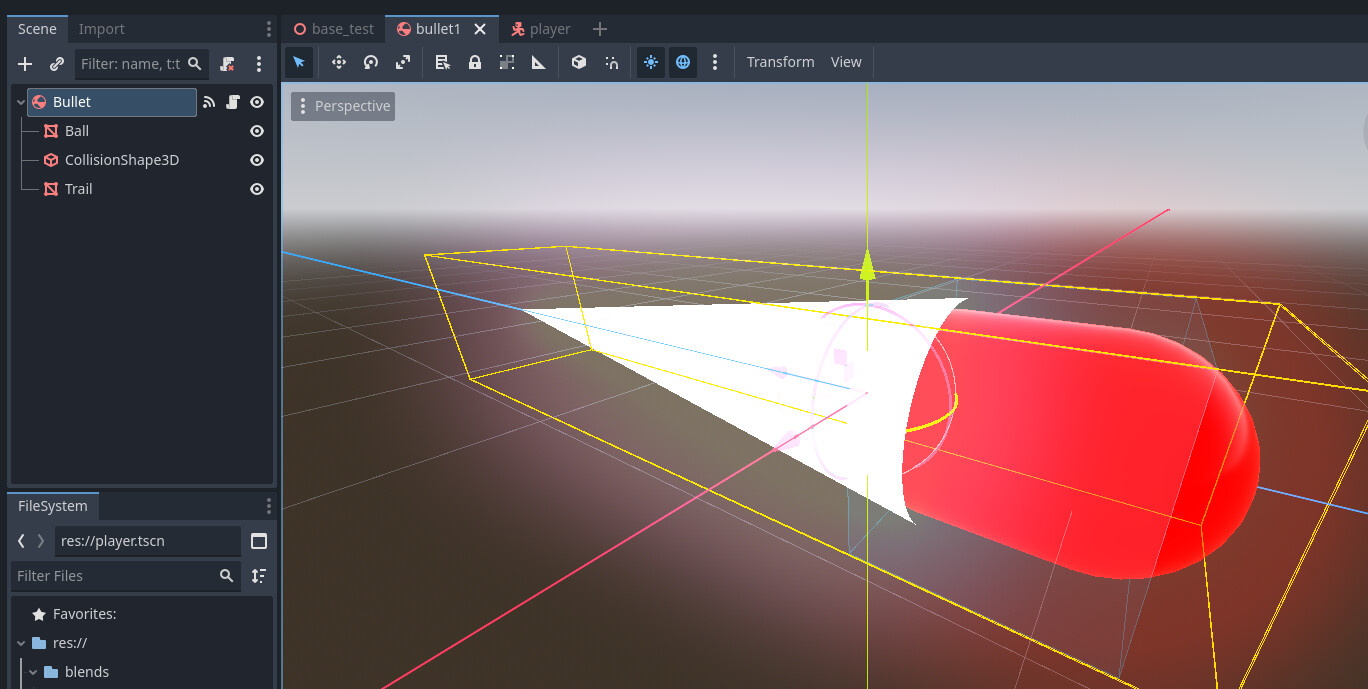
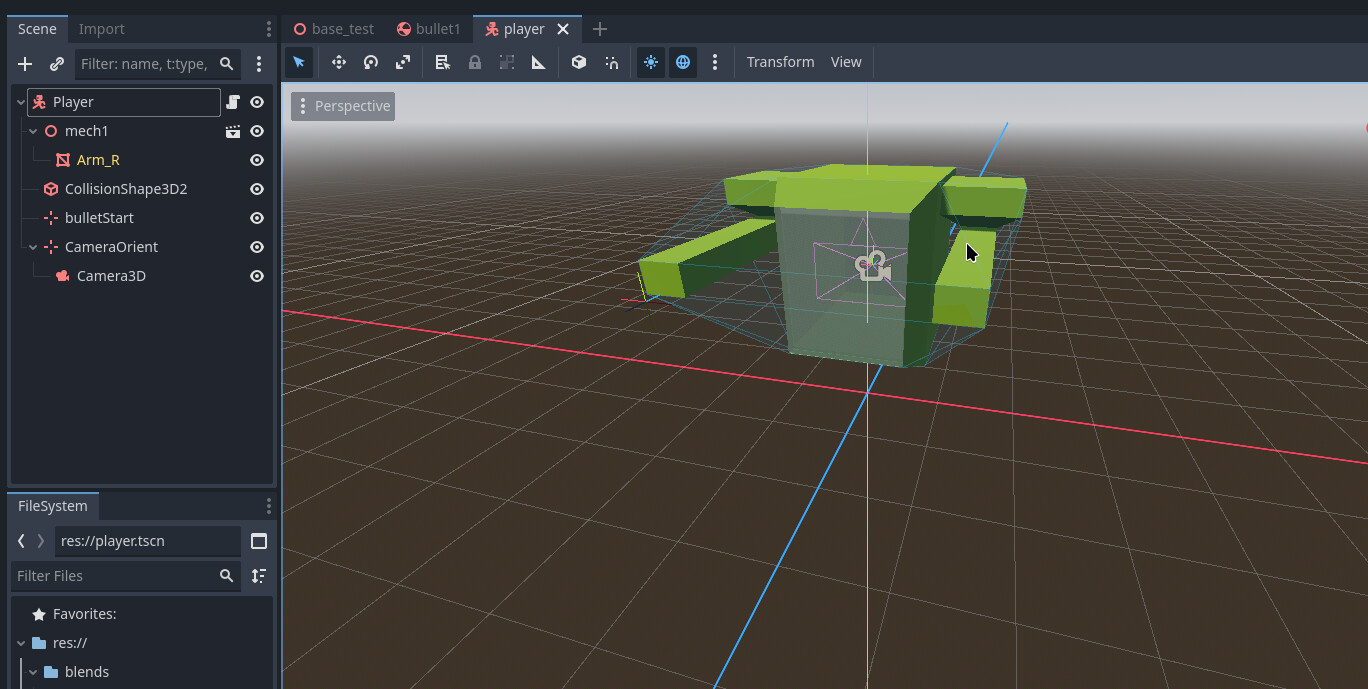
My player scene is a mesh, a collision shape, a pivot with a camera, and a marker for where the bullets will originate:
The player script is also pretty basic:

extends CharacterBody3D

var gravity = ProjectSettings.get_setting("physics/3d/default_gravity")
var speed = 5
var jump_speed = 5
var mouse_sensitivity = 0.002

var yaw: float = 0.0
var pitch: float = 0.0

@onready var cam: Camera3D = $CameraOrient/Camera3D
@onready var bulletStart : Marker3D = $bulletStart
@onready var cameraPivot : Marker3D = $CameraOrient

var bulletScene = preload("res://bullet1.tscn")

func _ready() -> void:
	Input.set_mouse_mode(Input.MOUSE_MODE_CAPTURED)

func _physics_process(delta):
	# Gravity
	velocity.y += -gravity * delta

	# WASD movement
	var input = Input.get_vector("move_left", "move_right", "move_forward", "move_back")
	var movement_dir = (transform.basis * Vector3(input.x, 0, input.y)).normalized()
	velocity.x = movement_dir.x * speed
	velocity.z = movement_dir.z * speed

	move_and_slide()
	

func _input(event):
	if event.is_action_pressed("rotate_lock"):
		if Input.mouse_mode == Input.MOUSE_MODE_CAPTURED:
			Input.set_mouse_mode(Input.MOUSE_MODE_VISIBLE)
		else:
			Input.set_mouse_mode(Input.MOUSE_MODE_CAPTURED)
			
	if event.is_action_pressed("fire"):
		var newBullet = bulletScene.instantiate()
		newBullet.position = bulletStart.global_position
		newBullet.rotation = bulletStart.global_rotation
		add_sibling(newBullet)
		
	
	if event is InputEventMouseMotion:
		rotate_y(-event.relative.x * mouse_sensitivity)
		cameraPivot.rotate_x(-event.relative.y * mouse_sensitivity)
		cameraPivot.rotation.x = clampf(cameraPivot.rotation.x, -deg_to_rad(70), deg_to_rad(70))

		# Apply yaw to the player body (Y axis)
		if Input.mouse_mode == Input.MOUSE_MODE_CAPTURED:
			cam.rotation.y = yaw
		else:
			rotation.y = yaw

		# Apply pitch to the camera (X axis only)
		cam.rotation.x = pitch

My main scene is simple:
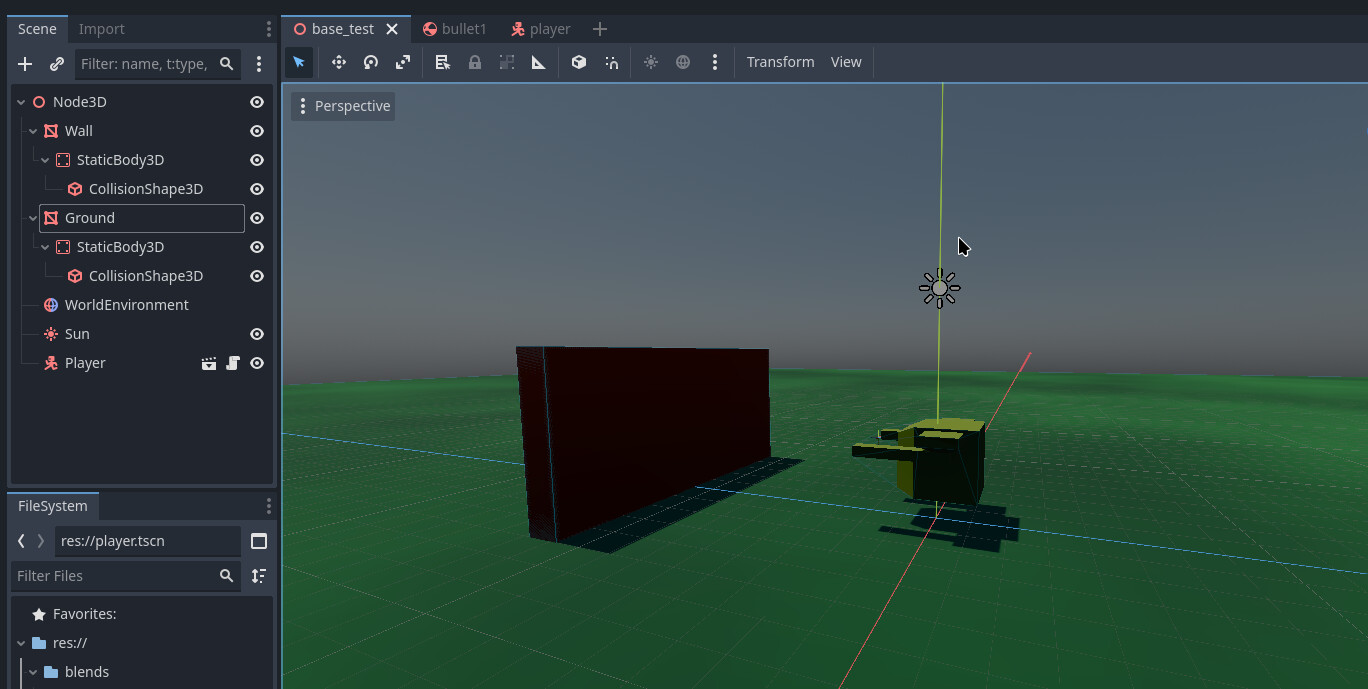
But when I run and shoot bullets:

no “dead” or “static” is output until they collide with my character model

Based on the fact that you didn’t include the physics collision layers and masks of the items having the issues, I’m guessing your problem is there. What are your physics collision layers and masks set to for the bullets, ground and wall?

Personally I use an Area3D for the wall (and the bullet if you want), because 2 bodies can’t penetrate together and the body_entered will not be triggered. An Area3D can penetrate a StaticBody3D or another Area3D. So your wall must have both a StaticBody3D and an Area3D.

1 Like

Did you enable RigidBody3D.contact_monitor and set a high enough value to detect all collisions in RigidBody3D.max_contacts_reported?

I think you should use an area3D for your bullet and keep staticbody for the wall.
If you want to keep a rigidbody for the bullet for gravity and so, you can add an area3D (slightly bigger than the bullet) on your bullet that will detect collision with the wall and trigger your disapear code.

Everything is the default, no changes to masks or collisions.

Yes, enabled and set to 10.

I don’t understand why I’d want an area3d. I thought that was determining the physics properties of an area, an area in which the Static body and rigid bodies would move about?

Yes, Area3D has two methods: get_overlapping_areas() and get_overlapping_bodies(). The latter is for when your RigidBody3D enters inside an Area3D.
A RigidBody3D can totally pass through an Area3D; when this happens, the body is listed in the get_overlapping_bodies() array.
The most important thing is to make an Area3D that is bigger than the StaticBody3D (or RigidBody3D), because the bodies can’t overlap each other.

To answer more precisely, the problem is here. You use a RigidBody for your bullet and a StaticBody for the wall. As I see in the video, you set the mask so the bullet can’t go threw the wall, hence this code should not trigger because the wall will NOT enter the body of your bullet. Sometimes it does, this is a race between inside the engine.
If you want the bullet to be free when it touch the wall, the bullet need a way to know it touch the wall → An area3D overlapping your bullet will do the trick :wink:

2 Likes

Oh I see, thanks

Couldn’t it be the other way around too? Like a tiny Area3d would be completely overlapped by a larger StaticBody3D? Or a tiny StaticBody3D completely encased within an Area3D?

The Area3D must be bigger than the body; the opposite doesn’t work.
Personally, in your case, I’ll set an Area3D inside your StaticBody3D (the wall) and another Area3D inside your RigidBody3D (the bullet), and use the method get_overlapping_areas() or the area_entered() signal to trigger the contact. Of course the Area3D must be a child of the body.
Two Area3D can overlap perfectly, and even an Area3D with a body.

There are a couple other ways to deal with this:

  1. Use a RayCast3D from the front of the bullet. If for example you want to deploy a decal on an object, it’ll tell you exactly where to deploy it. You just store what it’s colliding with until the actual bullet collision, and then apply the decal or do whatever else you wanted to do at the collision point.
  2. Change the bullet from a RigidBody3D to an Area3D itself. Unless you for some reason need the bullet to bounce or push other objects aside, there’s no reason for it to be a RigidBody3D, and you’re wasting physics processing cycles on every bullet.

Personally I use the latter solution for bullets, energy beams and magic missiles. I use RigidBody3D for things like grenades and poke balls.

1 Like

Other responses say the Area3d needs to be larger than the staticbody. Is this right?

Bullets would all be fairly tiny.

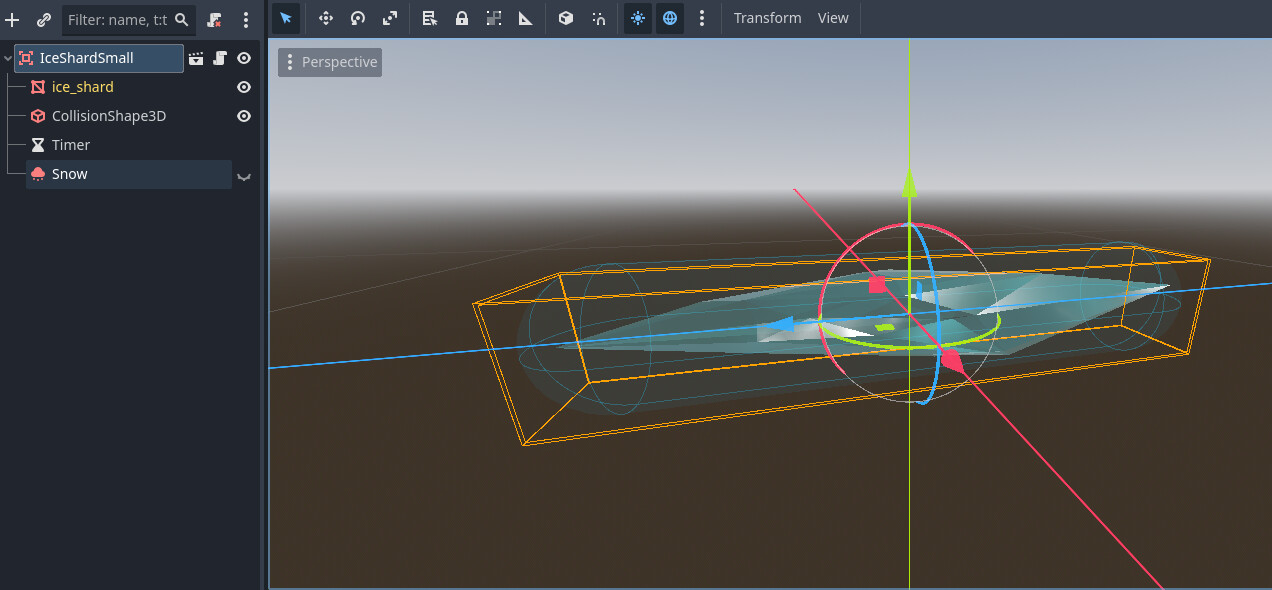
Yes - if you have a StaticBody3D. But I’m saying, don’t have either. Here’s an example of a magic ice missile from an old game jam game I made.

Its root is an Area3D; then it has a MeshInstance3D, a CollisionShape3D, a Timer, and a GPUParticle3D attached to it. There is no …Body3D of any kind attached to it.

I see.

I thought what the other responders were saying is that the Area3D needs to be larger than the thing it’s intersecting, but I understand what they meant now.

1 Like

This topic was automatically closed 30 days after the last reply. New replies are no longer allowed.