Godot Version
4.6
Question
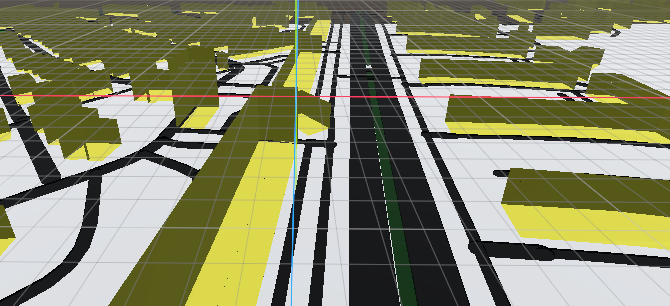
I exported a mesh from blender that was imported as a stl file and it now looks like this in godot:
Your normals are flipped. Flip them in Blender and reexport.
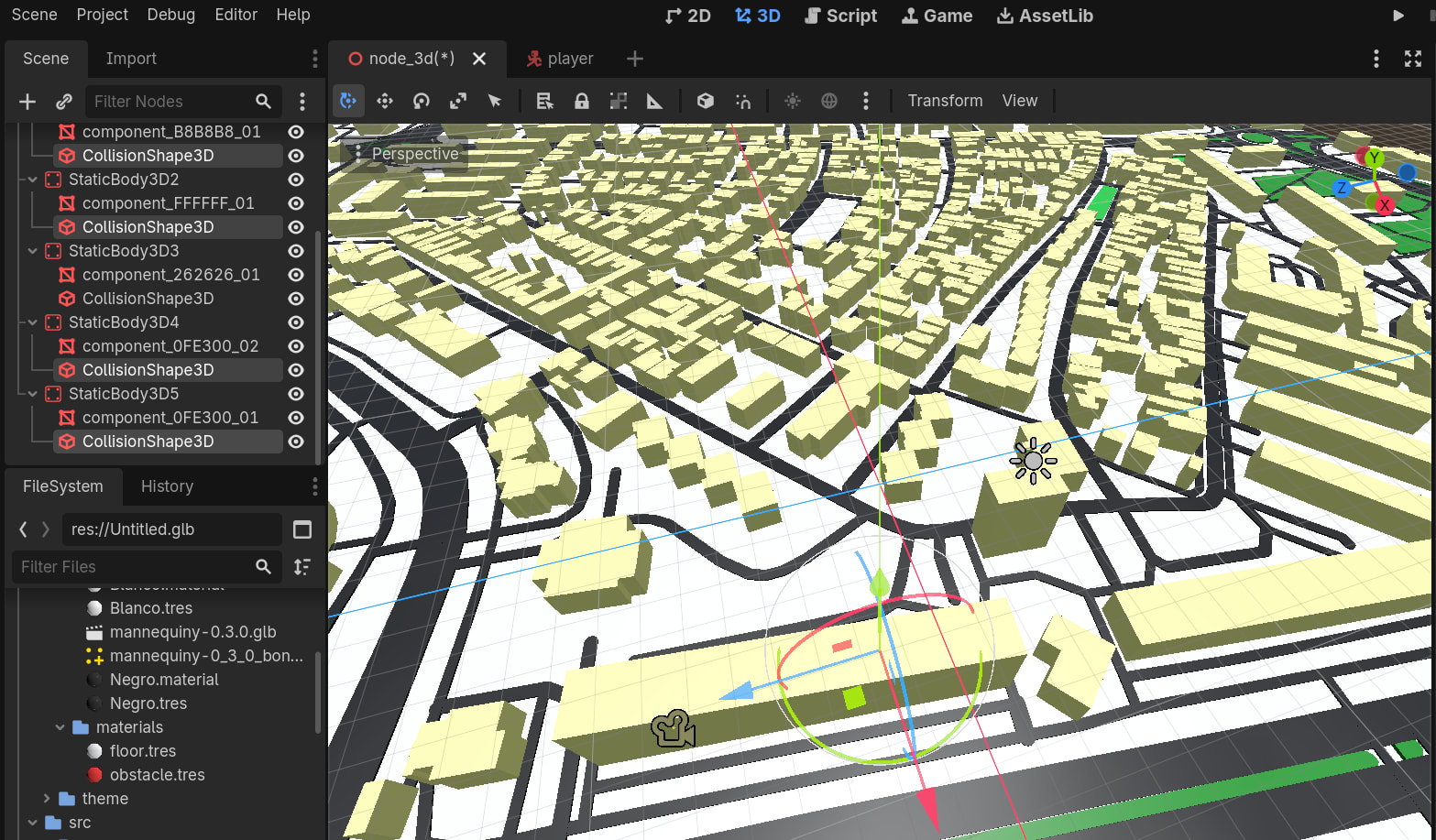
Thanks! that worked! But now when i create the collision for the meshes they are smaller than the mesh. Can you help me with that too?
Are the objects scaled? It’s recommended to keep scale at 1, 1, 1. Apply the scale in Blender and rereexport.
The objects in blender all have the scale:1,1,1
How do you get/generate your collision shapes?
EDIT: Is it one huge mesh?
I selected all the meshes in godot, went to mesh and then create collision shape
They are static, concave?
My map is split in five meshes:streets, green areas, buildings and floor
The meshes or collisions?
The collisions. Could you show the node setup as a screenshot, with the collision shape in inspector selected? Maybe also a screenshot at runtime with debug - “Visible Collision Shapes” activated.
All buildings in one collision shape could be a little bit extreme. Than there are no (only a few) possibilities for the physics engine to optimize. Same for the rendering of the mesh. I would split them in groups of buildings.
Do you have problems with all objects (streets, buildings etc.)?
Please show the inspector too, and select only the buildings. Than select the shape in the inspector, that we can see the settings of the shape.