Godot Version
4.5.1
Question
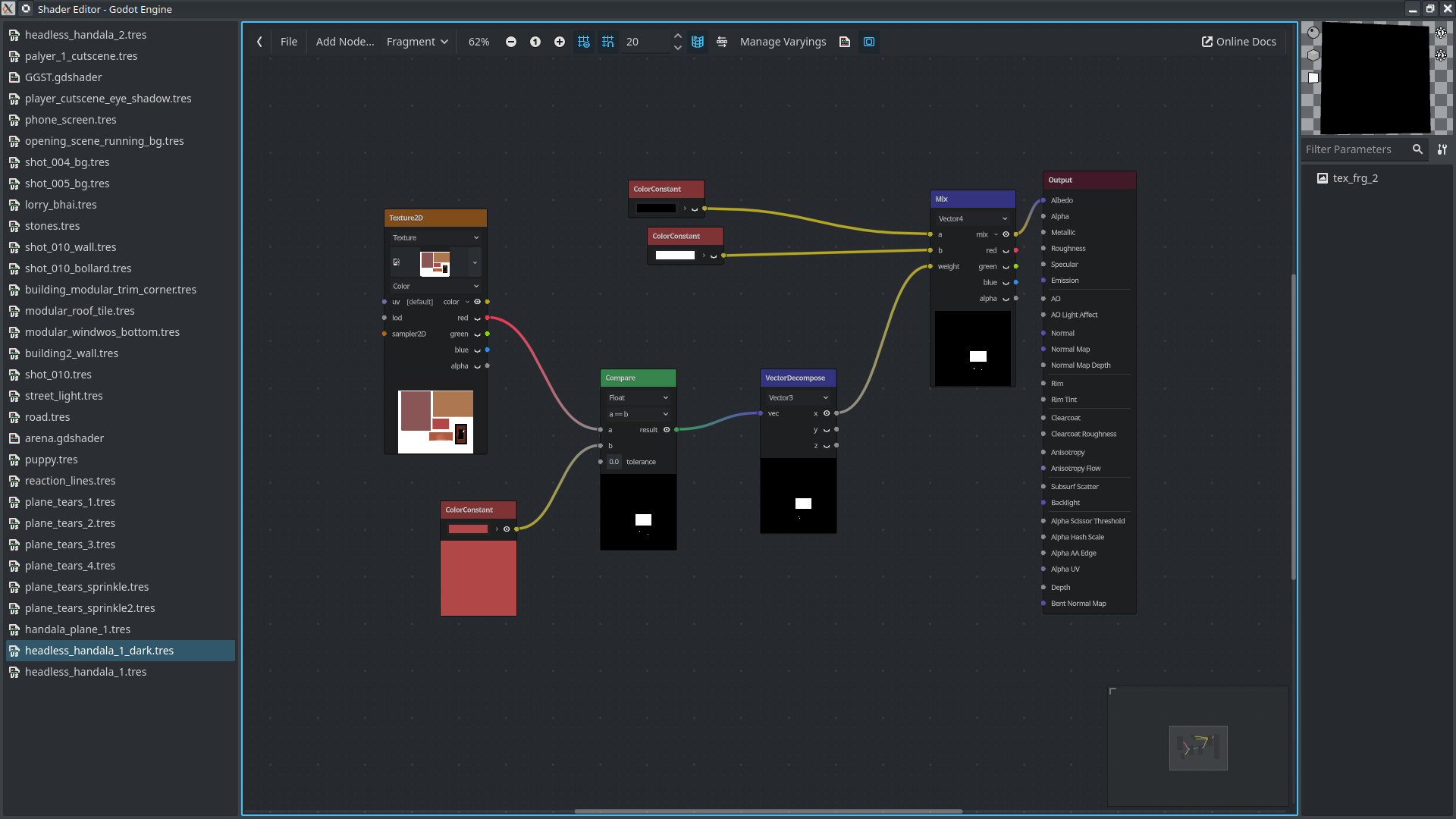
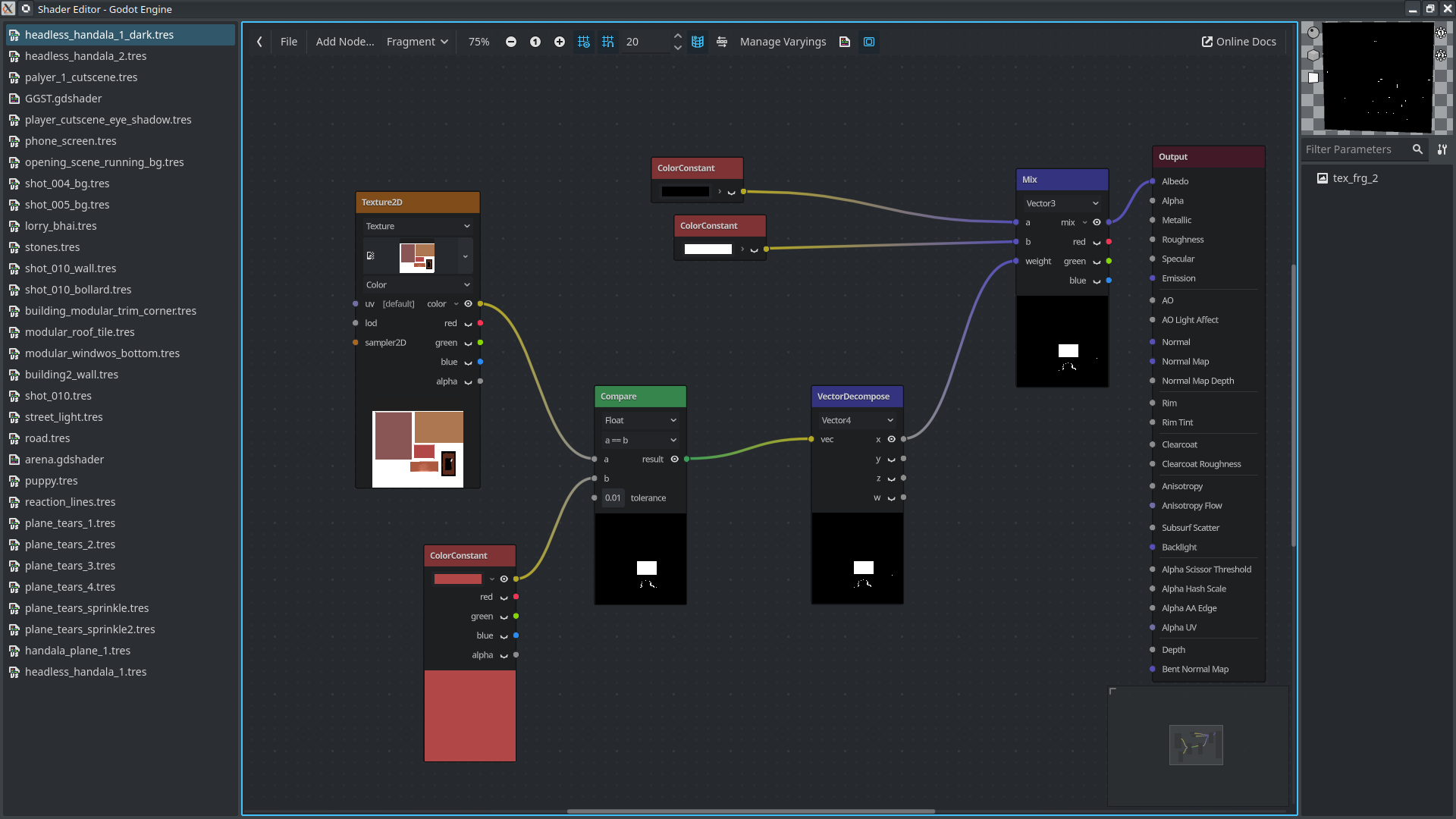
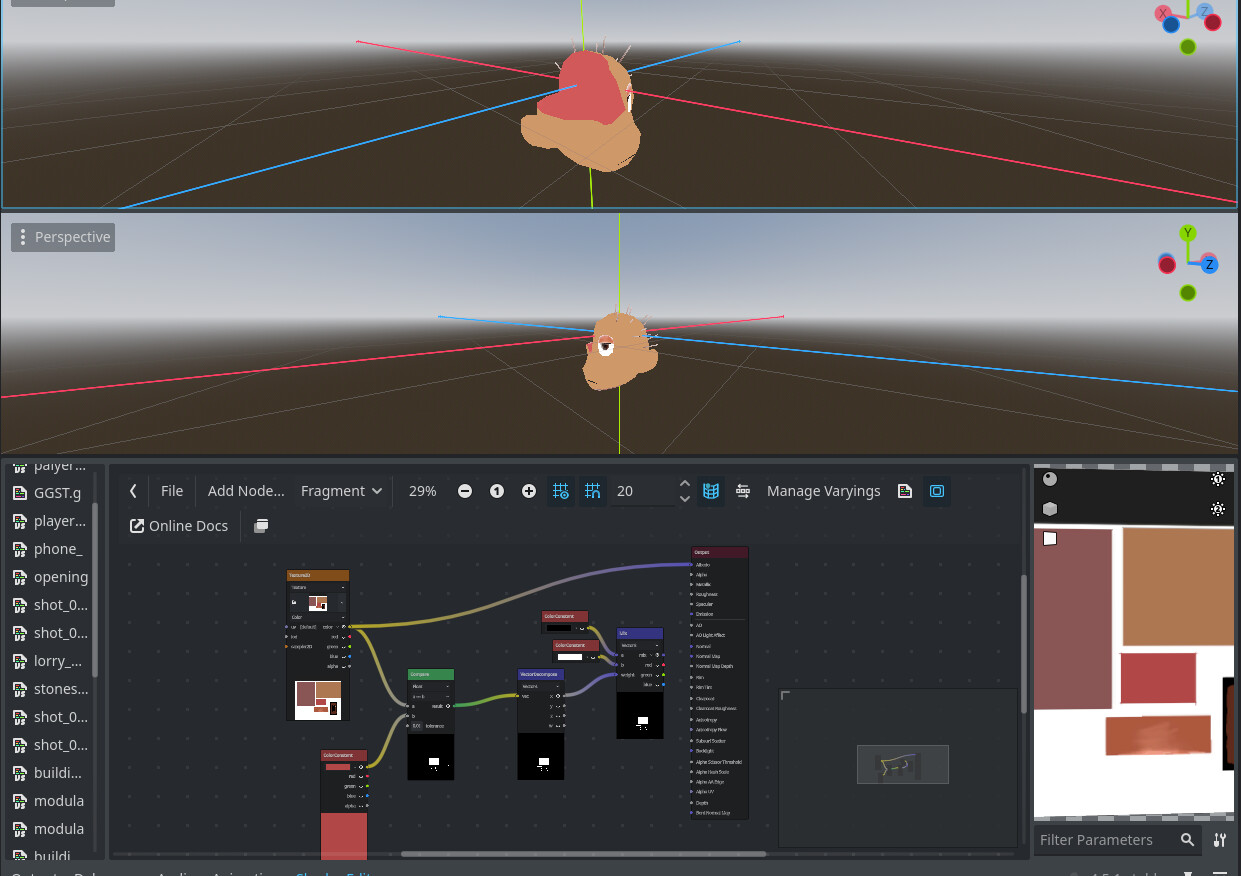
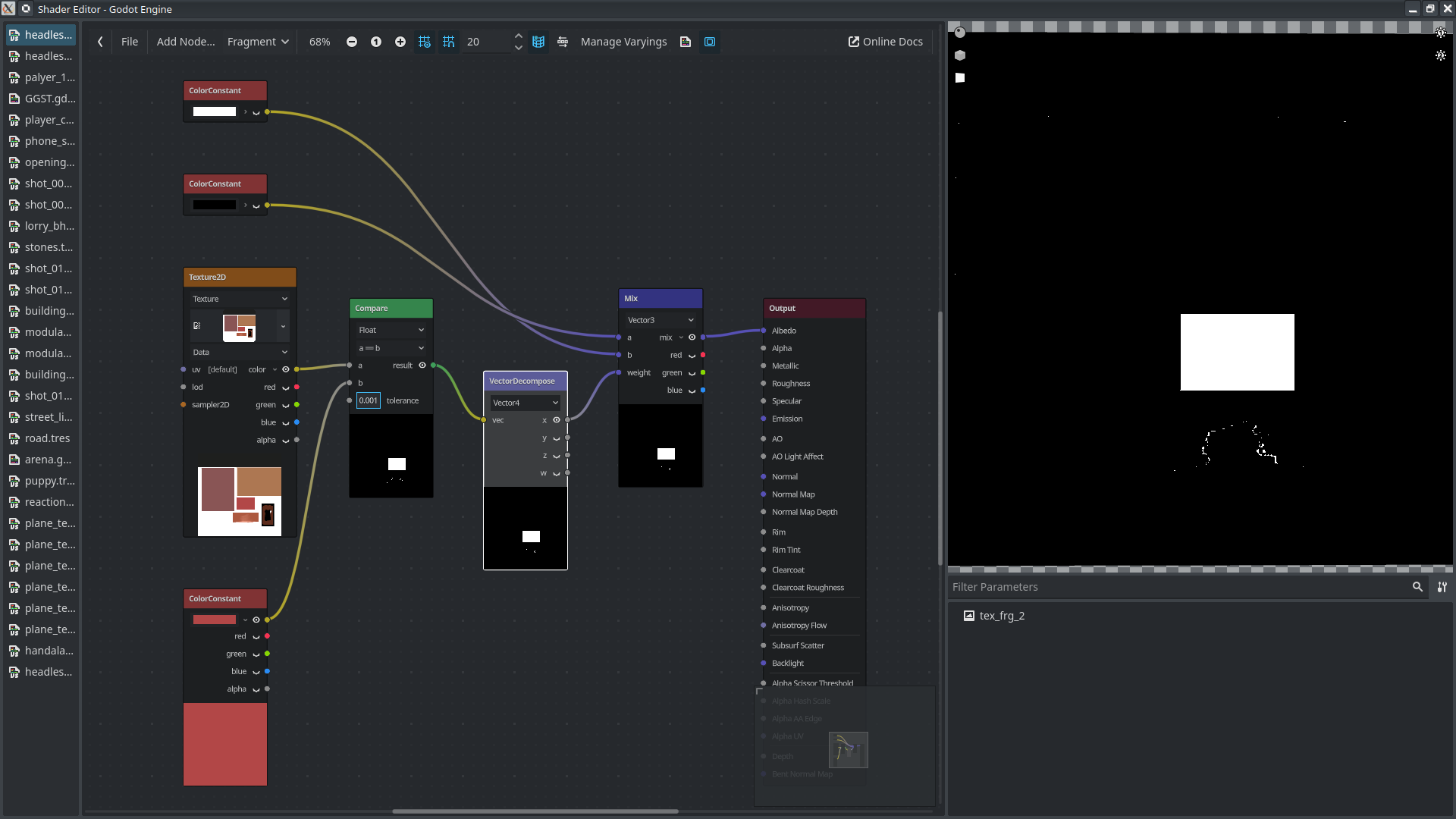
I have tried multiple ways to filter out the red square in my texture but nothing results in the texture being displayed as black except where the red square is, which should be white. I’ve tried multiple different approaches all of them result in the final mix node preview and the displayed out put being drastically different.
The shader flag is set to unshaded, other than that I have changed nothing form the default.
The shade of red used is Hex: b24747, colour picker in blender, godot and krita gives the same colour response from the texture image.
Could someone explain to me why my maths is wrong?
If the result in the final Mix node preview is what you want, and the shader is correctly assigned to the object, then the problem might be with UVs.
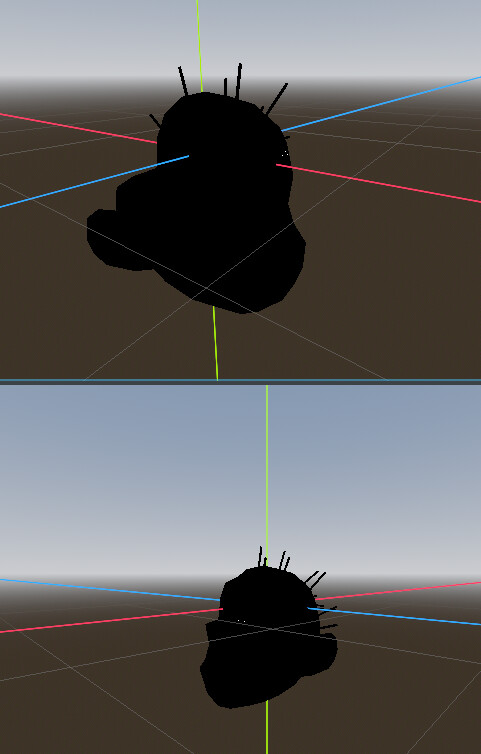
It doesn’t render on the model correctly either. The uvs are fine, I already checked in blender. The colours are also displayed correctly on the model when I just plug the texture into the Albedo, so its not the UVs.
I shouldn’t need the tolerance, like I said they are exactly the same values. Godot doesn’t look at values to the point where the decimal differences should matter. Even with tolerance it is still wrong.
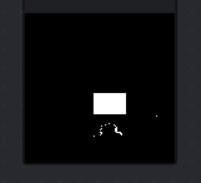
the result in the preview is not what I want, like I said in the the OP what I want is for the final mix nodes white area to be white in the preview and black everywhere else. It is not rendering that, not even close
Isn’t this exactly that, given the used tolerance?
no its not, look in the top corner the render is not even close. The tolerance is in the image.
What mesh are you previewing it on?
Like i said its not the UV
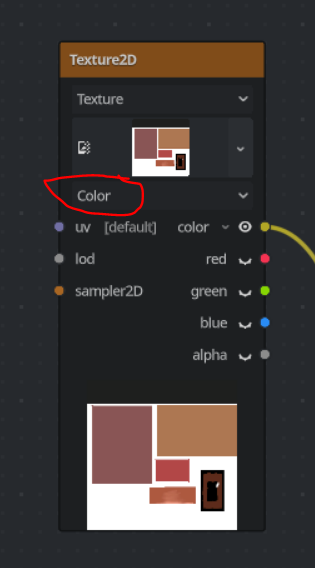
Change this to “Data” to prevent the sRGB conversion of the texture:
You’ll also need to have some tolerance if comparing as floats.
Thanks.There is no visual difference in the previews for any of the nodes, can you explain why switching from data to colour makes a difference?
If the values are exactly the same a tolerance of 0.0 should still pass the same result. It is mathematically wrong if it doesn’t. I understand there is a practical reason, but since the nodes don’t let me go beyond 3dp this is stupid.
Its also not correct, a tolerance of 0.001 picks up edges all over the place that are not even close to the colour values.
It’s likely a shortcoming of visual nodes preview. In the generated shader code the comparison will fail because if you use the “Color” mode, the texture is assumed to be in sRGB color space and will automatically be converted to linear color space, which will alter the actual sampled values. The color constant is assumed to be in linear space and the values will be as displayed. Comparison only makes sense if texture values are not altered, so sRGB conversion of the texture needs to be disabled.
There’s no “exactly the same” when you’re dealing with floating point numbers. Precision limits can cause issues depending on actual values.
To do this correctly best to compare component-wise (with some per-component tolerance) and multiply all 3 comparison results.
2 Likes