Godot Version
4.5.1
Question
Hello.
I am new to game development, godot and blender, so here’s my problem.
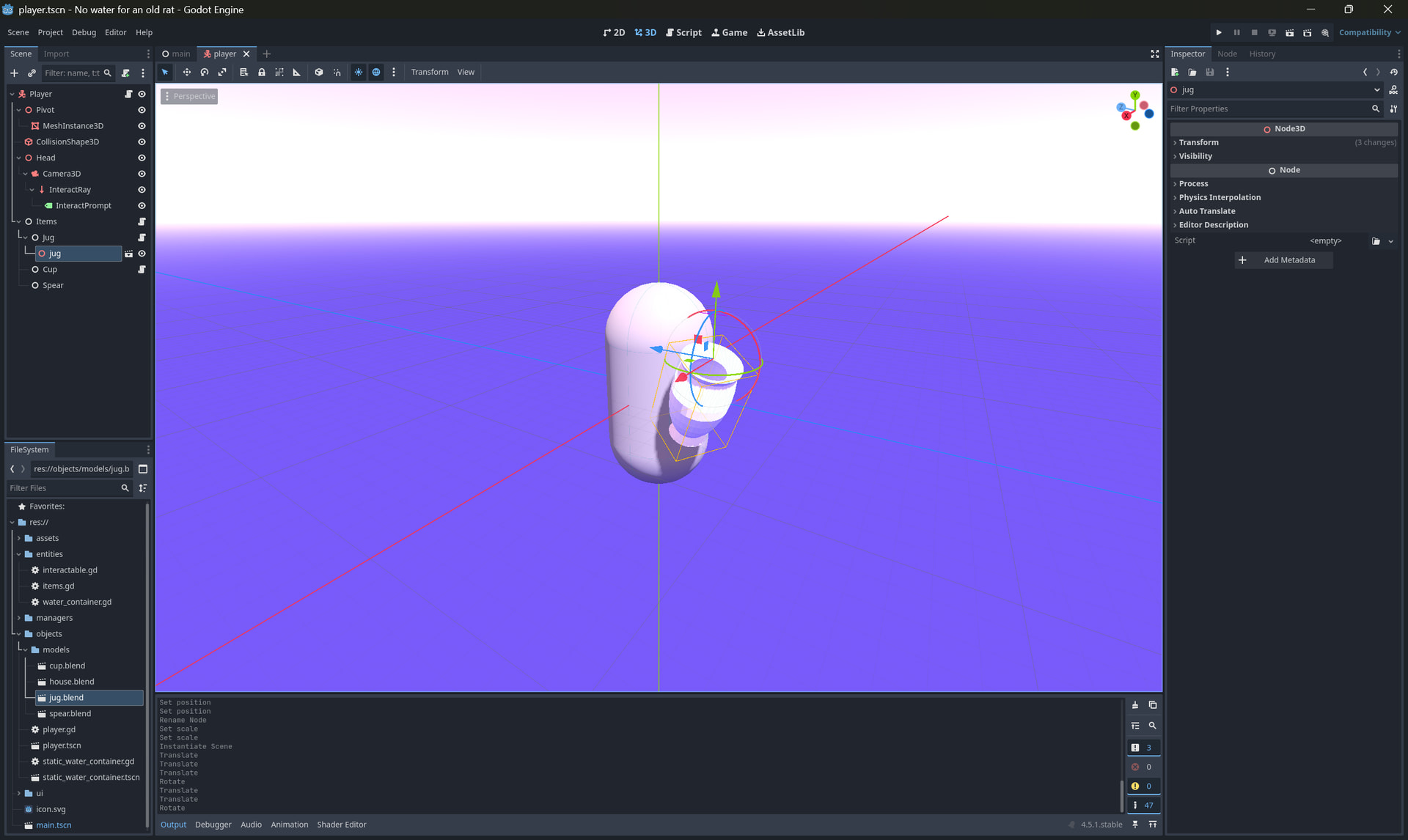
I created a “jug” model in blender, saved project file (.blend), imported it into the “player” scene, positioned it the way i want.
Here’s a screenshot of what it looks like:
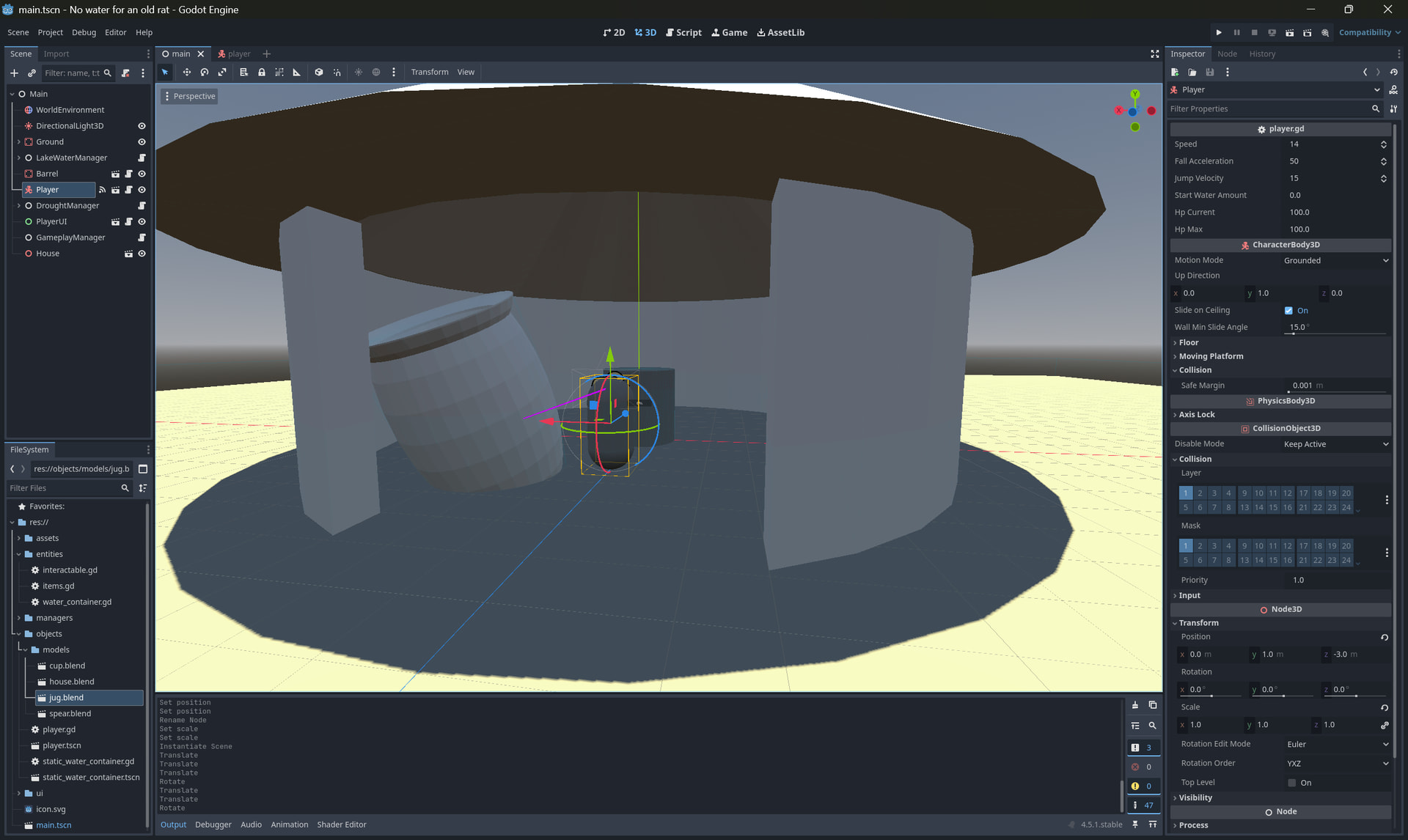
Then, i want to add the “player” to the “main” scene.
After i instantiating the “player”, the “jug” model’s size changed:
What did i do wrong and how i should work with models to maintain proper behavior?
Don’t use plain Node nodes in hierarchies of 3D objects. Use Node3D instead.
“Node” used only to aggregate and contain some “jug” item logic, and model.
I don’t need any specific “Node3D” logic here.
You do. You need to inherit transforms from ancestor nodes. When you insert a plain node in hierarchy of 3D nodes - it will break that inheritance and reset to identity all transforms accumulated thus far.
Changed nodes type - it works now.
I see now. Thanks. But it seems a bit stupid.
I don’t need any “Node3D” methods or properties in the “Items” node, because it’s more like “ItemsController”.
How should i organize this nodes then? Is there some best practices, or community guidelines, or like “structural design patterns”?
Your scripts can still extends Node while being placed on Node3D, this could be useful if your scripts mix 2D/3D/UI usage, but ultimately you just need the transform inheritance which is a property of Node3D.
You can get rid of Jug, Cup and Spear plain nodes and just use actual 3D nodes instead, parented to Items node (which is also Node3D) that serves as an anchor/placer for the items.
Have in mind that the scene tree represents collection of “active” nodes that are meant to be rendered/processed in the scene. It’s not really an organizational structure for storing stuff, like folders on your hard drive.