Awesome gameplay! I’ll set the rendering driver on MacOS to be Vulkan by default in the next build. Thanks for all your testing - it’s invaluable.
1 Like
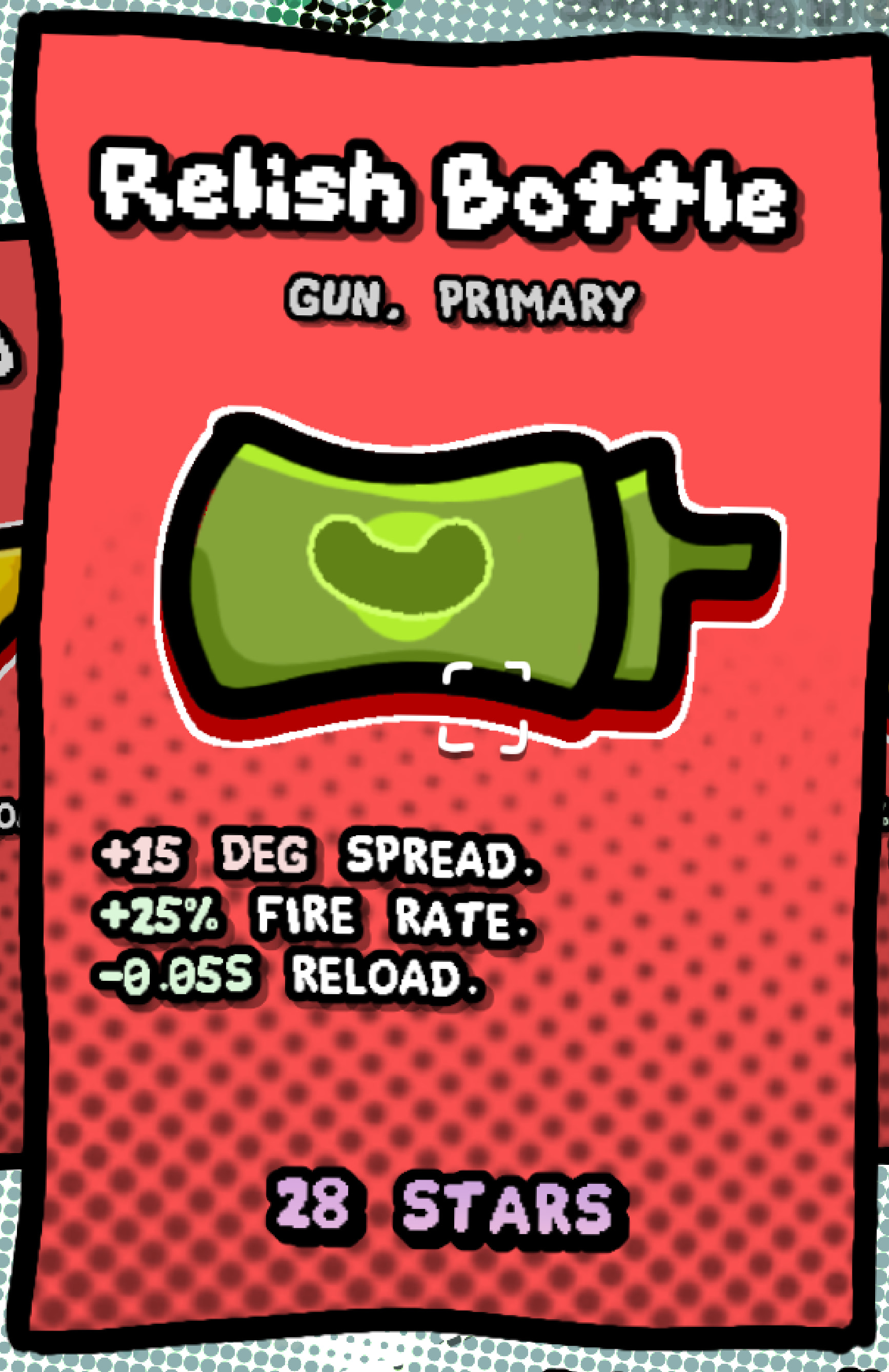
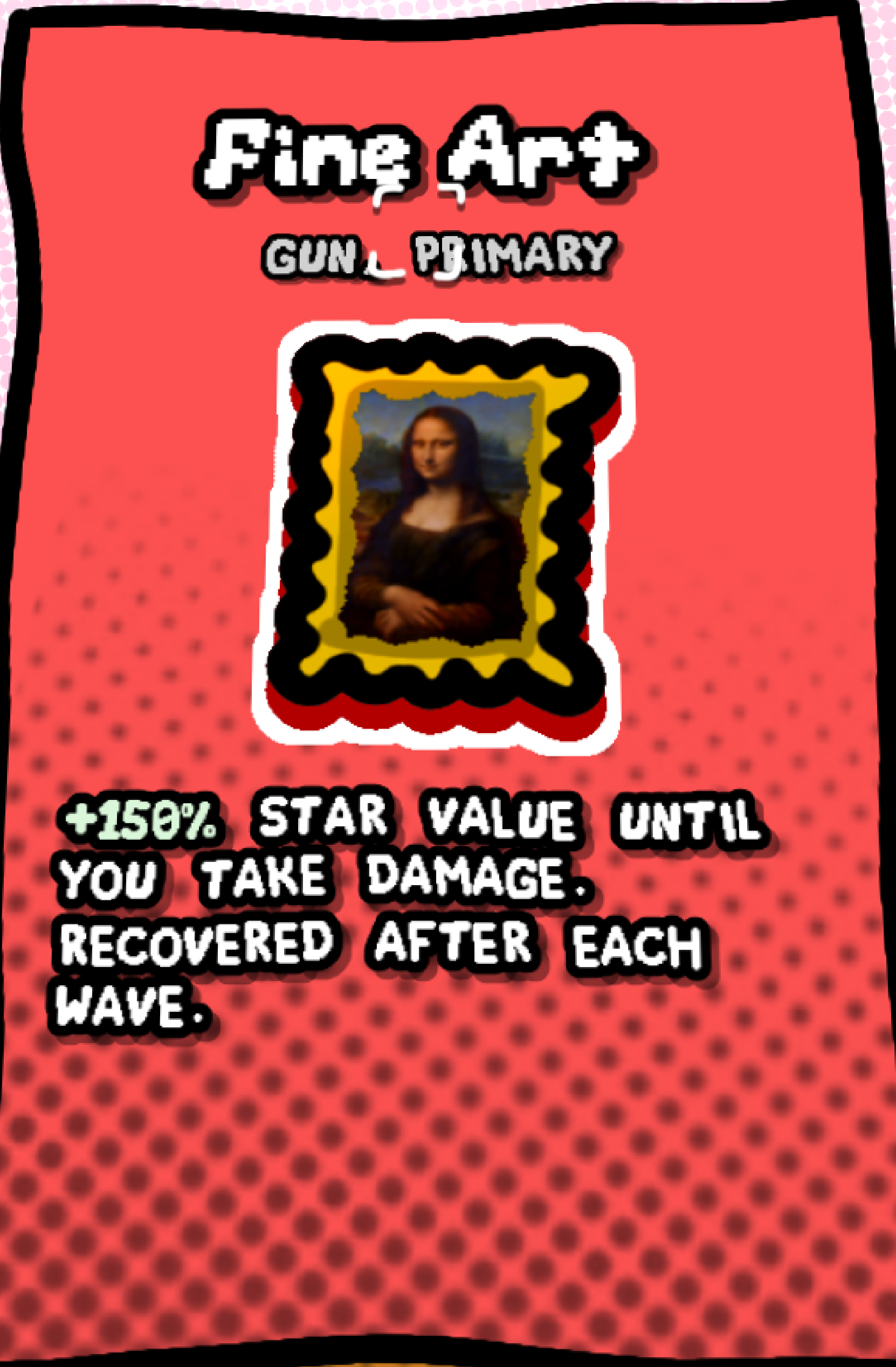
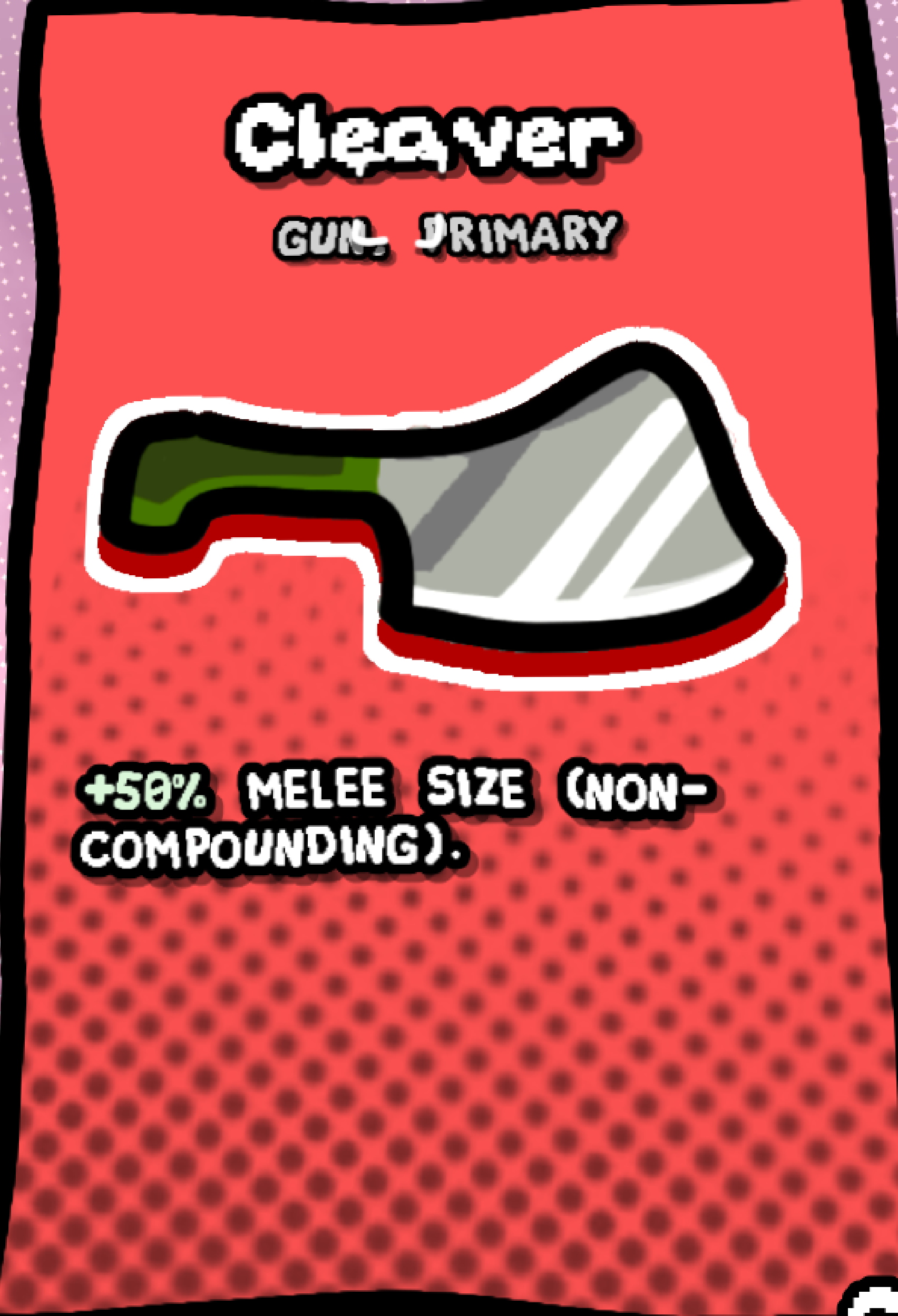
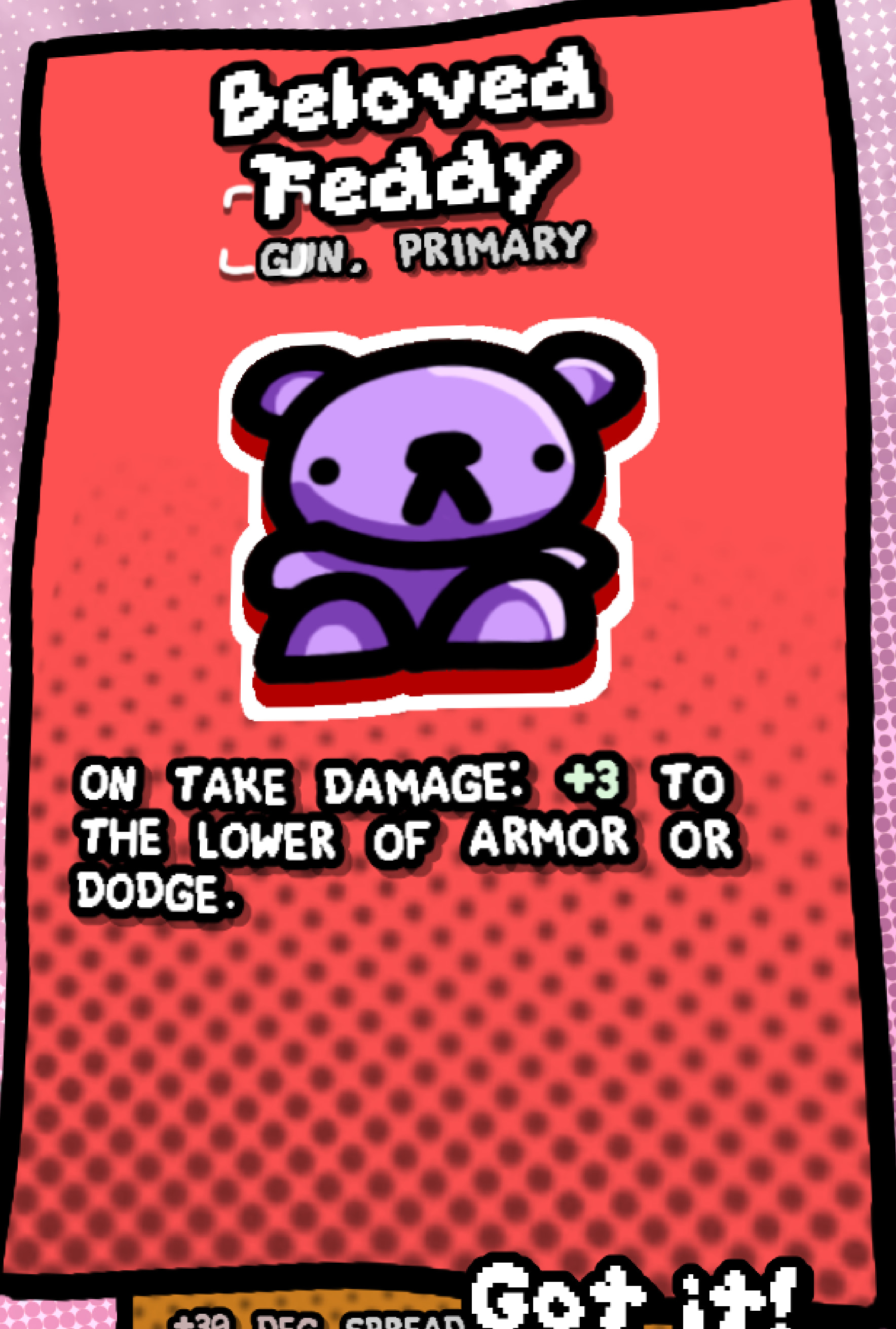
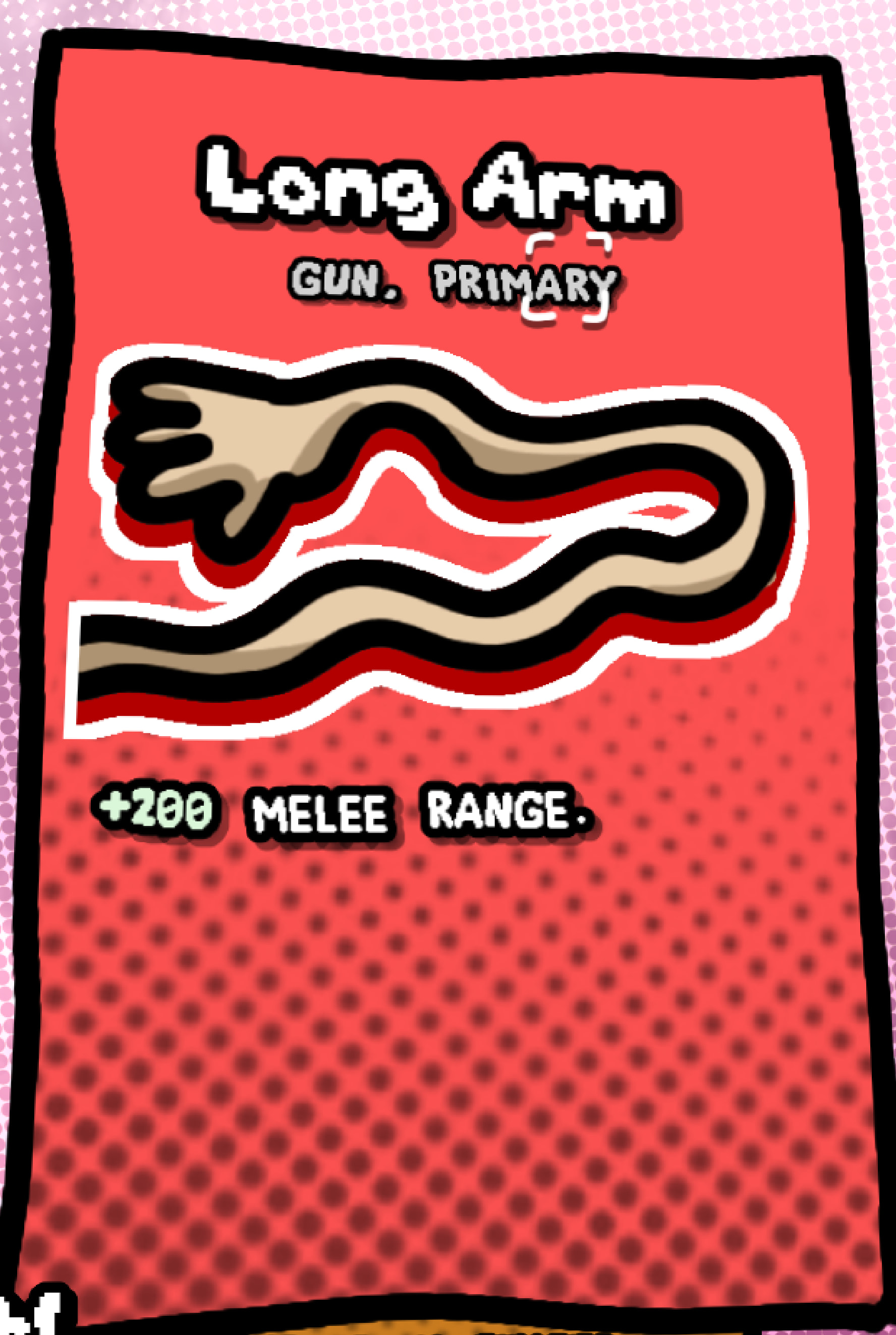
I’ve decided to make unique art for each card. There’s about 100, so this will delay the next update, but it’s worth it.
It’ll also involve renaming a few cards that are annoying to draw. For instance, Garden Hose is now Relish Bottle.
Here’s a preview.
4 Likes
Brief update.
Progress continues. I’ve textured 19 cards. There are 85 total (I’ve removed some).
22% there, and I’ve worked for ~2 hours. I estimate I’ll finish in 1 week.
No update this week, sadly. I’ll finish the textures and release a polished update instead of a prototype-y one.
1 Like
What be engine version on next build?
Will Mac have option to choose between Metal and Vulkan?
4.7.1.
No, Vulkan only. Don’t know how to add UI to choose rendering driver.
If you need Metal, you can launch from Terminal with --rendering-driver.
1 Like
why can’t I do anything!!

1 Like
What OS and Hardware?
It looks a lot lagging, are you pressing WASD keys?
I spent 7 hours today optimizing the game, and got it from 44 >> 100 fps! Not sure how well this improvement scales as you get stronger, since I only tested wave 1.
3 Likes
Will be excited to test it out 
1 Like
I like the monalisa! : D
Nice idea to add her to the game (She would probobly be happy, about the fact of being in a video game :).
1 Like
Just played WOMBO the first time, and… i cant walk i have tried to walk with “wasd”
and arrow keys. : (
I am on a Windows 10 laptop (sadly).
1 Like
That’s odd. Is the game lagging for you too?
Also, I spent another day optimizing. We went from 100 to 120 FPS.
2 Likes
Man’s deep in optimisation
1 Like
No it dose not lagg the enemys are spawning smoth and walk smoth.
but i cant walk with my window10 laptop.
I think in the input setting may be the problem. Do you use windows? @ComicallyUnfunny
1 Like
Have you tried open it with ?
-- verbose
I have tried also Windows version via PortkingKit and same issue WASD doesn’t reacting either.
I guess there is some error in signals
ERROR: Signal 'focus_entered' is already connected to given callable 'Button(level_up_button.gd)::_on_focus_entered' in that object.
   at: connect (core/object/object.cpp:1538)
ERROR: Signal 'focus_entered' is already connected to given callable 'Button(level_up_button.gd)::_on_focus_entered' in that object.
   at: connect (core/object/object.cpp:1538)
ERROR: Signal 'focus_entered' is already connected to given callable 'Button(level_up_button.gd)::_on_focus_entered' in that object.
   at: connect (core/object/object.cpp:1538)
Gen Report: 243 Squares, 21 Circles
1 Like
I am not on linux so i do not use the command line.
Extra info i can hit enemys with mousebutton1 (right click).
I want to play wombo