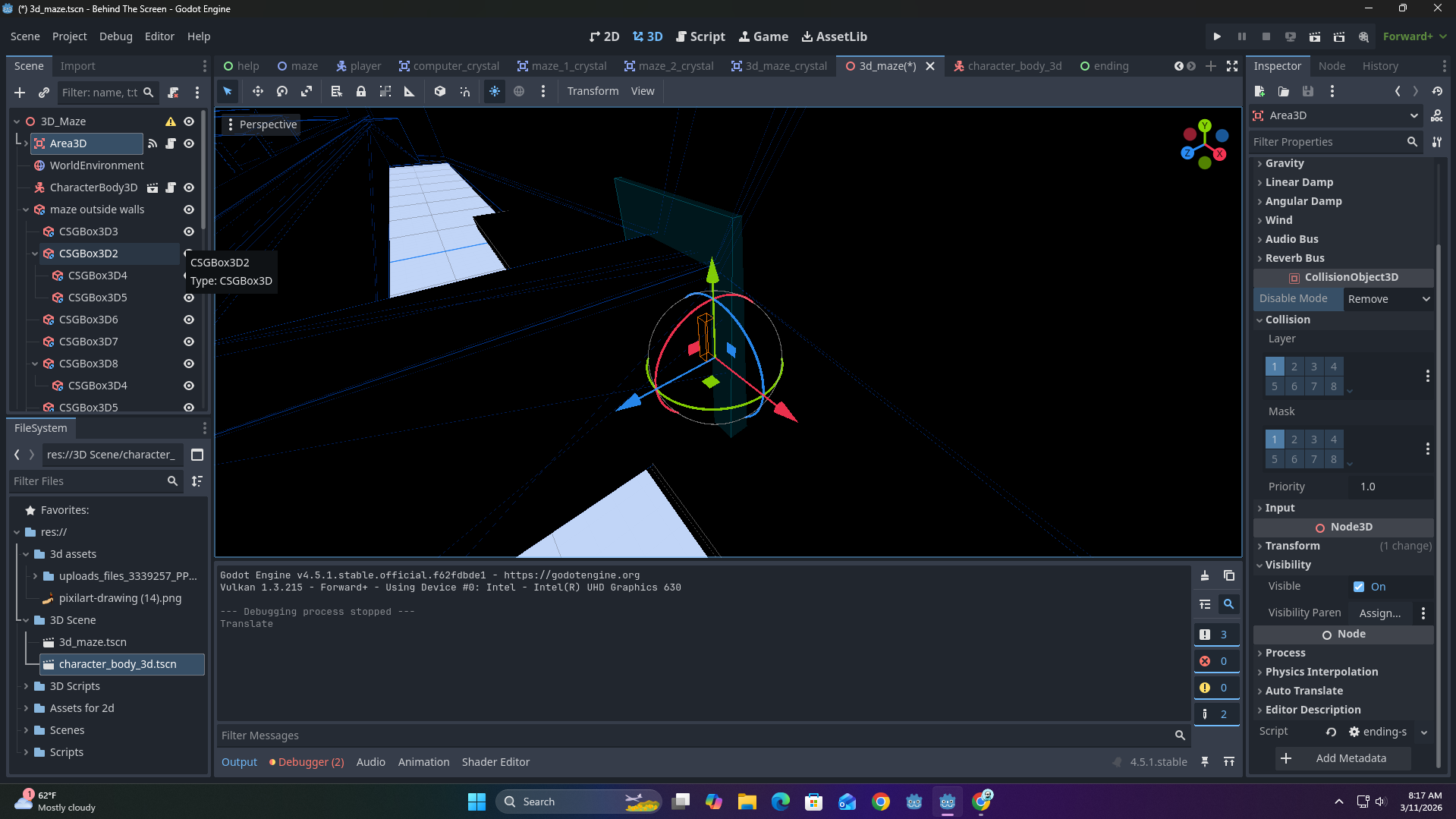
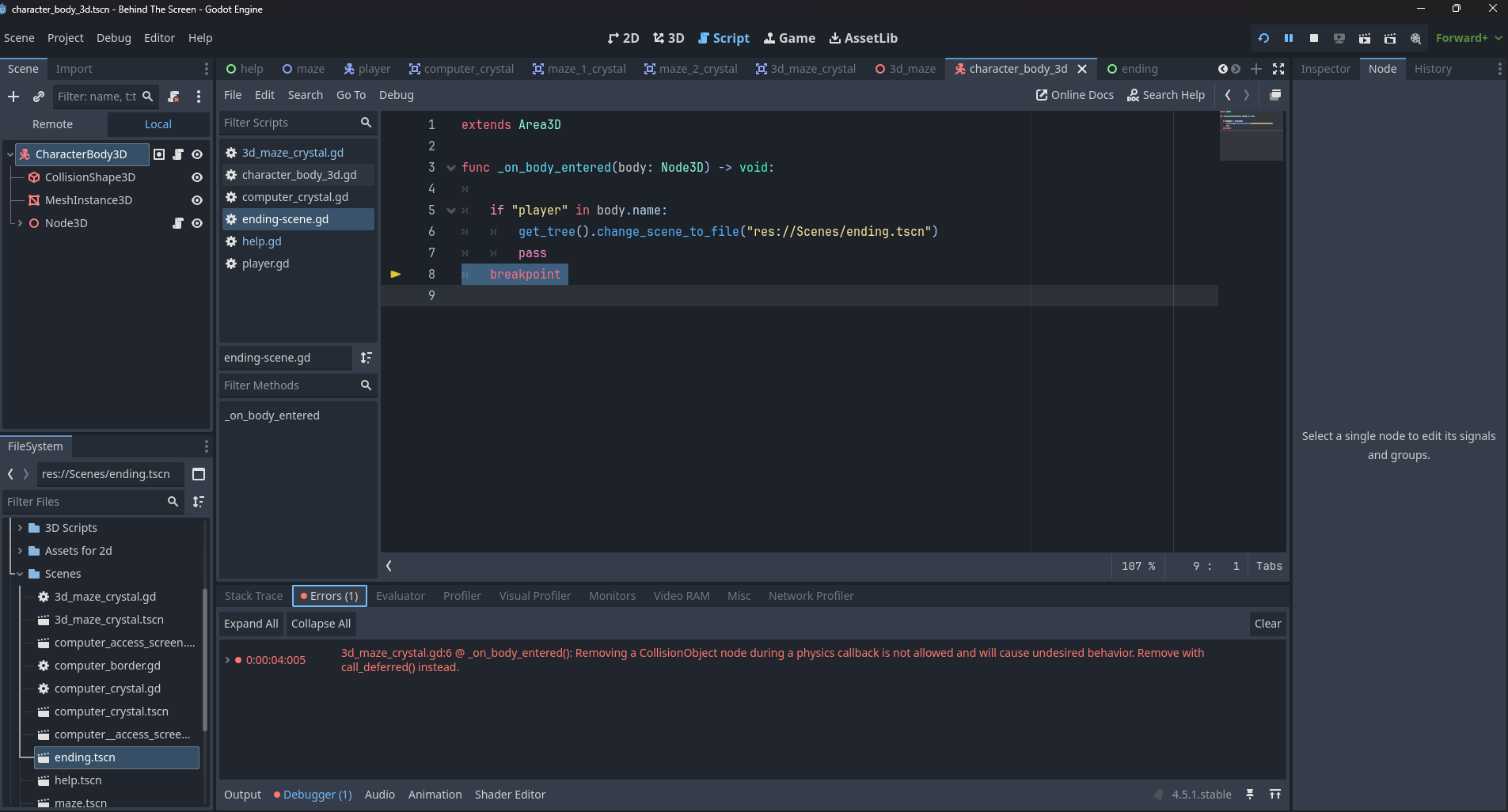
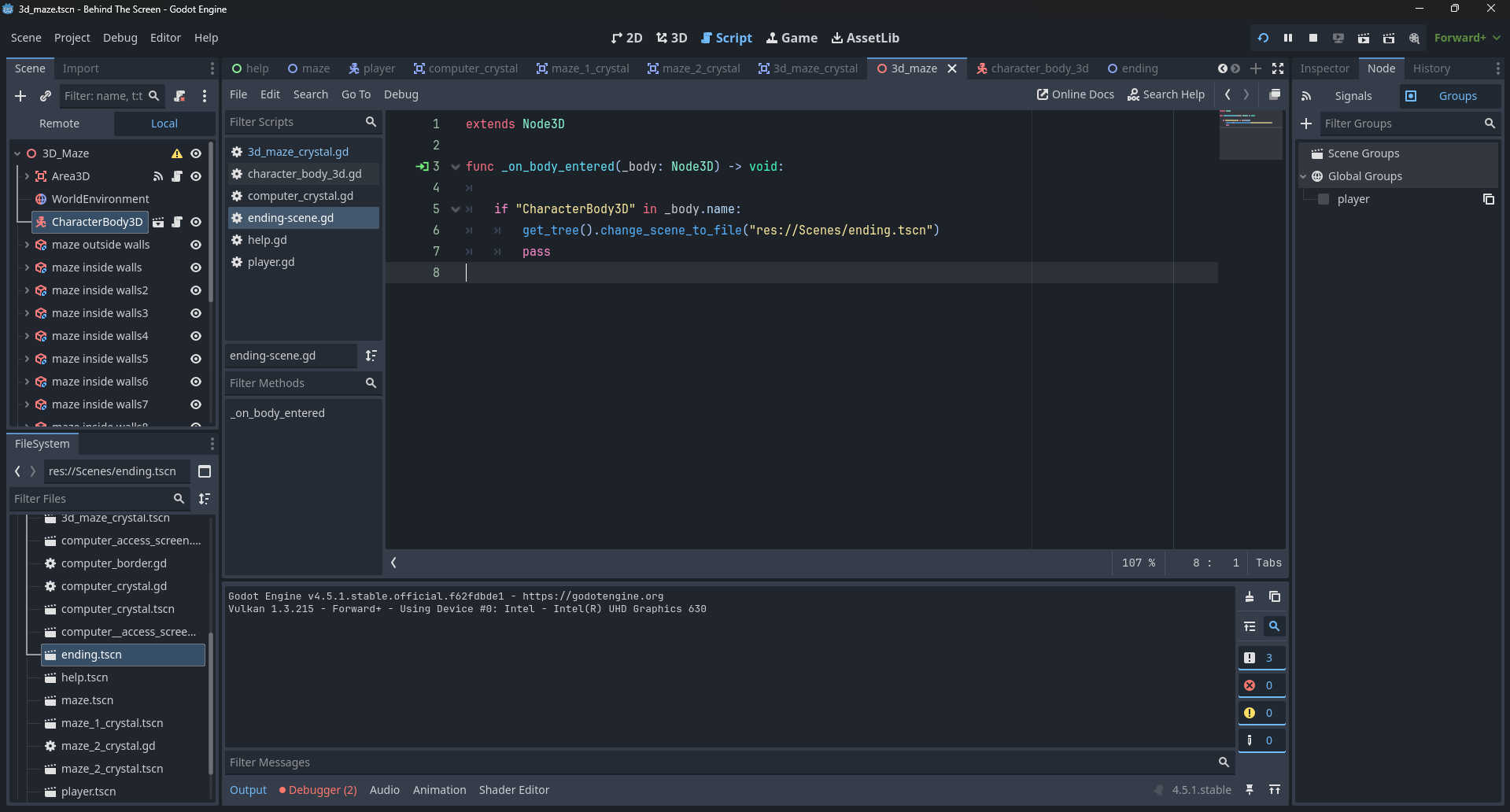
i have a area3D node to switch scenes when you finish my game but its not loading the ending scene i have created, the node seems to work just fine when im switching from 2d to 3d but not 3d to 2d
#this is for the area3D node that goes to the control scene
extends Area3D

func _on_body_entered(body: Node3D) -> void:

	if "player" in body.name:
		get_tree().change_scene_to_file("res://Scenes/ending.tscn")
		pass
#this is for the 2D area node that goes to a 3d scene
extends Area2D

func _on_body_entered(body: Node2D) -> void:

	if "player" in body.name:
		get_tree().change_scene_to_file("res://3D Scene/3d_maze.tscn")
		pass
What do you mean it doesn’t work?
Do you have any errors? (I can see in your screenshot there are 2 errors - are these related to the issue?)
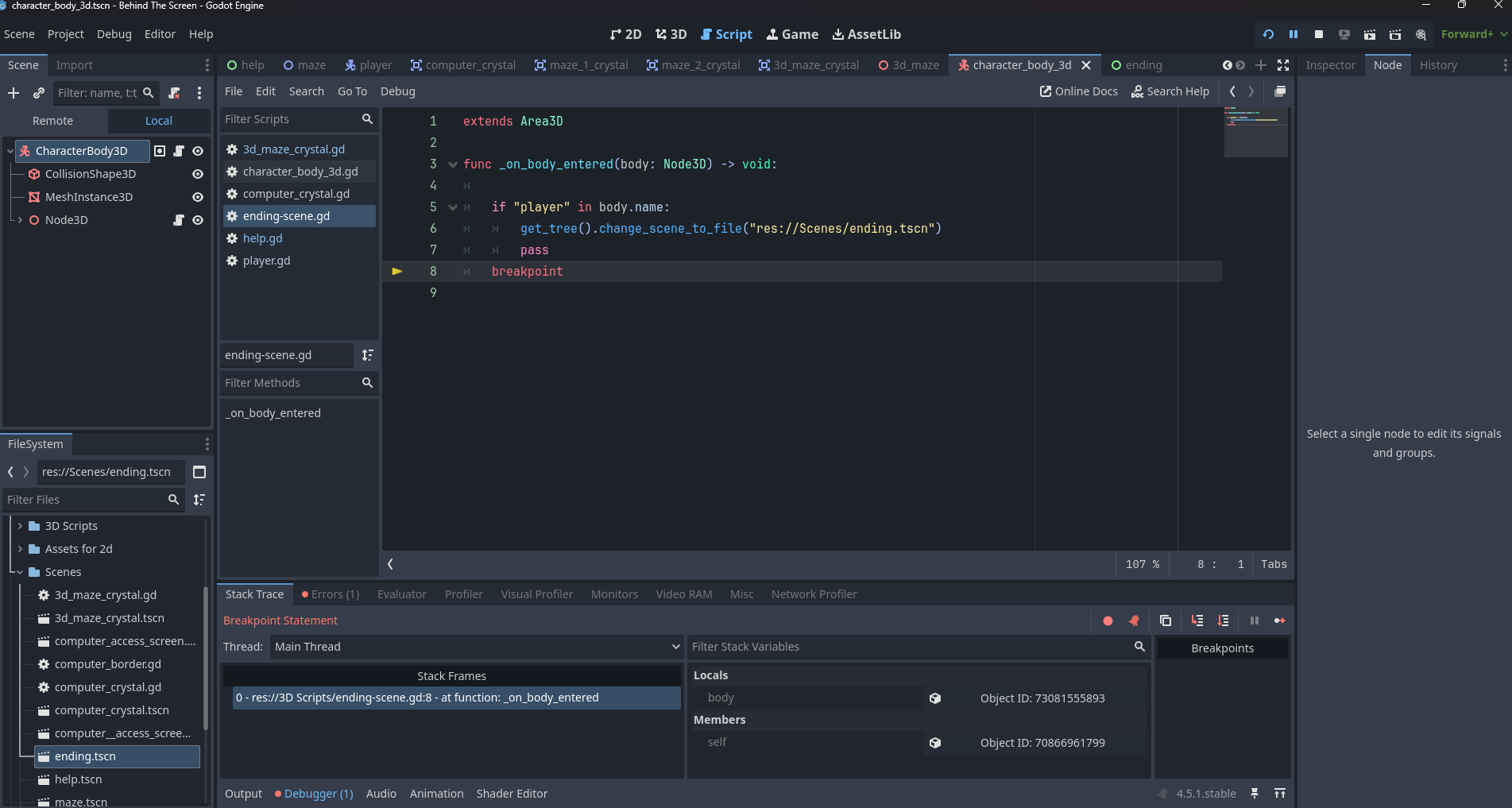
Did you try adding print() statements or inserting breakpoints to see what code is triggered when?
Yup same thing I was going to ask. What’s the actual issue. Your code looks fine as far as I can see. Maybe just as a test add some print statements and maybe try to use change scene to packed and then preload the scene as a variable. Sometimes that fixes issues when changing scenes
the error is for a diffrent node though it just gives off an error for some reason, ive tried changing the name of the “player”, grouped them, and even changed the entire code but i cant seem to find why its not working
That’s what breakpoints do. Breakpoints intentionally stop code at certain points so you can see where errors happen. Check your debugger for print statements and errors after it exits the window
Add print statements at the different steps in the code. Also you added a breakpoint at the end. How you use breakpoints is by putting them at certain steps in the code to purposefully stop the code there. That lets you find the specific spot where the issue in the code is. It’s not a fix to your solution it’s a debugging tool that can help identify the problem. (I think. Last time I actually used them was a while ago)
To be fair. There are always errors in the debugger. If it runs it runs. That’s a win. I don’t think I’ve ever made anything without errors in the debugger
Yeah true. My Brian kind of ignored the fact you only said errors lol set bout that. Although I do still find depending on plugin use etc. errors often are just a given. But in vanilla Godot yeah you are right that errors are always bad