Godot Version
4.6.2
Question
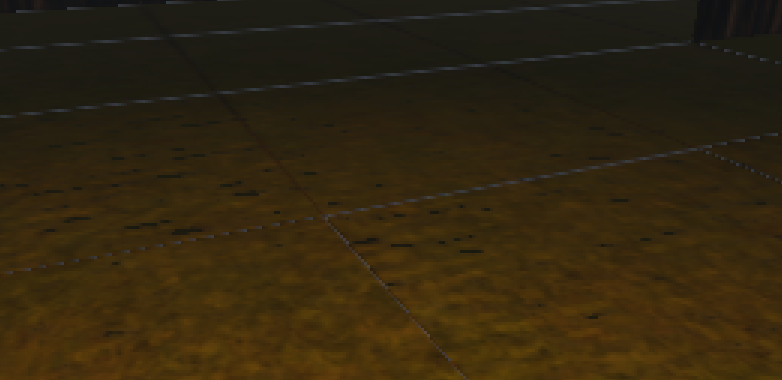
How to tell what’s causing this unsightly seam on my new tiles?
I apologize if this is an easy thing to figure out, i’ve only been doing gamedev for 3 days now.
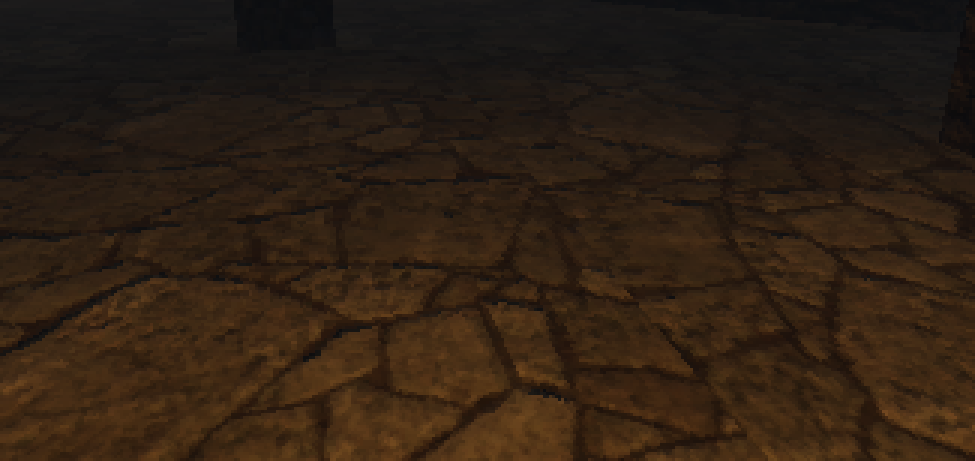
Image 1 is the previous area, there is a seam but that’s just a texture rotation problem.
Image 2 is the new area, same physical tiles as the first but with a large seam in the middle.
Are you using a texture atlas? If so, the mipmapping leads to bleeding from the adjacent textures. One solution for this is to use a texture array instead.
I figured out the problem like 2 minutes after posting this and i’ve never felt stupider, in my 550 hours of blender this is the one time I forgot to change the texture filtering from linear to closest  thank you for the comment though.