Godot Version
4.5.1
Question
I have got a rendering bug. In my original code, all of chunk multimeshes have had an equal AABB.
part of the code:
void RenderBlocks::set_position_mesh(const godot::Vector3 &pos) {
  opaque.mm_instance->set_position(pos);
  const auto size = Vector3{Chunk::CHUNK_SIZE, Chunk::CHUNK_SIZE, Chunk::CHUNK_SIZE};

  // AA BB AABB
  opaque.multimesh->set_custom_aabb({Vector3{0, 0, 0}, size});

  liquid.mm_instance->set_position(pos);

  liquid_surface.mm_instance->set_position(pos);

  liquid.multimesh->set_custom_aabb({Vector3{0, 0, 0}, size});
  liquid_surface.multimesh->set_custom_aabb({Vector3{0, 0, 0}, size});

  furnitureMmesh.mm_instance->set_position(pos);
  furnitureMmesh.multimesh->set_custom_aabb({Vector3{0, 0, 0}, size});

  wildPlatntsMesh.mm_instance->set_position(pos);
  wildPlatntsMesh.multimesh->set_custom_aabb({Vector3{0, 0, 0}, size});

  grassBordersMesh.mm_instance->set_position(pos);
  grassBordersMesh.mm_instance->set_custom_aabb({Vector3{0, 0, 0}, size});

  nightMesh.mm_instance->set_position(pos);
  nightMesh.mm_instance->set_custom_aabb({Vector3{0, 0, 0}, size + Vector3{0, 0, 0}});
}
As you can see, all stuff with transparent shader has glithed after some chunk border
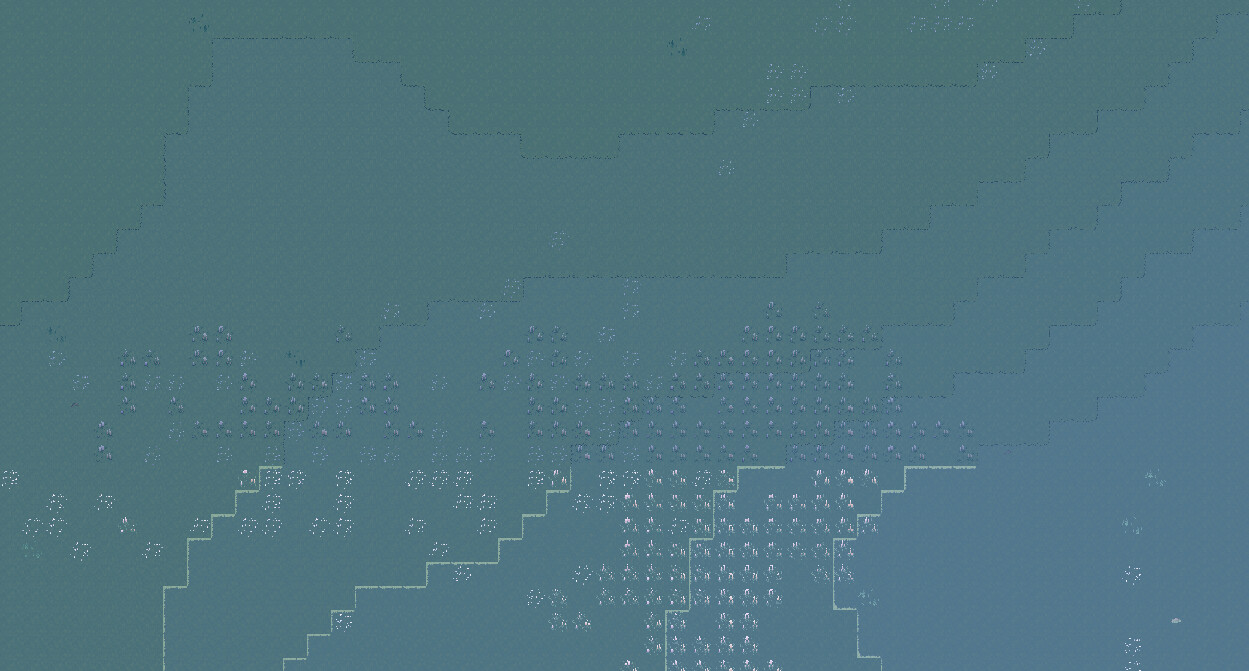
subtracting one does 100% glitch
nightMesh.mm_instance->set_custom_aabb({Vector3{0, 0, 0}, size + Vector3{0, -1, 0}});
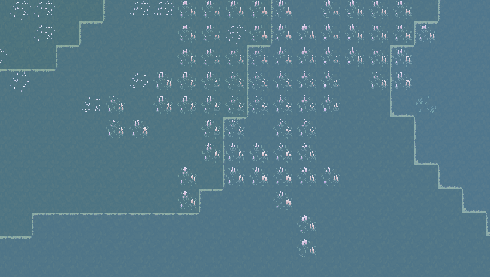
adding +1 does fix it for me.
nightMesh.mm_instance->set_custom_aabb({Vector3{0, 0, 0}, size + Vector3{0, +1, 0}});
so, my questions are: “Does anybody know what is happening? Why does this happen? Where can I read stuff?“ I only intended using AABB for culling chunks outside of the view