Godot Version
Godot Engine v4.7.2.stable
Question
Hello. To have my sword animation not fixed on ceratin cardinal directions I had an idea to have a node2d that will on registered click move to a point on a fixed circle around the Player node in the direction of the mouse and then the animation will play out from there and place itself correctly and that did work on Godot 3.6 but after I made the switch to Godot 4 (since I wasn’t deep in the project and wanted to try it) it has stopped working correctly even though the code hasn’t changed between the versions. My old godot 3 code:
extends State

func Enter_State():
	Name = "Sword"
	#Parent.WeaponImage.set_visible(true)
	Parent.rotation_degrees = rad2deg(Parent.Mouse_Position.angle_to_point(BroadCaster.Player_Position))
	Parent.position = (BroadCaster.Player_Position).direction_to(Parent.Mouse_Position) * Parent.attack_distance

func Exit_State():
	pass

func Draw():
	pass

func Update():
	if Input.is_action_just_pressed("Attack") and Parent.position.distance_to(Parent.local_mouse_position)>7:
		Parent.WeaponImage.set_visible(true)
		Parent.rotation_degrees = rad2deg(Parent.Mouse_Position.angle_to_point(BroadCaster.Player_Position))
		Parent.position = (BroadCaster.Player_Position).direction_to(Parent.Mouse_Position) * Parent.attack_distance
		Handle_Animations()

func Handle_Animations():
	Parent.get_node("AnimationPlayer").play("Sword_Slash")
My new Godot 4 code:
extends State

func Enter_State():
	Name = "Sword"
	#Parent.WeaponImage.set_visible(true)
	Parent.position = (BroadCaster.Player_Position).direction_to(Parent.Mouse_Position) * Parent.attack_distance
	#Parent.rotation_degrees = rad_to_deg(BroadCaster.Player_Position.angle_to_point(Parent.Mouse_Position))
	#Parent.rotation_degrees = rad_to_deg(Parent.Mouse_Position.angle_to_point(BroadCaster.Player_Position))
	#Parent.look_at(Parent.Mouse_Position)
	Parent.rotation_degrees = (BroadCaster.Player_Position).direction_to(Parent.Mouse_Position)
	#rad_to_deg(Parent.Mouse_Position.angle_to_point(BroadCaster.Player_Position))


func Exit_State():
	pass

func Draw():
	pass

func Update():
	if Input.is_action_just_pressed("Attack") and Parent.position.distance_to(Parent.local_mouse_position)>7:
		Parent.WeaponImage.set_visible(true)
		Parent.rotation_degrees = rad_to_deg(Parent.Mouse_Position.angle_to_point(BroadCaster.Player_Position))
		Parent.position = (BroadCaster.Player_Position).direction_to(Parent.Mouse_Position) * Parent.attack_distance
		Handle_Animations()

func Handle_Animations():
	Parent.get_node("AnimationPlayer").play("Sword_Slash")
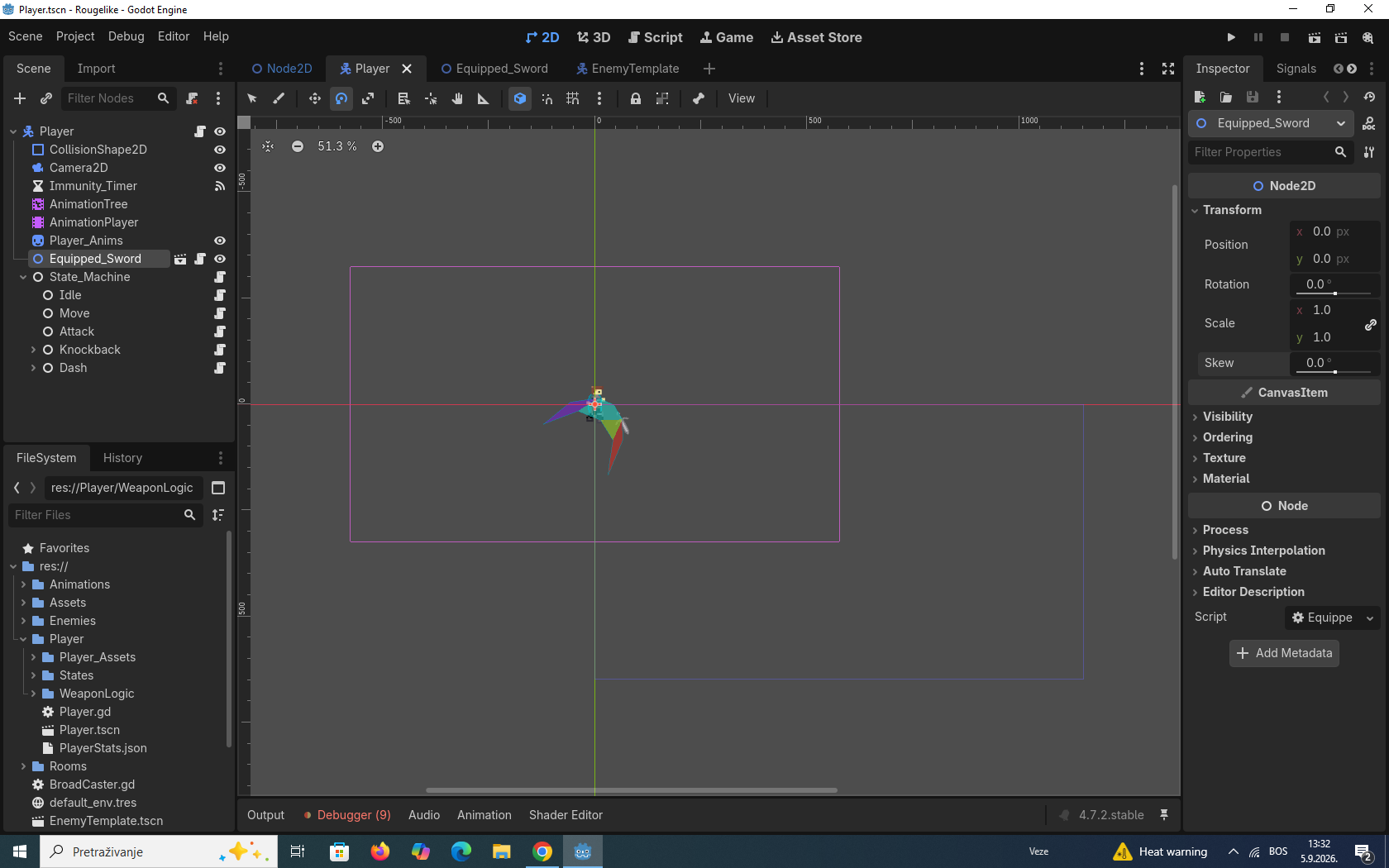
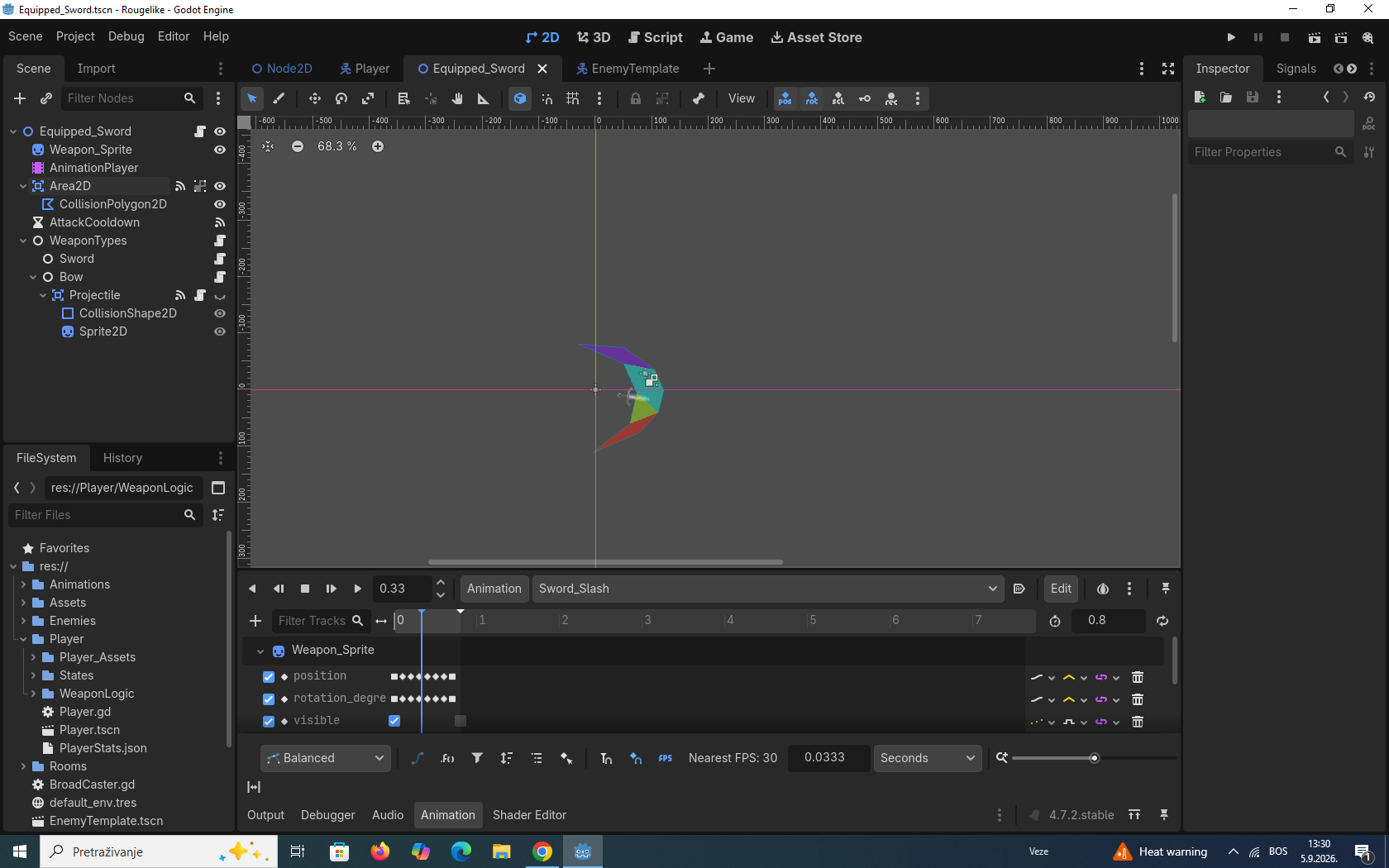
Scene structure: