When using AnimationTree to control player animation, animation does not synchronize, even with AnimationPlayer:current_animation added in MultiplayerSynchronizer.
Example: Make PlayerA walk, on PlayerA’s side we can see PlayerA playing walking animation, but on PlayerB’s side PlayerA stay playing idle animation.
To debug, I print current_animation. Output: blank string (“”).
The AnimationTree only uses the AnimationPlayer as an animation library. It doesn’t interact with it for anything else. The AnimationTree can play multiple animations at the same time and getting that information depends on the AnimationNodes you are using.
Thank you! But still I do not know which property do I need to synchronize. It seems like there is no way to synchronize the animation via MultiplayerSynchronizer.
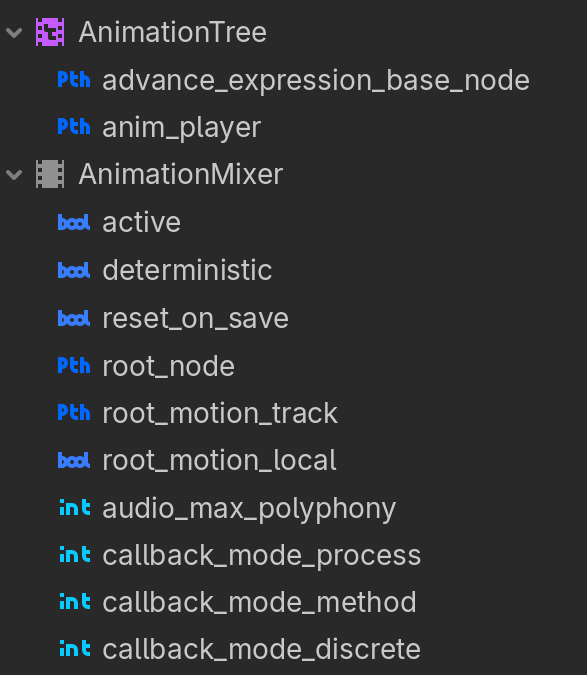
All properties MultiplayerSynchrozier can synchronize:
Many properties won’t show up in the editor but you can still assign the property path to the synchronizer. That said there may be too much state to reasonably replicate with one property, you may have to RPC calls to animation-focused functions and use the synchronizer for constantly changing values like a blendspace’s value for a walking/run animation.