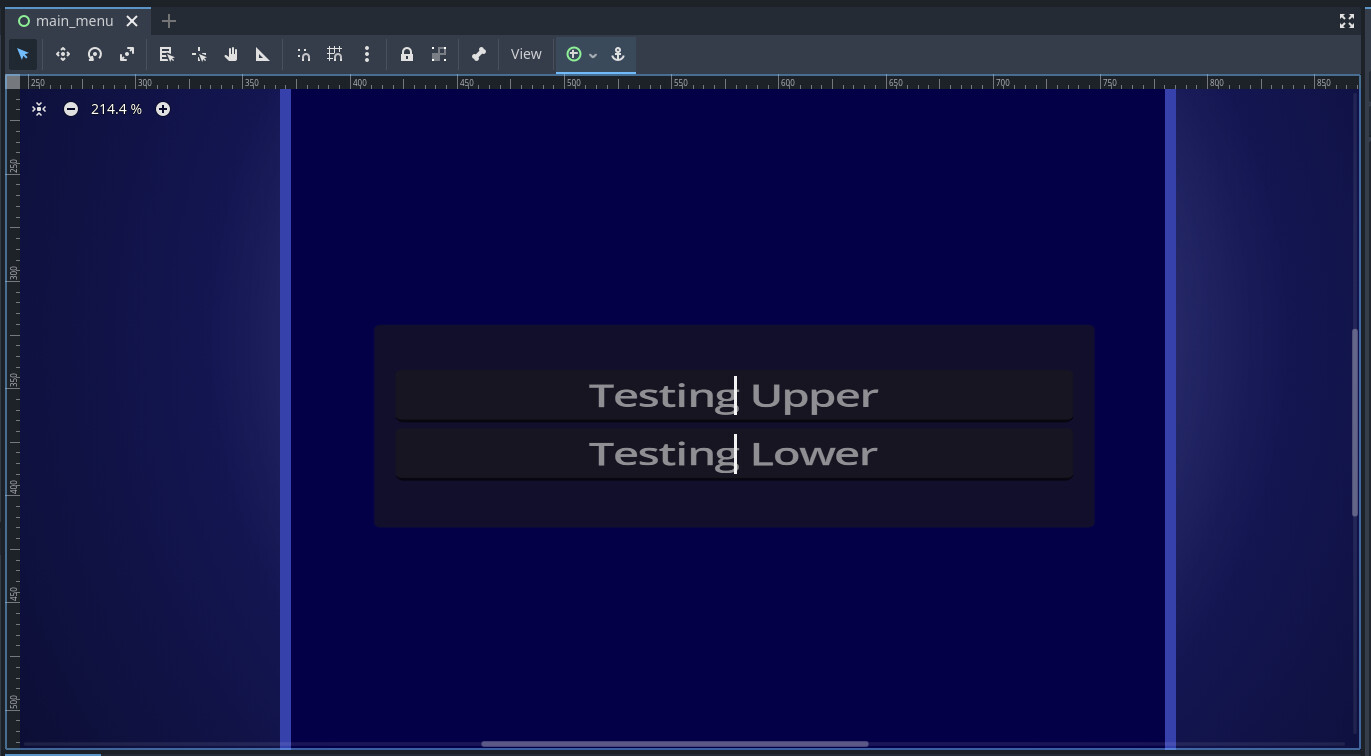
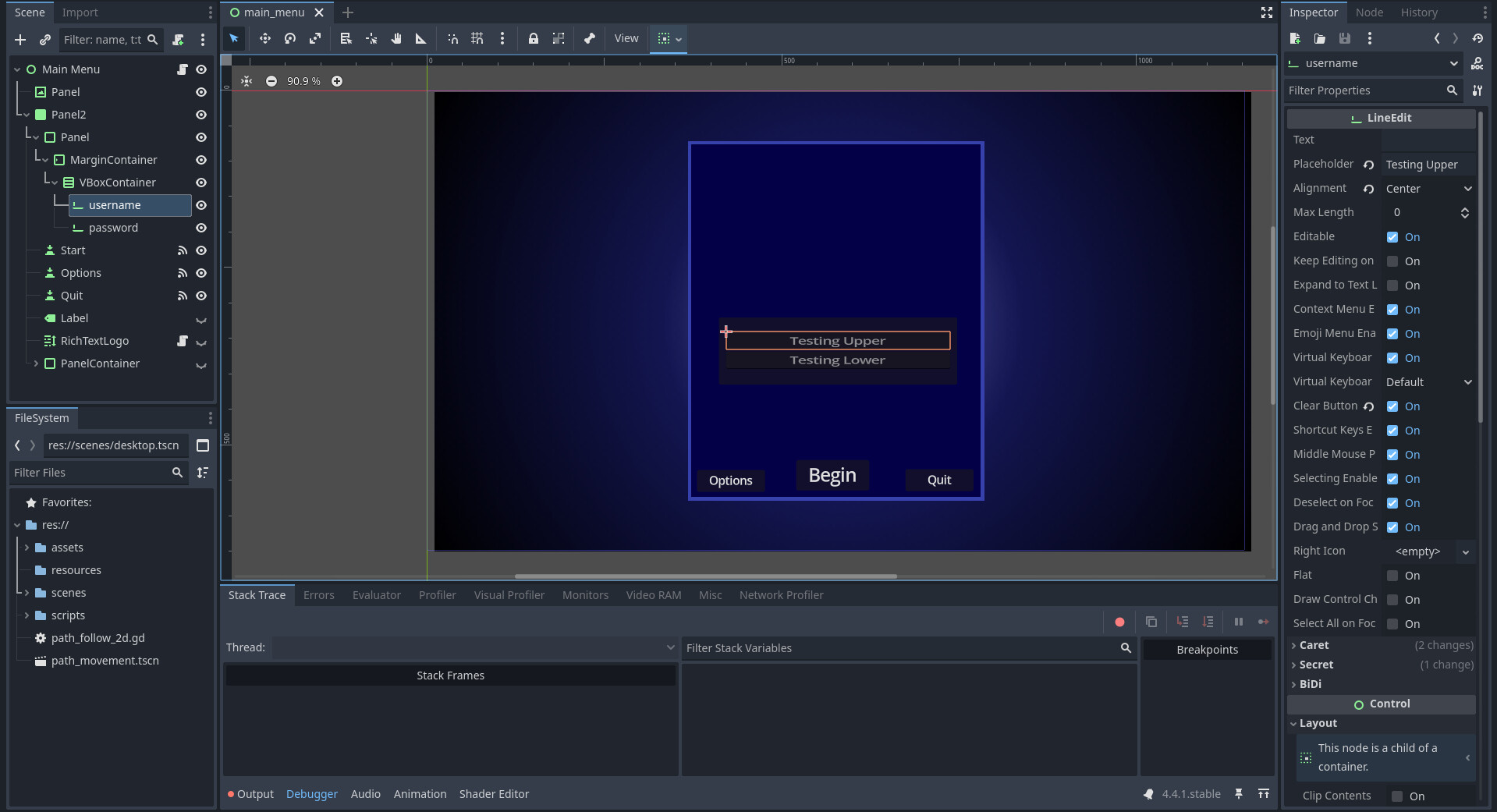
I’ve included some images to show what my issue is. The Line Edits have become slanted and I’m not sure why. A bunch of tutorials have had me try using expand to make the size of each box bigger, but that’s not something I want. Is it possible to fix the slanting issue? Or should I start over?
To be honest I cant see any slanting on your screenshots, perhaps it is really subtle?
What exactly is slanted just the line edits or also the parent containers?
Is it possible that you have accidentally moved the layout/transform/rotation slider of your “Panel” node? (The PanelContainer)
no worries,
I am not sure what might be causing slanting. Is it also the case for new lineEdits you create next to the username and password? Could you maybe send a screenshot where we can see the slanted text? Maybe from that we could have a better guess on what might cause the problem. Or do you mean that the text looks a bit squished?
Or do you maybe have “a shape that the text is overlaying” like this old thread?
Do you perhaps have a Theme attached to these lineEdits and could you have configured the font file in a way that might cause this?
You said tutorials told you to activate the expand mode. This should have nothing to do with the text being or not being slanted inside of the LineEdit. Does it fix the issue you have? (Even if you dont want to use it this would be useful info for debugging)
The squishing might be caused by the scale Layout/transform/scale of the parent container being changed (not the default 1).
Maybe you modified the Scale of the “Panel” (Panelcontainer), or of the root Node “MainMenu”
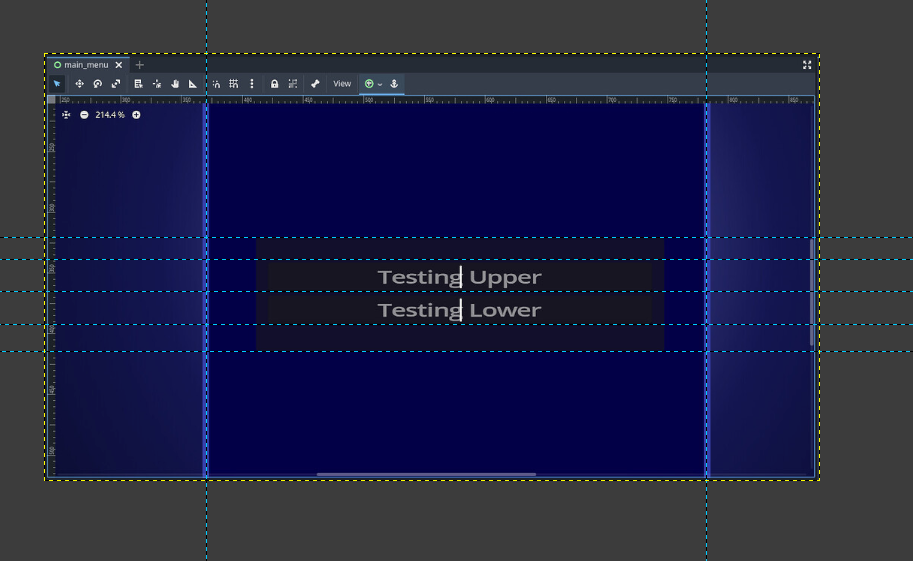
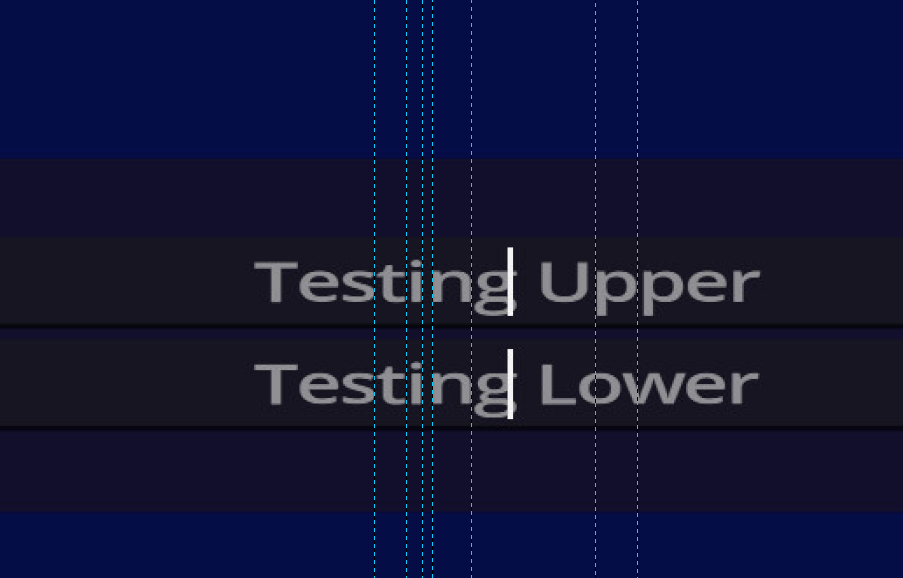
Might be an optical illusion, from starting with a capital T and ending with a g, which has its top and bottom lower than any of the preceding letters, sort of thing.