As per the topic.
Older versions will remain available for download via the asset library, maybe. What would you do / what version are you on / what is your rate of adoption?
As per the topic.
Older versions will remain available for download via the asset library, maybe. What would you do / what version are you on / what is your rate of adoption?
Godot 4.7 will soon receive an update to version 4.7.1, so it’s hardly too early.
Personally, I’m using version 4.7 — it has some useful improvements.
I try to update during the release candidate phase, and then push it when a new version comes out. For example, my Disk plugin has releases for 4.4.1, 4.5.1, 4.6, 4.6.2, 4.6.3, and 4.7.
Having releases on GitHub and keeping them up to date means if someone wants an older version, it’s already archived, tested, and exists. They just have to download it.
I am actually behind on my 4.7 updates. Basically though, any time I open up an addon, I do it in the most recent version that I am currently using, make sure it still works, and push it. When I update something that has dependencies, I always go back down the line and update the dependencies.
That’s really thorough. I’m not sure yet if I can afford that level of care (timewise).
Maybe I can honor requests for backporting a new feature. The asset store helps too, because you can select stable downloads.
Thanks for sharing.
In my plugins I have created tests that run when I hit the Play button. I found this more effective than Unit Tests, because the bugs I encountered were almost never caught by unit testing - it was always integrations where my bugs were caught.
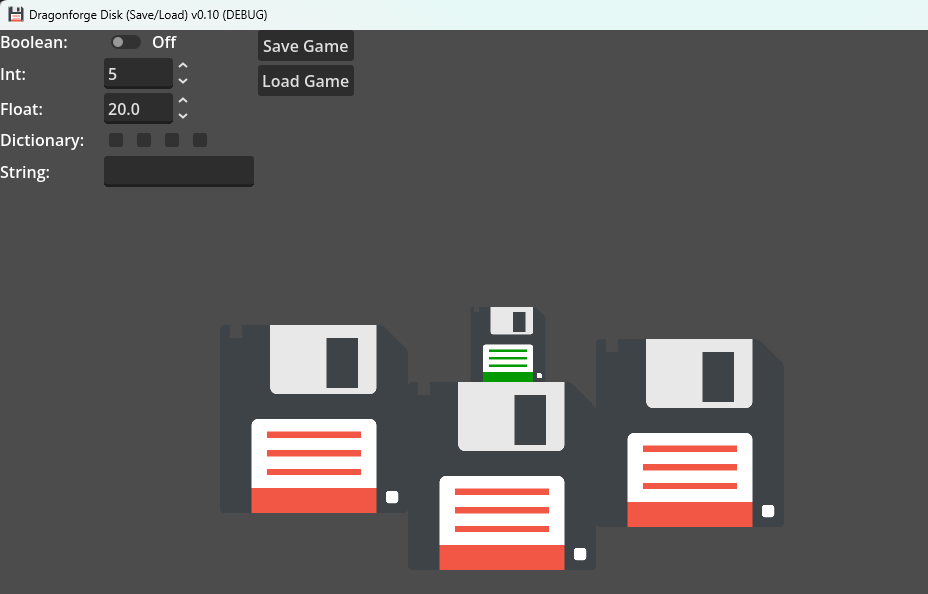
For example, this is my test page for my Disk plugin.
It’s not in the addons folder. But it allows me to test it, and also allows people to play with the plugin and see how it works just by downloading the project. Because the place where people often get stuck is integration of an addon.
Also, keep in mind that new minor versions are released every 3 months. 4 times a year isn’t too bad. Obviously I do it more than that, but if you did that it would get you every version people could want. Also, I have learned that there’s always a x.x.1 version that comes out a few weeks after a new release, so I don’t really worry about updating until that point.
Thanks again.
Most important to me are regressions due to a couple of hacks into editor GUI controls (Animation editor, edit state toggle buttons).
Early on I made the mistake of accessing plugin only code from runtime tools. That was the most important fail I don’t want to repeat (easily remedied with an automated build which I still do by hand), your play button solution using a main scene is pretty brilliant actually. Covers all the bases and makes it tangible. Mainly for testing. My way was to install it into all my unfinished games in both 4.4 and the latest release. That’s seriously too much.
To be totally honest until recently I thought the thing was done, but it just keeps pulling me in. 
Added this:
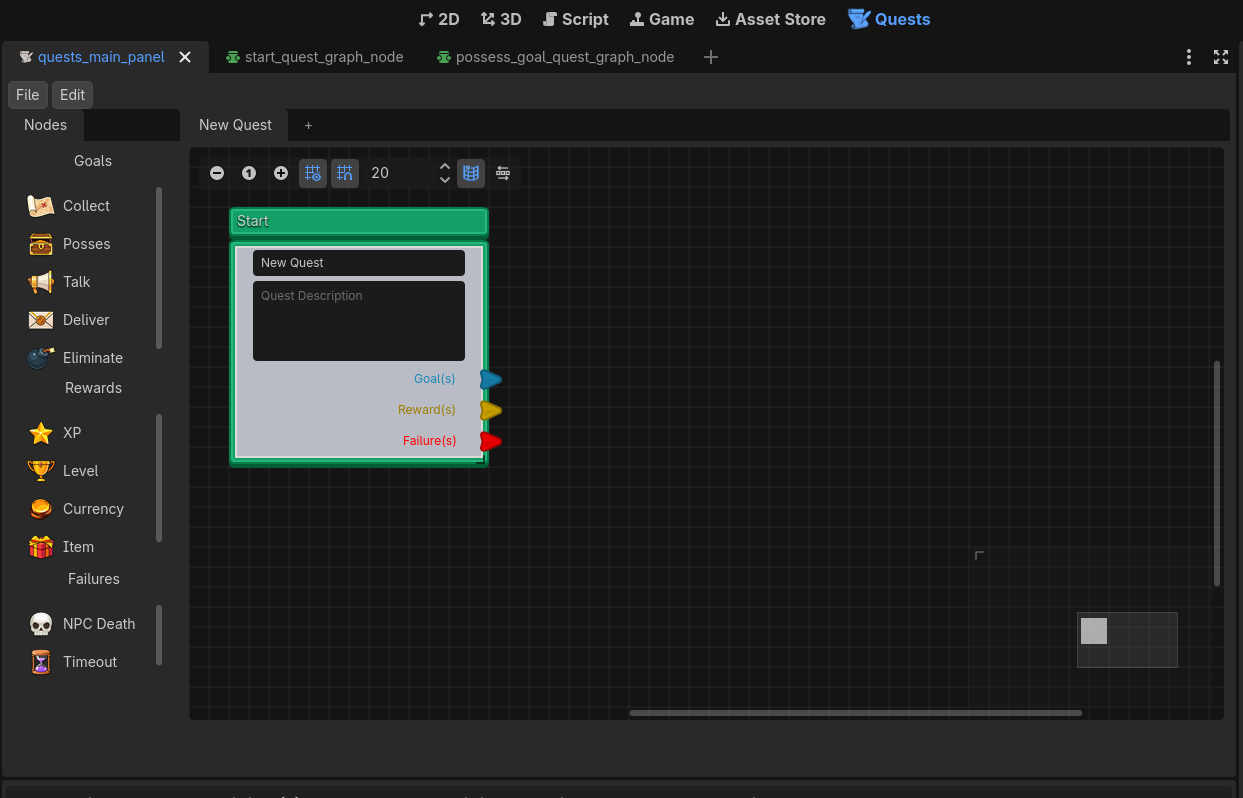
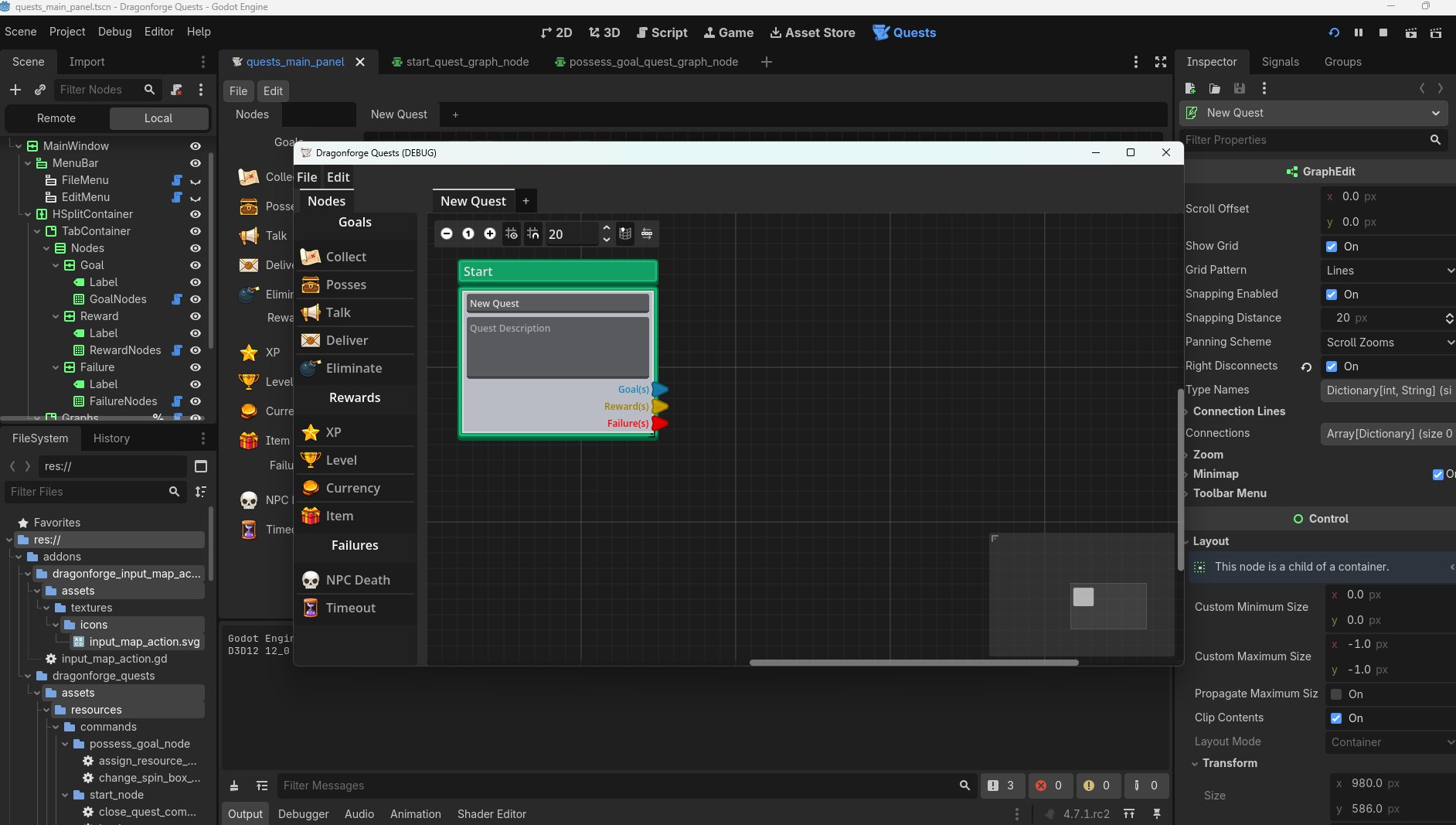
In the quest editor I am building, the test scene is the scene I am embedding in the Editor itself.
Testing it as a separate scene makes things a lot easier.
As I implement things, they often work first in the executed version, but have weird things happen in the editor. In this way, I know that I’ve got things working, and I just need to see what issues the editor is putting on top of whatever I am trying to do. That separation has reduced my overall frustration greatly, and also made things a lot easier because I’m able to separate out problems and Google more specific problems.
Another side effect of this is I can actually use the Quest Editor as a standalone app to edit quests. It doesn’t need to be embedded in the project to work. Which means that if I were to not update it in the future, it could still be used to edit quest resources even if it won’t embed in a version.