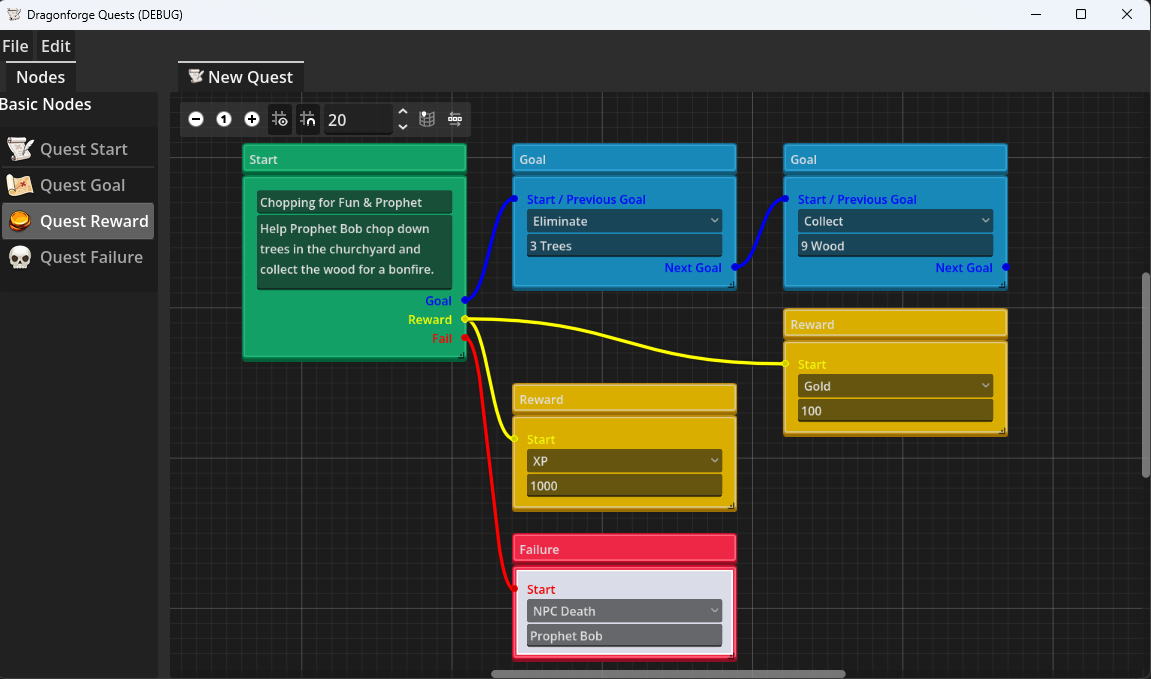
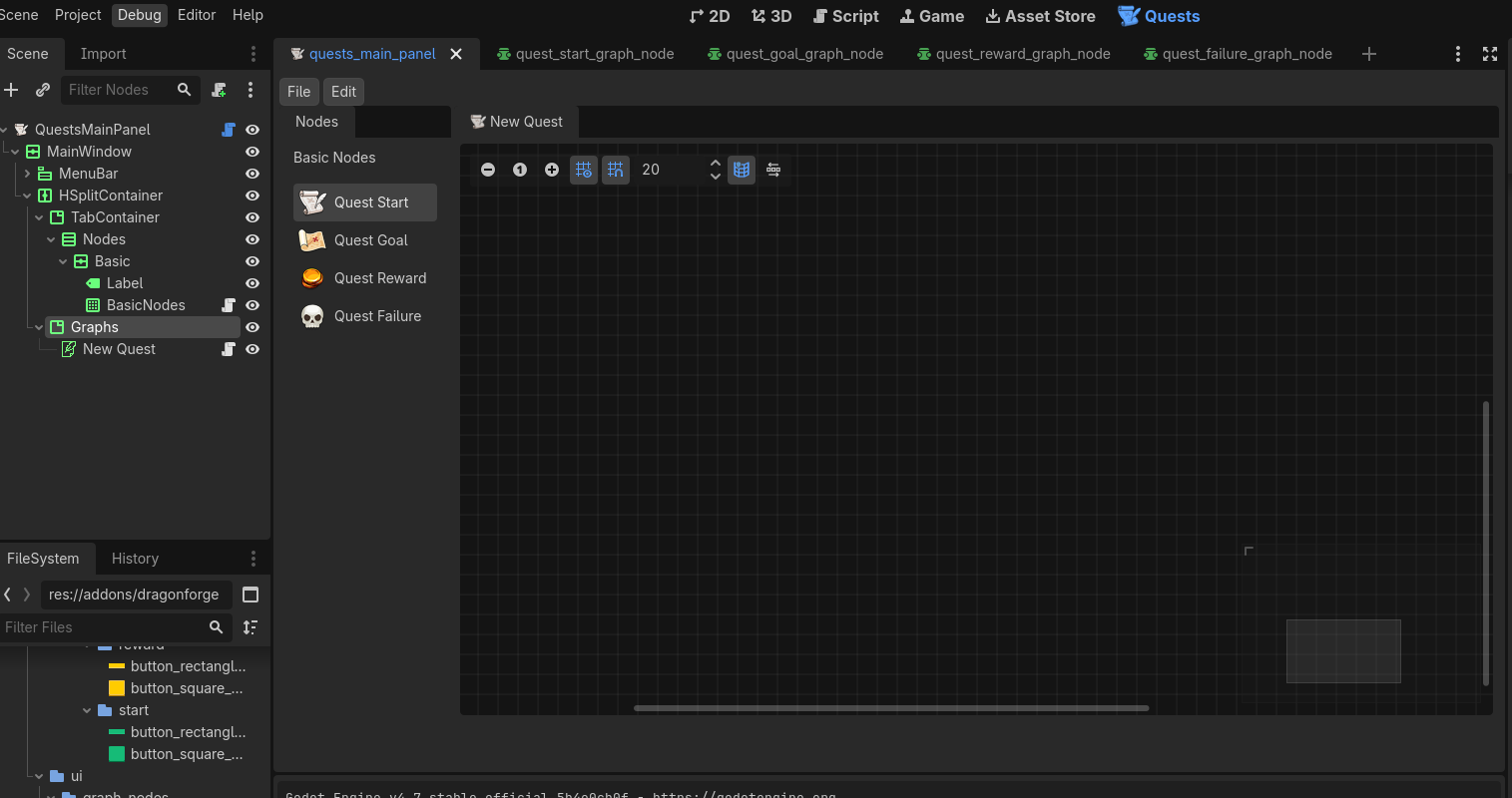
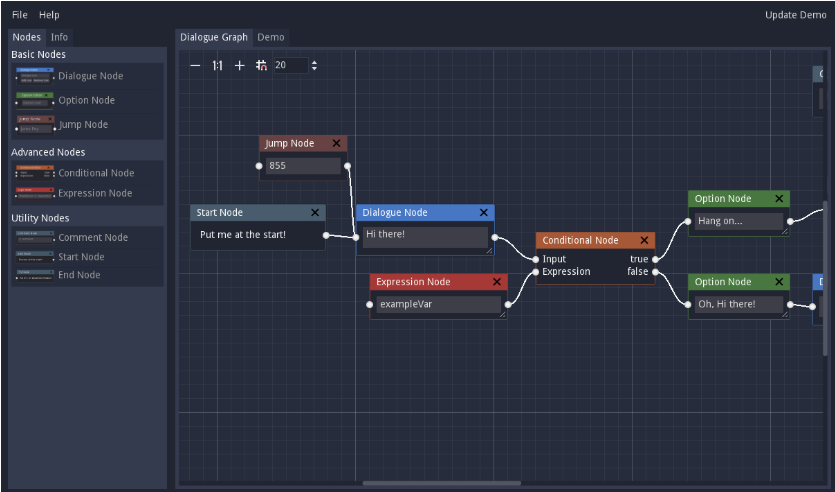
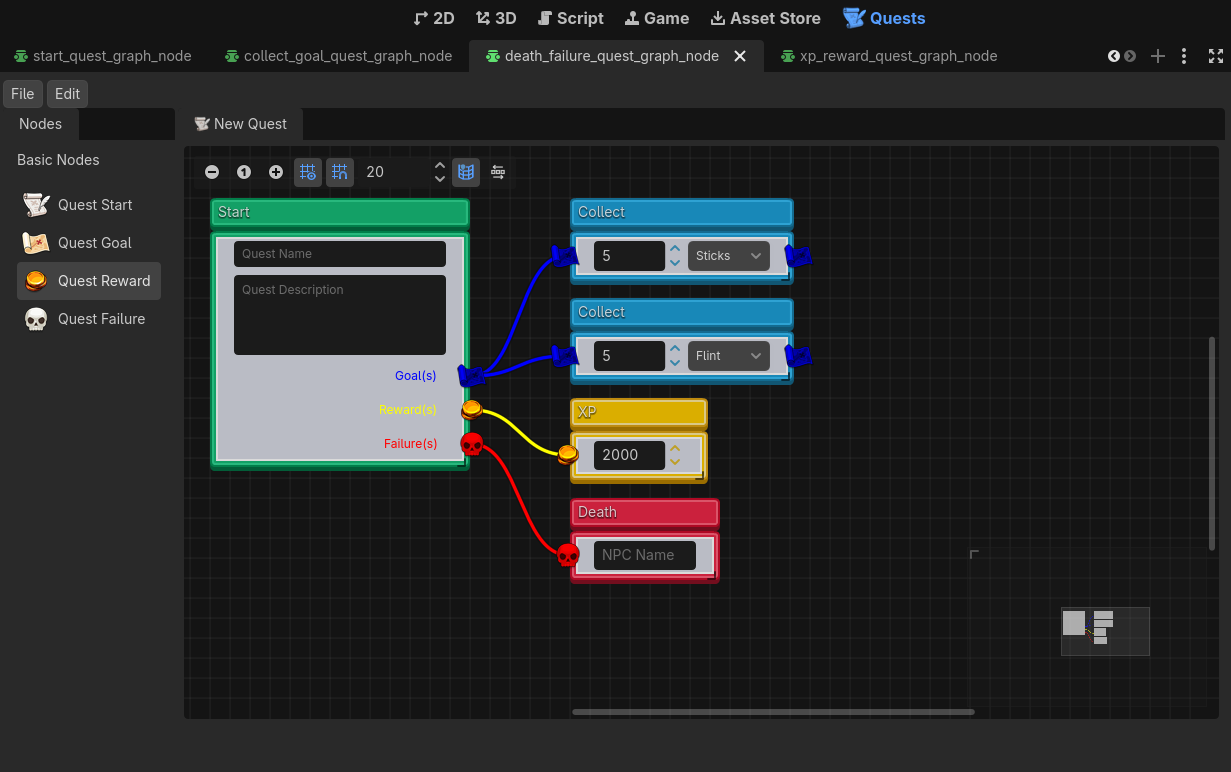
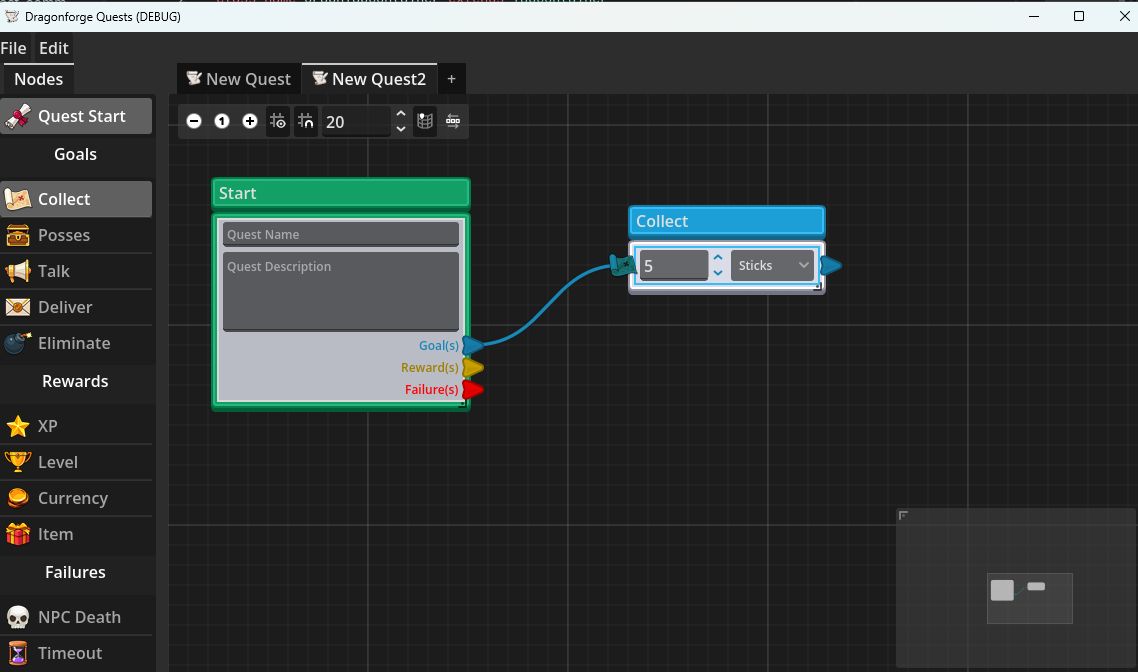
So I implemented the Command Pattern today for the Quest editor, as well as the ability to delete and disconnect nodes. Also, the ability to make new QuestGraphNodes.
One problem I ran into was a way to consume the Undo and Redo actions so that when I am in the Quest Editor, I capture those actions. If anyone has any ideas on how I can do that, I’d love to know how. For now you have to select the options from the Edit menu.
There’s not a lot to show off without a video, but I’ve made it so every action you can take can be undone and redone. Except for modifying fields. There’s no way to undo those yet. However, if you delete a node and then undo the delete, it restore all its fields, its position, and additional undos will restore any connections.
For those interested, here’s the code:
Command Abstract Class
@icon("uid://bo17cv28siek3")
@abstract
## An interface class for creating commands that can be executed and undone.
class_name Command extends Resource


## Implement this to define what happens when this command is executed.
@abstract
func execute() -> void


## Implement this to define what happens when this command is undone.
@abstract
func undo() -> void
Create Quest Command
class_name CreateQuestCommand extends Command

const FORCE_READABLE_NAME = true # Helper constant
const QUESTS_16_X_16 = preload("uid://dt03876p01rxq")


var name: String
var container: GraphTabContainer
var graph: QuestGraphEdit
var add_graph_tab: Control


func _init(quest_name: String, graph_tab_container: GraphTabContainer, add_graph_tab: Control) -> void:
	name = quest_name
	container = graph_tab_container
	self.add_graph_tab = add_graph_tab


func execute() -> void:
	graph = QuestGraphEdit.new()
	graph.name = name
	graph.right_disconnects = true
	container.add_child(graph, FORCE_READABLE_NAME)
	container.set_tab_icon(container.get_tab_idx_from_control(graph), QUESTS_16_X_16)
	container.current_tab = container.get_tab_idx_from_control(graph)
	container.move_child(add_graph_tab, -1)


func undo() -> void:
	graph.queue_free()
Creating this greatly simplified the GraphTabContainer code:
@tool
class_name GraphTabContainer extends TabContainer

@onready var add_graph_tab: Control = $AddGraphTab


func _ready() -> void:
	Quests.add_graph_node.connect(_on_add_graph_node)
	tab_clicked.connect(_on_tab_clicked)


func create_tab(tab_name: String = "New Quest") -> void:
	var command := CreateQuestCommand.new(tab_name, self, add_graph_tab)
	Quests.execute.emit(command)


func _on_add_graph_node(scene: PackedScene) -> void:
	get_current_tab_control().add_graph_node(scene)


# Handles the new quest button being pressed.
func _on_tab_clicked(tab: int) -> void:
	if get_tab_control(tab) == add_graph_tab:
		create_tab()
I decided to use the Quests Autoload to pass signals around.
@tool
@icon("uid://cu1tcdypslmjy")
## Quests Autoload
extends Node

signal add_graph_node(node: PackedScene)
signal execute(command: Command)
signal undo()
signal redo()
Right now, you execute a command by calling the execute signal and passing the Command, but I found that a bit unintuitive. Still, for now it works.
The QuestsMainPanel itself actually stores all the commands, instead of the Quests Autoload. I don’t know that this decision matters now, but I had considered a separate queue for each quest, and if I do that, then implementing it this way makes that easier in theory.
@tool
@icon("uid://cu1tcdypslmjy")
class_name QuestsMainPanel extends PanelContainer

var undo_queue: Array[Command]
var redo_queue: Array[Command]


func _ready() -> void:
	Quests.execute.connect(_on_execute_command)
	Quests.undo.connect(_on_undo_command)
	Quests.redo.connect(_on_redo_command)


func _on_execute_command(command: Command) -> void:
	command.execute()
	undo_queue.append(command)


func _on_undo_command() -> void:
	var command: Command = undo_queue.pop_back()
	if command:
		command.undo()
		redo_queue.append(command)


func _on_redo_command() -> void:
	var command: Command = redo_queue.pop_back()
	if command:
		command.execute()
		undo_queue.append(command)


## Doesn't work with embedded version.
#func _unhandled_input(event: InputEvent) -> void:
	#if event.is_action_pressed("ui_undo", false, true):
		#Quests.undo.emit()
		#get_viewport().set_input_as_handled()
	#elif event.is_action_pressed("ui_redo", false, true):
		#Quests.redo.emit()
		#get_viewport().set_input_as_handled()
As you can see, I commented out my Undo/Redo keys because they weren’t working on the embedded version. I guess I could do an is_Editor check.
QuestGraphEdit
Each quest graph edit node has much simplified code now, as all it does really is create Commands and send them off.
@tool
@icon("uid://cu8xqwekwfxve")
class_name QuestGraphEdit extends GraphEdit

const FORCE_READABLE_NAME = true # Helper for code readbility

# The offset for the first node placed.
var initial_position := Vector2(20, 20)
# The offset for each new node added.
var node_offset : = Vector2(20, 40)
# How many nodes have been added.
var node_index: int = 0


func _ready() -> void:
	connection_request.connect(_on_connection_request)
	disconnection_request.connect(_on_disconnection_request)


# Determines if data can be dropped on this node. We only want to allow
# GraphNodes.
func _can_drop_data(at_position: Vector2, data: Variant) -> bool:
	return true


# When a GraphNode is dropped, drop it.
func _drop_data(at_position: Vector2, data: Variant) -> void:
	var command: Command = AddQuestNodeCommand.new(data, self, at_position - Vector2(0, 30))
	Quests.execute.emit(command)


func _on_connection_request(from_node: StringName, from_port: int, to_node: StringName, to_port: int) -> void:
	var command := ConnectQuestNodeCommand.new(self, from_node, from_port, to_node, to_port)
	Quests.execute.emit(command)


func _on_disconnection_request(from_node: StringName, from_port: int, to_node: StringName, to_port: int) -> void:
	var command := DisconnectQuestNodeCommand.new(self, from_node, from_port, to_node, to_port)
	Quests.execute.emit(command)


func add_graph_node(scene: PackedScene) -> void:
	var command: Command = AddQuestNodeCommand.new(scene, self, initial_position + (node_index * node_offset))
	Quests.execute.emit(command)
AddQuestNodeCommand
class_name AddQuestNodeCommand extends Command

const FORCE_READABLE_NAME = true # Helper constant

var scene: PackedScene
var quest_graph_edit: QuestGraphEdit
var position_offset: Vector2
var graph_node: GraphNode


func _init(scene: PackedScene, quest_graph_edit: QuestGraphEdit, offset: Vector2) -> void:
	self.scene = scene
	self.quest_graph_edit = quest_graph_edit
	position_offset = offset


func execute() -> void:
	graph_node = scene.instantiate()
	graph_node.position_offset += position_offset
	quest_graph_edit.add_child(graph_node, FORCE_READABLE_NAME)
	quest_graph_edit.node_index += 1


func undo() -> void:
	position_offset = graph_node.position_offset
	graph_node.queue_free()
	quest_graph_edit.node_index -= 1
ConnectQuestNodeCommand
class_name ConnectQuestNodeCommand extends Command

var quest_graph_edit: QuestGraphEdit
var from_node: StringName
var from_port: int
var to_node: StringName
var to_port: int


func _init(quest_graph_edit: QuestGraphEdit, from_node: StringName, from_port: int, to_node: StringName, to_port: int) -> void:
	self.quest_graph_edit = quest_graph_edit
	self.from_node = from_node
	self.from_port = from_port
	self.to_node = to_node
	self.to_port = to_port


func execute() -> void:
	quest_graph_edit.connect_node(from_node, from_port, to_node, to_port)


func undo() -> void:
	quest_graph_edit.disconnect_node(from_node, from_port, to_node, to_port)
DisconnectQuestNodeCommand
class_name DisconnectQuestNodeCommand extends Command

var quest_graph_edit: QuestGraphEdit
var from_node: StringName
var from_port: int
var to_node: StringName
var to_port: int


func _init(quest_graph_edit: QuestGraphEdit, from_node: StringName, from_port: int, to_node: StringName, to_port: int) -> void:
	self.quest_graph_edit = quest_graph_edit
	self.from_node = from_node
	self.from_port = from_port
	self.to_node = to_node
	self.to_port = to_port


func execute() -> void:
	quest_graph_edit.disconnect_node(from_node, from_port, to_node, to_port)


func undo() -> void:
	quest_graph_edit.connect_node(from_node, from_port, to_node, to_port)
QuestGraphNode
I finally had to add a base script to my QuestGraphNodes so I could delete them.
class_name QuestGraphNode extends GraphNode


func _ready() -> void:
	delete_request.connect(_on_delete_request)


func _input(event: InputEvent) -> void:
	if event.is_action_pressed("ui_graph_delete") and selected:
		delete_request.emit()


func _on_delete_request() -> void:
	var command := DeleteQuestNodeCommand.new(self, get_parent())
	Quests.execute.emit(command)
I went ahead and jumped through a few hoops, just in case there’s some reason I might have wanted to use the delete_request signal in the future. Though TBH, I dunno if I will.
DeleteQuestNodeCommand
This is where things got interesting. If I actually delete the node, then I run into the problem of not having a reference to the scene that created the node. I thought about adding that into each node definition, but it was an easy failure point as I make more. It also meant that all the values got set back to their defaults. So, I decided just to reparent the node to the Quests autoload and hide them. Then pulling them back is easy.
After that, I noticed that the connections weren’t restoring. So, I just loop through them and run a DisconnectQuestNodeCommand on each one. This automatically puts them in the Undo queue, right before the delete command, allowing the user to keep undoing to get them back.
class_name DeleteQuestNodeCommand extends Command

var quest_graph_edit: QuestGraphEdit
var position_offset: Vector2
var graph_node: GraphNode


func _init(graph_node: GraphNode, quest_graph_edit: QuestGraphEdit) -> void:
	self.graph_node = graph_node
	self.quest_graph_edit = quest_graph_edit


func execute() -> void:
	for connection in quest_graph_edit.get_connection_list_from_node(graph_node.name):
		var command := DisconnectQuestNodeCommand.new(quest_graph_edit, connection.from_node, connection.from_port, connection.to_node, connection.to_port)
		Quests.execute.emit(command)

	graph_node.selected = false
	graph_node.reparent(Quests)
	graph_node.hide()
	quest_graph_edit.node_index -= 1


func undo() -> void:
	graph_node.reparent(quest_graph_edit)
	graph_node.show()
	quest_graph_edit.node_index += 1