Blender Import - Cube Mesh refusing to appear in Godot

Godot Version

v4.5.stable.steam [876b29033]

Question

I’ve followed various tutorials, in written and video format, where people in less than 30 seconds have created the simplest cube mesh in Blender, saved, and exported it to Godot, and dragged it in to their scene. It’s absolutely the most basic thing that can be done.

But it’s not working for me.

I’ve set the import settings. I’ve set the Blender 3 path. I’ve created the a new Blender scene multiple times, removed cameras and lighting, I’ve saved the scene inside my Godot project as both a .blend, a .fbx, a .glb, a .gltf (both embedded and seperate), you name it, I’ve exported it, every settings tweaked.

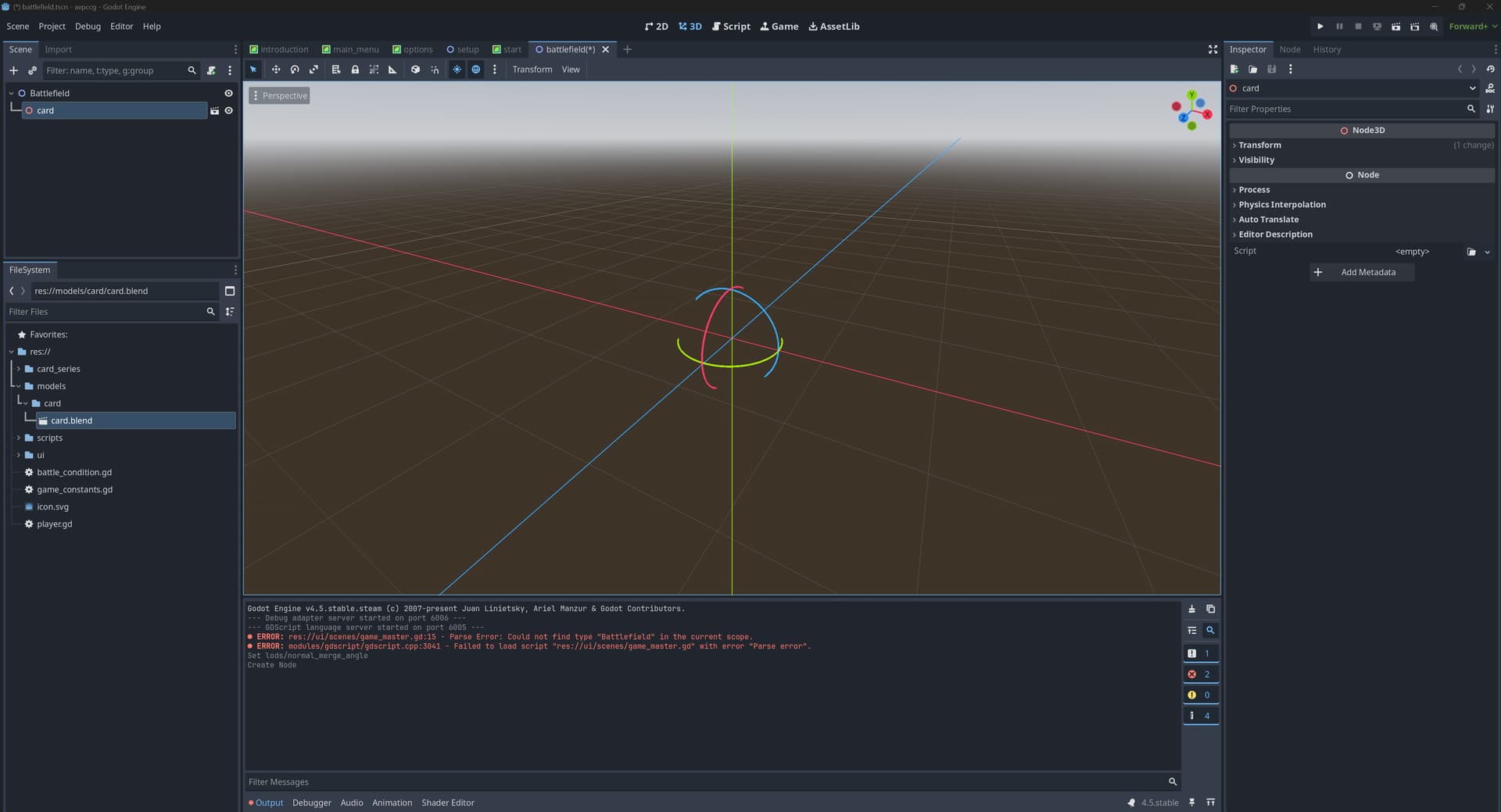
And when I go into Godot, the import occurs, I see my file, and I drag it in a 3D scene and… nothing. I get gizmos, but I don’t see the mesh at all. It’s just not there. And when I try and render the scene, again, it’s definitely not there.

So I’m doing something wrong - but I can’t say what. I thought initially it might have been because I had been using Blender 4 - but given I was exporting to standard formats, I didn’t think it would matter. I downgraded to Blender 3 but it made no difference.

I’m beginning to wonder if its my graphics card - It’s a Radeon 6800 XT. But I’m more inclined to believe I’m just simply doing something wrong. I’m an experienced programmer, not really a graphics guy so it wouldn’t surprise me.

Anyway, if anyone has any ideas, do let me know.

Thanks!

Does anything 3D work? Godot isn’t getting along with recent AMD drivers on windows, and I’m not sure if that’s been fixed for the latest drivers yet.

I’m using glb files, personally, exported from Blender (during development I also used Kenney’s AssetForge for placeholders…), and it’s been a pretty simple path.

It may be scale? If the model is so big the camera is inside it, you won’t see it. Or if it’s too small…

It could be lighting? Can you post a screenshot of it not working?

1 Like

Can you post the structure of the imported scene?

1 Like

Does anything 3D work? Godot isn’t getting along with recent AMD drivers on windows, and I’m not sure if that’s been fixed for the latest drivers yet.

You know what? That’s a good question? I haven’t tried anything in Godot in 3D until now. And I probably should have thought to do try something else that should work. Lets see if I can get anything working.

I’m using glb files, personally, exported from Blender (during development I also used Kenney’s AssetForge for placeholders…), and it’s been a pretty simple path.

Yeah, from what I gathered from numerous YouTube videos it is! or it should be!

It may be scale? If the model is so big the camera is inside it, you won’t see it. Or if it’s too small…

So I haven’t messed with the scales in Blender, so is literally a cube added to a blank scene and defaults scales. Imported into Godot, a brand new 3D scene with defaults.

It could be lighting?

Maybe? But I removed all lighting rigs from the blender scene, and I haven’t put a light on in my godot scene. It’s just a straight import - following the tutorials.

Can you post a screenshot of it not working?

I certainly will try. Give me a moment.

Yes. I’ll post an image of the structure. One moment.

So this is the cube as it appears in Blender and…

this is the cube imported as card.blend (since it’s going to depict a playing card), and it’s imported into Godot as a blend file in this image, but the results are the same regardless of the format.

Not much to see I know :smiley:

That’s the amd driver issue,I can smell it

Roll back your drivers

Here we go

1 Like

Yeah?

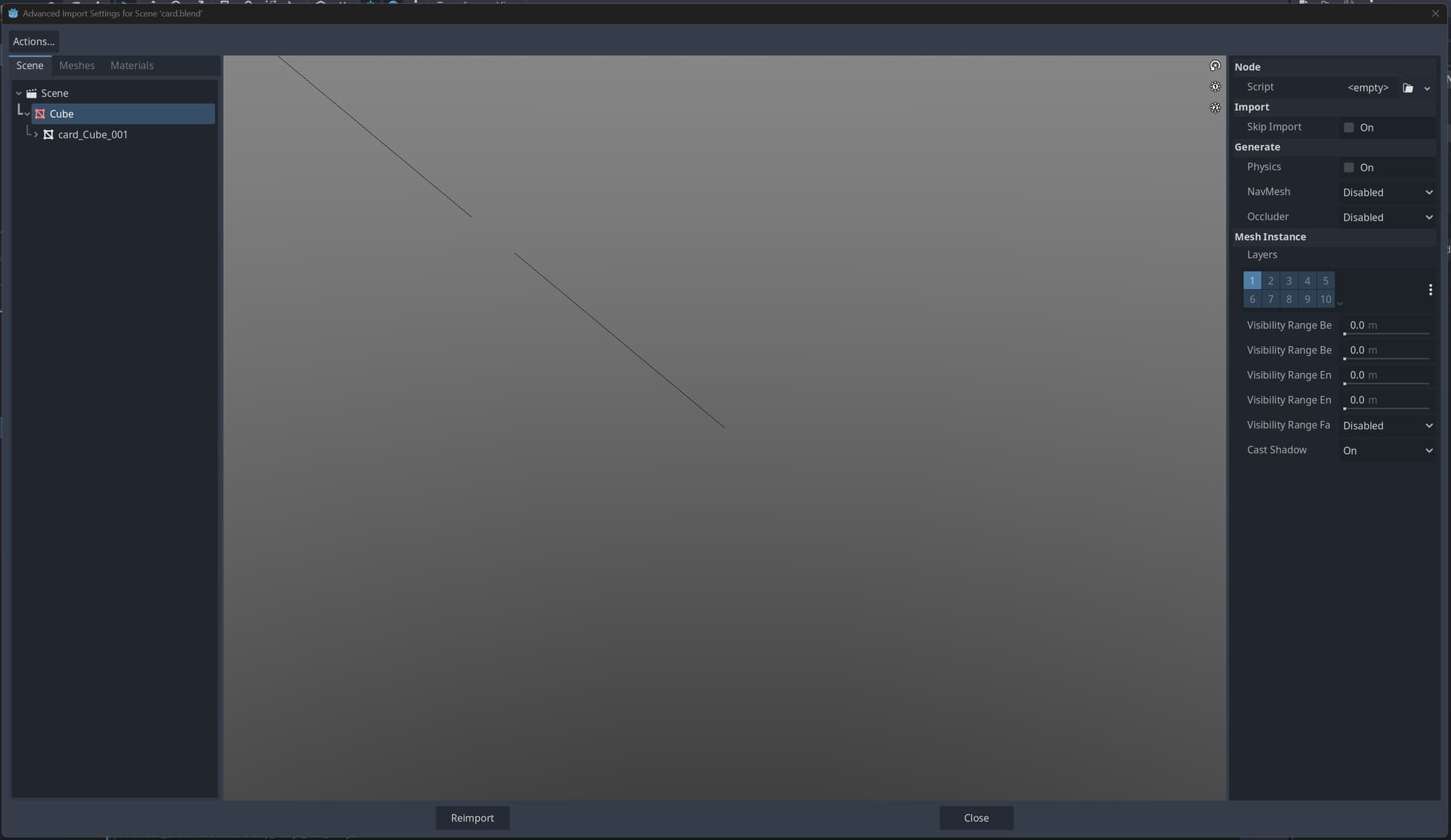
In the Advanced Import I get this too…

I’ll give that a go. Thanks.

1 Like

Worked like a charm. Rolled back to the May '25 driver. Thanks for your help.

2 Likes

This topic was automatically closed 30 days after the last reply. New replies are no longer allowed.