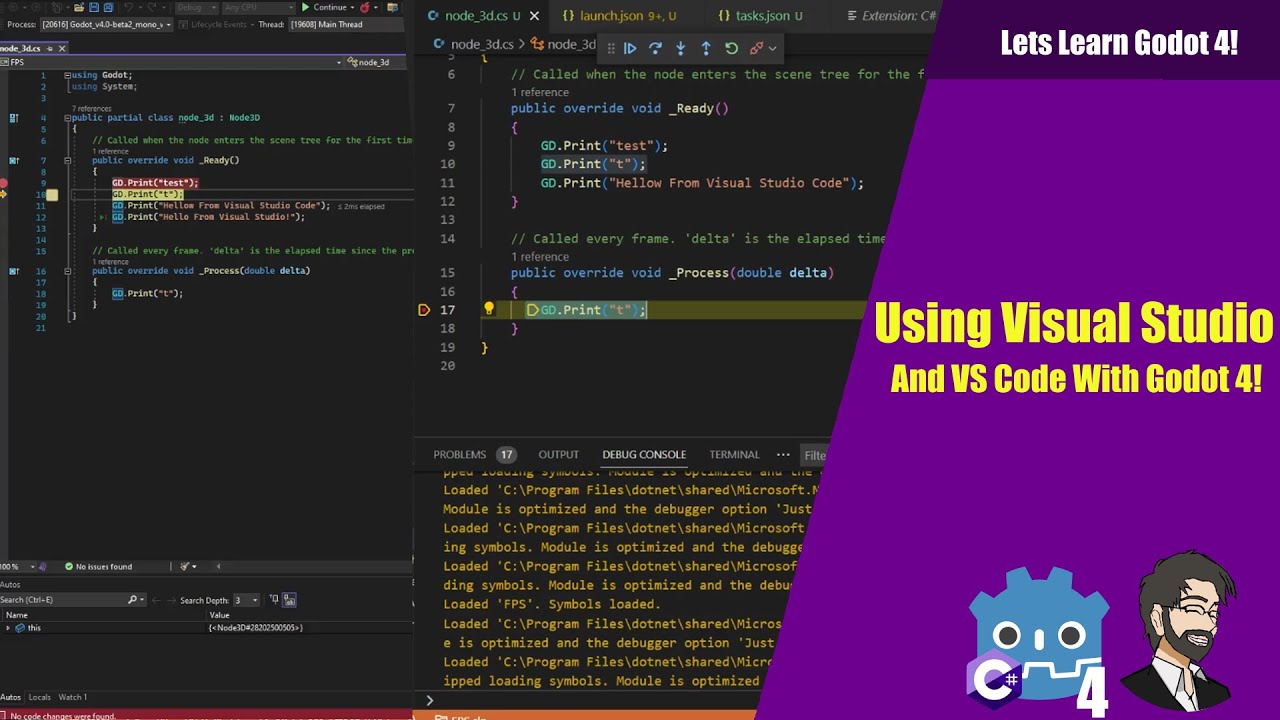
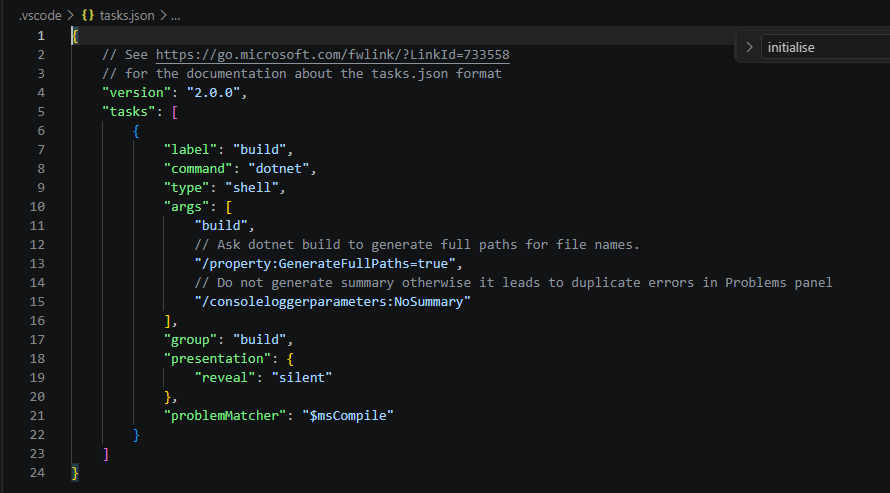
I’ve got Godot and visual studio code working together to build and run a project - but I can’t get breakpoints working. I’ve followed this video:
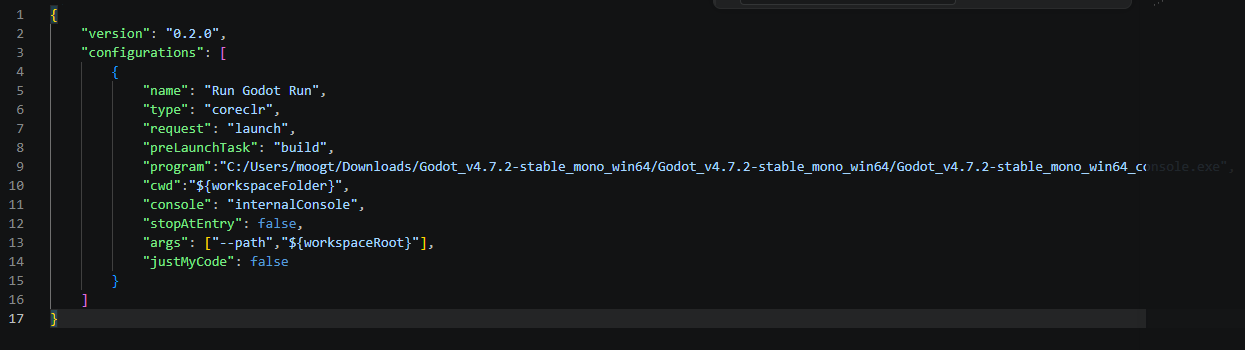
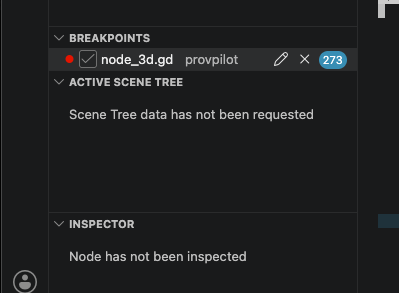
I can launch the project from VSC, but as soon as the game window appears, the breakpoint in VSC turns into a hollow grey circle, and execution just passes straight over it. I did some research on this, and the general direction was to disable ‘justmycode’ in the launch.json file:
I saw some notes about compiling using scons, and enabling some sort of dev flag? But that seems to apply to linux only.
I’m an age-old programmer, but new to godot, and my hunch is that it’s probably something dead simple I’m missing - but my searches and attempts haven’t turned up the right magic words.
I looked at the VSC section of the video. If you followed the instructions I don’t see any reason that it shouldn’t work either. I’m using C++ in my project where I have to compile with debuger symbols enabled to make it work. I don’t know C# that well. So I don’t know if there is the concept of release and debug binaries. There is a possiblity to enable / disable break points in VSC. Maybe its that simple ?
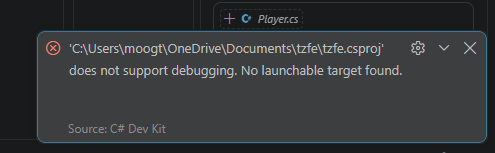
All the info seems to say it should just work. I’ve continued searching, and discovered the c# dev kit. That does has an explicit ‘start with debugging’ option, which brings up this helpful box:
You are hosting the project in a OneDrive folder. Do not do this. This will cause A LOT of subtle and weird issues, such as this one. Please move it to a LOCAL folder, that is not being synced with the cloud, and use Git instead.