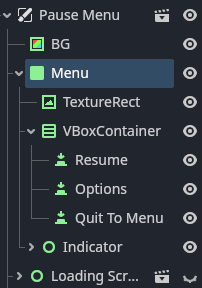
So i’m making a pause menu and I use get_tree().paused to pause the game, i have the process mode to always so my animation from the menu work but the Input doesn’t. Yes the closing and opening Input escape works because it’s unhandled
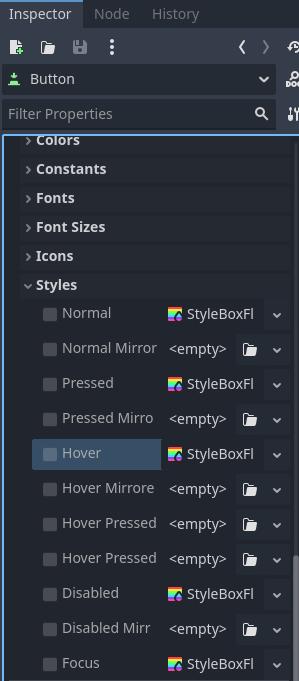
But the buttons themselves don’t gain any hover, focus or press. I’m trying to figure out how to make them work, but didn’t find any answers in the docs
yes, but I also forgot to say, I cant really hover it, only clicking activates it? I’m at school right now, so I can give you more details after 2 hours:)
Try to test your scene in an isolation and get it working isolated. Then once you get it working there, incorporate that into your main scenes. If it works in isolation and doesn’t work when incorporated into the scenes, then the problem is somewhere else.
How are you trying to get input? Are you hooking a signal up in the button’s signal handlers, or are you putting your input handling in script in a node that’s being disabled, perhaps?
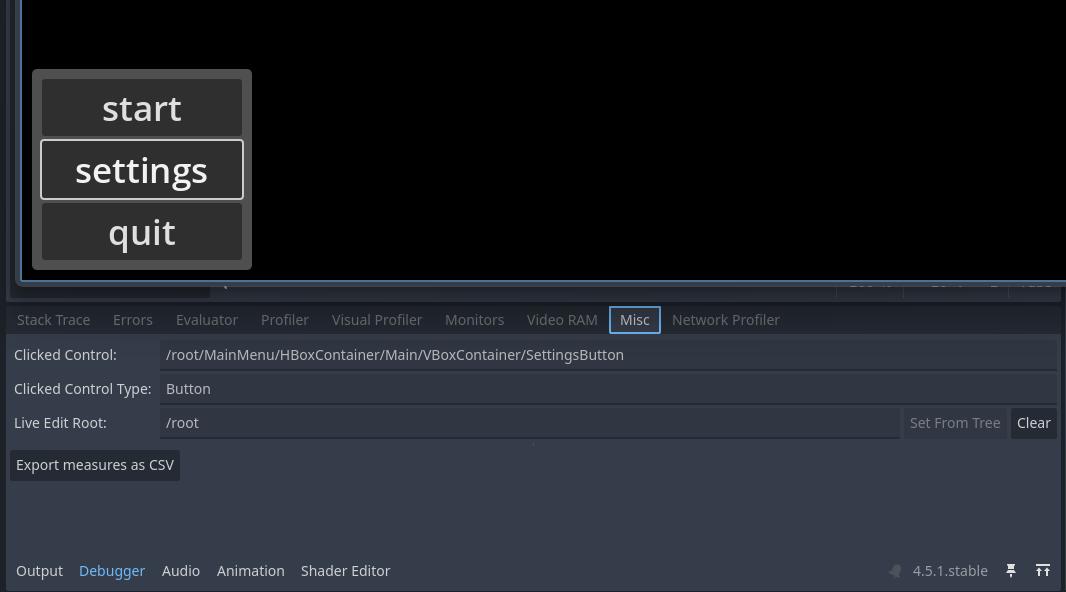
My apologies, so when clicking it gets activated on the debugger, not in game. so nothing actually happens. I have an indicator sprite that moves to the position to where you’re hovering or focusing, but it stands still even tho it’s a child of the node that has it’s process mode on always and thread inherhited. I can’t really shoz you anything because im at school but in a few minutes ill be clarifying my problim with button Input not getting detected
I have a class called navigation. it focuses the main button. you can navigate by hovering or focusing, if a hover or focus is detected then a signal gets called which ill be showing soon, it checks which button has been detected and add it’s stuff. and no, they work perfectly because I tested them before using get_tree().paused = true
Wait a second… it was working this hole time, even with that useless function I removed, If you llook closely when I use arrow keys, the grabbed button becomes slightly darker. Which means that is working. but not the indicators. because they are supposed to follow the focused button
I just have to know How I could make the indicators follow and also, even tho I press, nothing happens even tho it worked before adding get_tree().paused == true
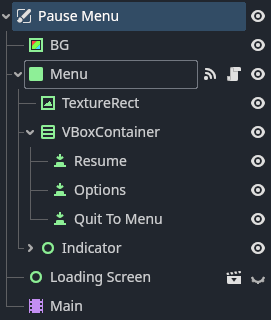
I did remove it. The menu works when the SceneTree is not paused but not when it’s paused. I really want to use get_tree.paused = true and I also have the pause menu scene’s process mode on always and the thread group is inerhited. setting get_tree().pause made the buttons inside of the Navigation node unpressable, unhoverable and unfocusable.
”If you llook closely when I use arrow keys, the grabbed button becomes slightly darker”
Even tho this is true, if it was so, then the indicator should be following the grabbed button. Maybe the issue is that if I have a node that extends a custom class, but then it also has it’s own extended script. that only the extended script could work when paused but the class itself not. If that is the case(which is likely) is it then possible to make both script’s process modes be set on ALWAYS? and no, changing the process_mode on ready() in the class won’t fix the issue
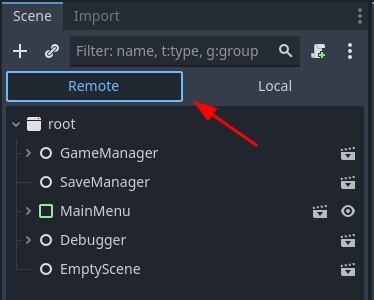
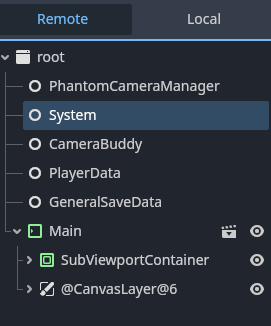
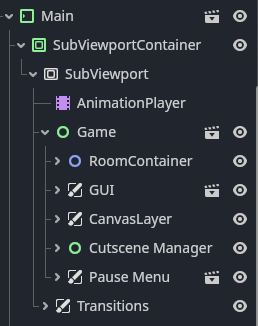
How do your nodes look like in the Remote scene tree when you have your menu open and you can’t click on the buttons? What’s the process mode? Check if the buttons are maybe disabled, or ignoring mouse input, etc.