Godot Version
4.7.stable
Question
Is there any way to make fog (regular or volumetric) calculate from a given world position rather than the camera?
I tried with a post processor quad, but it has problems (transparency doesn’t work, artifacts, see down below). Can those be fixed?
Context
In my game I have a camera similar to that of many tab-targeting MMO’s. The camera is anchored to the player character, but you can zoom in and rotate as you please.
This causes problems when using fog. Since the amount of fog per pixel is calculated from the camera position, the scene changes drastically when you move around with the camera. Even if the player hasn’t moved, an object in the scene can go from hidden-in-the-fog to fully visible depending on how you place the camera. I want the fog on the screen to be invariant of camera positioning.
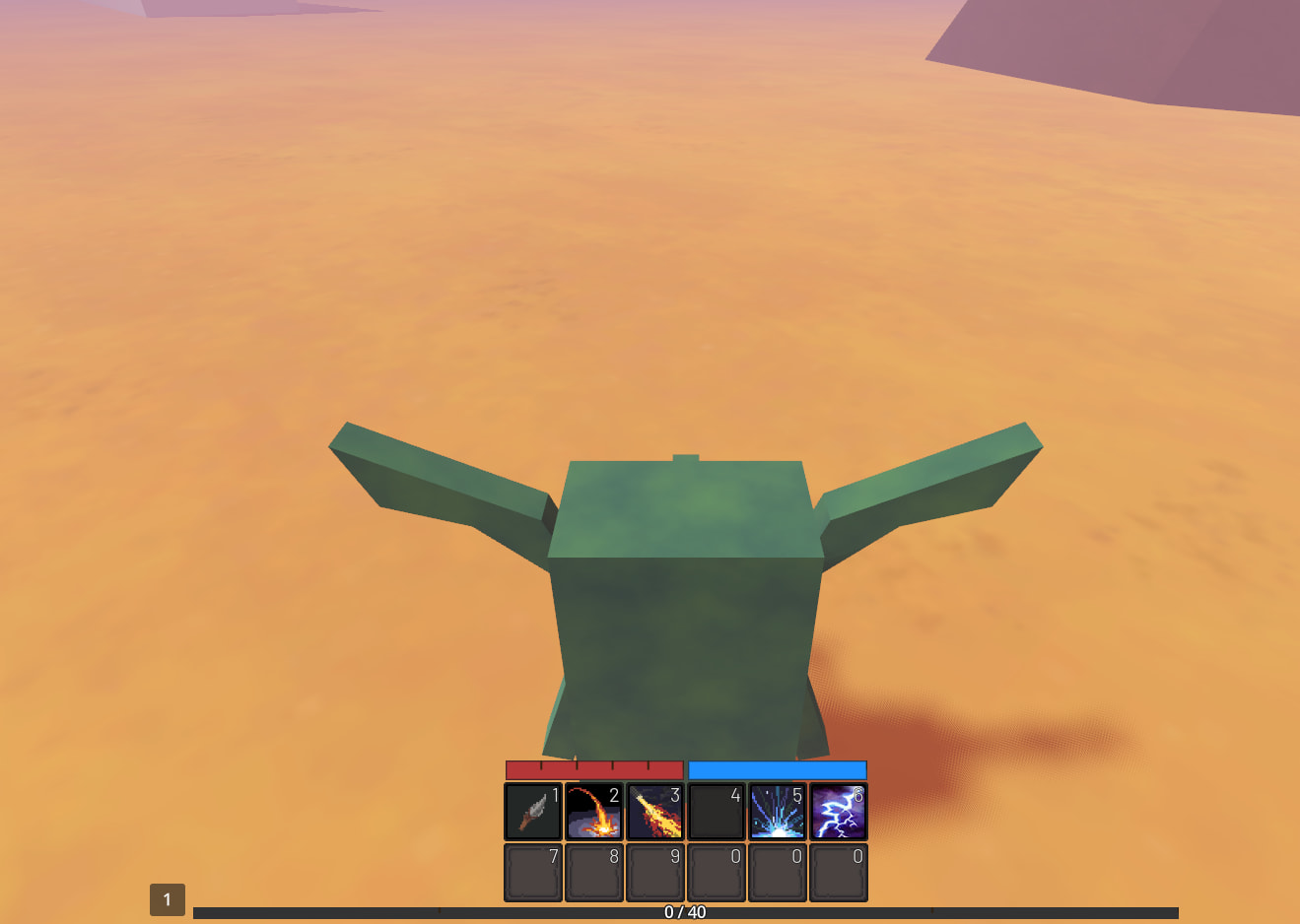

What I’ve tried
I have tried a post processing shader using a quad that calculates a pixels world position and compares it to the player character’s position.
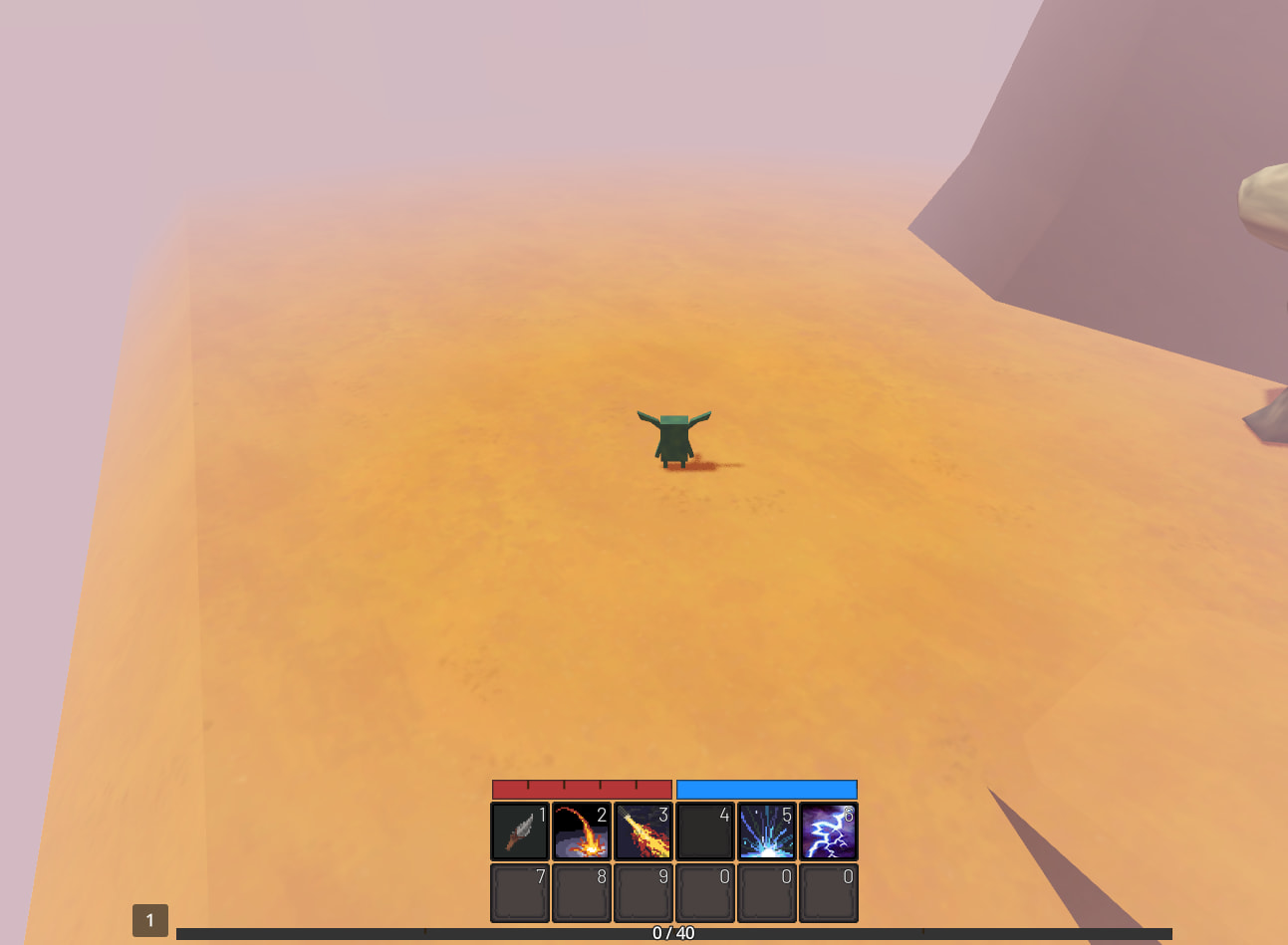
This works fine, except:
- Materials using transparency sometimes gets hidden
- Artifacts appear in the edges between near and far away meshes
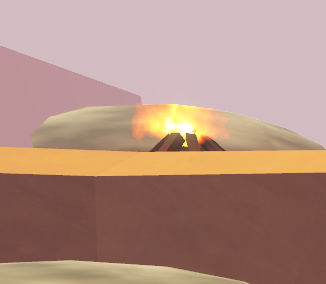
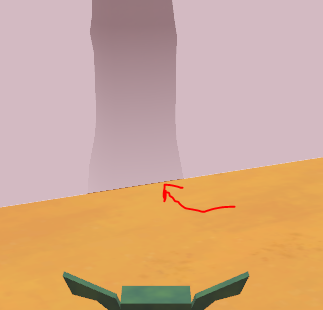
Custom fog post processing material.
shader_type spatial;
render_mode unshaded, fog_disabled;
uniform sampler2D depth_texture : source_color, hint_depth_texture;
varying mat4 CAMERA;
uniform float near_edge = 15.;
uniform float far_edge = 1000.;
uniform vec3 fog_color : source_color;
uniform vec3 fog_origin; // Player position, updated in script every frame

void vertex() {
  CAMERA = INV_VIEW_MATRIX;
  POSITION = vec4(VERTEX.xy, 1.0, 1.0);
}

float ramp(float val, float low, float upper) {
    return clamp( (val - low)/(upper - low), 0.01, 0.99);
}

void fragment() {
    float depth = texture(depth_texture, SCREEN_UV).x;
    vec3 ndc = vec3(SCREEN_UV * 2.0 - 1.0, depth);
    vec4 world = CAMERA * INV_PROJECTION_MATRIX * vec4(ndc, 1.0);
    vec3 world_position = world.xyz / world.w;

    float dist = distance(fog_origin, world_position);
    float fog_amount = ramp(dist, near_edge, far_edge);

    ALPHA = fog_amount ;
    ALBEDO = fog_color;
}