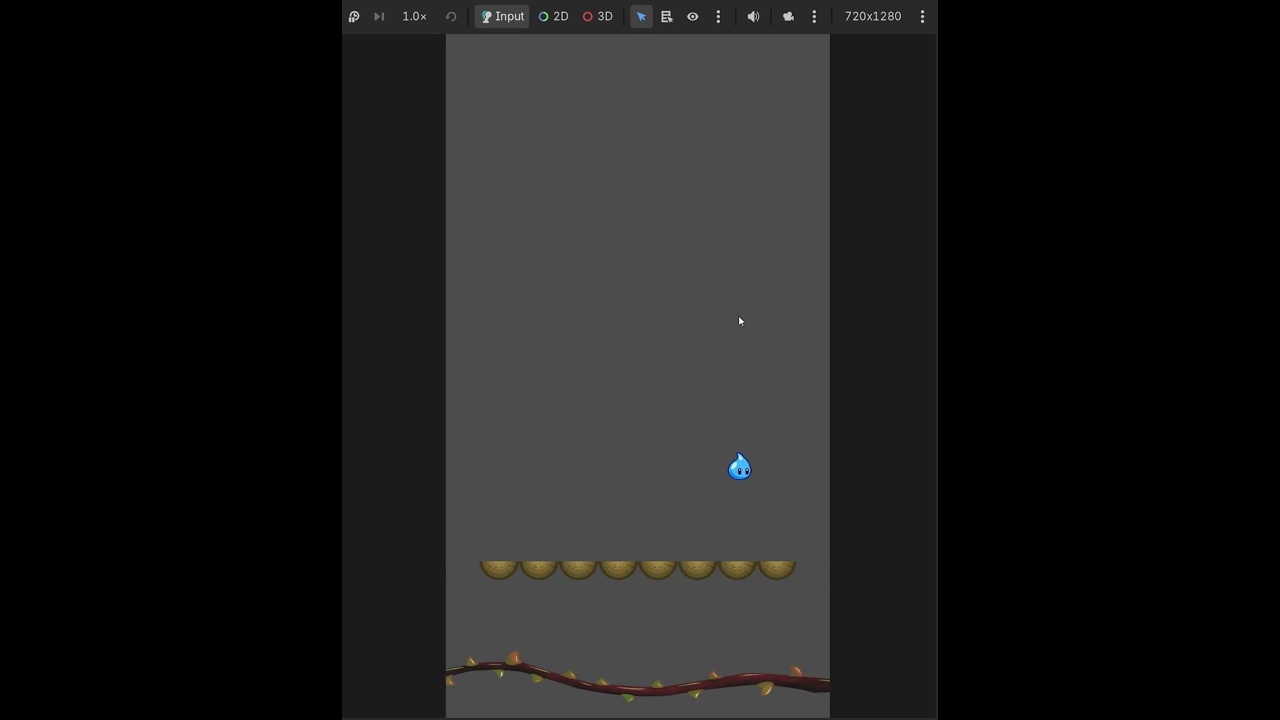
As you can see, there is a player, a platform. The player auto jumps on the platform constantly.
The Level scene looks something like this:
Level
→ Player
------> Camera2D
Camera is enabled, smoothing is on, and initially, as soon as the level starts, I see a small snapping, like the camera jumps a bit to a specific location. After that, smoothing is applied as normal. I debugged the heck out of this, printing lots of log lines, but can’t figure out what the snap is.
Disabling the camera in the _ready function of the level removes the snapping (but the camera following as well, obviously). So whatever causes the snap happens after that level initialization.
When the player moves, that is when the scenes change. And that is when the small snap happens. After that, you can notice the camera following smoothly.
I am not sure what you mean by not initialising the player before the scene. The player instances are separate per scene. I just save the last position of the player and use that for the initial position of the new player. This is to achieve a smooth transition from Main Menu to the Level scene.
I’ve tried disabling the camera and enabling it later (in the ready function of the level), but it did not work.
Without being in your editor, it’s always a process of elimination.
Since disabling the camera first has no issue, why not re-enable it once the game starts?
Failing that, I would look into the size of the camera compared to the viewport, it’s limits etc. My next guess would be what the camera deems as the center of the screen: Camera2D — Godot Engine (stable) documentation in English
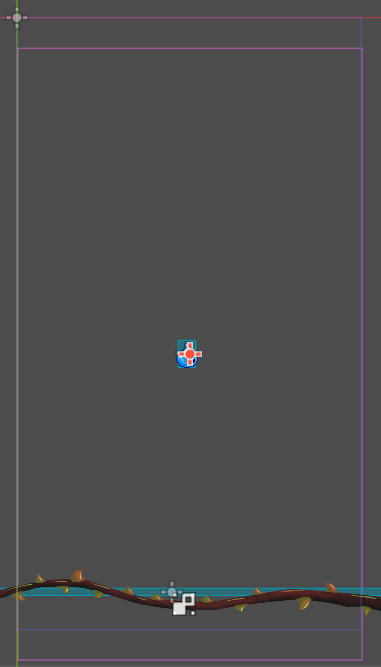
Nice, thank you so much. The camera was initially offsetted (I think player was its center). This is what it looked like before (check bottom border). After aligning it, the transition is smooth.