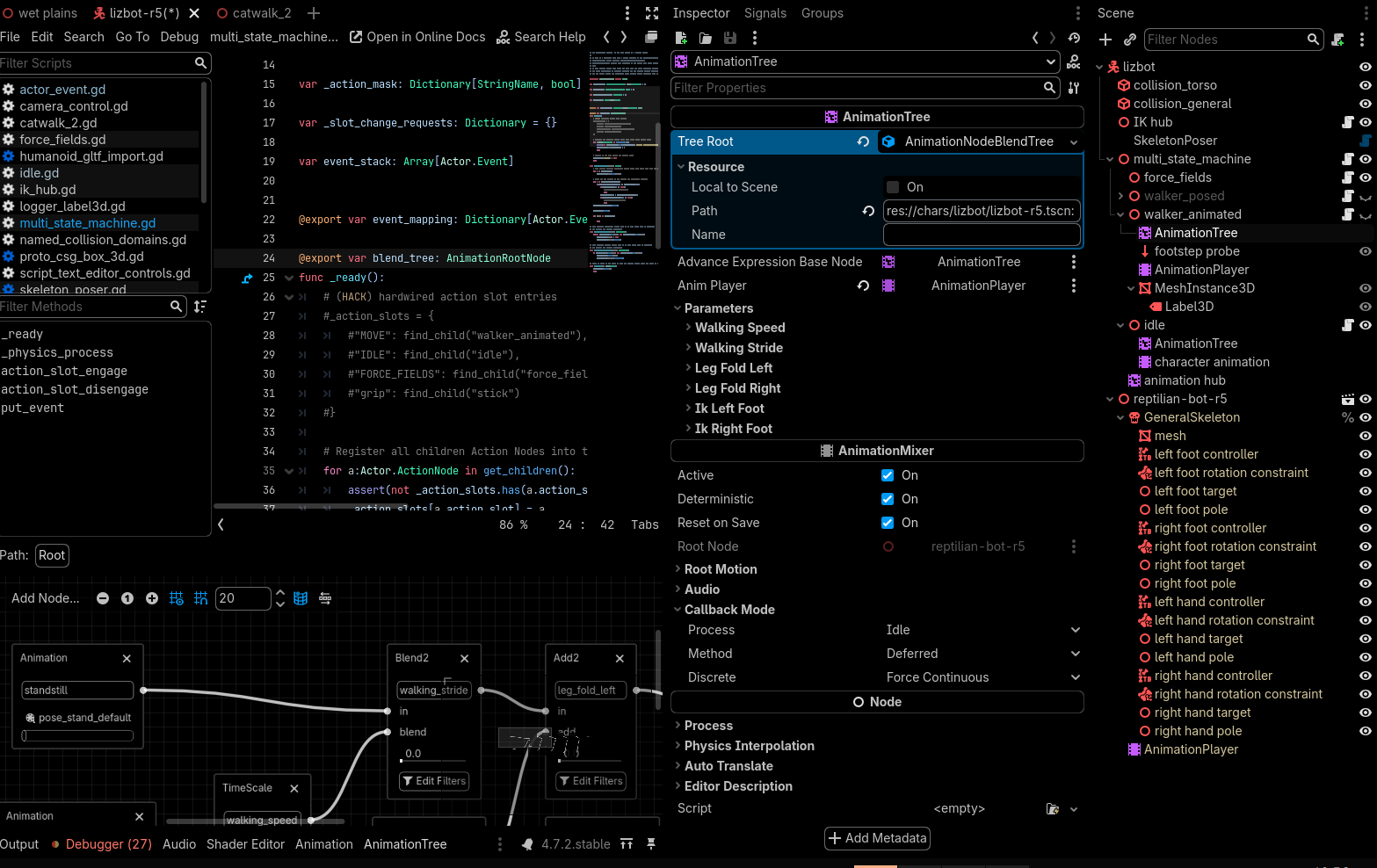
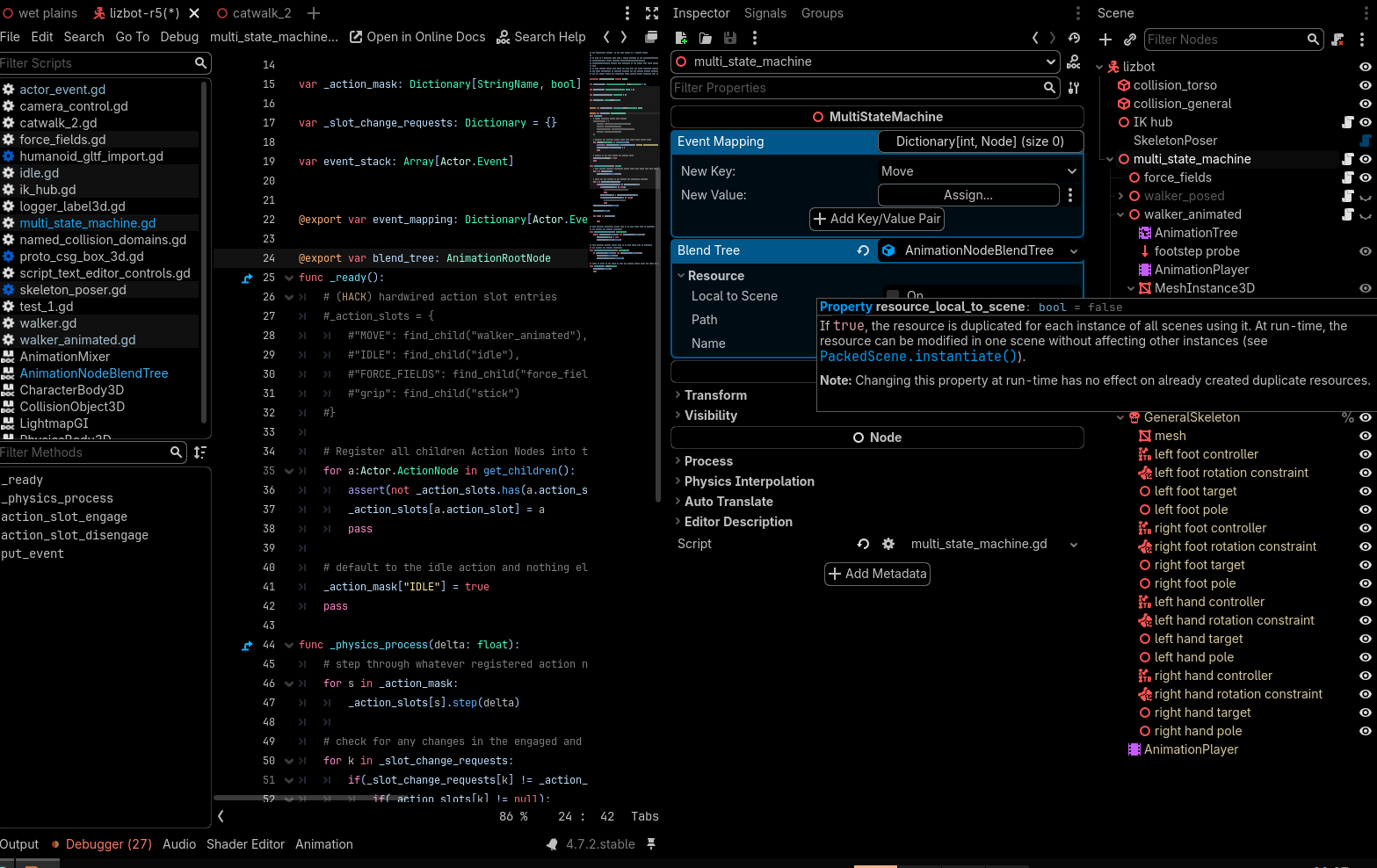
I want to stash away many “template” blend trees that will be procedurally added, removed and rewired on a final AnimationTree node. I could just have one child tree per custom node and edit the template blend trees there, but i really don’t want to leave 8 disabled AnimationTree nodes hanging on my scene tree giving off the impression that they are actually doing something.
Is there a quick way of forcing that editor to open on the resource instead of the node? Or do i have to whip up a whole plugin to trigger that behaviour?
The animation tree editor dock is triggered when a AnimationTree node is selected and it can’t be shown otherwise. Also, the AnimationNode resources don’t keep the AnimationLibraries and use the AnimationTree as the source to access them so an AnimationNodeBlendTree resource by itself is useless.
Said that, you could write a plugin and add a temp AnimationTree and use that temp node to edit the resource but you’d need to find a way to find the AnimationPlayer node automatically or just set the AnimationPlayer node every time you want to modify the resource.
Something like this:
@tool
extends EditorPlugin


var anim_tree: AnimationTree


func _edit(object: Object) -> void:
	if object is AnimationRootNode:
		anim_tree.tree_root = object
		# find a way here to select an AnimationPlayer automatically:
		# anim_tree.anim_player = anim_tree.get_path_to(animation_player)
		# or select it every time you want to modify the resource
		EditorInterface.edit_node.call_deferred(anim_tree)


func _handles(object: Object) -> bool:
	return object is AnimationRootNode


func _enter_tree() -> void:
	anim_tree = AnimationTree.new()
	anim_tree.name = "TempAnimationTree"
	EditorInterface.get_base_control().add_child(anim_tree)


func _exit_tree() -> void:
	if is_instance_valid(anim_tree):
		anim_tree.queue_free()
		anim_tree = null
This method will edit the temp AnimationTree node so the inspector will change to it.
Thanks for the heads up.
I have decided i will keep one AnimationTree node per template, that way the scene’s user won’t need a plugin. I will name them “blend tree template” or something similar to point out they don’t actually animate anything.
Whenever someone wants to customize their character, they can toggle the “active” property on that tree and preview what the blend tree template does from the editor.