Godot Version
v.4.6.1
Question
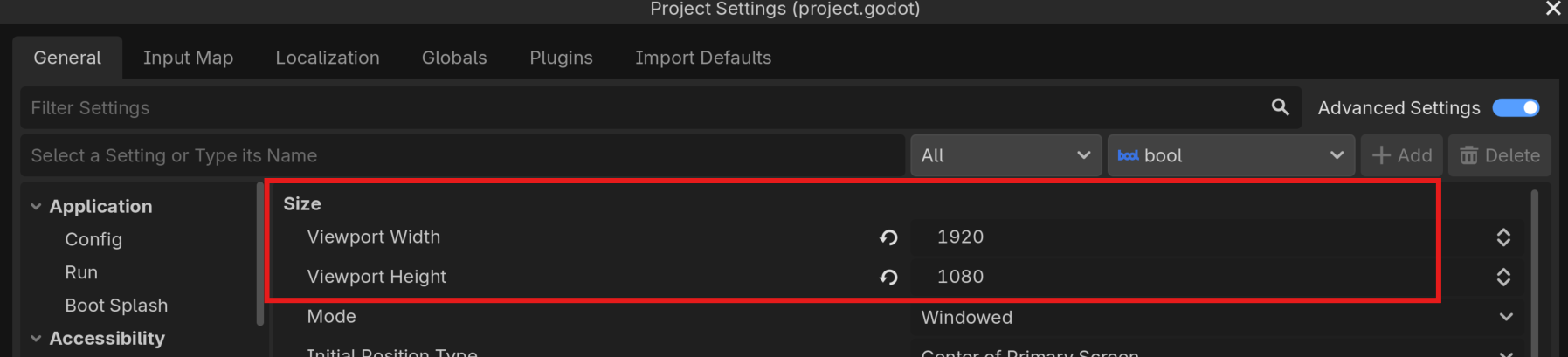
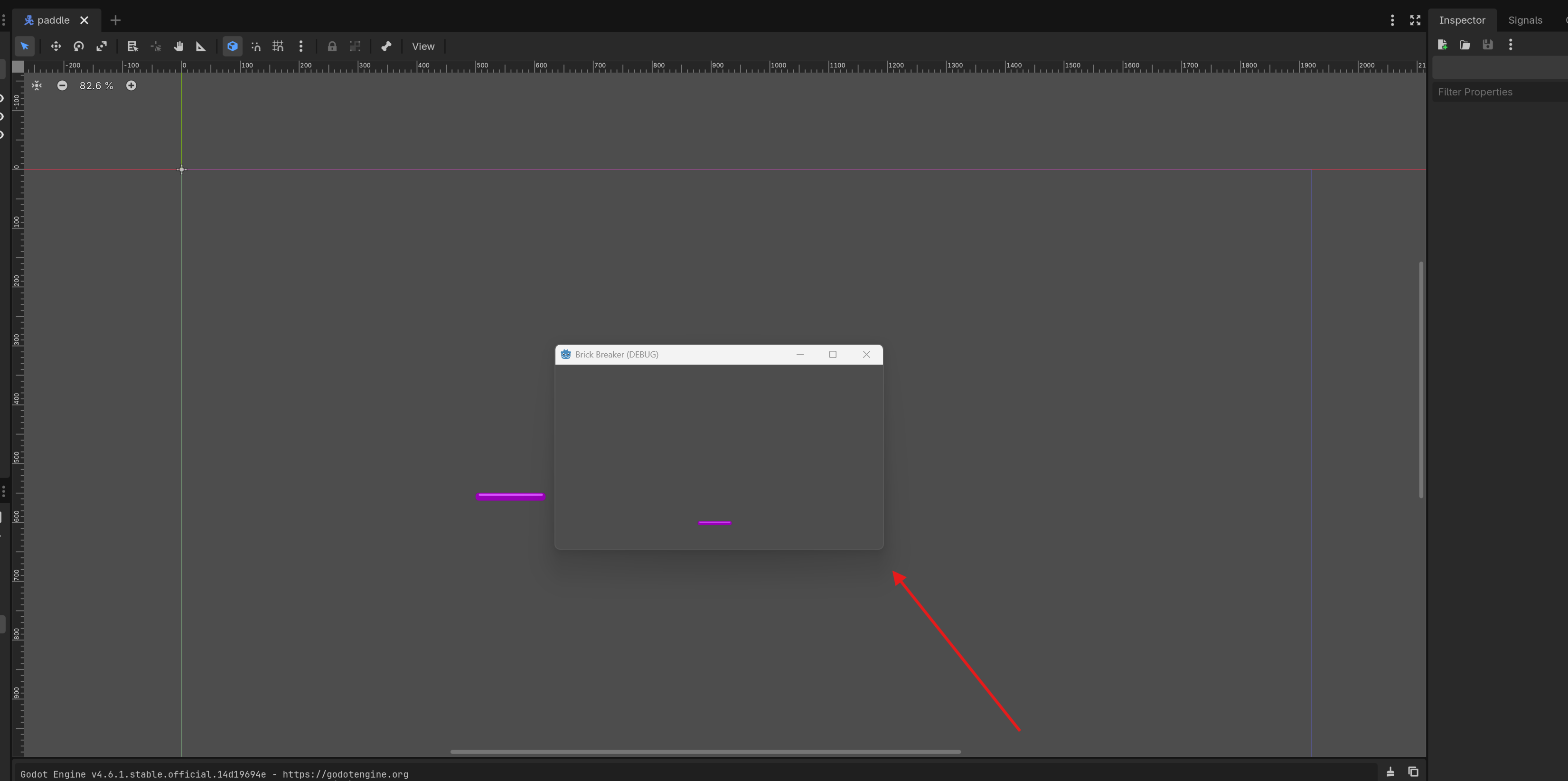
I am new to Godot and just created my first project. I’m trying to follow simple brick breaker tutorial. However, when I debug, the Debug Window is very small. I followed the instructions here ( How to set window size when debugging? ) to resize it, reloaded the project. but the window is still very small. Here are snips of my settings and what I am getting
As you can see, the Debug window is tiny. The settings I’m using are identical to the settings in the Godot 4 2D course, which does not display this small when I run in on the same monitor. Why is my Debug window so small?
Why did you override the window settings as well? I suspect that’s why they’re small.
Remove both of these overrides and see if that helps.
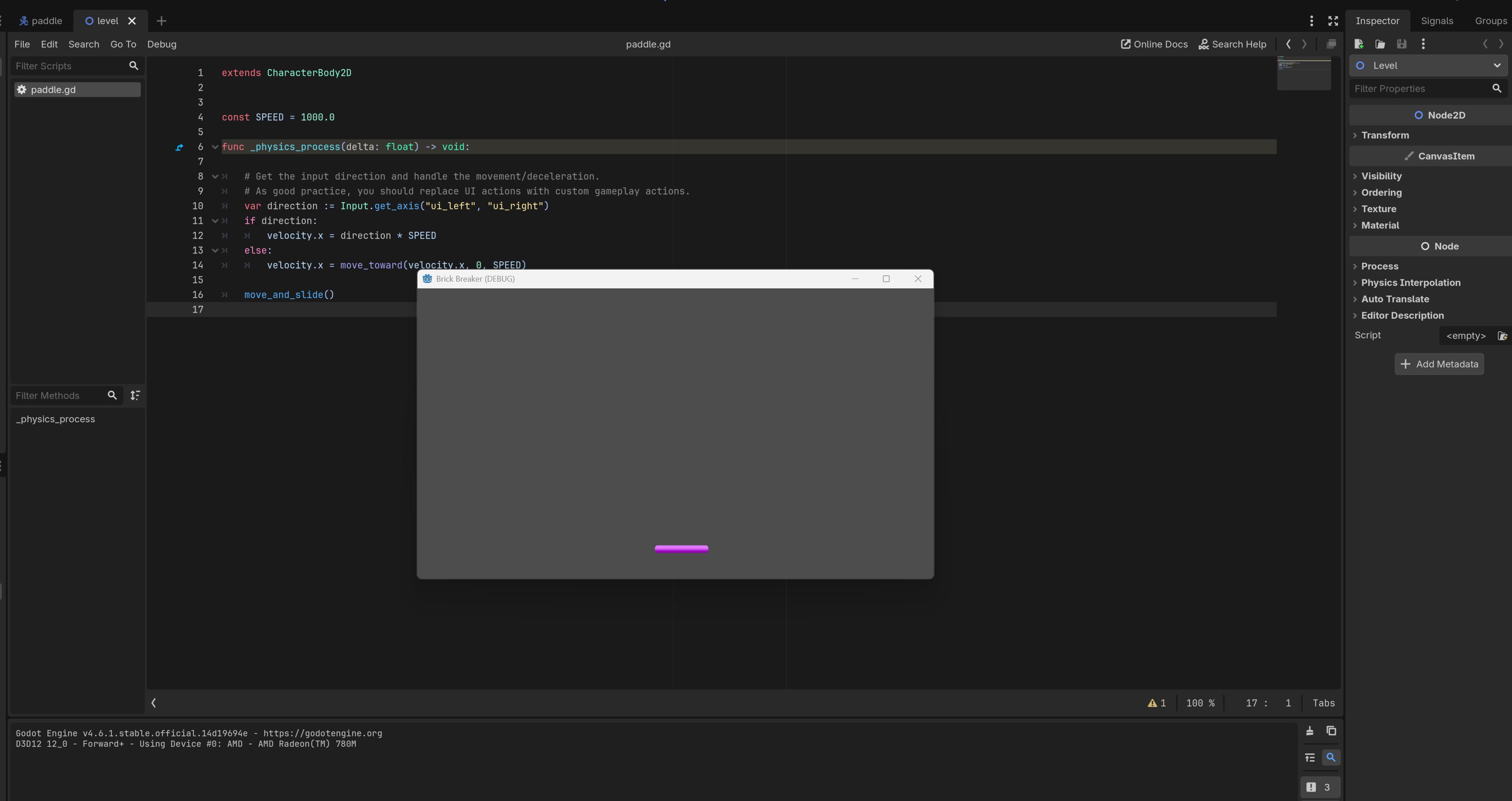
So, the Debug window was showing that size out of the box. The forum post I linked said to set those settings to fix it, but they had no effect for me. Since then, I made a ‘Level’ scene and placed the Sprite in it. I removed the settings, and now I’m getting a slightly larger window that at least shows the sprite (before I had to resize the window to show the Sprite). I think this behavior is rather odd and would be nice if someone could help me understand what these settings are for and how they work.
The Godot 4 2D course has those settings overridden, and that Debug window always showed as much larger than my window here. I think it has something to do with the content you’re displaying? But since the behavior has been inconsistent between what I saw in the 2D course and what I’m doing, I’m a tad perplexed.