Godot Version
4.7.2
Question
I made a Brick scene that has a Sprite2D, with GradientTexture2D texture, and CollisionSprite2D, with Rectangle2D shape. I made a Wall scene with wall.gd script and no children. The script generates instances of loaded Brick as its children.
Brick (Area2D):
Sprite2DCollisionSprite2D
Wall (Node2D)
I want to make every column of bricks have different color. How do I achieve this? I tried accessing Sprite2D of the Brick instance, but it was not of Sprite2D type.
extends Node2D

const WIDTH = 6
const HEIGHT = 6

var Brick = load("res://Scenes/Brick.tscn")

# Called when the node enters the scene tree for the first time.
func _ready() -> void:
	for i in range(HEIGHT):
		for j in range(WIDTH):
			var brick: Area2D = Brick.instantiate()
			brick.position = Vector2(j * 64, i * 128)
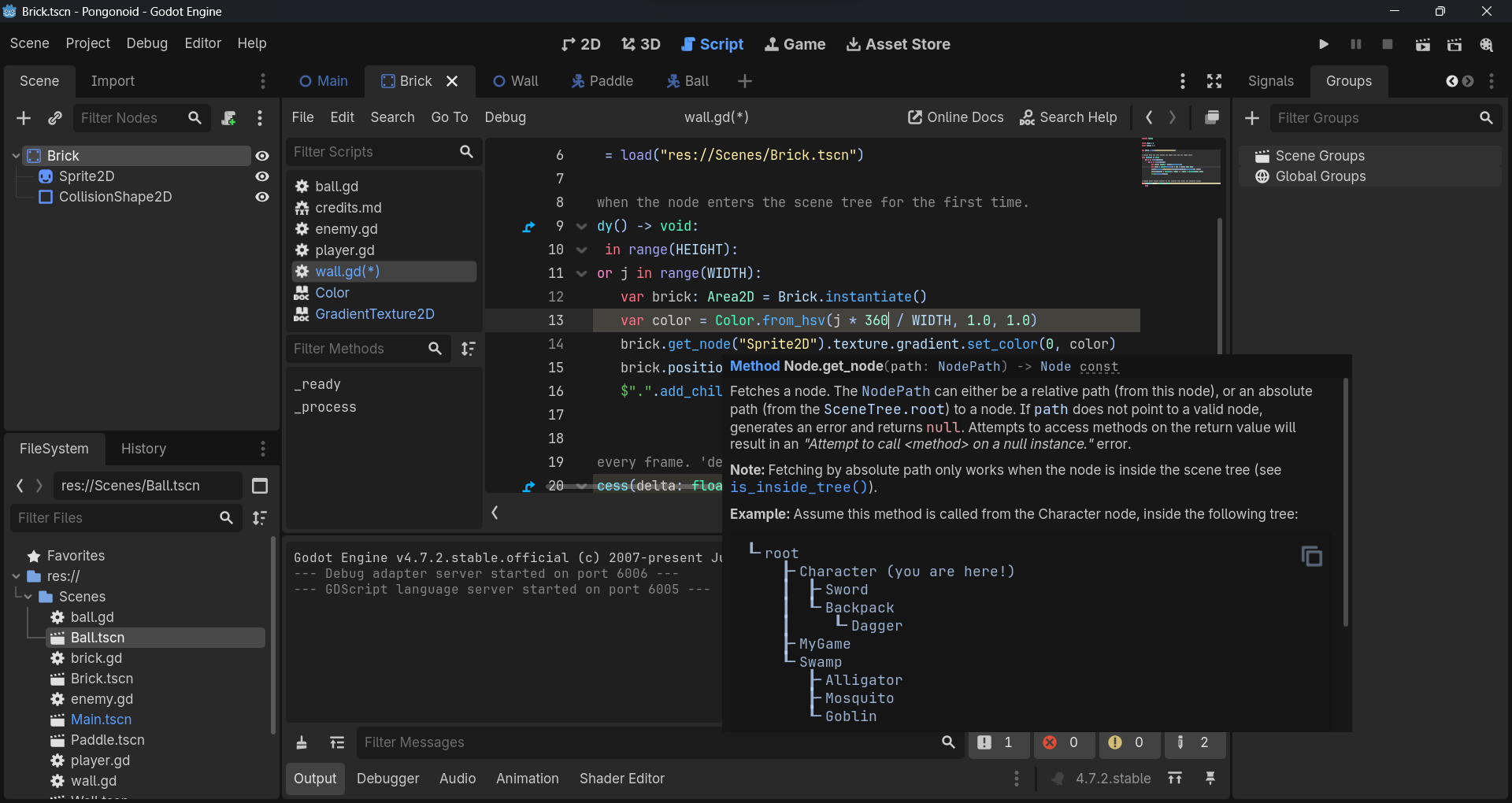
			brick.get_node("Sprite2D").texture.color = Color.from_hsv(i * 360 / HEIGHT, 1.0, 1.0)
			$".".add_child(brick)
When I ran the Wall scene, I got this error:
Invalid assignment of property or key 'color' with value of type 'Color' on a base object of type 'GradientTexture2D'.
Textures don’t have a color property. Try assigning the color to brick.get_node("Sprite2D").modulate
I did it with
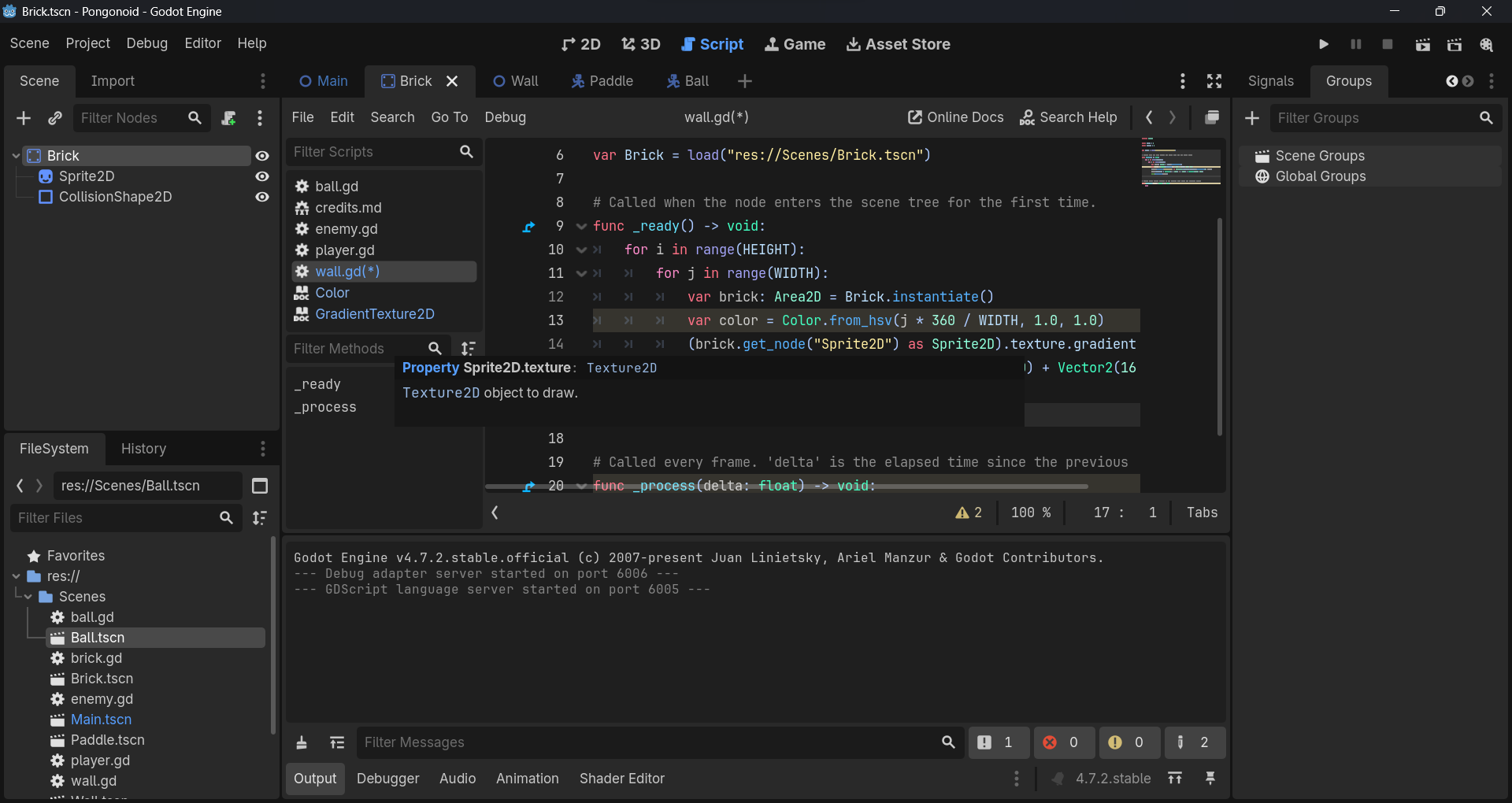
((brick.get_node("Sprite2D") as Sprite2D).texture as GradientTexture2D).gradient.set_color(0, color)
anyway, but it’s kinda redundant with explicit casting.
You don’t need to cast it to access the gradient:
brick.get_node("Sprite2D").texture.gradient.set_color(0, color)
Be aware though that’s not accessing the texture itself but the gradient object the texture is referencing.
But I won’t get the texture of exactly GradientTexture2D without casting, but instead a generic Texture2D. Same for Sprite2D.
No, you will get the right texture object. The type of texture property is an upstream ancestor class of GradientTexture2D. You can always access the derived type through a reference that is declared as a base type. The only benefit of casting may be to get editor’s autocomplete to “see” the properties. Try it out and see.
get_node does not exactly return Node2D of type Sprite2D.
texture is not exactly of type GradientTexture2D.
I did it like this.
var brick_sprite: Sprite2D = brick.get_node("Sprite2D")
var brick_sprite_texture: GradientTexture2D = brick_sprite.texture;
brick_sprite_texture.gradient.set_color(0, color)
But that could’ve been done in one line if get_node and texture returned correct types.
It doesn’t matter. Node is the base class for any other node type. It can hold a reference to any of derived types. If the object has a derived type property, you will be able to access it through a base type reference. In object oriented programming, this is called “polymorphism”.
Casting to the exact type only helps editor’s autocomplete to list you the properties of the actual derived type, although your code will still be able to access them correctly even if autocomplete doesn’t suggest them.
But I access Sprite2D node from a instance of loaded Brick scene in Wall script. How could that work in this case?
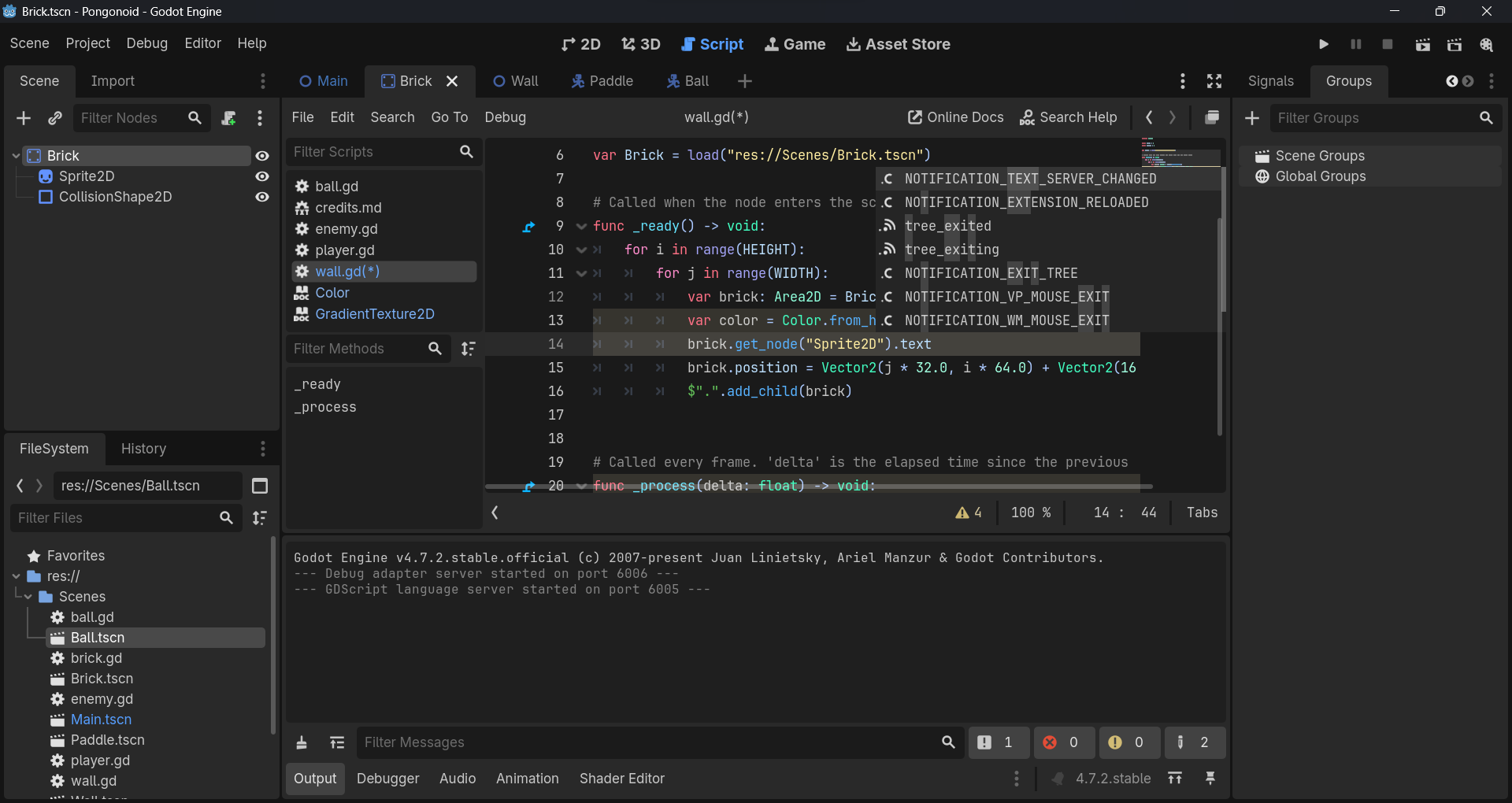
I can’t autocomplete texture property of supposed Sprite2D node.
That doesn’t mean it’s not there. Autocomplete is an editor helper tool. The code will still work.
It’s a good thing to always declare the actual type so the autocomplete can do its job helping you write code faster, but it’s not necessary for code to work properly.
If you hold a reference to a Sprite2D node in a variable of type Node, your code will at runtime still be able to access all of the properties of that Sprite2D, even though editor’s autocomplete won’t be able to suggest them. The exact type is not known in the editor if you don’t explicitly declare it or cast to it, but it is known at runtime.
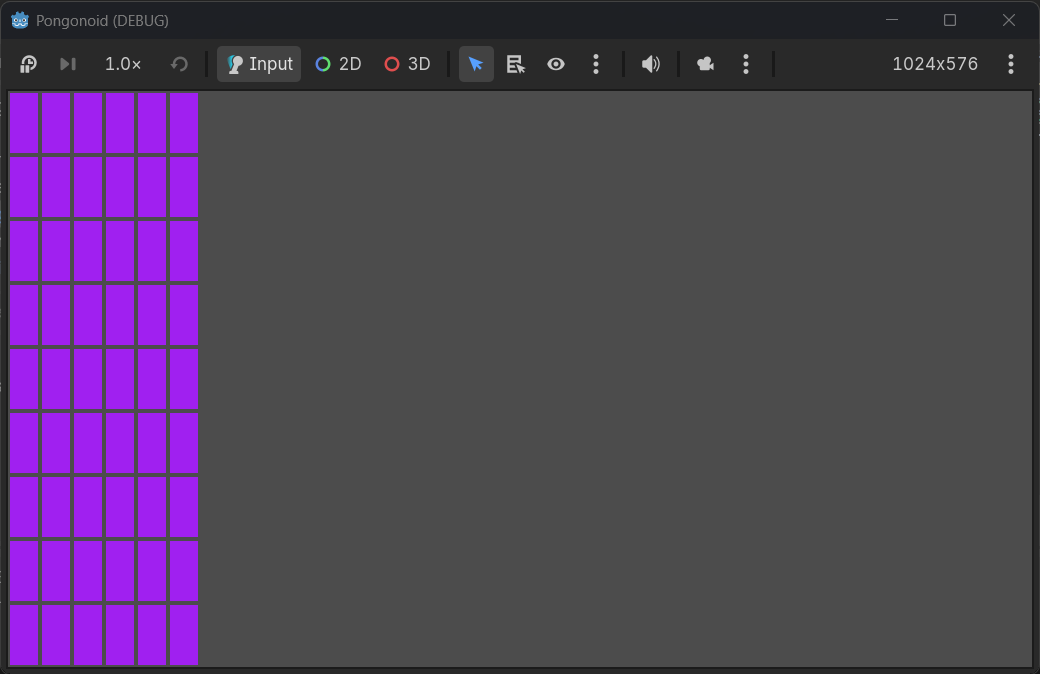
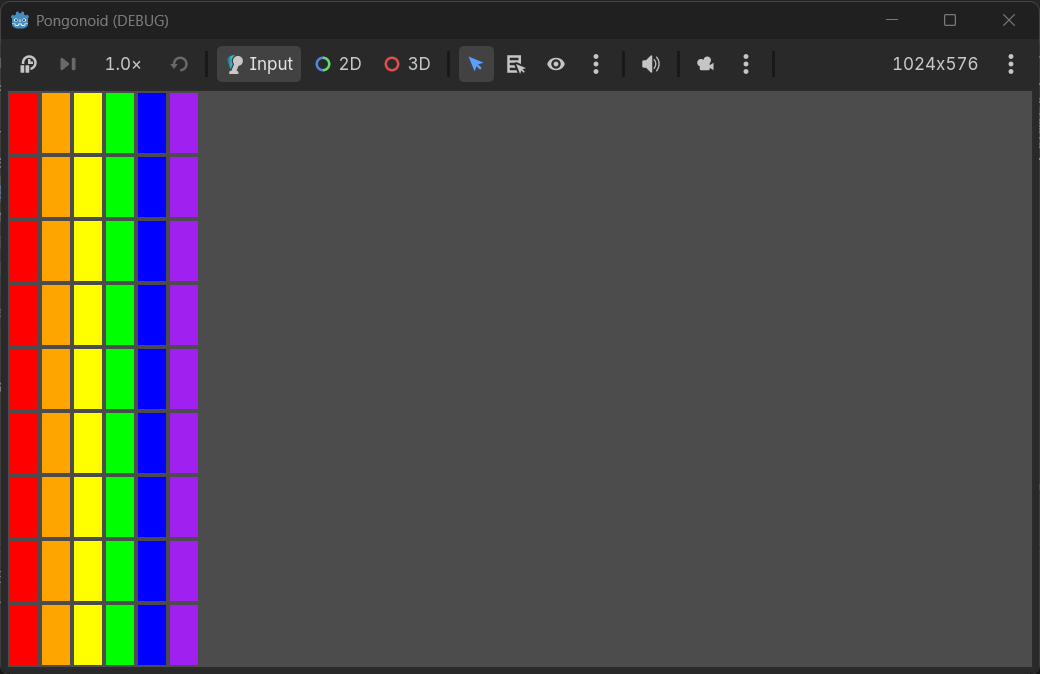
Ok. Brick instances have the same color but are supposed to be of different color.
const WIDTH = 6
const HEIGHT = 9
const COLORS: Array[Color] = [
	Color.RED,
	Color.ORANGE,
	Color.YELLOW,
	Color.GREEN,
	Color.BLUE,
	Color.PURPLE
]

var Brick = load("res://Scenes/Brick.tscn")

# Called when the node enters the scene tree for the first time.
func _ready() -> void:
	for i in range(HEIGHT):
		for j in range(WIDTH):
			var brick: StaticBody2D = Brick.instantiate()

			var brick_sprite: Sprite2D = brick.get_node("Sprite2D")
			var brick_texture: GradientTexture2D = brick_sprite.texture
			brick_texture.gradient.set_color(0, COLORS[j])

			brick.position = Vector2(j * 32.0, i * 64.0) + Vector2(16.0, 32.0)
			$".".add_child(brick)
Result:
I am already using textures.
Finally Finally Finally!:
The error is because `GradientTexture2D` doesn’t have a `color` property, so you can’t do `texture.color = …`
And all your bricks are sharing the same texture resource, so even if it worked, all bricks would change color together.
Don’t change the texture, change the `modulate` of the Sprite2D. That tints each instance separately.
Try this in your `wall.gd`:
"
extends Node2D
const WIDTH = 6
const HEIGHT = 6
var Brick = load(“res://Scenes/Brick.tscn”)
var column_colors = [
Color.RED,

Color.ORANGE,

Color.YELLOW,

Color.GREEN,

Color.BLUE,

Color.PURPLE
]
func _ready() → void:
for i in range(HEIGHT):

	for j in range(WIDTH):

		var brick: Area2D = Brick.instantiate()

		brick.position = Vector2(j \* 64, i \* 32)


		var sprite: Sprite2D = brick.get_node("Sprite2D") as Sprite2D

		sprite.modulate = column_colors\[j\]


		$".".add_child(brick)
"
This will give every column `j` a different color.
If you want to keep using the GradientTexture2D, you would have to duplicate it first for each brick, like `sprite.texture = sprite.texture.duplicate()`, and then change its gradient. But `modulate` is much simpler and faster for this.
Try this.Thanks…
I did this. However, it’s convoluted.
var brick_texture: GradientTexture2D = GradientTexture2D.new()

brick_texture.width = brick_sprite.texture.get_width()
brick_texture.height = brick_sprite.texture.get_height()
brick_texture.gradient = Gradient.new()
brick_texture.gradient.offsets = [0]
brick_texture.gradient.colors = [COLORS[j]]

brick_sprite.texture = brick_texture
Could there be a shorter way?
Yes, there is a much shorter way. You don’t need to create a new GradientTexture2D at all.
Just use `modulate`. It tints the whole sprite, and it works per-instance:
var brick_sprite: Sprite2D = brick.get_node(“Sprite2D”) as Sprite2D
brick_sprite.modulate = COLORS[j]
That’s it. 1 line instead of 7.
Your old code was creating a whole new texture + new gradient for every single brick. `modulate` does the same visual result without that.
If you want the brick to keep its gradient shading but just change color, `modulate` is the correct way to do it in Godot.
i have better experience in game dev using python pygame i make more games with python and also i am an python expert