Godot Version
4.6.2
Question
Dear Developers,
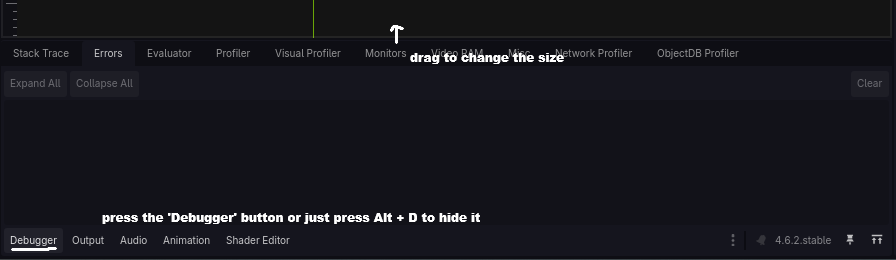
I need help in configuring the Godot version to the specific size that I need. The debugger window by default is too big, and I need the debugger window to be smaller so that the canvas takes up all the space. The debugger should only appear after the project is built/ran, otherwise, it should be minimized.
How do I do this? The debugger was smaller in previous Godot builds.
Thanks.