I’m afraid to start my planned project because I don’t know whether it’s possible to do a full-fledged customization of the character in Godot, changing the jacket, pants, etc.
I understand that I can make the character, all the clothes in blender, and then just hide the visibility of the clothes I don’t need in godot, but will this be good for performance?
Can I export clothes with a skeleton separately into blender, and then load them dynamically using the skeleton of the character itself? if yes, can you please provide a detailed answer and advice on what is needed for this and how to do it
I don’t really understand the question. The clothes should already be adapted to the figure in MakeHuman and transferred to Blender, where the animation is applied to the figure and the clothes. And only then imported into Godot. And there it is a node that can be instantiated, made visible or vice versa.
You can do without MakeHuman and do everything in Blender, but there will be more manual work. And it is necessary to assign animation in Blender.
I’m talking about exporting the character separately without clothes, meaning the character will have no clothing meshes, and then using code to create the clothes in the character node, linking his skeleton to the character’s skeleton dynamically
It took me a little while to get back to you. As far as I can tell, that’s not possible. The clothing needs to be prepared in the modeling software (Blender) and linked to the rig in advance.
I’ve put some thought into this, as I want to eventually add customization in my game. (Though I’m currently prototyping and haven’t started modeling yet, but I daydream about gamedev.)
This is just a guess, as I have not done any animation yet, so maybe I am wrong. But I imagine you can have all the meshes already attached to the character, and just hide the ones you are not using, and show the ones that you are.
Like in Blender, animate your character, and animate all the meshes for clothes (however you do that). Keep the clothes meshes separate, and add them as children to your Player. Then upon selection in a menu, you could first hide() all meshes, and then show() the one mesh you want to show.
Please let me know how this works for you, or if you find a different solution, as I would like to know as well. Thanks
Well if your character has only some clothes and not something like Roblox (so Infinite) then the “hide” system will work perfectly fine.
If you want to do something like separate clothes that will add to the character when pressed a button is easier said then done.
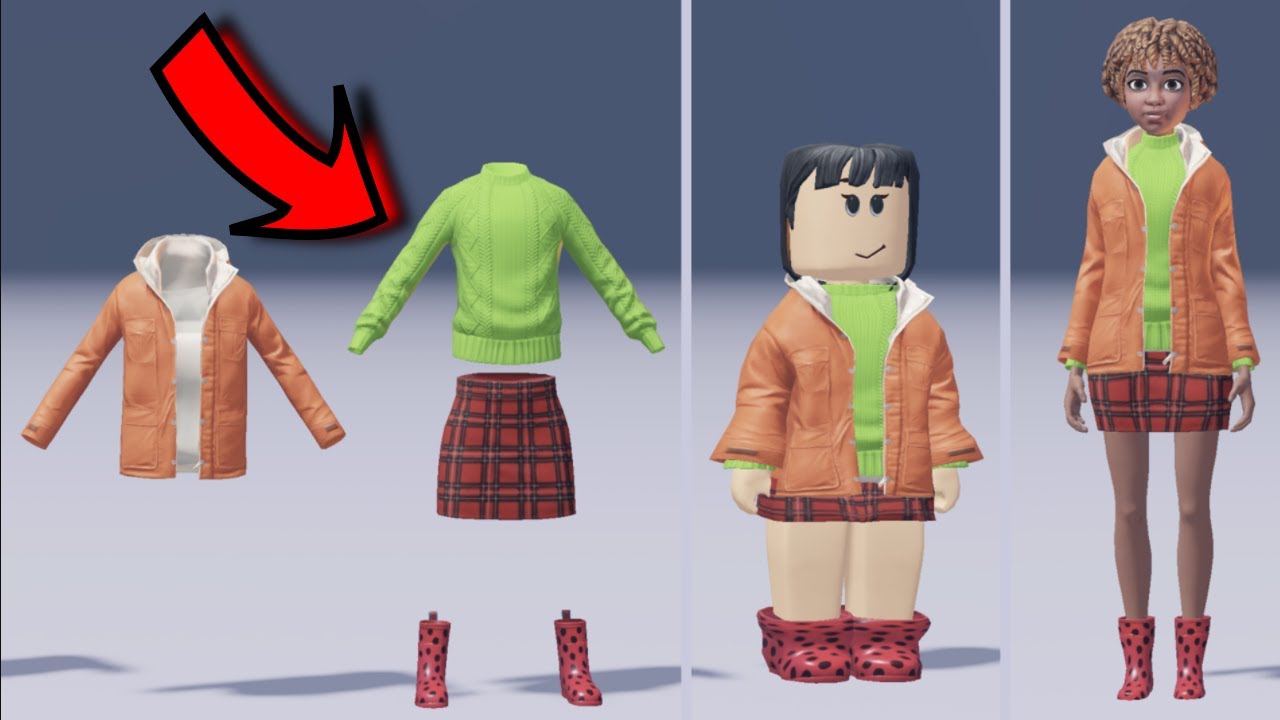
Another method is doing like Roblox which they use a 3d model made in blender for after turning in something that will go around like the characters legs or arms…
There isn’t tutorials for this so you should code it by yourself and try some help.
Here the clothes aren’t rigged. They are in a preset body shape and then if added to something else then it will take the same shape and wrap around it.
As I said, it’s easier to say than do.
And also there aren’t tutorials. So I council to stick with the first method (hide and show clothes)
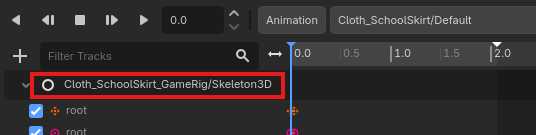
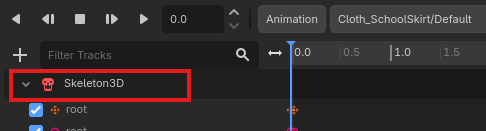
You can export your cloth meshes in separate files. Just make sure that the skeleton is also exported with the clothmesh or else your mesh will be unweighted if i remember correct.
When you want to attach them
instantiate your file
set the clothmesh.owner to null
reparent the clothmesh to the body skeleton
set the path of clothmesh.skeleton to the body skeleton
The real fun begins if you want to have extra bones on your clothes with their own animations, for example to swing the skirt while walk/run etc.
(If the video is improper, i will remove it immediately!)
These are links I’ve noted because I use them for something similar. In that particular video, I think the interesting part, which I believe applies here, starts around minute 18 (“equip with code”).
I think retargeting is mainly used when you have different skeletons to transfer animations from one to another. The method I remember seeing for putting new clothes on the skeleton in Godot while preserving the animations is similar to that, although simpler (even with the same skeleton in Blender).
Right now, I don’t remember the exact process I followed, so I can’t give you more details.
My English is very poor, so it’s also possible I won’t understand certain nuances of what’s being discussed; I’ll probably make mistakes more than once. Sorry.
Oh, for that it’s used.
I have never encountered this problem because there’s an another way to handle this.
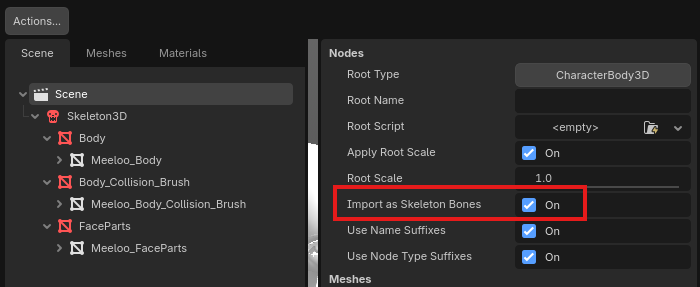
In the import settings there’s “Import as Skeleton Bones”, which is per default false. If you set this to true, the skeleton isn’t in an named node anymore.