Godot Version
v4.5.stable.steam [876b29033]
Question
My CharacterBody2D is hitting a “invisible” wall on the start of my scene
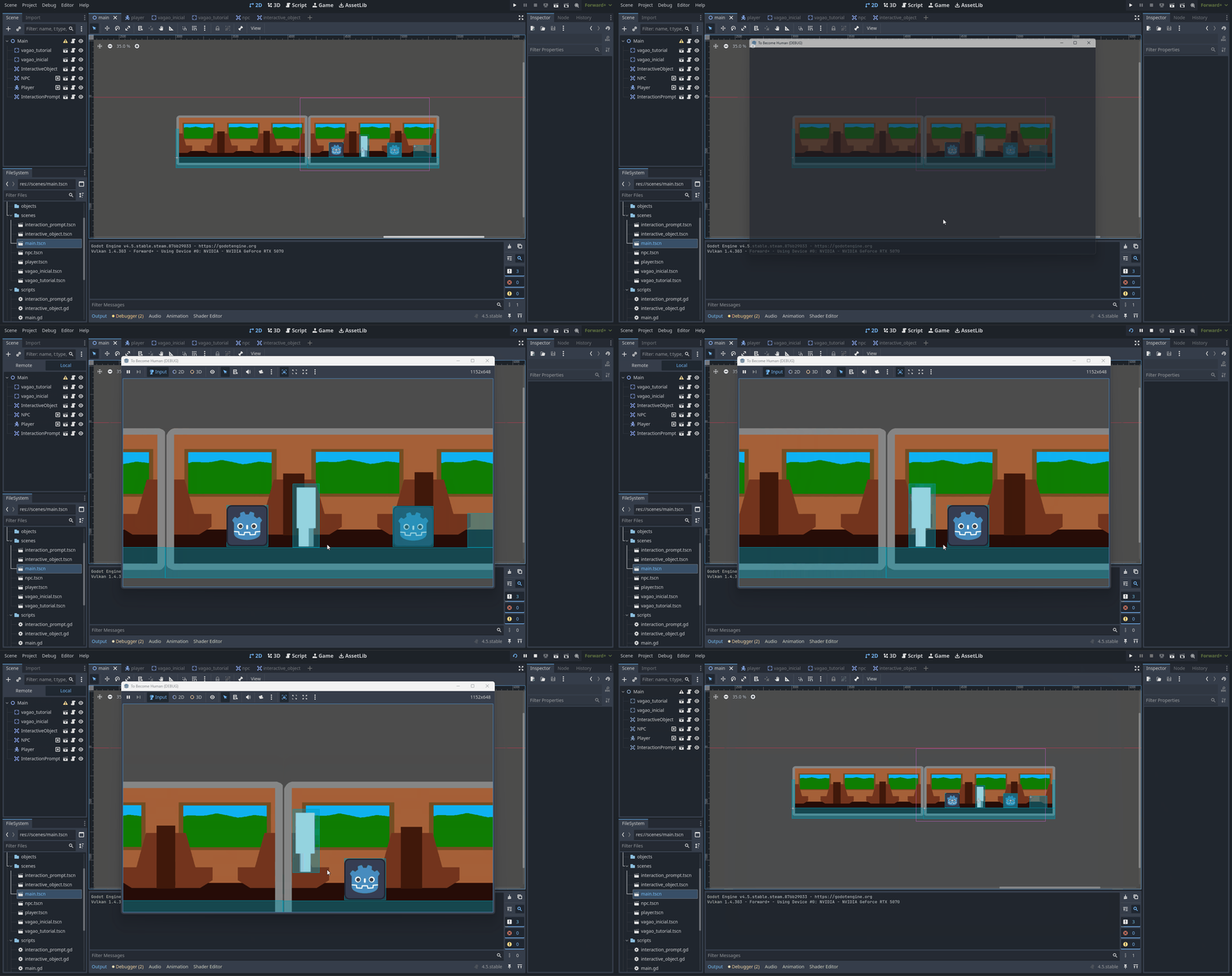
What is happening?
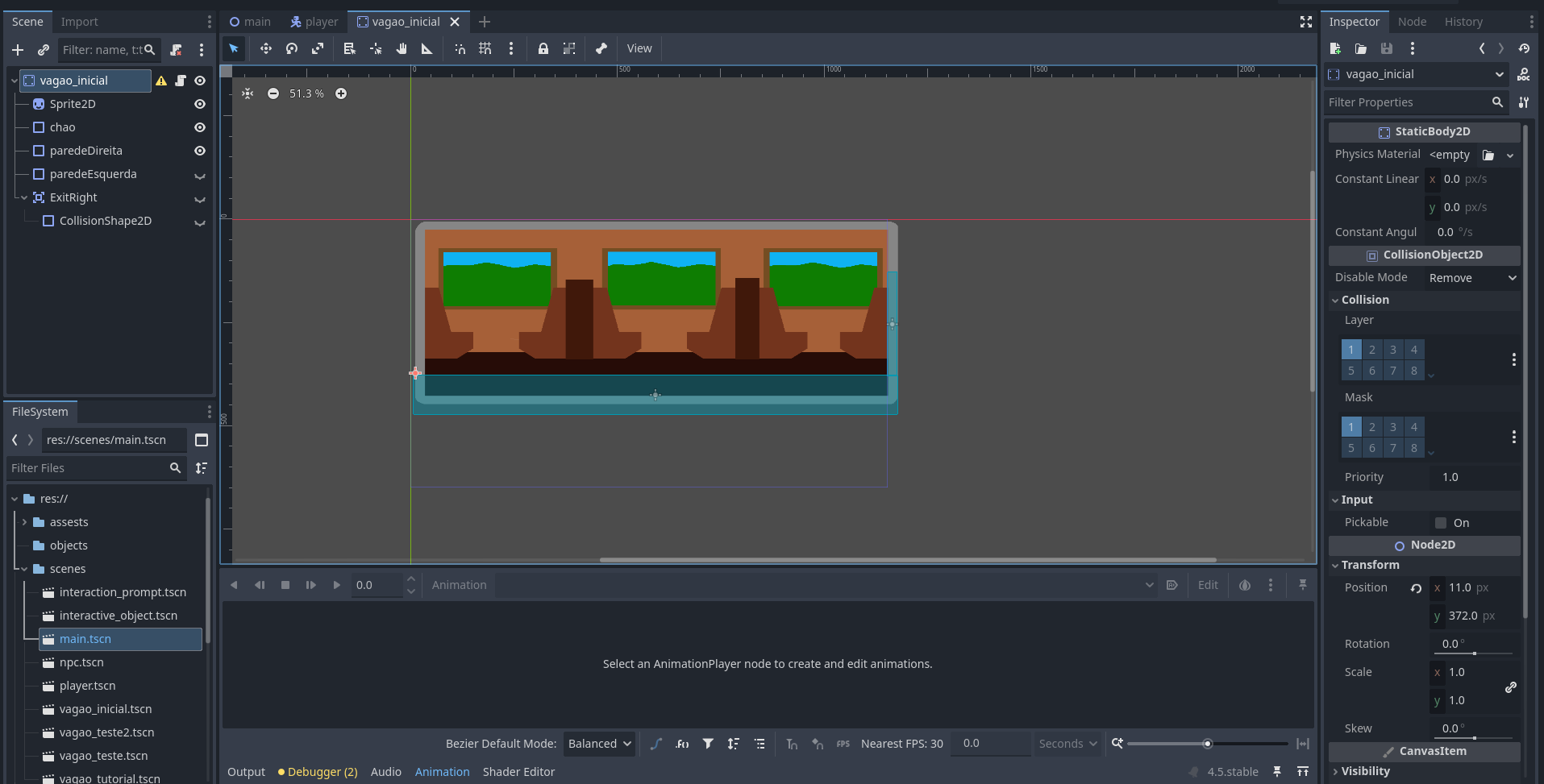
The scene used on the train car with the problem
v4.5.stable.steam [876b29033]
My CharacterBody2D is hitting a “invisible” wall on the start of my scene
What is happening?
The scene used on the train car with the problem
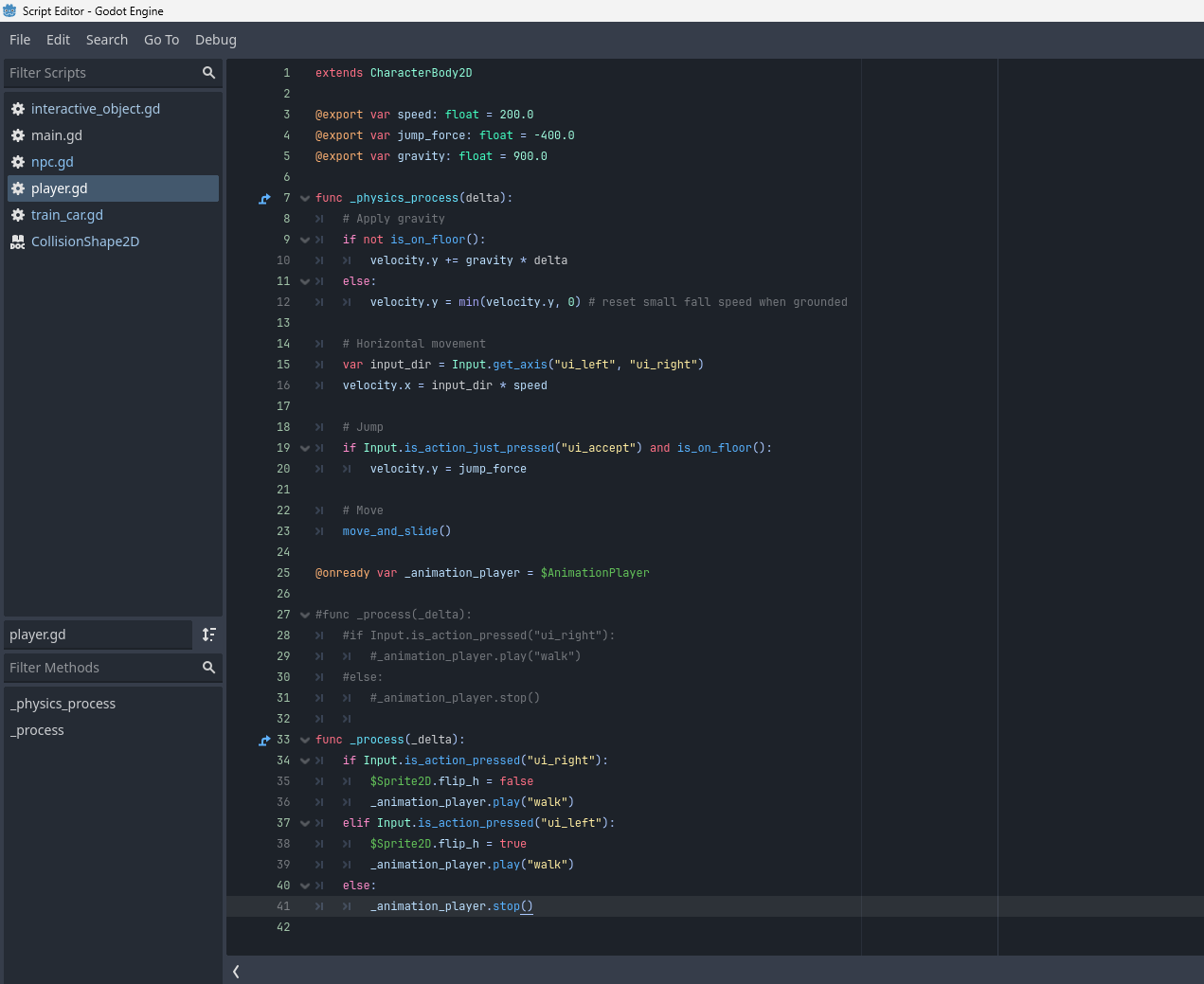
What does your player move code look like?
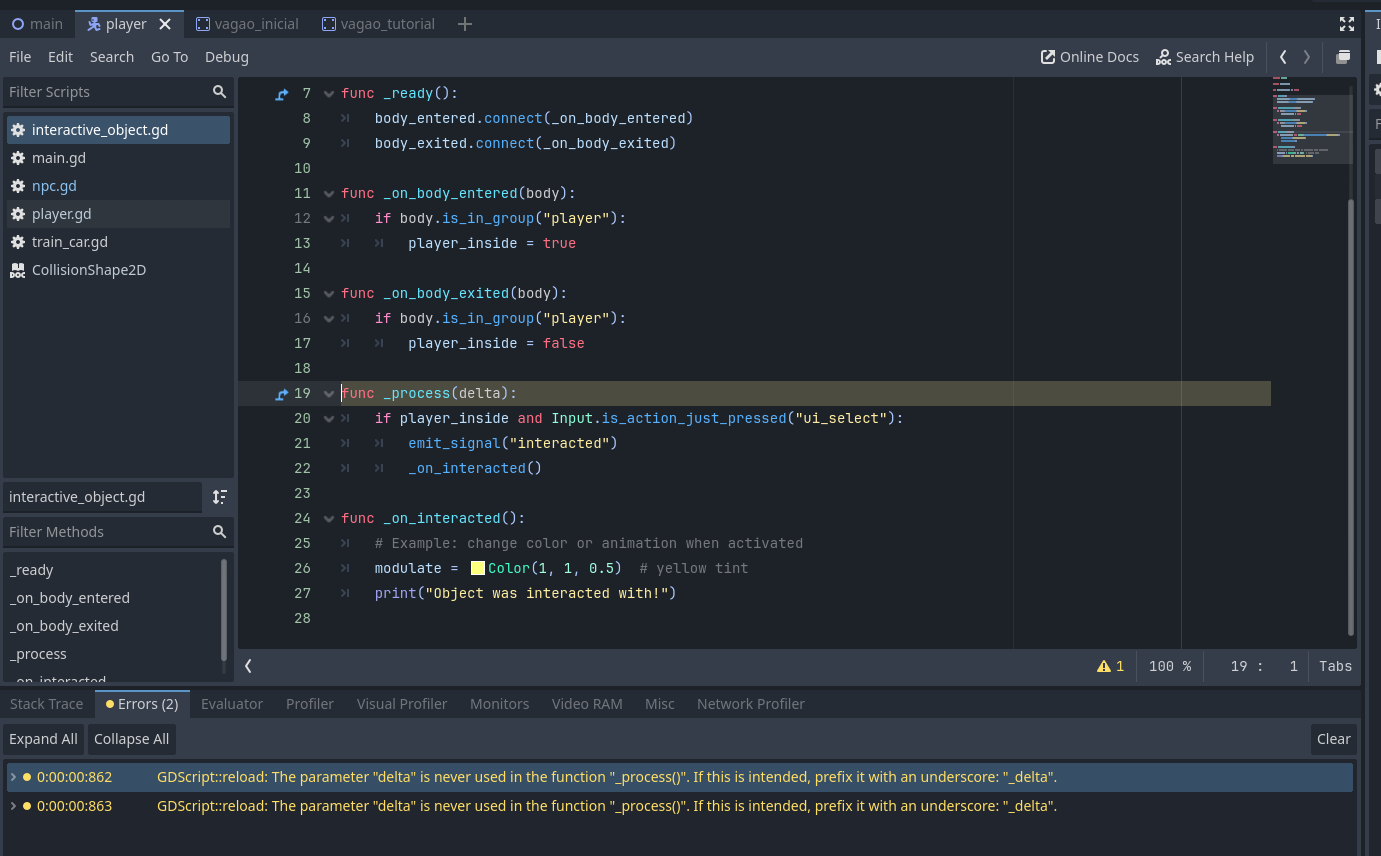
You’ve got two debugger warnings, plus some sort of warning on Main in the top window. Are any of those relevant?
I would guess you’re hitting the “paredeEsquerda” collision shape? Its visibilty is turned off, so you can’t see it, but that doesn’t disable the collision.
The collision shape is disabled. I thing i notice is that this “wall” is set on the (0,0) of the scene node. If i move the elements away from that, the problem dont happen.
Is there any way to resolve this without need to move the elements?
If the invisible wall stays at the same position, even when moving all the nodes inside the scene, it’s most likely either a node accidentally set to “top_level” (maybe instead of “disabled”?) or some script causing this. You could try to add a raycast to the player (just for finding the cause of this issue) that targets to the left and prints its collider when hitting something.