Godot Version
4.6
Question
Hi!
I'm new here, and it's my first post!
I have a turn-based hexagonal-grid-based game.
I have a Tile Scene and a Dungeon scene where I spawn the tiles procedurally.
I know I can convert pixel screen coordinates to tile position.
That said I figured I could make an even simpler system:
- Add a
CollisionPolygon2Dto my Tile scene - I them just set the visibility of a
HighlightSprite2Don/off according to mouse.
The problem: the mouse “collisions” seems to be happening with an offset.
It’s like the collision shape was actually placed further down.
See animated GIF bellow and follow the mouse cursor:
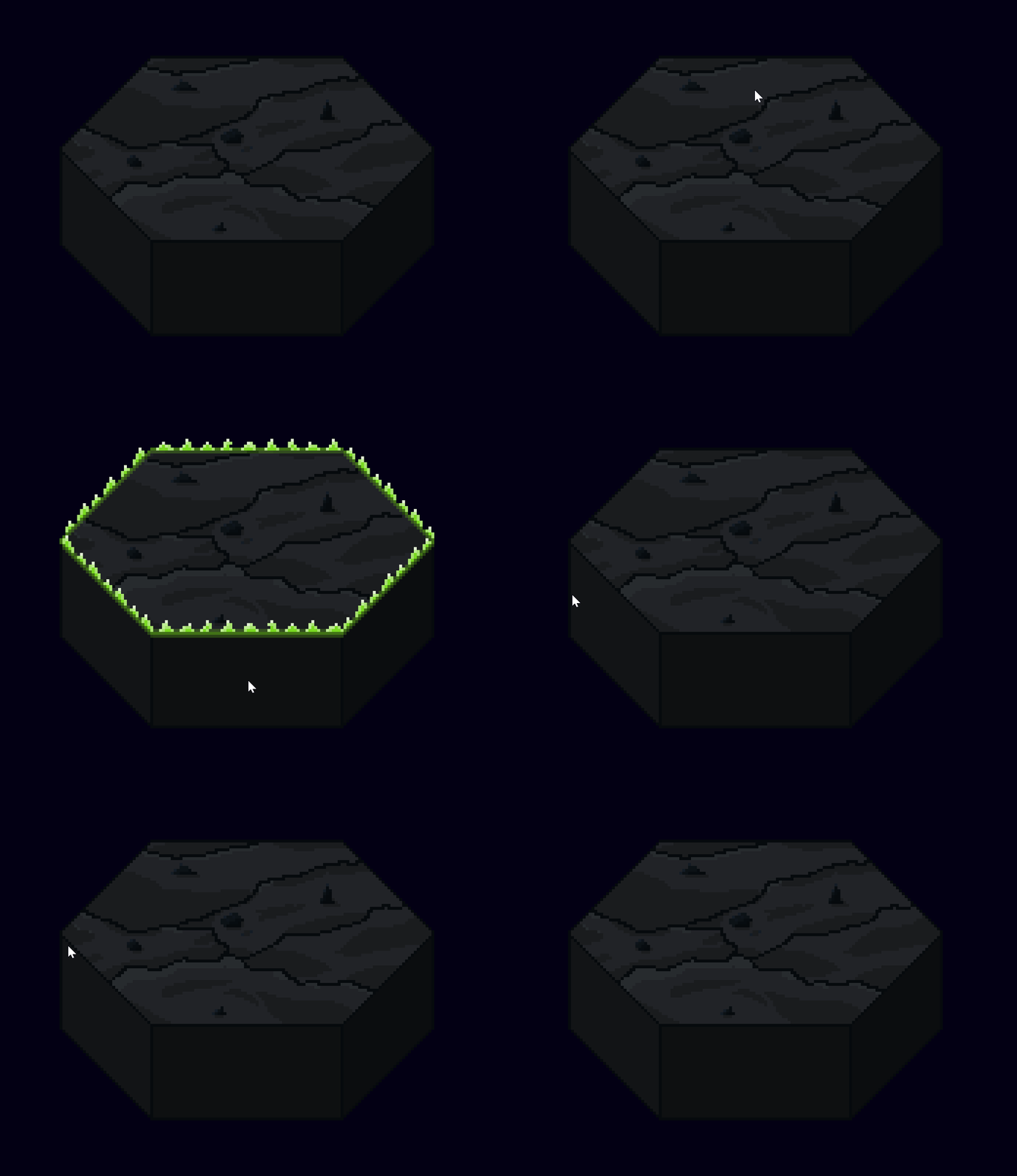
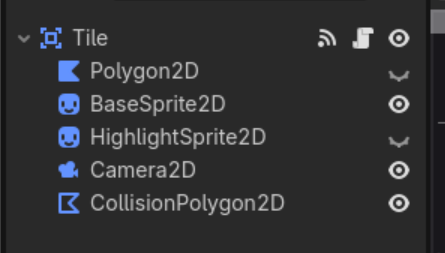
Tile scene consists of a root Area2D node. It has
- Polygon2D (just a white hexagon used for debugging, ignore it).
- BaseSprite2D - The actual pixel art sprite of the tile
- HighlightSprite2D - The highlight that is shown on mouse over
- Camera 2D - just a camera centered on the tile
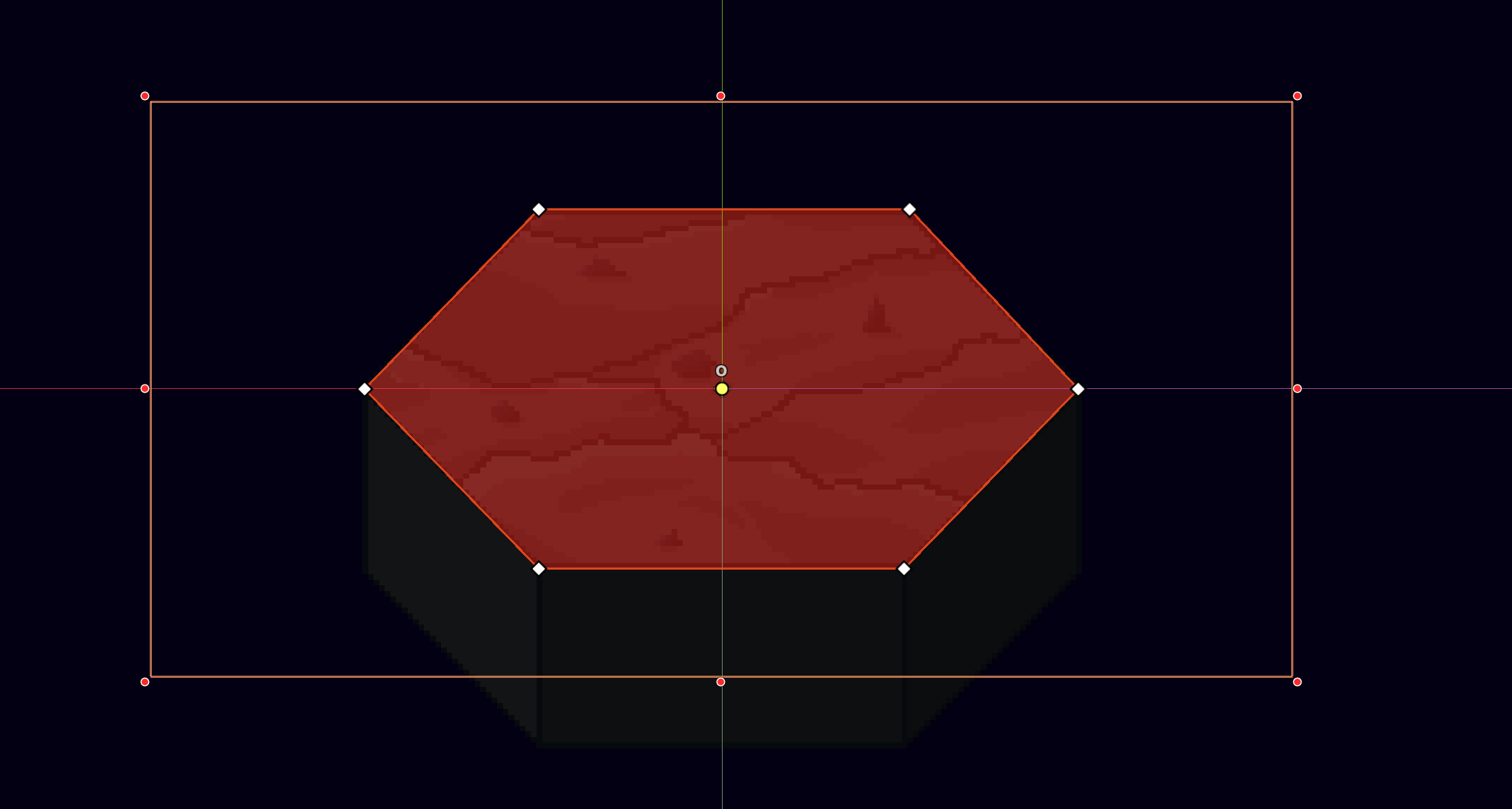
- CollisionPolygon2D - Just a collision shape in the shape of the Hexagon outline.
Here is the CollisionPolygon2D, for reference:
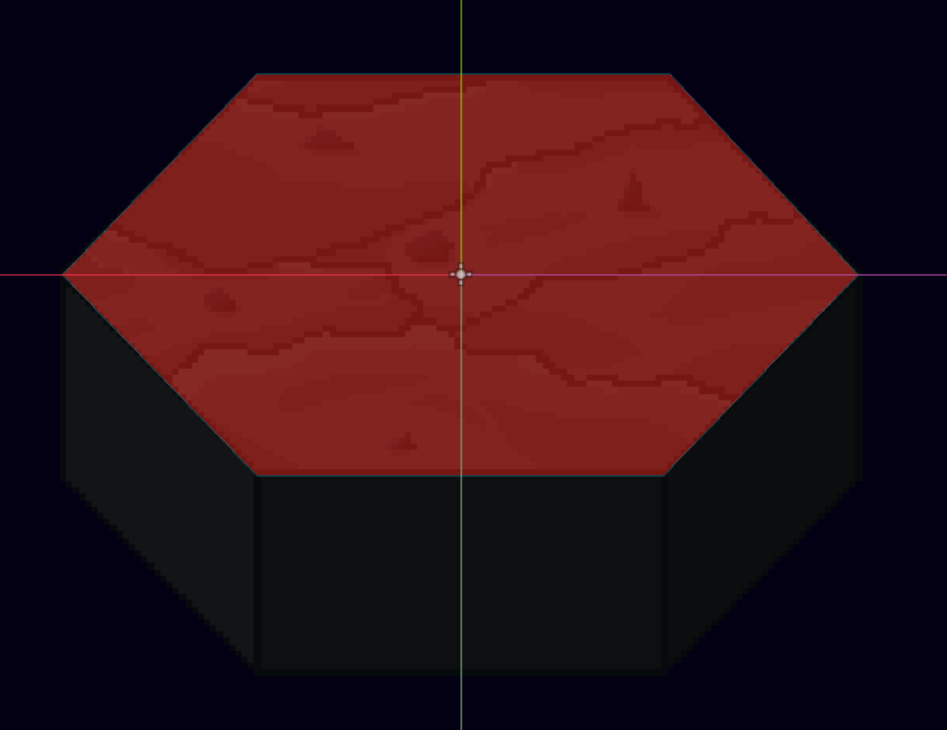
(It aligns perfectly with the Hexagon outline)
The callbacks are fairly simple:
Tile_Scene.gd
extends Area2D

func _on_mouse_entered() -> void:
	set_highlight(true)


func _on_mouse_exited() -> void:
	set_highlight(false)


func set_highlight(visible: bool) -> void:
	var h = get_node("HighlightSprite2D") as Node2D
	h.visible = visible
Why does it happen? I know i could just move the CollisionPolygon2D up to make a workaround but I want to:
- Do it the correct, cleaner way
- Understand why it happens.